


Virtualizing things is one of the coolest ways to run workloads both in production or in the home lab. I know most of the time, I don’t think about virtualization as being anything special. It is just the preferred way to run most things. Since I first saw it in action in 2004, I have been hooked ever since. Now in the home lab Proxmox is at the center of a lot of what I run. However, that said, there are certain home lab workloads where I look at the extra virtualization layer as a negative thing. Really? Yes, actually, there are 8 bare metal vs virtualization home lab that I would seriously consider running directly on bare metal instead of virtualized. Check out my list.
1. My primary firewall and router
I may open a can of worms on this one as I know there are some strong opinions on this one. And, I have been conflicted and divided over the years on this front too. I have actually ran these both ways. And, I will say that I have a hybrid approach. But for the purposes of “main” firewall and router, both of these are satisfied by my Palo Alto PA440 firewall.
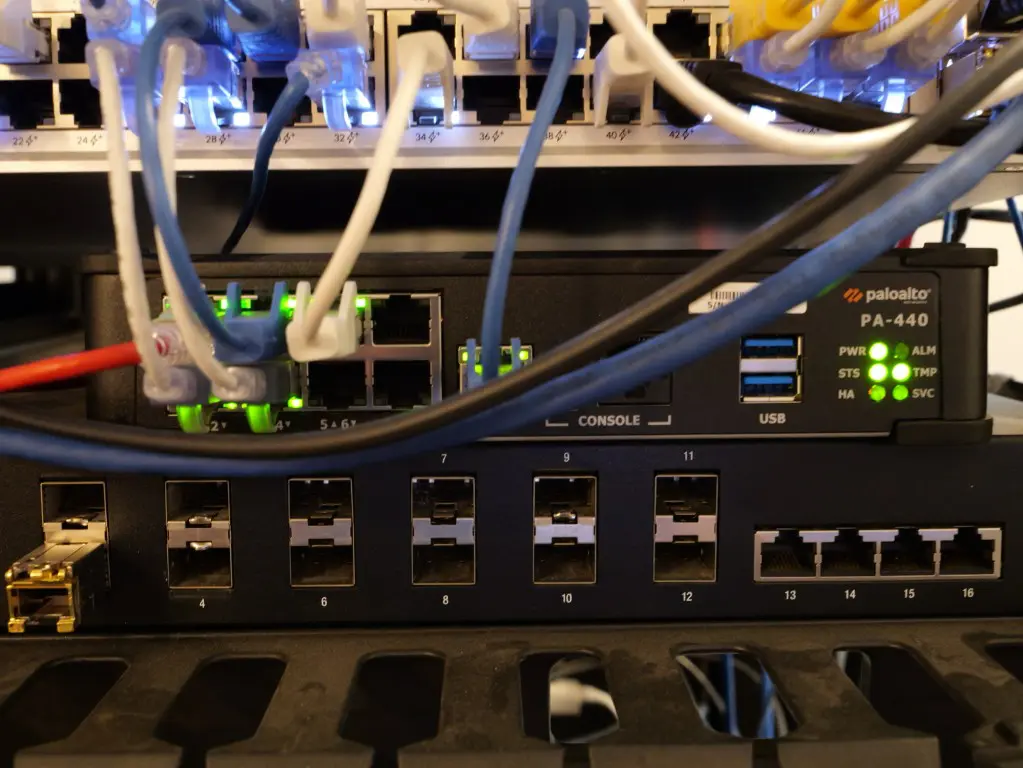
It is the main firewall protecting ingress and egress traffic from and to the Internet. Why do I like hardware when it comes to a firewall and router? Well, mainly because of the “chicken and egg” scenario that you get into when you have your main firewall and router go down as part of your virtual environment. It means that you have all your “eggs in one basket”. Will see how many other analogies we can think of on this front 😂
If my Proxmox cluster goes down, then it also takes down with it the main way that traffic is routed between all of my VLANs in the lab and elsewhere. All of my static routes go, all of my firewall protection is down….EVERYTHING.
Now, if my hardware firewall goes down, does that still cause a lot of problems, absolutely YES! But the point is, I don’t want to have an issue in my virtualization cluster AND also have networking completely busted to and from everything.
I have experienced that the risk analysis of a home lab for me has always been that I am WAY more likely to have issues with my virtualization environment due to all the moving parts and pieces than I am having issues with a hardware appliance.
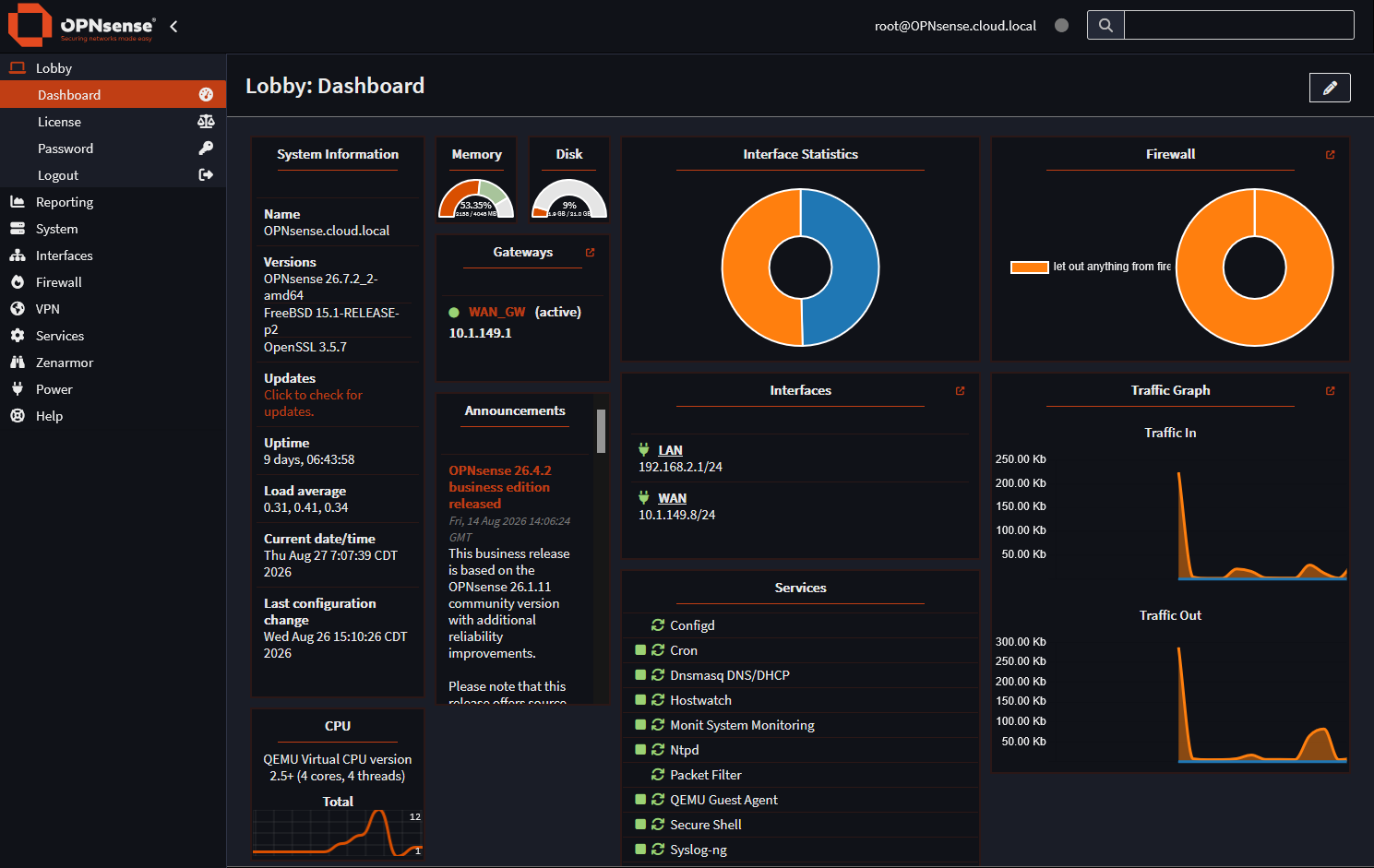
Now, do I run virtualized firewalls? Yes I do. Just not my “main” firewall. I do have additional firewalls that sit between a couple of segments of my home lab network. These are now running OPNSense. I was running Untangle, now Arista, for quite some time, but they did away with the home license. I have a virtual firewall protecting my kids Wi-Fi network and also another one that I test with. For me, I just prefer keeping my primary network independent when I have the hardware available to me.
2. My main NAS or storage appliance
This is another area for me that hardware and bare metal wins out for me. Can we technically virtualize NAS storage? Yes we can definitely do that. I have done this and many people operate their home labs today with a virtualized instance of something like TrueNAS, Linux ZFS servers and other storage platforms running inside their Proxmox VE Server.
To a degree, we can even get closer to bare metal with a virtualized NAS, since we can do hardware passthrough for things like hardware HBAs. However, when you do this, things can start to get complicated. I can create a TrueNAS virtual machine, pass along the HBA to TrueNAS and then create a ZFS pool inside the VM. Then I can export that storage over NFS or iSCSI and then mount that from the virtualization hosts. But can you say spaghetti ball? There are so many dependency layers with this type of configuration.
From my experience over the years, dependency layers and complexity make things more difficult, not less difficult to manage, administer, troubleshoot, AND importantly, recover, if something bad happens. For this reason, my primary NAS or a system holding the data that I want to make sure is protected is stored on a hardware appliance directly.
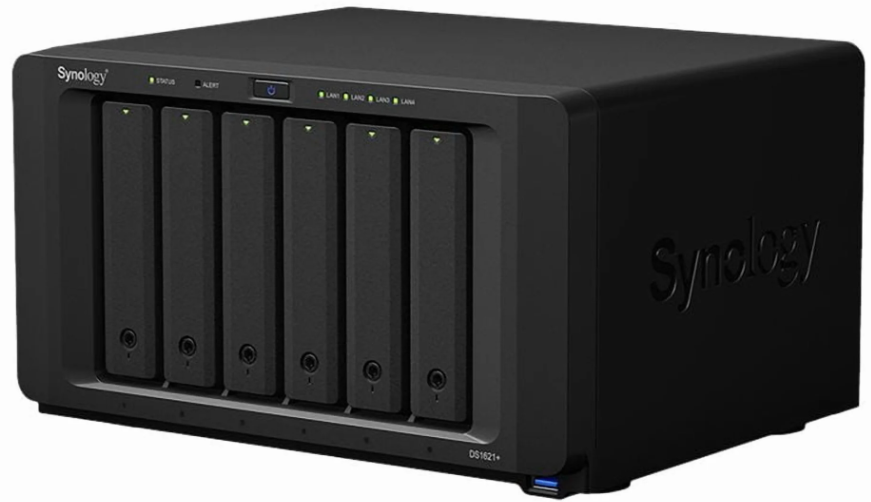
I run the Synology DS1621xs+ NAS in my home lab and has served me well for several years now.
3. My primary backup server
By its very definition, your backup data should exist “outside” of your production environment. This is so you have a copy of your data outside of the same hardware and fault domain. So, we are breaking that rule when we place a Proxmox Backup Server (PBS) for instance on the same Proxmox VE Cluster we are protecting.
The last thing that you would want to have happen is to have your Proxmox Backup Server housed in your Proxmox VE Server cluster, lose your storage in some catastrophic way and then also lose your backups as your PBS server is also storing things on your Proxmox storage.
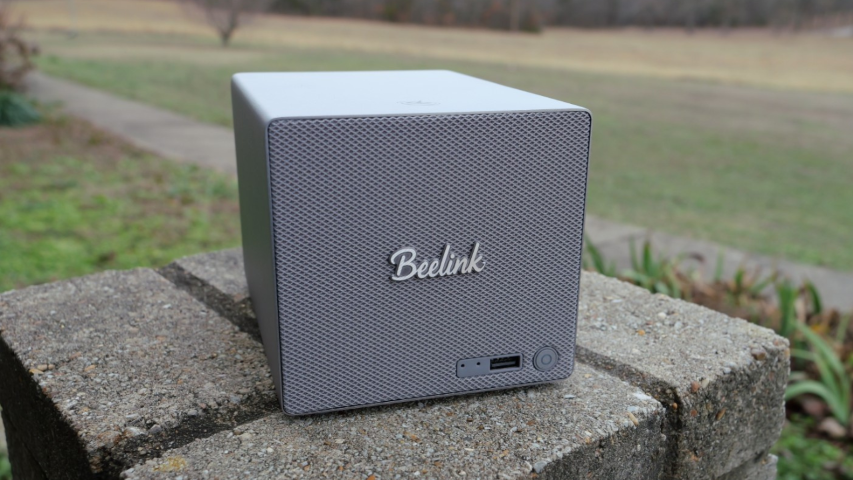
This is why your Proxmox Backup Server storage makes a lot of sense being housed on a different set of hardware. I currently am running Proxmox Backup Server on my Beelink ME Pro NAS that is a two-bay NAS I have running outside my PVE cluster. See my post on this one: Beelink ME Pro NAS Review: Small Box, Huge Storage Power in 2026.
4. My dedicated AI or GPU inference server
GPU passthrough is awesome for passing your GPU inwards to a virtual machine or an LXC container running in your Proxmox environment. If you have a shared Proxmox server and you want to have GPU acceleration, passthrough makes this very easy. I can passthrough my NVIDIA GPU to an Ollama VM or another AI workload instead of dedicating your entire hardware set to it.
However, I have found that if the GPU workload is the computer’s main purpose, I would rather have this running on a dedicated server. For the most part, GPU passthrough for my environment is kind of a sneakernet passthrough to a specific LXC and VM on a specific host. I have an eGPU configuration connected to one of my MS-01’s via an OCuLink card that I have in that specific host. So in a sense, I have dedicated hardware to this. I think it is probably cleaner to have a dedicated bare metal server for this purpose. This is just my opinion and some may disagree here. But for my home lab and the configuration I am running, I think it keeps thing cleaner.
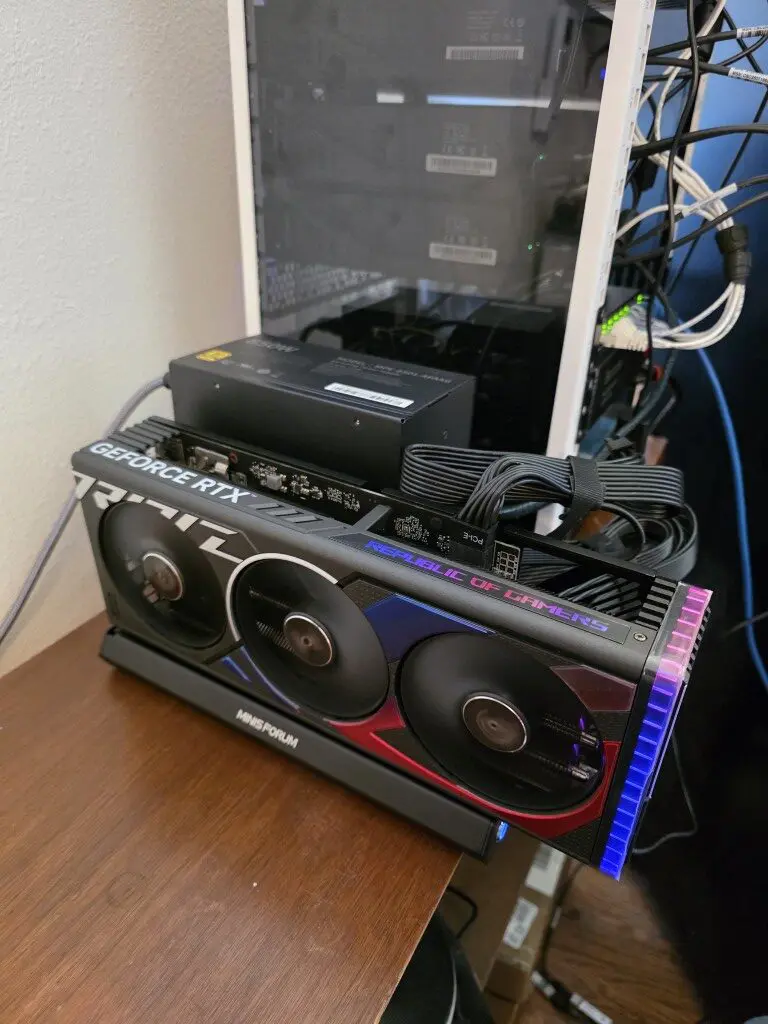
Running these types of workloads on bare metal also helps to make it a LOT simpler for drivers for AI work. Things like NVIDIA drivers, CUDA stacks, container runtimes, GPU monitoring, and other AI related configurations are just easier when you don’t have the virtualization layer in play.
5. My NVR or surveillance recording server
I also recommend having a network video recorder or similar type workload, run on its own dedicated hardware. Surveillance systems usually require a LOT of hardware to be thrown at them. When you have more than just a hand full of cameras, these require continuous streams, and usually have a fairly steady stream of sustained I/O. Also, factor in video decoding, object detection (many have new AI capabilities), and you have quite a bit of required horsepower there.
Something like running with Frigate in a container or VM can work pretty well. But once you start passing through USB accelerators, GPUs, storage controllers, and a lot of storage through the hypervisor, I think this starts to get similar to the argument with running a storage server or NAS in your virtualization stack.
Also, I think about video surveillance and reliability with more weight. I always want my cameras to be recording 24/7/365 and don’t want anything to disrupt that. A dedicated NVR gives the surveillance environment is own independence. I have a Unifi Protect Appliance that has served me beautifully for several years now.
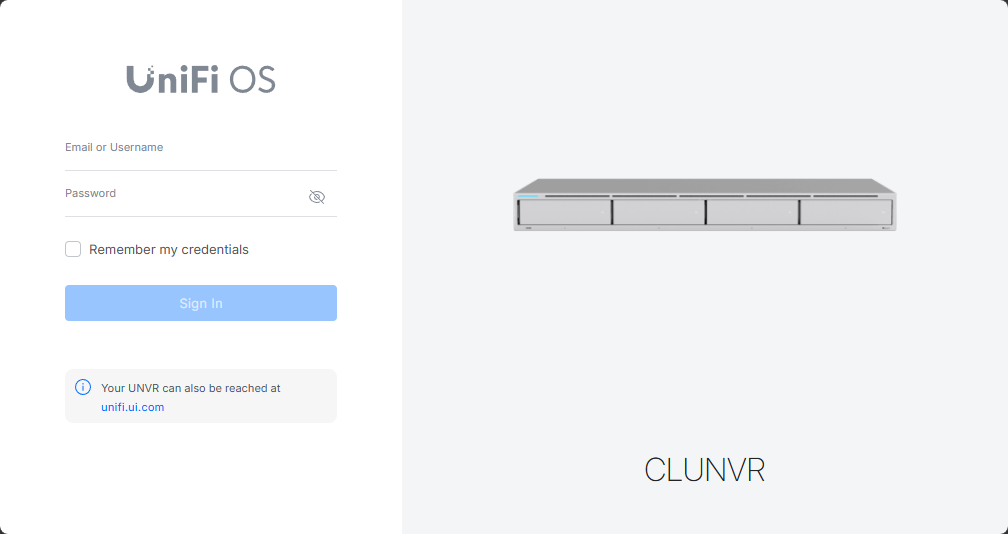
This let’s me keep on experimenting with my virtualization stack in the home lab AND my cameras keep on recording without issue. But again, this depends on your preference here and tolerance for managing maintenance with your cameras recording, etc. If you only have just a couple of cameras, I could see this still being pretty attractive to just self-host a container or VM for this purpose.
6. My IDS, IPS, or packet capture sensor
If I want to run tools that focus on IDS, IPS, or packet capturing or other network analysis, this works best when you have physical interfaces fed by your traffic. You can then mirror your 10 GbE switch port into a dedicated device without having to work around the virtualization layer and promiscuity settings, etc.
I think that ultimately, tools like Suricata, Zeek, Security Onion, and other packet capture systems work best with physical network interfaces.
Tools such as Suricata, Zeek, Security Onion, packet capture systems, and other network analysis platforms sometimes work best when they have an uncomplicated relationship with the network interfaces feeding them traffic.
There are definitely ways to have high-performance virtual appliances from a networking perspective. But again, it adds complexity.
7. One critical DNS or DHCP service or both
Let’ me put this disclaimer out there that I definitely virtualize my DNS solutions. You guys have seen my content created around DNS virtualization using solutions like Technitium DNS Server. I think this makes for a great platform. But, I think like other critical networking services that I mentioned above in the discussion around the physical firewall/routing appliance, there are good reasons to have a physical DNS/DHCP node outside of your Proxmox or other virtualization stack.
Check out my post on techitium DNS clustering: Stop Using Pi-Hole Sync Tools and Use Technitium DNS Clustering Instead.
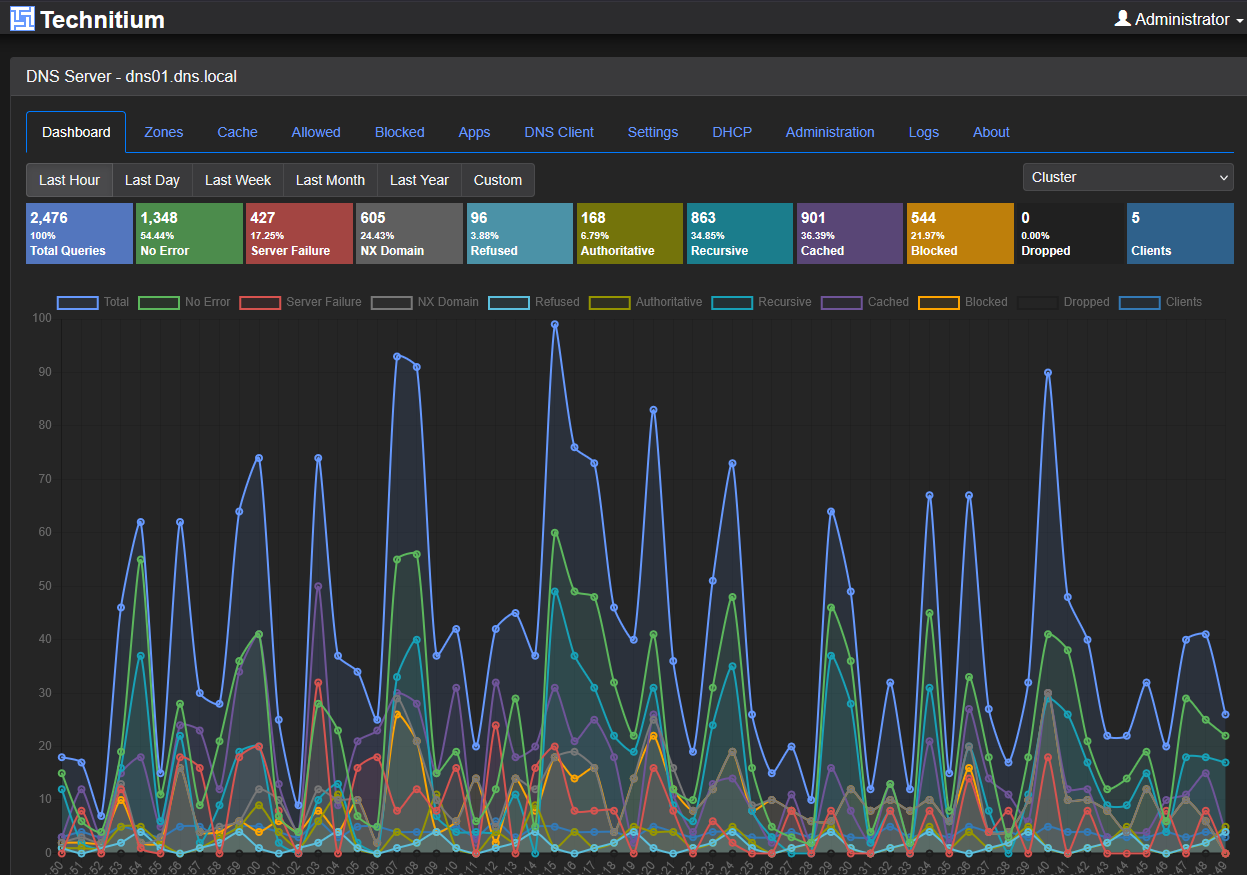
Following the common theme that we have been talking about, this just helps to eliminate dependencies on the virtualization environment for critical services where you don’t find yourself in that catch 22 situation of needing DNS but it is down due to a failure.
These kinds of services are where I am really excited about the newly released Proxmox ARM64 platform, allowing us to load this up on something like a Raspberry Pi and load just a few containers there (like a DNS server) and run this node outside of our normal Proxmox environment. Check out my recent posts on both the Proxmox ARM64 release and also using NVMe storage and the onboard NIC here:
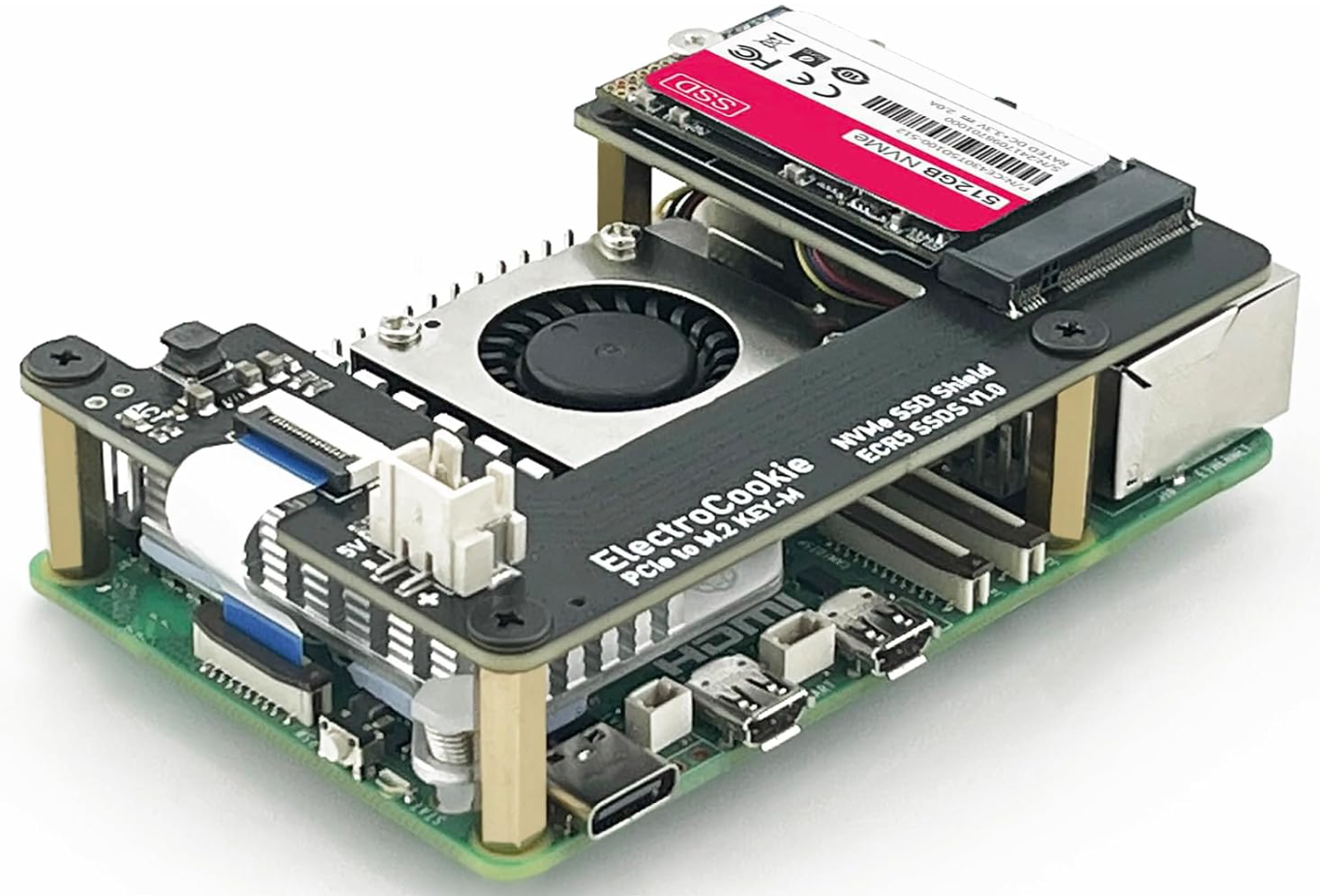
8. Dedicated distributed storage nodes
This is another type of workload where I think having dedicated hardware is a benefit, in terms of performance, and simplicity. As you know, you can make Proxmox VE Server nodes into Ceph nodes in their own right which is great and what I am doing now. So in a way I am running the hardware bare metal nodes for what I am describing here.
But as you know too, Ceph can just be installed on Linux nodes outside of Proxmox and used for storage there as long as you have fast network connectivity between them. You can also use Ceph and CephFS for things like persistent Kubernetes storage, and also storage for your persistent Docker volumes. Having these dedicated nodes gives you better resource boundaries I think.
The pattern behind all eight of these
There is a method to the madness here that is hopefully obvious. I don’t just virtualize everything because I can. I like to think about the type of workload and what its intended purpose is. Some workloads I think, even in 2026 make more sense running on bare metal and not inside a virtual machine or LXC container, Docker container, etc.
Here are some “rules of thumb” to go by:
| Reason | Why bare metal can make sense |
|---|---|
| Dependency | Keep critical services separate from your hypervisor. |
| Hardware ownership | Don’t virtualize workloads that rely heavily on GPUs, HBAs, NICs, or disks. |
| Failure-domain separation | Keep networking, backups, storage, or DNS running during cluster outages or other problems |
| Simplicity | Skip virtualization when passthrough adds more complexity than value for the use case |
Wrapping up
How about you? What workloads do you choose to run as dedicated hardware instead of running as a virtual appliance or container? I think there are a lot of use cases still even in 2026 where running on dedicated hardware is the way to go and is beneficial from many different angles. Let me know what you are running on this front for bare metal vs virtualized.
More in this topic


Google is updating how articles are shown. Don’t miss our leading home lab and tech content, written by humans, by setting Virtualization Howto as a preferred source.
About The Author

Hi,
I tick almost “all” the boxes :
– dual OPNsense (with HA) on MS-01s (small ones), required for 8Gb/s symetric!
– Synology NASes for files and backups (included offsite backup)
– DNS is spread between virtualization and a big physical Docker server
– AI/GPU is on the same big docker server
– I also have the Ubiquiti NVR
– My vMs run on a pair of MS-01 for iSCSI
The only difference in my lab is the SIEM : it runs on my virtualization platform, so if one node fails, I still have it.
This is a compromise depending on how you prioritize things : nobody is wrong, it just offers another kind of pros! 😉
Franck,
Right on, love your setup and definitely envious of the 8GB/s symmetric! That is insane! I can see having the SIEM virtualized as well and the availability that it offers. Curious what type of storage you are using for your SIEM is this local shared storage to Proxmox?
Brandon