



After I first setup my Hermes Agent in the home lab I started looking at some of the enhancements that can be made to the effectiveness of the Hermes agent. Out of the box, it is already really capable as an agent especially if you combine it with a capable model that can perform many of the complex tasks that we would like to have accomplished in the home lab. However, another aspect of what makes these agents even more interesting is something called skills. Connecting it to the model gives it the intelligence it needs. But then giving it skills provides the instructions it needs to handle specific jobs in a way that is effective. Let’s take a quick look at 7 Hermes agent skills that I would add to my home lab first off.
Where to find Hermes agent skills?
There is one resource that I would definitely put on the short list to look for agent skills, it is the Hermes Skills Hub. This is a good starting point to take a look at various skills available. There are bundled skills that come with Hermes but then there are official optional skills that you can add. There are also community entries that I found for many familiar home lab apps that ones run. This includes apps like Technitium DNS, Proxmox, Uptime Kuma, and TrueNAS just to name a few on that list.
As you saw in my previous post, I have been building out my Hermes setup including spinning up a dedicated network for the agent to run in its own VLAN. So, these skills we will take a look at I think really help to augment what the agent can do. Let’s take a look.
Hermes skills from the command line
You can list out which skills your hermes agent has loaded with the following command:
hermes skills list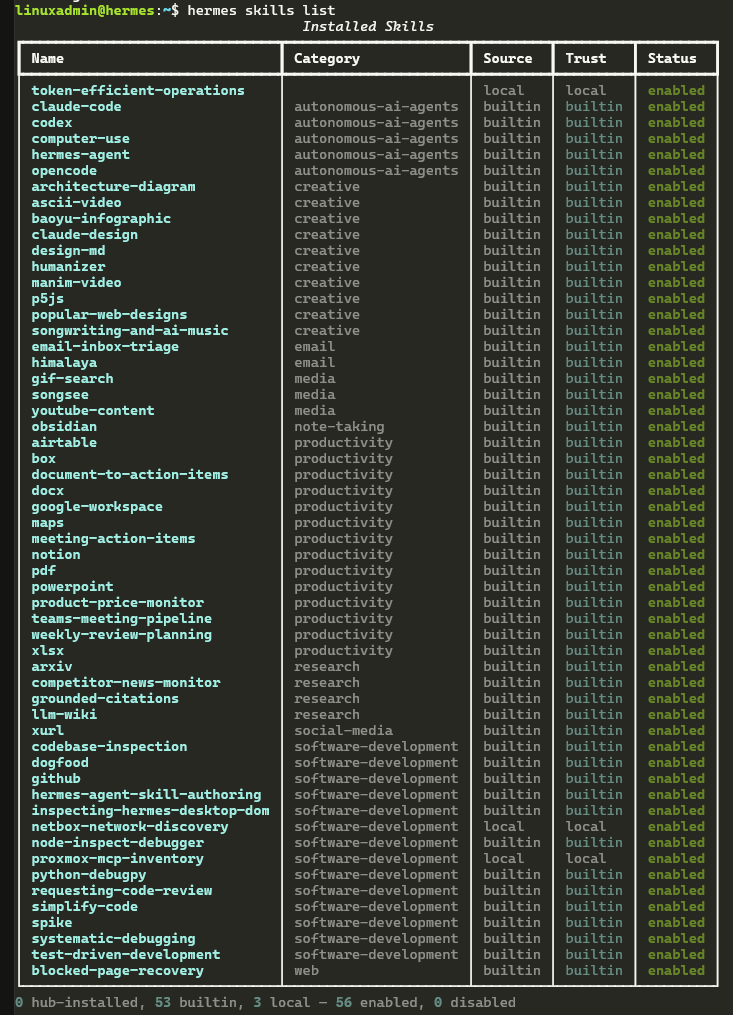
One of the really cool things you can do with Hermes from the command line is search for skills you may be interested in. You can do that with:
hermes skills search <skill you are looking for>

##Examples
hermes skills search technitium
hermes skills search proxmox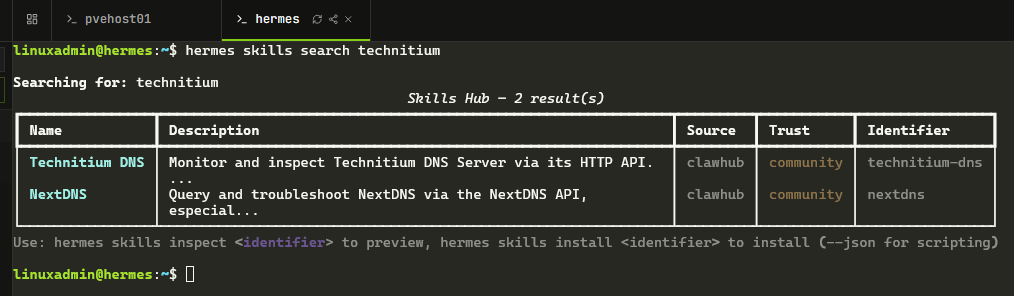
One neat thing you can do is inspect the skill from the command line before you install it. The inspect command gives you a good overview of the skill, what it provides and other information that is important.
hermes skills inspect <indentifier>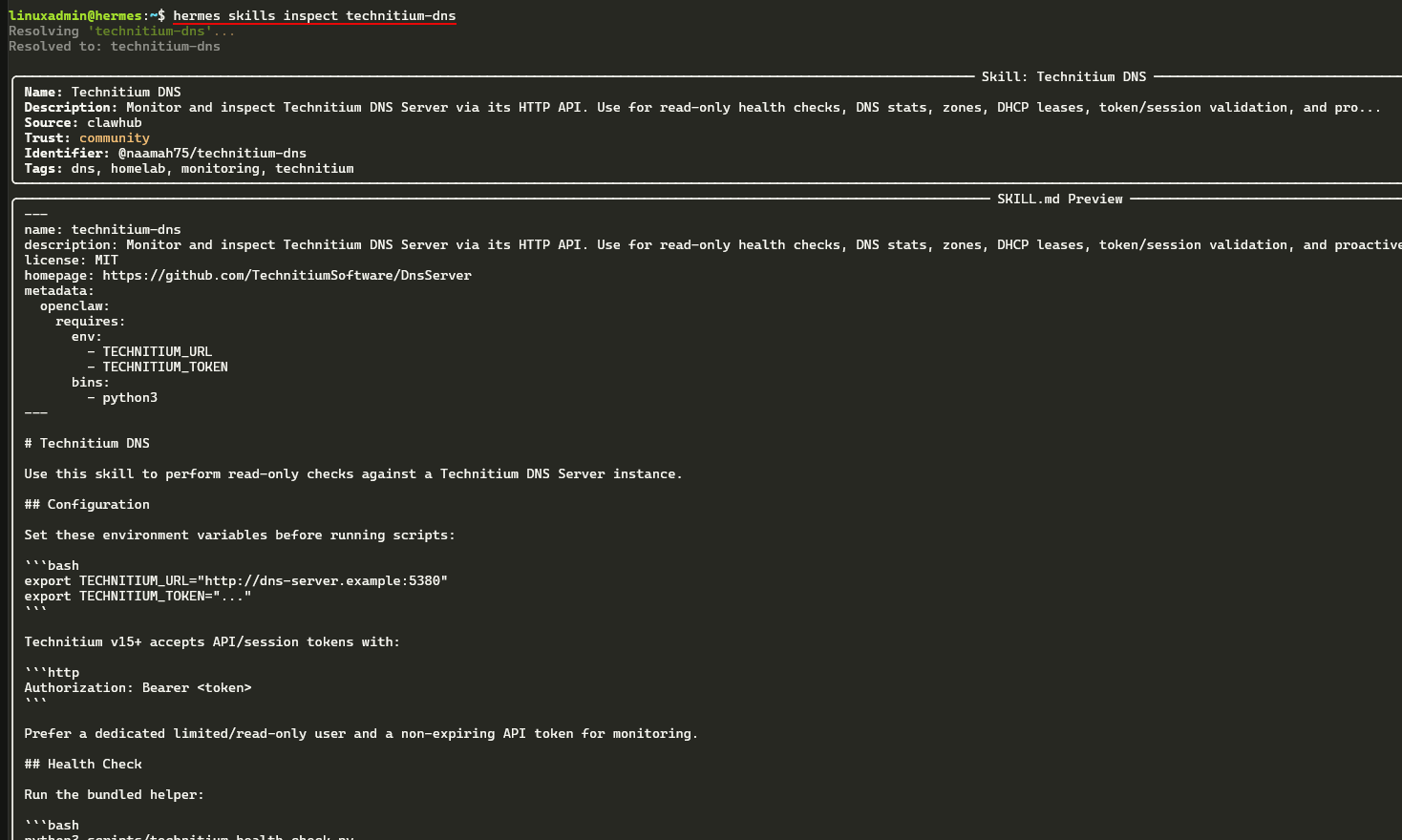
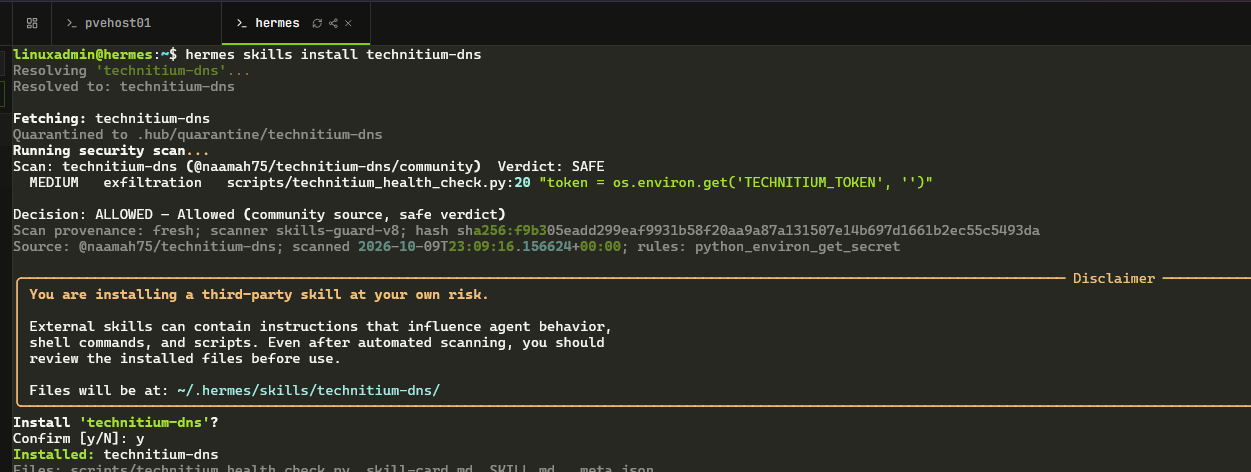
And also, you can install these skills from the command line as well with the following command:
hermes skills install <identifier>You will see the disclaimer that you are installing a third-party skill so you understand that you are using these at your own risk. I like though that it has a security scan that is built into this process with the hermes agent and it will flag anything worth noting with the security scan.
1. Technitium DNS
As you can tell, I added the Technitium DNS skill by naamah75 to my Hermes agent installation. It allows you to have read-only access through to your Technitium API. With the skill you get things like token validation, information about your server, DNS stats, zone checks, DHCP lease info, etc.
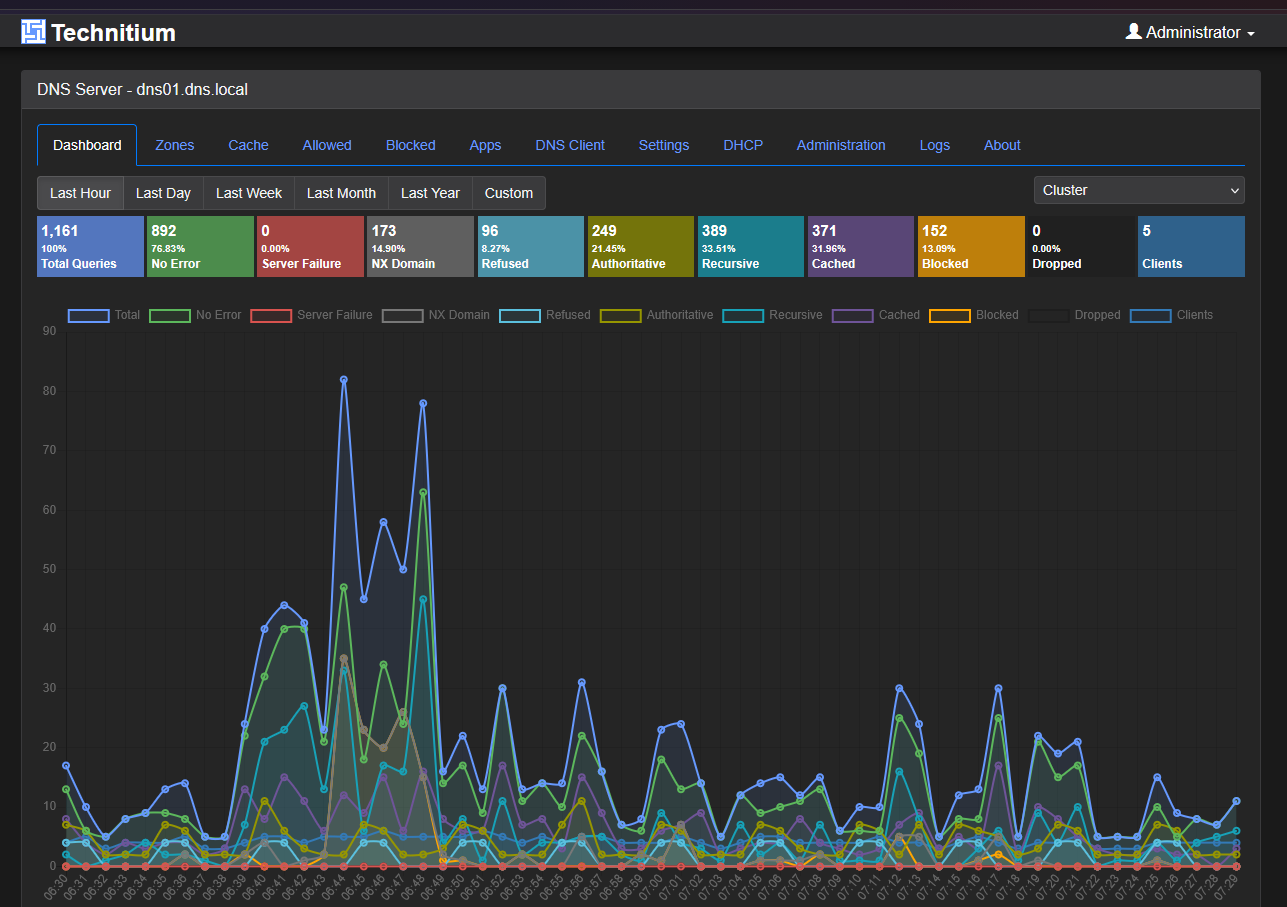
The requirements for the skill are pretty straightforward. The helper requires Python 3 and the TECHNITIUM_URL and TECHNITIUM_TOKEN as environment variables. With the health-check script that comes with it, you get structured results with checks showing you failures, etc. You can identify things like unchreachable API, auth failures, zones with issues, and also if you have unusual DNS errors.
You can install it with:
hermes skills install technitium-dnsWhat are some good prompts you can use with your Hermes agent and this skill? You might use a prompt for your agent like this:
- Check my Technitium DNS server and let me know of any authentication problems, also if there are zone warnings, and DNS errors. Make the check read-only.
I really think keeping an eye on your DNS server in the home lab is one of the most important services that you can keep an eye on. An agent can help surface things much more easily than we can just clicking through the logs. This is definitely a skill that I would add to my Hermes agent.
2. Proxmox Management
The next skill that is a really good one to add to most home labs is the Proxmox Management skill by robnew. It is just called proxmox-skill when looking in your skills that are available from the command line or from the search. I think most home labs these days are running Proxmox so this is one of the first ones that I would start with.
Install it with:
hermes skills install proxmox-skillIts definitions for this skill includes listing nodes and guests, getting things like node CPU and memory info, checking VM and LXC stats, and also things like listing snapshots which is super helpful. With this skill you can also describe power actions and snapshot changes so this is more than just monitoring.
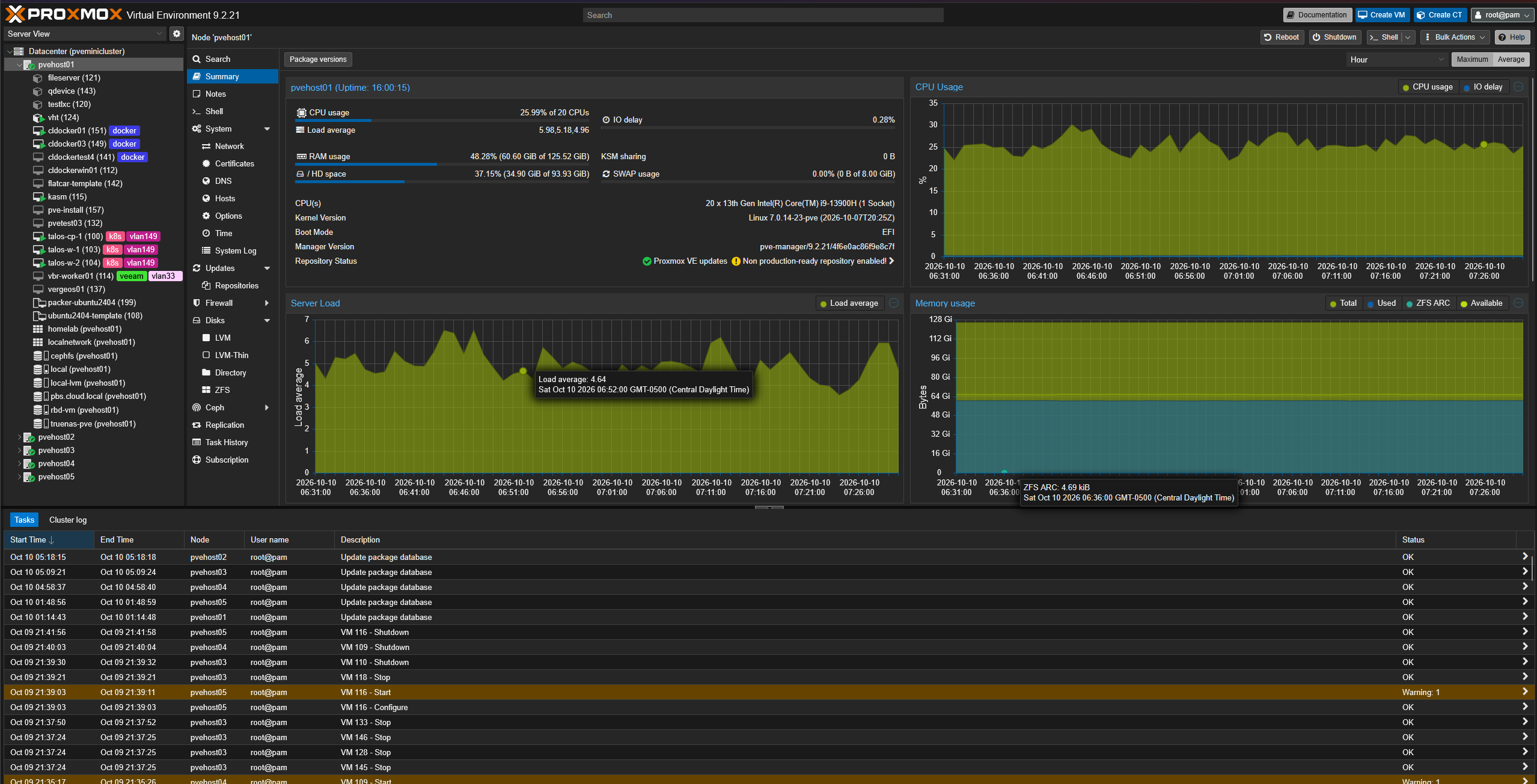
I would start with my agent just asking for a quick and compact summary before going deeper into the stats of a node or other information.
So, my first prompt would be something like:
- List my Proxmox nodes and guests that I have running. Give me node CPU and memory usage, and identify guests that are stopped. Do not change any guest states.
Keep in mind that you control how the agent can interact with your Proxmox environment by the credentials that you connect it to your Proxmox environment with. I would use something like a PVE Auditor role which is read only to interact with your PVE home lab.
3. Docker Management
The official Docker Management skill, is called docker-management. This would probably be one of my first installs along with the Proxmox skill. The reason again is because this is the other technology that most of us are running our infrastructure and apps on top of. For me, I have Proxmox as the platform, and Docker is the app environment.
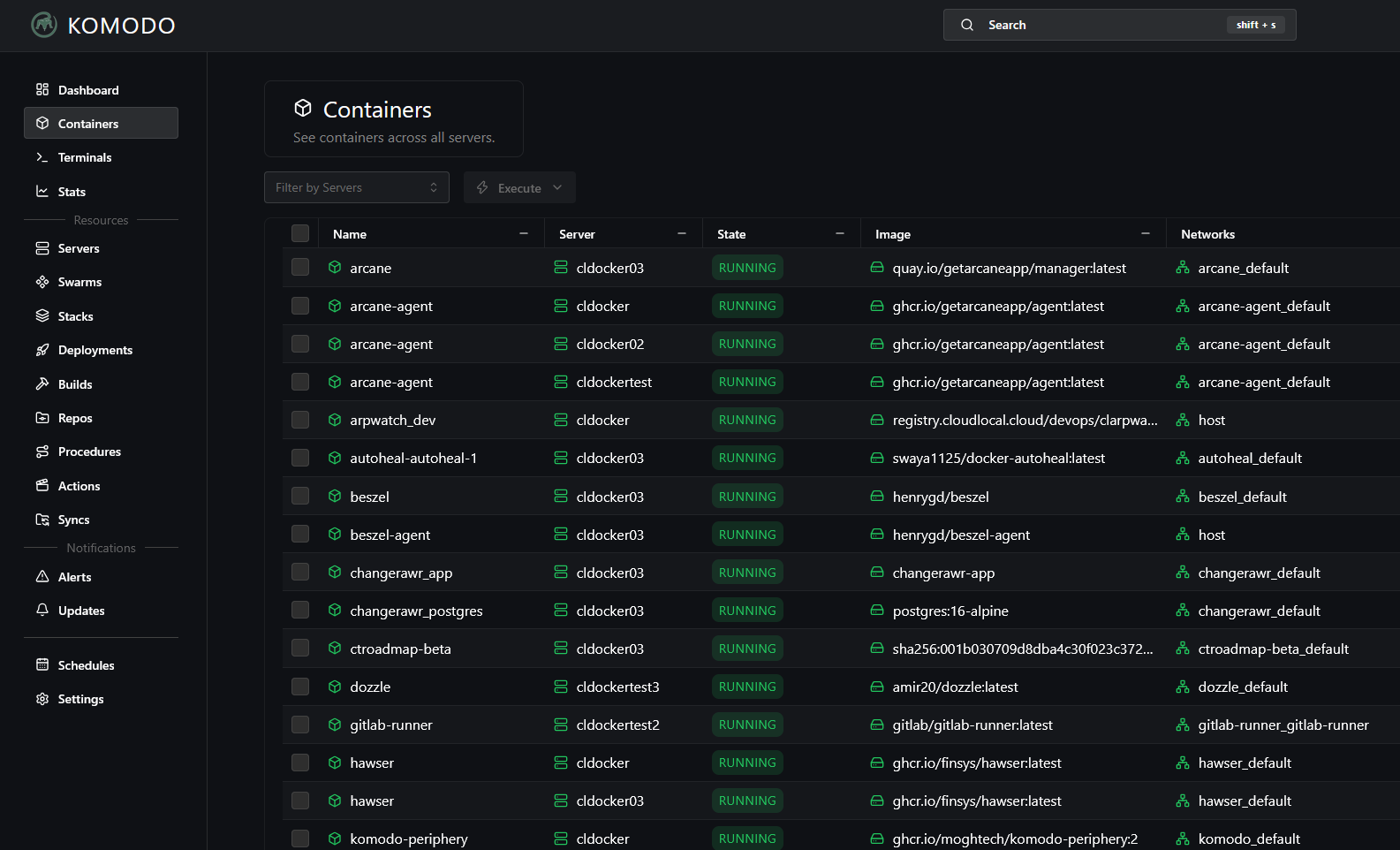
This skill gets you coverage and heightened intelligence on things like container operations, images, networks, volumes, etc. The skill also covers things like your Docker Compose workflows and its troubleshooting. There are some prereqs that it documents. These include things like the Docker Engine, and also permissions to access Docker. Docker Compose v2, etc.
Install it with the following:
hermes skills install official/devops/docker-managementA prompt that you could request of your agents would be:
- Inspect the Compose stack in /home/linuxadmin/homelabservices/warpgate. Check the service status and recent logs of the stack, explain the failure I saw earlier, and propose any changes needed.
I really like the troubleshooting value of the tool here. A container that keeps restarting could have a config error, something wrong with permissions, or a dependency that is not met or it cannot reach. Restarting it again does not help you get to the bottom of those types of questions.
4. Uptime Kuma
The Uptime Kuma skill by msarheed, is a skill that is named uptime-kuma. It gives you another good monitoring skill. It uses a Python helper around the Socket.IO API. This requires the uptime-kuma-api package. According to its documentation, it includes status summaries, monitor lists, heartbeat history, and other things. You can also add, pause, resume, or delete monitors.
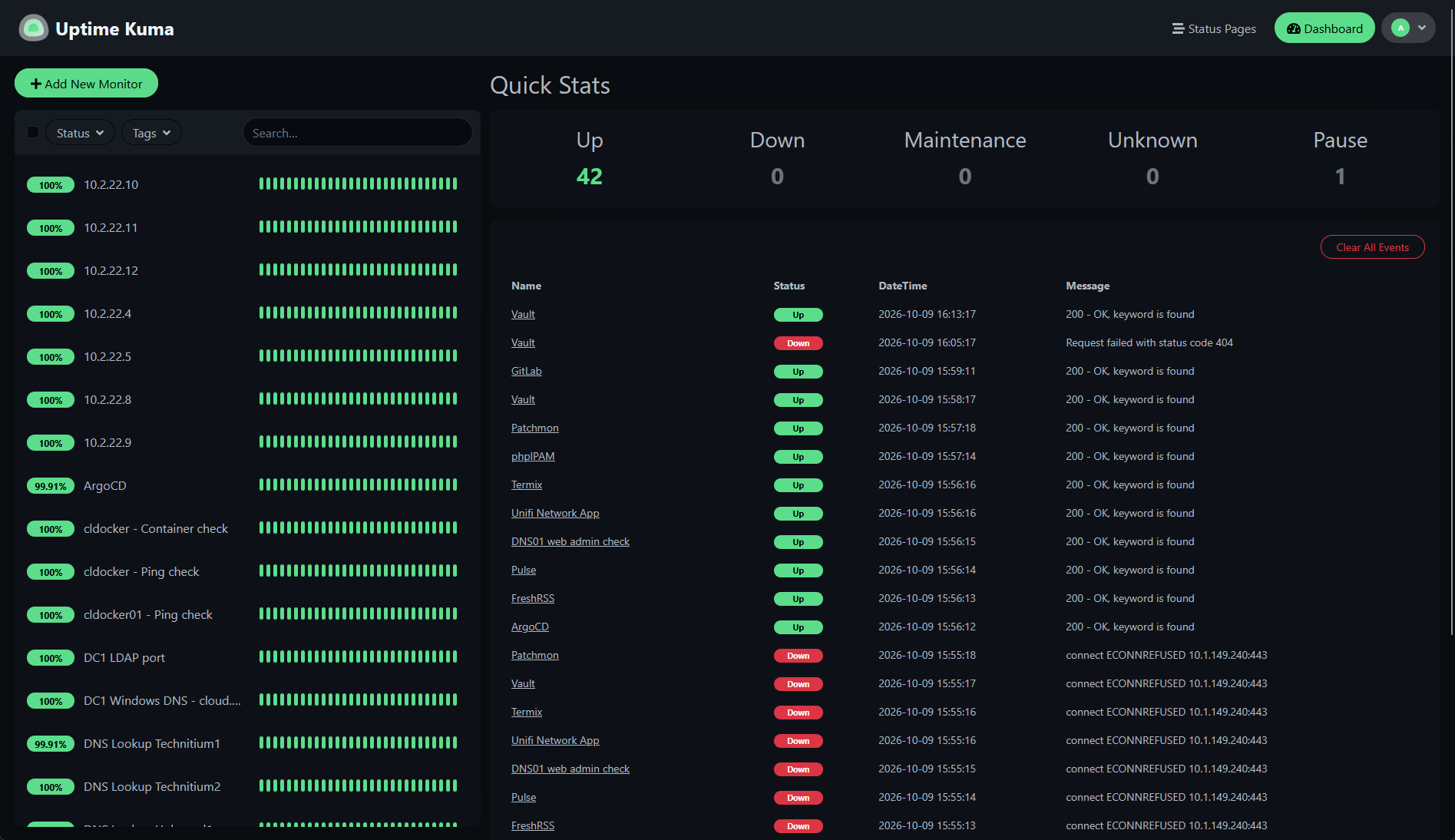
Install it with the following:
hermes skills install uptime-kumaFor a first use of the skill, you can ask your agent something like the following:
- Summarize the monitors that are down and show their recent heartbeat history. Do not modify or pause any monitors.
I like this because your dashboard can tell you that something has failed. But, the agent can help organize the information into a shorter report and correlate things. I would want that report to help me see the difference between a current failure from another “down” that has already recovered itself.
If quite a few of your checks failed at the same time, you can use this as a check to see if there is an underlying issue that is affecting more than just one service. But, I wouldn’t just assume that your skill understands the relationship between how things connect like between your firewall, DNS servers, reverse proxies, and apps.
I would start with a prompt to get a reliable read-only summary that shows me the status of everything.
5. TrueNAS SCALE
The TrueNAS skill by anotb, is named truenas-skill, and this one I think is another skill that most will benefit from since so many are running TrueNAS. The published information with the skill covers pool health, alerts, datasets, snapshots, services, and apps. You also get Dockge integration if you use this.
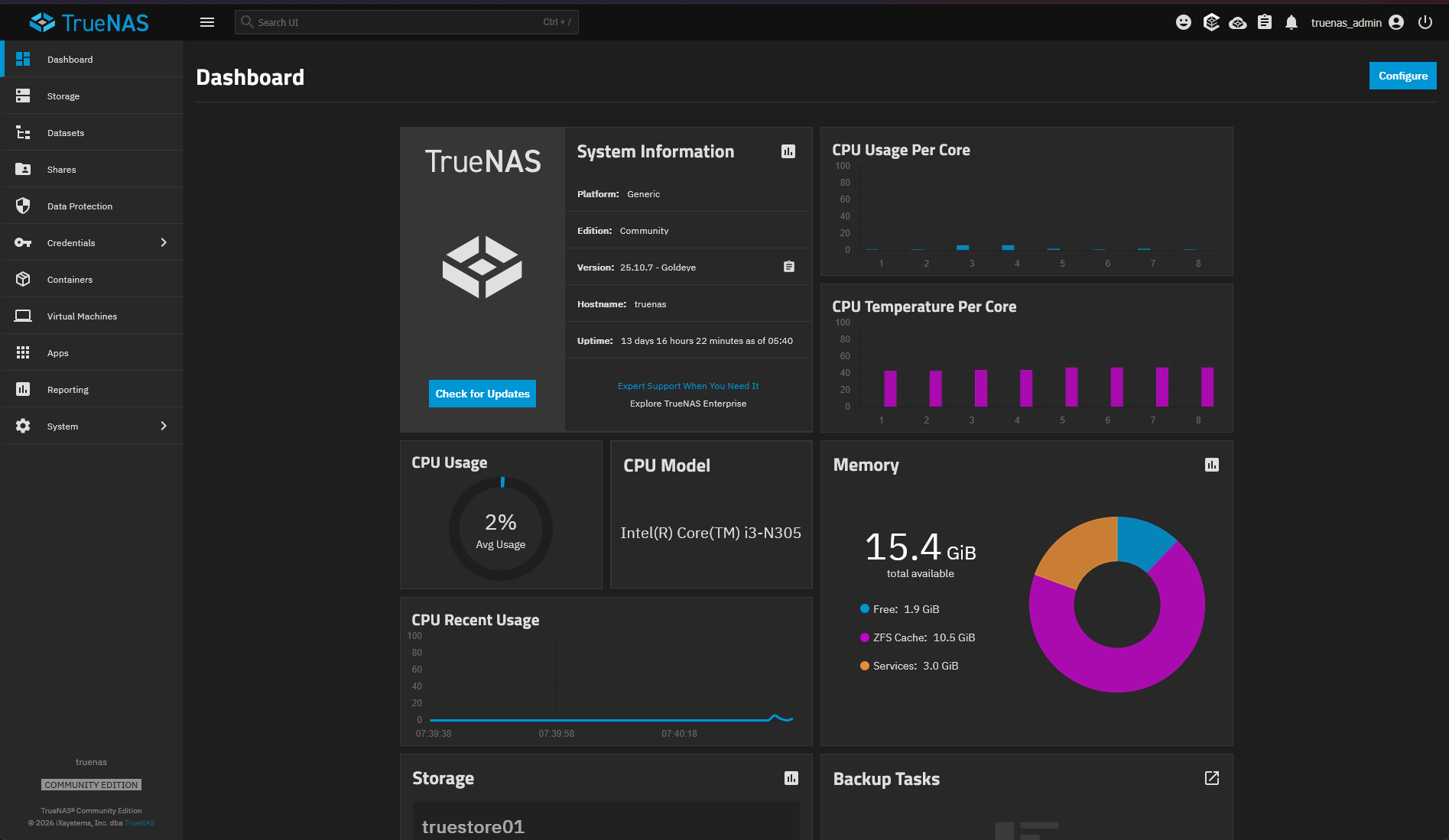
The configuration uses the variables TRUENAS_URL and TRUENAS_API_KEY, and the instructions for it use both legacy REST and a WebSocket helper.
Install it with:
hermes skills install truenas-skillYou might start with a prompt that looks like this:
- Check my TrueNAS pool health and active alerts. List any snapshots for the dataset I give you. Keep this inspection read-only.
If you are running TrueNAS in your home lab that is providing storage to Proxmox then having this skill will be very beneficial as it allows you to query all the pertinent information for your TrueNAS storage.
To make sure it is working, I would see if the agent report is the same pool state and alerts that you can confirm in TrueNAS This would give me confidence in the information, just as a suggestion of things to use to gain confidence in the agent skill.
6. Portainer
The Portainer skill by asteinberger, named portainer, gives you an agentic route into your container operations. To help with these operations, it uses the Portainer API to give you your environments, containers, and stacks. You can use it to get your logs, control containers and do things like redeploy your stacks. Now I know many are moving away from Portainer, due to the recent announcement on their change in direction. But still interesting nonetheless.
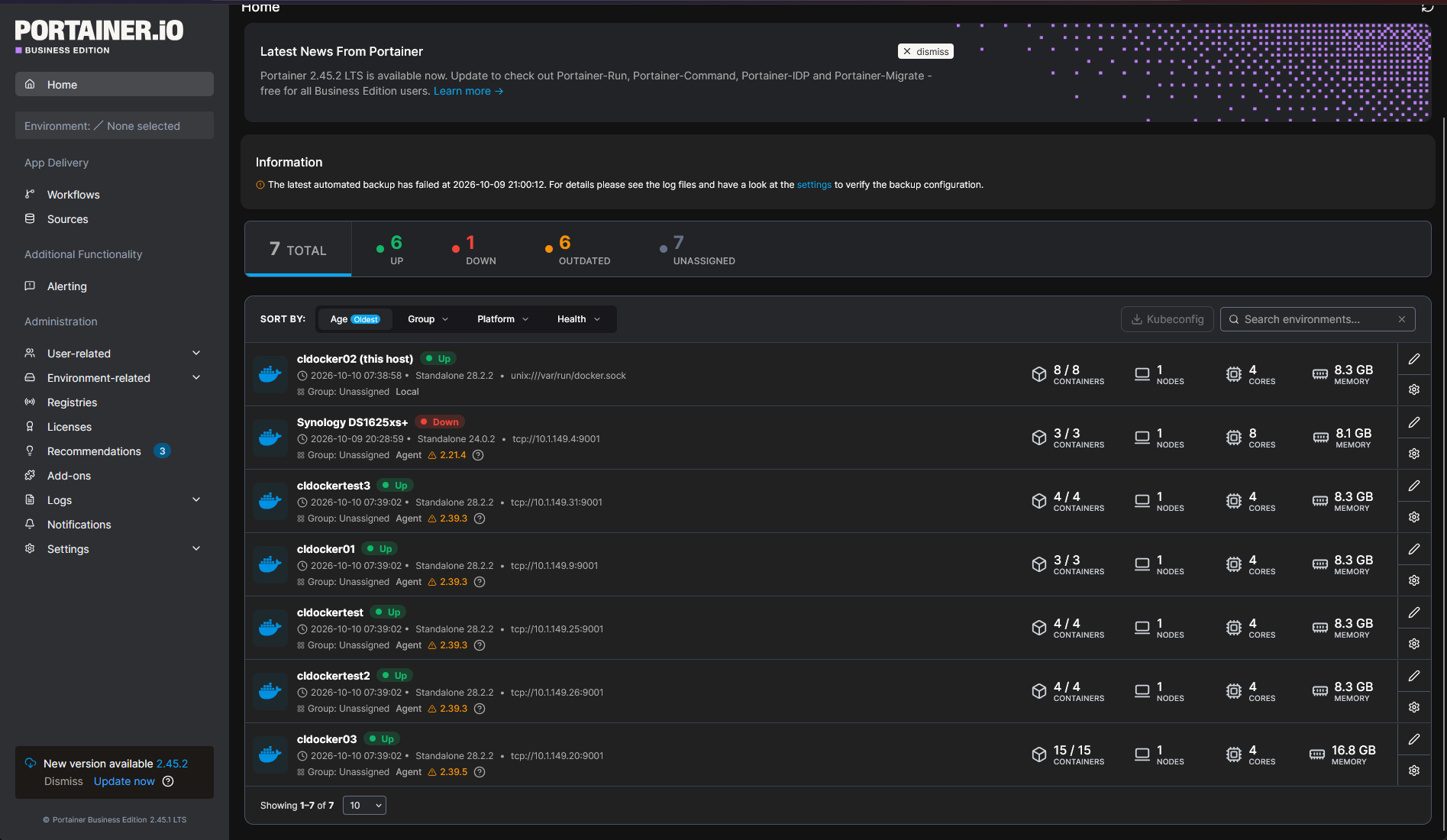
You will need to make sure Hermes has access to curl, jq and access to the API and Portainer 2.x. The environment defintion also references OpenClaw specific environment file location. So this will need you to adapt it to the Hermes setup.
Install it with:
hermes skills install portainerMy first prompt would be something like this:
- List my Portainer environments and the containers in the environment that I have selected. Select your recent logs for one container instead of restarting it.
I would begin with simple queries like inventorying and logs and correlating things there. This will give you an opportunity to make sure on your authentication, endpoint selection, and outputs.
7. Architecture Diagram
The bundled Architecture Diagram skill, is called architecture-diagram, and it rounds out my list of skills to use in the home lab to begin with as you setup your Hermes agent. This is a built-in skill that helps you generate technical diagrams as HTML files with inline SVG files.
With its workflow, it will start with a description of the components and their connections. Then it gives you a diagram that is able to be viewed in a browser. You don’t have to have access to your infrastructure APIs.
This is a skill that is already installed out of the box, but you can make sure you have it installed with:
hermes skills install architecture-diagramFor my lab, I would try something like this:
- Create a diagram from this inventory showing my Proxmox hosts, TrueNAS shared storage, management VLAN, and Hermes VLAN. Mark unknown connections instead of inventing these.
I like this as an early project because documentation is useful even before an agent has operational access.
This skill will help you to explain the important relationships, and view the result against my config that I have. A diagram generated from incomplete information can look polished but not really be accurate. Documentation is one of the best use cases I think for an agent since it can do this task that is tedious and very labor intensive in creating documentation AND keeping it updated.
Wrapping up
I am really enjoying getting to know the tricks with the Hermes agent. So far this has been a pretty powerful addition to my home lab and has allowed me to add some pretty cool automation and troubleshooting. The skills are specific intelligence you can give the Hermes agent so it understands how to interact with certain types of infrastructure much better. How about you? Are you using the Hermes agent in your home lab? What skills have you tried so far?
More in this topic


Google is updating how articles are shown. Don’t miss our leading home lab and tech content, written by humans, by setting Virtualization Howto as a preferred source.
About The Author
