Skip to content
  • YouTube
  • Twitter
  • LinkedIn
  • GitHub
  • Facebook
  • Discord
  • Pinterest
  • Google Profile
  • BlueSky
Vht logo redesign 2025 2

Virtualization Howto

Virtualization, Cloud, DevOps, Reviews

Search
Subscribe Subscribe
  • Forum
  • Home Lab Kits
  • DevOps
  • Virtualization
    • Proxmox
    • VMware
    • Hyper-V
    • XCP-ng
  • Containers
    • Kubernetes
  • Mini PC & Server
  • Home Lab
    • My Home Lab
    • Nested ESXi Lab
    • Proxmox Build 2025
  • About
    • Contact
    • Disclaimer
    • E-books
    • Podcast
    • Privacy
  • Newsletter
  • Sign In
  • Premium
Random

Tag: windows server 2019

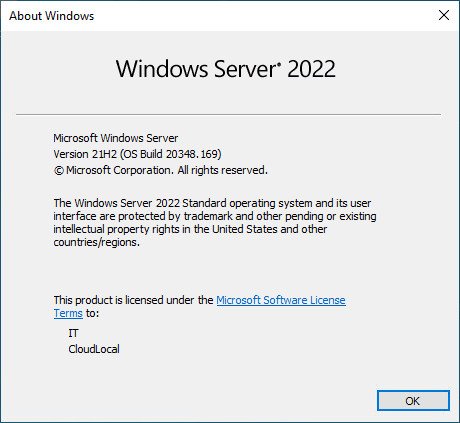
Windows Server 2022 15 New Features not in 2019
Windows Server 2022

Windows Server 2022 15 New Features not in 2019

On the surface, Windows Server 2022 looks basically like Windows Server 2019. However, there are many great new features underneath the hood that make Windows Server 2022 a worthy upgrade.…

by Brandon LeeNovember 12, 2021March 29, 2024
OpenSSH Server Windows 10 Install with Public Key authentication
Windows 10

OpenSSH Server Windows 10 Install with Public Key authentication

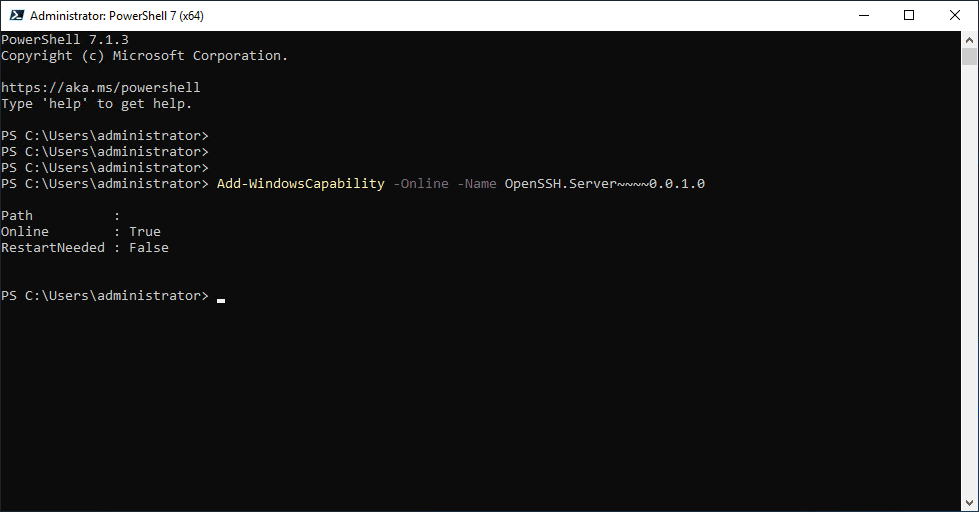
Remote connectivity to your Windows Servers is a prime capability that is required by administrators to be able to control, manage, and administer their environments. With Windows environments, I feel…

by Brandon LeeMay 20, 2021January 26, 2024
Backup DNS Windows Server 2016 2019 and 2022
Windows

Backup DNS Windows Server 2016 2019 and 2022

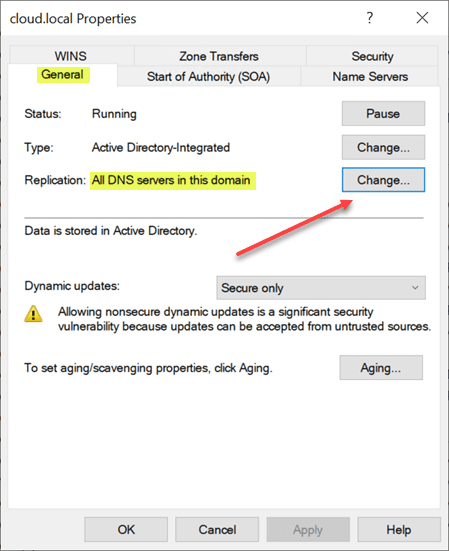
DNS or Domain Naming System is the heart of everything we do, on the LAN, and on the Internet. It is the phone book that maps names to IP addresses…

by Brandon LeeMay 14, 2021May 14, 2021
Upgrade Windows Server 2019 Active Directory to Windows Server 2022
Windows Server 2022

Upgrade Windows Server 2019 Active Directory to Windows Server 2022

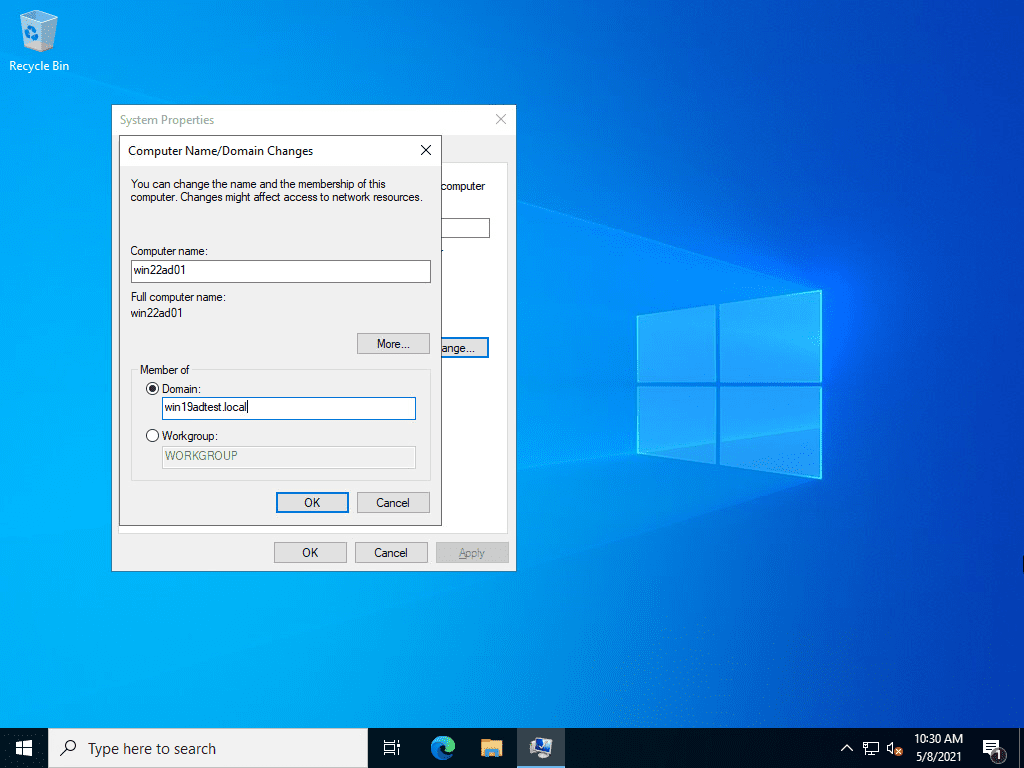
Windows Server Active Directory upgrades are a part of administering Windows Server Active Directory infrastructure on-premises.  Currently, businesses may have a mix of Windows Server infrastructure and many are running…

by Brandon LeeMay 11, 2021May 11, 2021
What is Windows Server 2019 Datacenter Azure Edition?
Windows

What is Windows Server 2019 Datacenter Azure Edition?

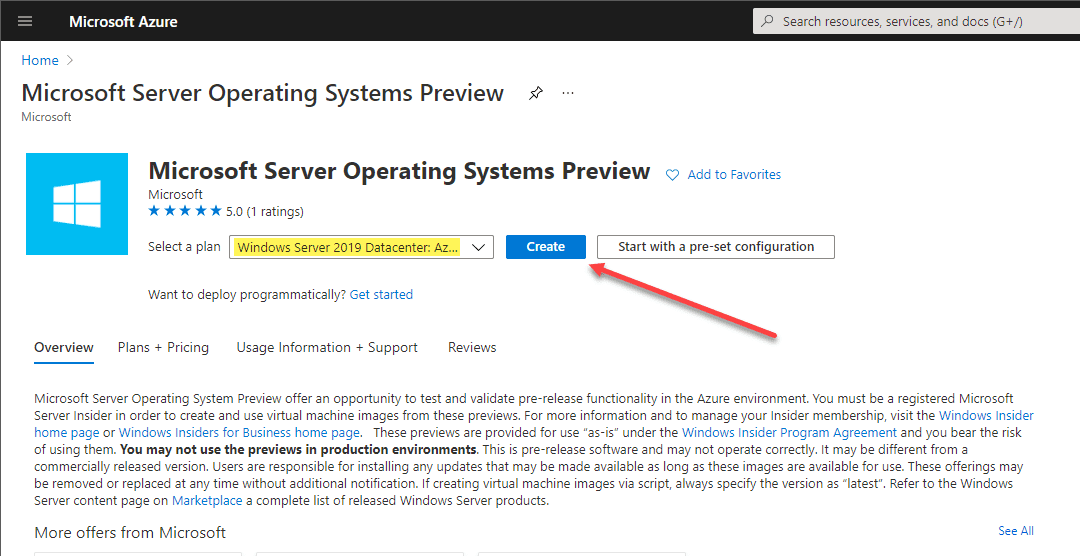
There were many new announcements that came from the Microsoft Ignite conference in 2021, one of which was Windows Server 2022. However, there is a new Azure-specific Windows Server 2019…

by Brandon LeeMarch 25, 2021February 27, 2024
Create a USB Drive for Windows Server 2019 Installation
Windows Server 2019

Create a USB Drive for Windows Server 2019 Installation

USB devices have solidly replaced optical media across the board for various uses. This includes installation media. USB devices are superior to optical media in many ways since they are…

by Brandon LeeDecember 2, 2020March 26, 2024
Windows Server 2021 vs Windows Server 2019
Windows Server 2021

Windows Server 2021 vs Windows Server 2019

***Update*** – The next version of Windows is Windows Server 2022 and not 2021. See below. Recently we took a look at Windows Server 2021 Preview Build Features and the…

by Brandon LeeNovember 19, 2020January 25, 2021
Windows Server 2016 Install Remote Desktop Services
Windows Server 2016

Windows Server 2016 Install Remote Desktop Services

This year has been a year like none other with organizations scrambling to bolster their remote work infrastructure. It has meant that businesses have had to provision the infrastructure needed…

by Brandon LeeNovember 10, 2020January 11, 2021
Reset 120 day RDS Grace period on 2016 and 2019
Windows Server 2019

Reset 120 day RDS Grace period on 2016 and 2019

If you have a home lab environment or another lab where you continually test various solutions, licensing, and trial expiration is a challenge that you constantly tend to run into.…

by Brandon LeeOctober 13, 2020March 22, 2024
LetsEncrypt Windows Server 2019 Configuration
Windows Server 2019

LetsEncrypt Windows Server 2019 Configuration

When configuring today’s servers for modern workloads, there is really no place any longer for running a web server without an SSL certificate. Encrypting web traffic is a basic requirement…

by Brandon LeeAugust 1, 2020December 12, 2023

Posts navigation

Older posts

Keep exploring

  • I Tried Termius for My Home Lab and Replaced My SSH Client
  • I Turned My Proxmox Server Into a NAS Without Installing TrueNAS
  • Why I Never Bought Into the Home Lab Dashboard Trend
  • I No Longer Follow This Popular Home Lab Advice
NAKIVO

Copyright © 2026 Virtualization Howto

Sign in or create an account

Continue with Google
Continue with Discord

or use email

New or returning — enter your email to sign in or create an account.

Create a password

At least 8 characters.

Your account has been registered. We've sent you a welcome email — please check your inbox and spam folders.

Stay in the loop

Pick where you want updates. You can change this later.

Go Premium

If Go Premium is on, Continue goes to secure checkout. Between the Clouds opens in a new tab only when Premium is off. Site updates are saved to your account.