



DHCP is one of the services that just makes network management much easier. You don’t have to worry when you connect a laptop, smartphone or some other device to your network. It just gets an IP address from DHCP and then you move on with whatever you are doing. But believe it or not, there is a category of devices and services that I don’t want to use DHCP with. I configure static IP addresses for these directly for critical infrastructure. DHCP reservations are popular in home labs and production networks and I understand why. But did you know there are some situations where reservations can fail you? Let’s look at the 7 home lab services that I always give static IP addresses in the home lab and why you should too.
Why might DHCP lease reservations fail you?
Under normal conditions, DHCP reservations and static IP addresses can accomplish exactly the same thing. That thing is making sure a certain device gets a certain address. This is true. Under “normal” conditions, they do accomplish the same thing. However, it is the abnormal things that worry me with DHCP reservations. What do I mean?
There are situations that I have actually seen play out in production environments and in my home lab environment as well, that made me take a step back on IP reservations. What are those? Also, what happens when your home lab suffers a major outage and the DHCP server is one of the services that isn’t available yet?
What happens when you’re restoring virtual machines and services in an unexpected order? What happens when you replicate or restore a VM and the virtual NIC has a different MAC address?
Let’s unpack these situations and what I have seen and what I mean. First of all, you are introducing a “dependency” when you use IP reservations. You are building in a dependency on your DHCP server that it will be online and available to service a DHCP request from your critical infrastructure to get the same IP address you have configured with the reservation.
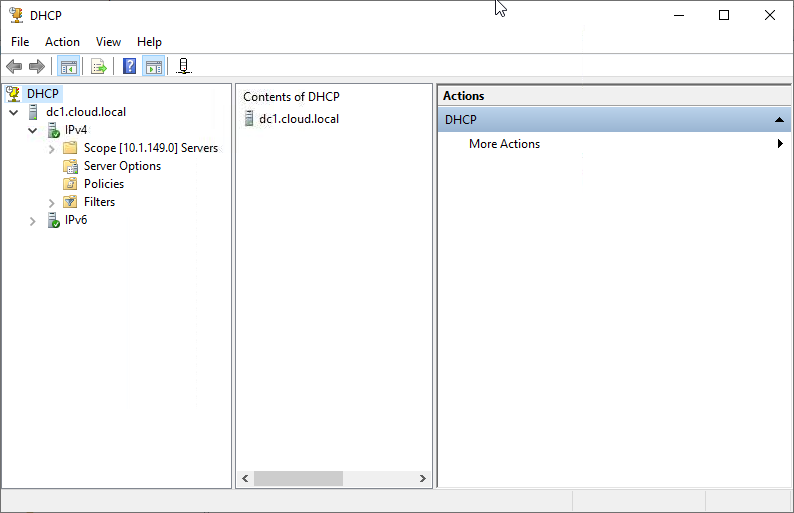
So, if your DHCP server isn’t up or available, you will be in the situation of your critical infrastructure not being able to receive the same IP address with which it is configured. Also, DHCP reservations depend on the MAC addresses being the same. Reservations work by matching the MAC address of the requesting client/server to the IP address that has been assigned to that MAC address in the database.
When you replicate virtual machines, you generally get a different MAC address than the original, which negates any IP address you may have configured. In my experience, critical infrastructure benefits from having the IP address manually assigned so you can remove that dependency.
But let’s go into detail on the services. There are seven home lab services where I always use static IP addresses.
1. DNS servers
DNS is one of those services that I want to have a real static IP address. I run multiple servers in my lab and I consider DNS to be part of the core infrastructure in my environment. It is critical since it underpins all my other services and those services functioning correctly depends on DNS.
My servers need DNS. Containers need DNS. Hypervisors need DNS. Monitoring systems need DNS. Applications need DNS. Anything that needs to lookup an IP address for a friendly name.
Now imagine that you have a major outage in your home lab or production. Your DNS server boots up, but its network configuration depends on DHCP. The DHCP server hasn’t come back yet. Then you have the cascade effect. Things that hinge on DNS being available are now blocked since DNS itself hasn’t had its network configuration set from the DHCP server.
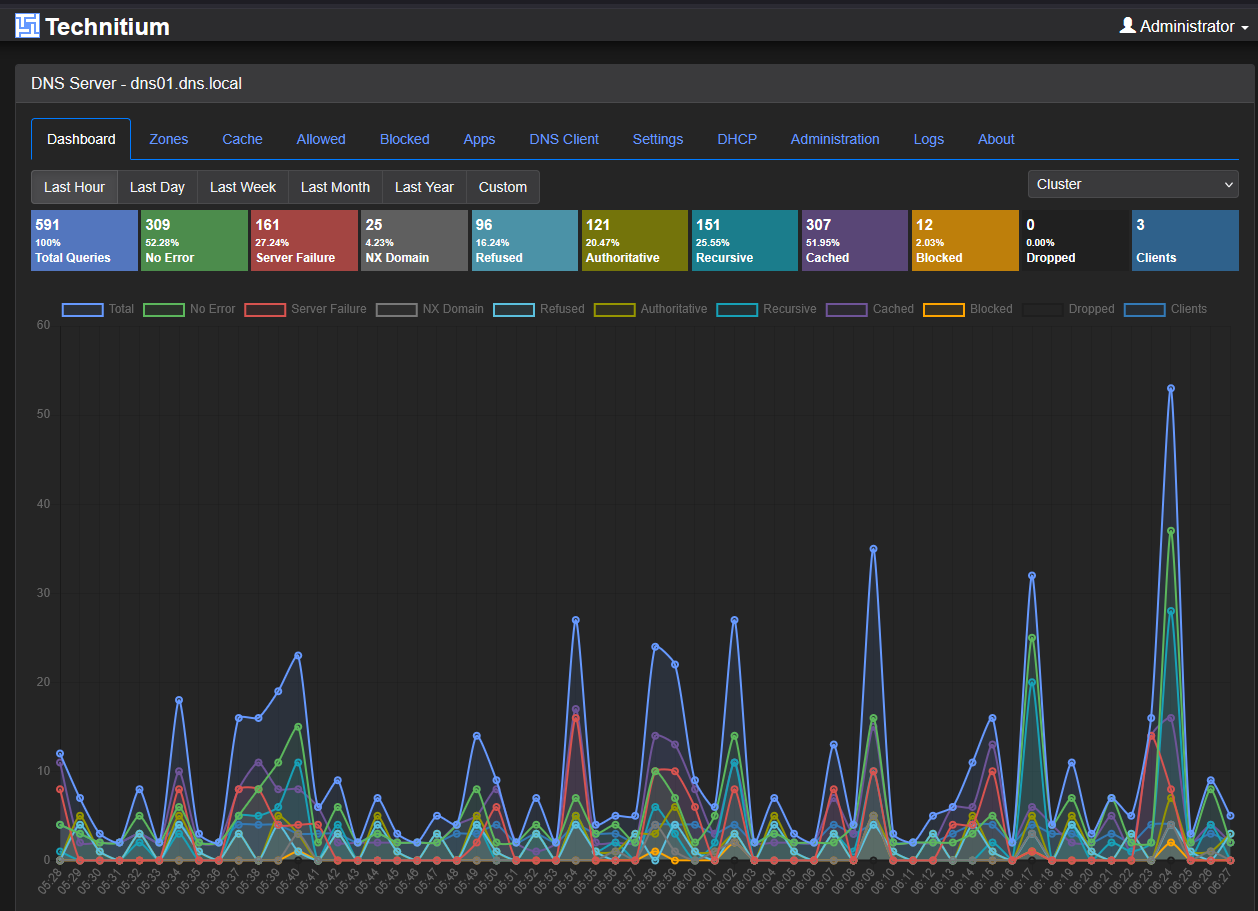
That’s exactly the kind of dependency chain I don’t like to have to rely on. Your clients generally expect the DNS servers to be at the specific IP addresses that they are configured with. DNS should be boring. Its IP addresses shouldn’t change, and I shouldn’t have to worry about what address a DNS server received after rebooting it or it coming up after an outage.
2. Hypervisor hosts
My hypervisors are another easy one for me that I make the decision to configure a static IP address. Also, it doesn’t matter if I am working with Proxmox VE, VMware ESXi, Hyper-V, XCP-ng, or something else on x86 or Raspberry Pi, etc. I want the management addresses of those physical hypervisor hosts to be non-negotiable and immutable.
In my view, hypervisor hosts are important to static since usually many other systems rely on these IPs for connectivity and integrations. Things like backup software may need to communicate with your hypervisor.
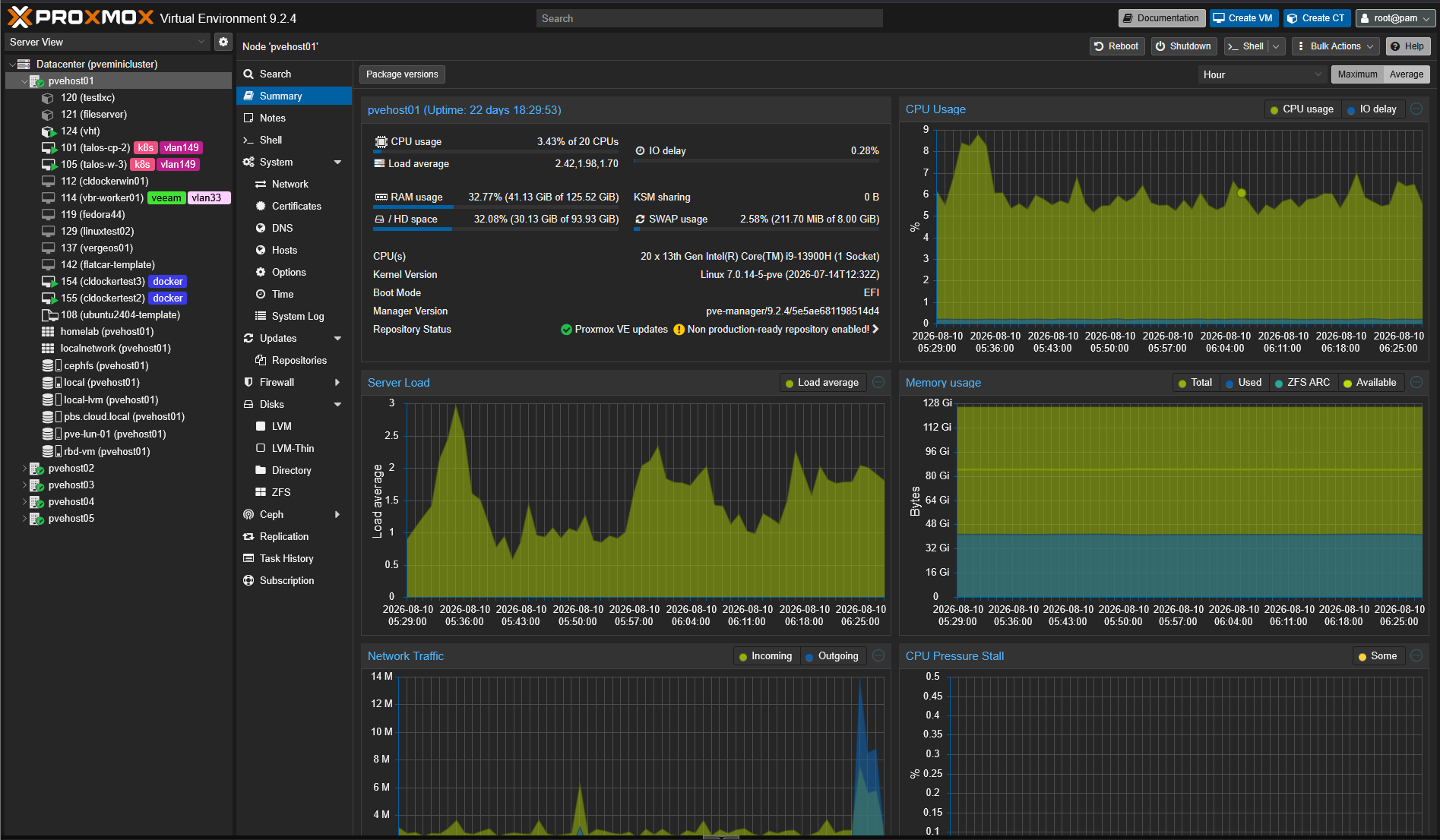
Monitoring usually reference the hypervisor hosts with known good IP addresses. Cluster members communicate with one another. Storage connections may depend on specific network configuration. So on and so forth.
If other services are down, I don’t want to be fighting the fire of troubleshooting DHCP just so I can figure out how to reach the server hosting the virtual machines I need to recover.
There’s also a chicken-and-egg problem to think about with virtualized home labs. What if your DHCP service runs as a VM? Man that could be some major pain there. Can you get past this problem in a pinch? Yes you definitely can, but the point is, it is pain that you will be in for that could be avoided.
3. NAS and storage servers
Storage has always been one of those critical services that you want to make sure is ALWAYS online at the same address that you expect it to be. May NAS device provides NFS shares, SMB services, backup storage, container and VM storage. If something happens with this and it changes, it might affect multiple things in the home lab, not just one.
For example, suppose several Linux servers mount an NFS share from a specific IP address:
10.10.10.30:/dataIf that storage server is now on 10.10.10.137 after a lab crash, then all of those mount points won’t be found. DNS names are definitely a way to help avoid some of this pain, and I use DNS for most things in my home lab from a service perspective. But underneath DNS, I want the infrastructure to have rock-solid addresses. DNS can definitely let you down too if DNS records don’t update and you are fighting old stale records trying to get to newly updated endpoint IPs.
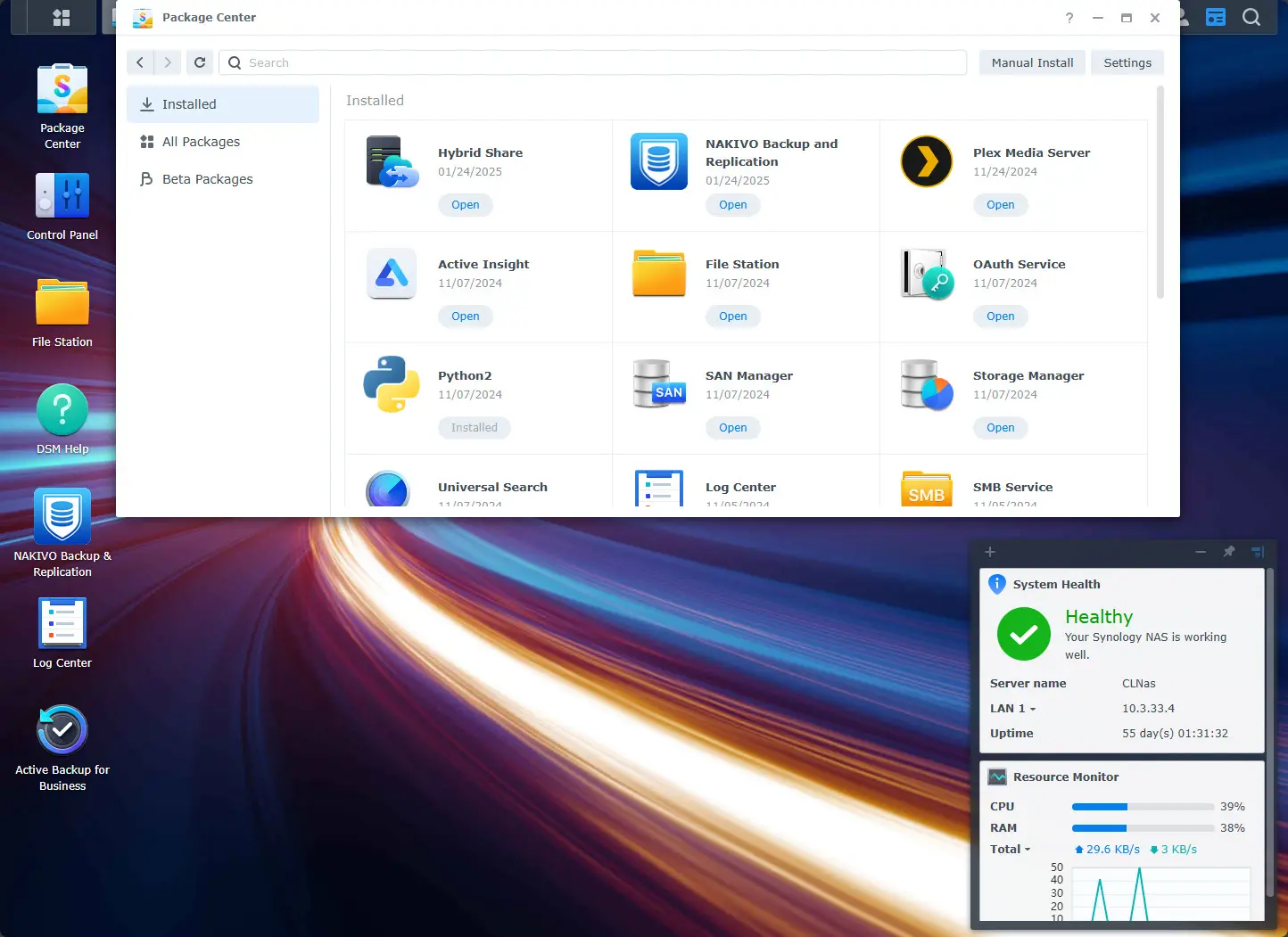
Also, this makes troubleshooting a lot easier. When you have specific IP addresses assigned to specific things and you have this documented, if something goes down, you know exactly where to look.
4. Routers, firewalls, and network infrastructure
One type of device and service that I ALWAYS want to be predictable is my network devices. Especially things like your default gateway is a no brainer. But I also put static IP addresses on things like firewalls, managed switches, wireless controllers, and other core networking devices and addresses.
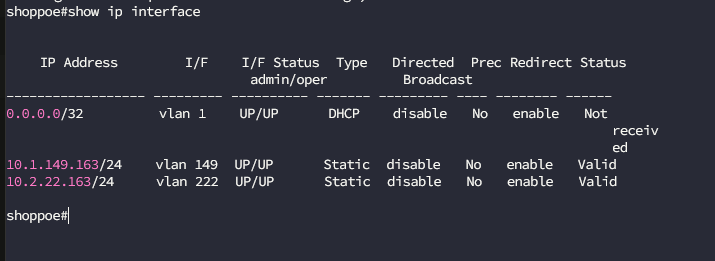
If my network is having problems, these are the devices I need to reach to troubleshoot the network. Don’t put yourself in that catch 22 situation. Making a network device or service depend on another network service doesn’t make much sense to me IMHO.
I’ve already mentioned it making documentation easier in general when you use static IPs for critical services. However, don’t underestimate this. Having “known” addresses that are documented makes it super easy to get started with troubleshooting things.
5. Backup systems
There is another critical infrastructure that I always give static IP addresses, and that is my backup system host. I run a combination of solutions, including Veeam Backup & Replication and Proxmox Backup Server (PBS).
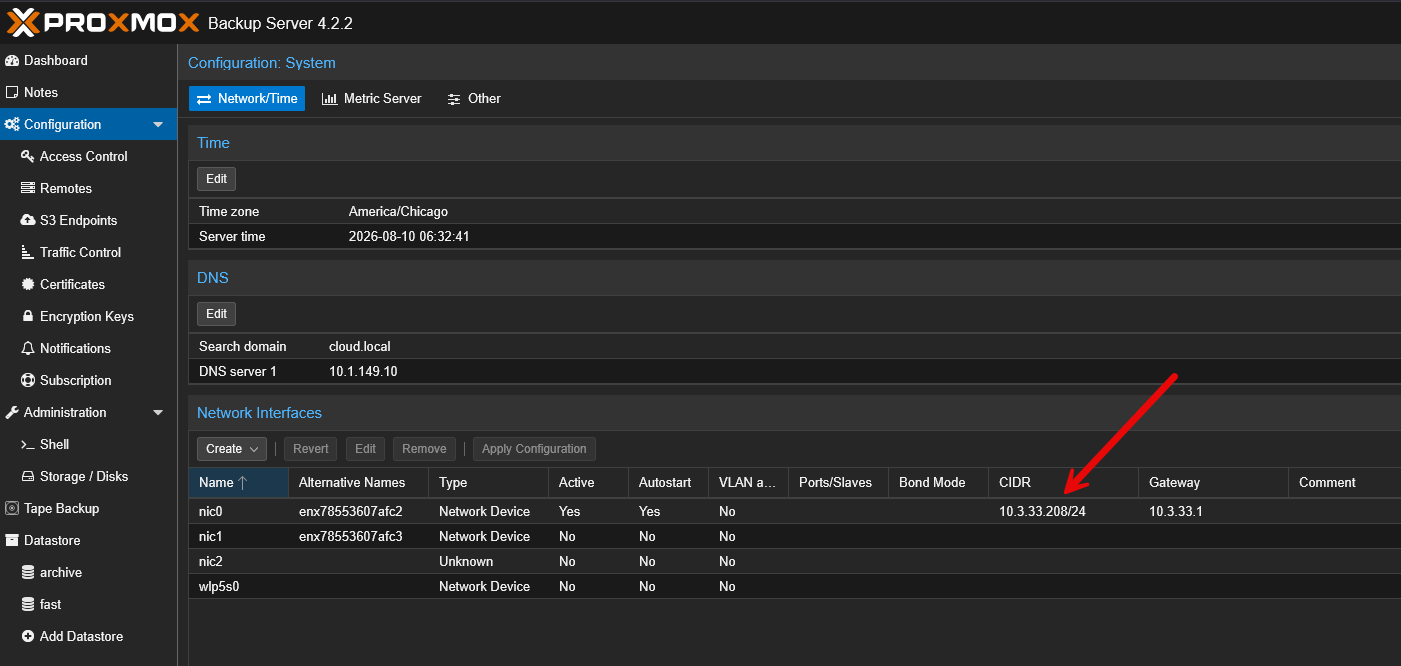
The reason that I want to make sure that everything is online and working with backup systems is that this is THE system that you want to be able to work when everything else is having issues or down. I want to make sure that my PBS server, Veeam infrastructure, NAS backup targets, and anything else that is related to my recovery of data is online and reachable.
6. Reverse proxies and load balancers
Reverse proxies are one of those things that is easy to overlook because they feel like application services instead of network infra. But, in my experience they quickly are critical infrastructure. One you start pointing DNS records at a reverse proxy like Traefik or Nginx Proxy Manager, the IP address in the DNS record is super important. You may have dozens of hostnames that resolve to that same reverse proxy. So, if the IP address changes, that can knock out multiple services you have running, all at the same time.
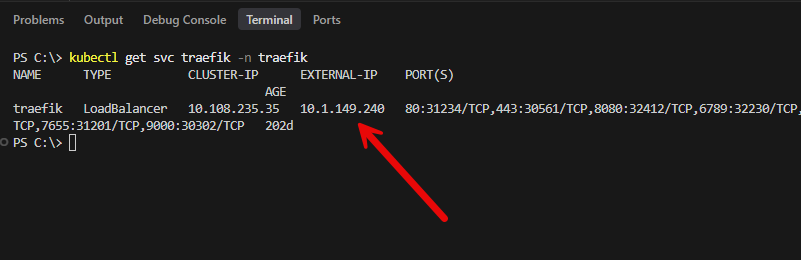
This same principle applies to your load balancers or virtual IP addresses that you have configured. So, if in my lab I have an IP address that is the sole gateway into many different services, I make sure that I have those IP addresses as immutable and statically assigned.
7. Critical monitoring and management servers
This might be one that is different for some compared to others. You may not have a monitoring solution that you view as critical. But for me, I do treat my monitoring as a core infrastructure service. So, I want these to always have the same addresses.
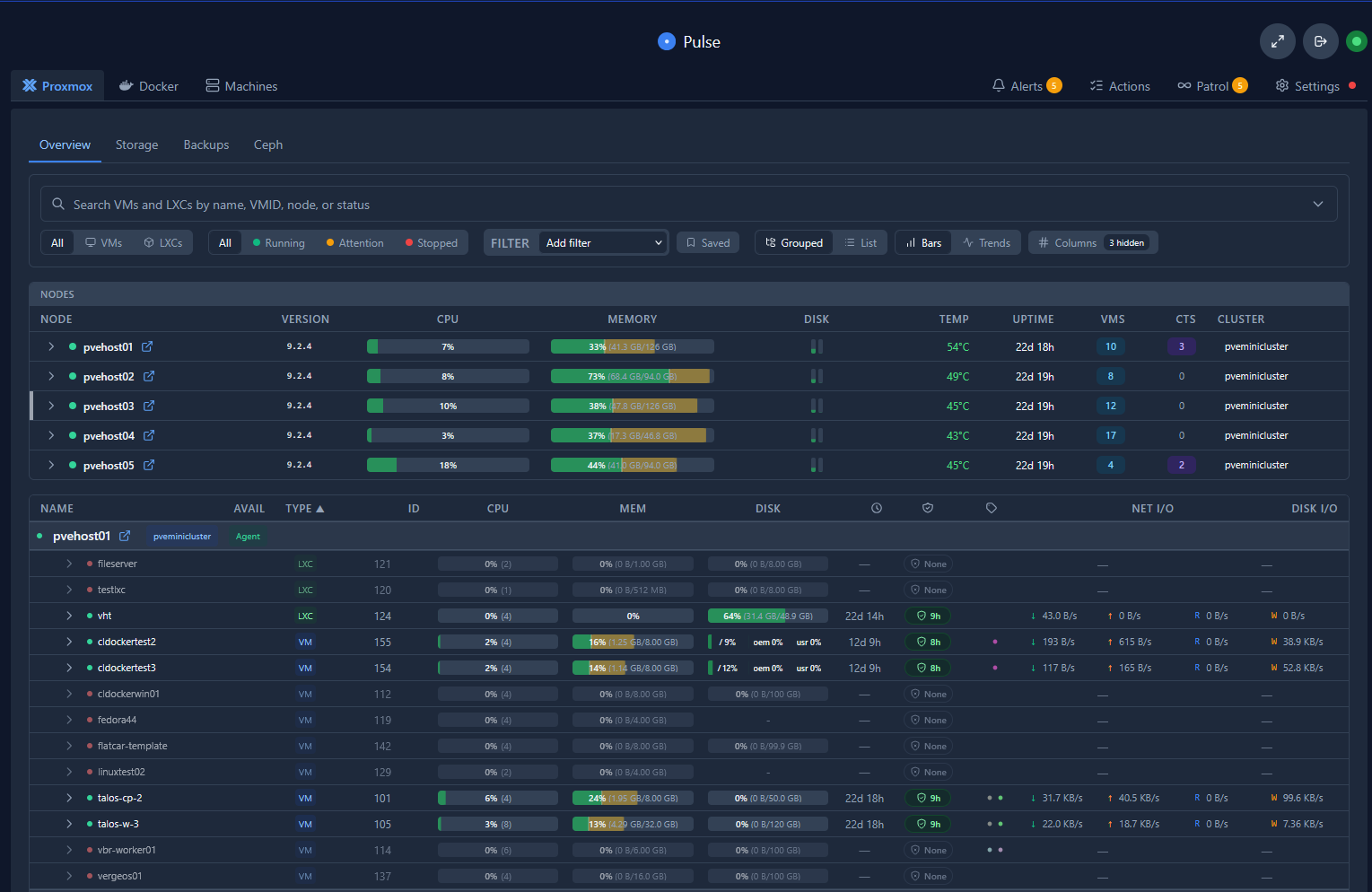
This way, if something goes wrong even during the efforts to get things back up and running and something goes back down, my monitoring will be up and catch it. I ask myself a question like this: “If a large part of my home lab went down, would I want this service available at the frontend of the recovery process?” If the answer is yes, I’ll most likely give it a static IP.
Keep static addresses outside your DHCP pool
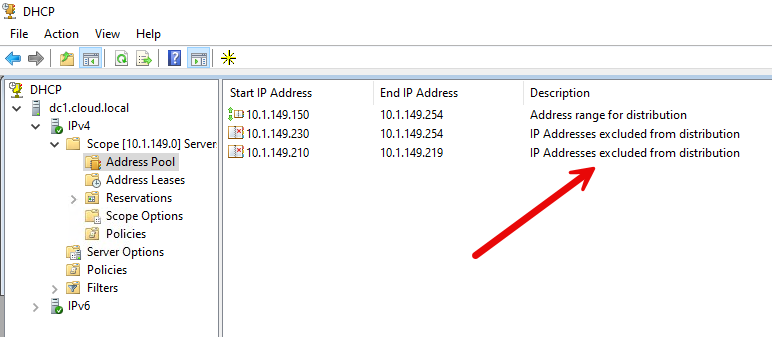
This is an important one if you are using static IP addresses alongside a DHCP pool, which is what I do. You wouldn’t want DHCP to be able to assign addresses from the DHCP pool that you have already statically assigned to services as we have mentioned.
Of course, the best case scenario would be to have your DHCP pool serviced by a different VLAN compared to your management devices. But, if you have a single range that services both types of IP address schemes, make sure you have an exclusion range as many solutions call it where you have a range of IPs that are excluded from being handed out by DHCP.
For DNS, hypervisors, storage, networking, backups, reverse proxies, and critical management infrastructure, my answer is almost always yes.
Wrapping up
Configuring IP addresses in your home lab environment is one of the basic requirements of putting things together in a way that everything is allowed to communicate. These are the services that I always assign static IP addresses to. What about you? What types of configuration workflows do you use? Let me know in the comments.
More in this topic




Google is updating how articles are shown. Don’t miss our leading home lab and tech content, written by humans, by setting Virtualization Howto as a preferred source.
About The Author

Im glad someone else thinks the same way on statics so many think dhcp reservations are the way to go but I have always thought it was a dependency that I didn’t want.