



I think everyone goes through this shift as they transition their home labs from virtual machines over to containers. You tend to approach containers exactly the same way as you would approach virtual machines. This is natural as this is what you know as you transition. We tend to create containers, log into them with the shell, install packages manually, edit config files inside the container, and expect them to stick around long term. However, these traditional virtualization habits can cause challenges in your home lab. If you are coming from VMware, Hyper-V, or Proxmox running virtual machines, chances are you have probably made some of these same assumptions with Docker containers vs virtual machines. Let’s see what these are and how to change your mindset.
Containers are meant to be disposable
This is a big shift into the “cattle” vs “pets” mindset when you start getting into containers. When you create a VM most of the time, you expect the OS to live for months, years, or longer. With that, you have to patch it, maintain it, troubleshoot it, and customize things.
| Virtual machines (Pets) | Docker containers (Cattle) |
|---|---|
| Long-lived | Disposable |
| Manually maintained | Recreated from images |
| Patched over time | Replaced with newer images |
| Unique configuration | Configuration defined in Compose |
| Backup the whole VM | Backup persistent data and Compose files |
| SSH into them regularly | Rarely enter the container |
| Individual servers | Identical, repeatable instances |
A Docker container isn’t really designed for that type of lifecycle. Some may have long lived containers, but typically the best use case for containers is a short-lived app environment that can easily be “respun” or recreated without any issues.
Containers can be rebuilt and pushed hourly, daily, weekly, or even more often if needed. So, containers is simply the running instance of the image. If something goes wrong, the solution is to replace the container, not fix the one in place. That might sound like a weird approach, but it is definitely a liberating way to do things.
Today, in my home lab, if I want to update something, I don’t touch the running container at all. But, instead what I do is pull the latest image, reccreate the container, and then I am done. That entire process often just takes a few seconds or less than a minute at the longest. This might be uncomfortable at first since as virtualization admins with VMs, we are taught to preserve and baby our servers living in virtual machines. But with Docker, we can just replace them and treat them like “cattle”.
Your configs belong “outside” the container
One of the other things to note in how containers work is that your configuration resides “outside” the container. The container image like the operating system runs as the container, but connects to your persistent storage that you may have either in a Docker volume or a bind mount on your Docker host.
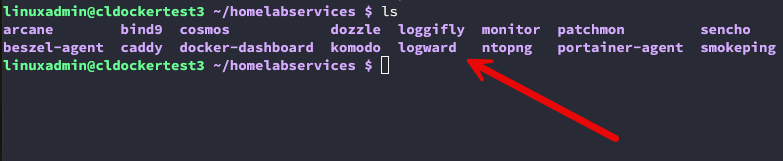
We aren’t really as used to this with Docker containers vs virtual machines. With VMs we do some of the following most of the time:
- Install additional packages
- Edit configuration files directly
- Add scripts
- Create custom folders
- Assume everything would still be there months later
So if you follow this same workflow with containers, you will be in for a rude awakening. All of your changes and configs are lost when the container is recreated if you rely on that config staying inside the ephemeral container without persistent storage. But, instead, with Docker containers, your configuration lives “outside” the container or should.
I use bind mounts and volumes for configuration files, application data, certificates, databases, and persistent storage. If I recreate a container, it reconnects to those same directories and picks up exactly where it left off. This type of separation is what makes Docker super powerful.
The container provides the application. The host provides the persistent data that the container makes use of. Once I fully embraced that model, upgrades became almost boring because there was very little risk involved to your actual data.
Docker Compose changes everything
One of the coolest things that you can do with Docker is use Docker Compose. With Docker Compose you can declaratively define the configuration for your Docker containers. So, instead of manually creating containers and running docker run commands, you can define the app stack in a compose.yml file.
I honestly don’t think I fully appreciated Docker until I started building nearly everything with Docker Compose. This is what made things really click for me, especially with doing things the “gitops” way. Not that Docker and Docker compose are true gitops, but this is a stepping stone that leads to that.
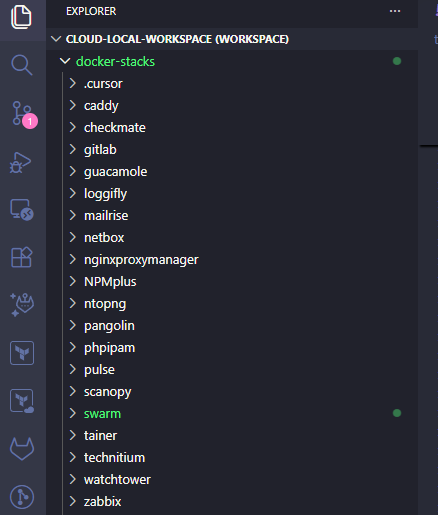
Your compose.yaml or docker-compose.yml file can contain configuration like:
- Images
- Ports
- Environment variables
- Volumes
- Networks
- Restart policies
- Health checks
- Dependencies
Since I have everything committed into my git repository, if I lose all my containers tomorrow and their configurations, all I would do is pull down the repo. Restore my persistent data that is contained in Proxmox Backup Server backups, and start the stack which would connect automatically to the data.
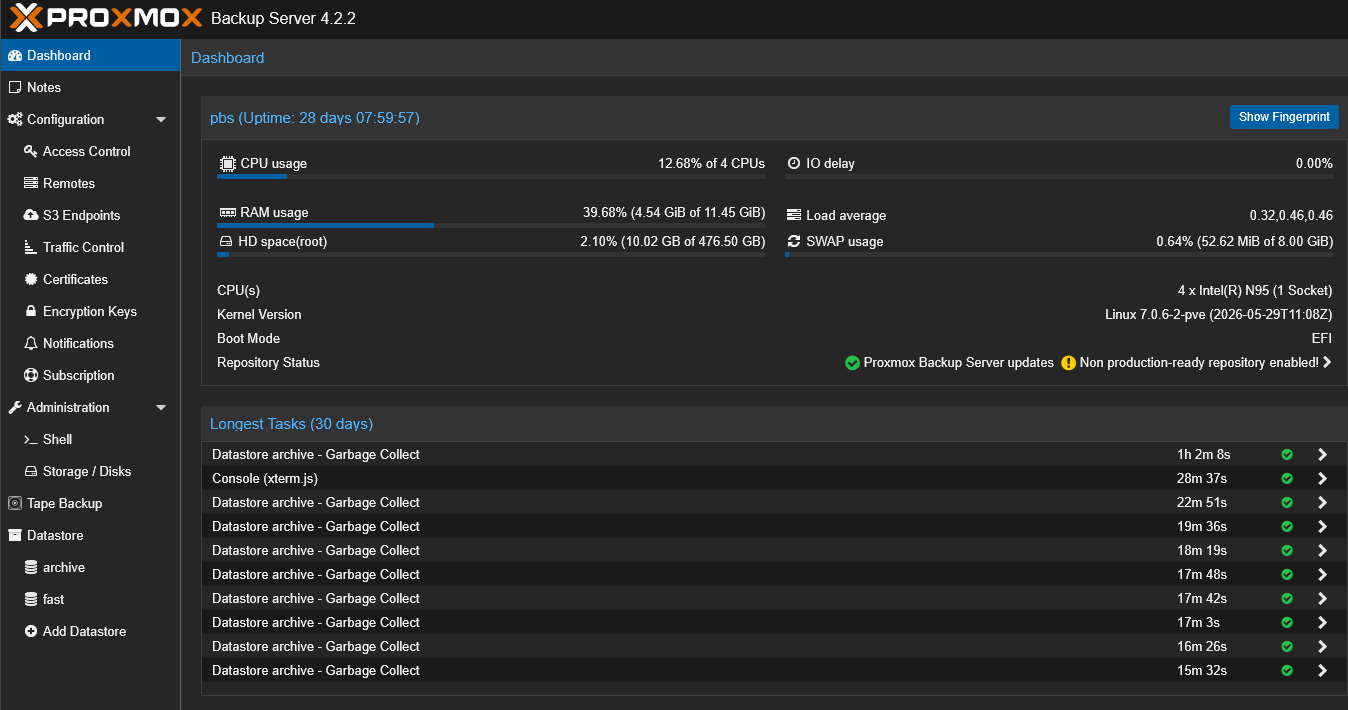
Everything comes back exactly the way it was. Compare that with trying to remember every package, configuration change you have made, firewall rule, and service tweaks you made over possibly years on a Linux system.
Compose files actually become documentation being infrastructure as code like it is. This makes version control super easy and valuable. I keep all of my compose files in my self-hosted GitLab server and have this mirrored to a cloud instance. This allows me to keep a history of all my changes and have a way to even roll back if needed.
Don’t install software inside your running containers
Again, this is just not the way containers are designed to be operated. This one took me a little longer than I would like to admit for me to stop doing things inside the containers after I deployed them. I learned the value of instead getting the container image right with all the software needed, then you don’t have to do this. The software you need is already there.
You learn that you almost never need to exec into your container and do something like:
apt install curlor
apt install nanoIf you do, nothing might break and things work just fine. But then when you recreate your containers, nothing is there now. You then learn the hard truth of how things work with containers and container images.ow I avoid modifying running containers whenever possible.
All in all, this helps to eliminate confusion when you are trying to learn how to run containers in your home lab and self-host services.
Container images are like the operating system
Another mental shift is that your container images are like the “operating system” of your virtual machines. With a virtual machine, the OS is installed once. You maintain that operating system over time and this includes patching, installs, app configurations, etc.
With Docker, the image itself is the operating system. Every recreate of your container starts from that clean image again and again. Instead of patching a running instance, you simply deploy a newer image version that has the updates included. That is why updates are so clean.
You can see the myriad of Docker images available on Docker hub: Docker Hub Container.
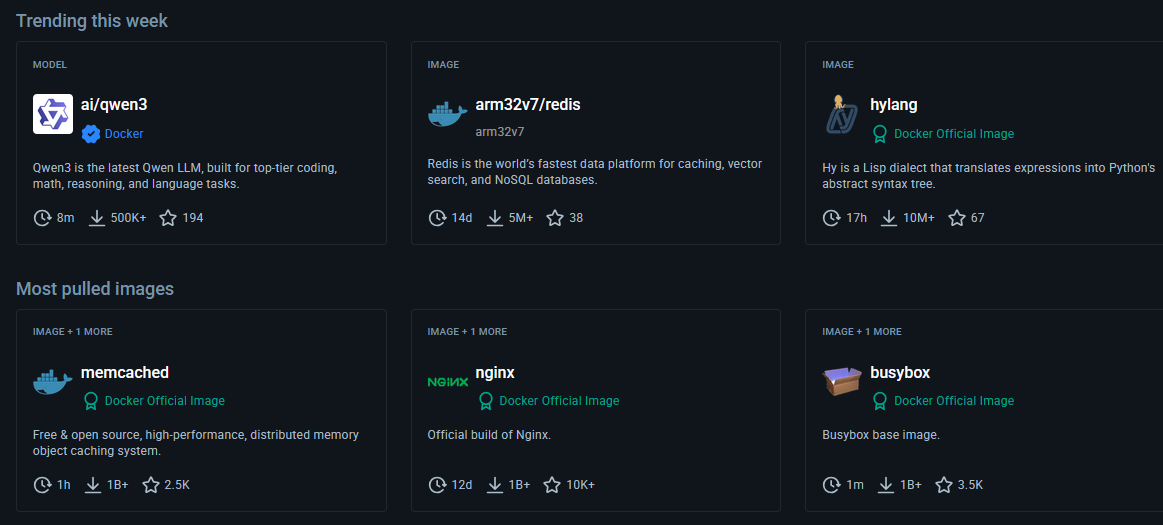
You aren’t patching an existing installation of your operating system. Instead you are replacing the existing instance with a new instance, and then attaching that same operating system back to the data. That sounds risky until you see it in action time after time. Docker is boringly good at what it does and allows you to treat your OS as immutable for your containerized workloads.
Now, for me, replacing container images feels a lot less risky than patching a long lived server, especially a Windows Server operating system.
Logging into containers should be the exception and not the norm
One thing I notice in many newer Docker users is how often they immediately jump into a shell and exec into their containers. I used to do exactly the same thing. Now, if I find myself constantly running commands like:
docker exec -it container bash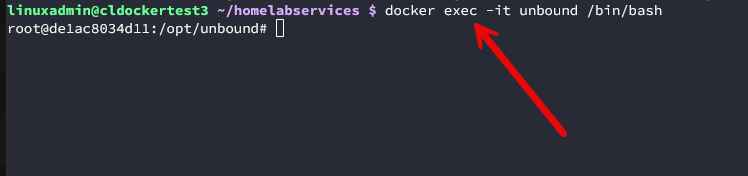
This is usually a sign that I’m managing something the wrong way or the container image isn’t the one I need to be using. What do you use for correct container management workflows? I use a combination of the following:
- Docker Compose
- Environment variables
- Configuration files
- Mounted volumes
- Logs
- Health checks
I still open shells when troubleshooting things if needed just to see how a container image I built might need to change or something else. But, that has become the exception instead of how I manage things daily.
Health checks become part of the infrastructure instead of external
One of the things I appreciate about Docker containers is that your health checks are a part of the actual infrastructure. Health checks let you verify whether your application inside the container is healthy based on a number of things that you can customize.
With a properly written health check, you can tell if something is wrong with the application or backend service. While health checks are needed and they are powerful, they can function differently than ones might expect, including restart policies in conjunction with health checks.

It’s worth remembering that restart policies and health checks solve different problems. Restart policies determine what Docker does after a container exits or after the Docker daemon restarts. I wrote a detailed post on this recently. So be sure to check this out when you are looking to understand the differences and how you can bolster your health checks and restart polices for self-healing infrastructure.
Back up your data, not your containers
So many get bit by this when they manage and treat their docker containers like they would a virtual machine. One of the biggest mindset changes you have to make is that you backup your data and not your containers.
With your Docker containers, the following are the things you should concentrate on backing up and making sure you have copies of:
- Docker Compose files
- Persistent volumes
- Bind-mounted directories
- Databases
- Secrets
- Certificates
If I have copies of these things, recreating the container exactly like it was isn’t that difficult. I’ve restored Docker services onto completely different hardware by restoring the persistent data and then just running Docker Compose again. That kind of mobility and portable characteristic of containers is one of the most exciting parts about the technology.
Keep containers focused on one job
With virtual machines we are used to a single virtual machine housing a monolithic application that might have 20 different services running underneath the hood. With a Linux VM, it’s common to install all of the following services on one machine:
- NGINX
- MariaDB
- Redis
- PHP
- Monitoring tools
- Cron jobs
Containers encourage you to have a very different design than this. One container might handle the web server. Another container runs the database. Then others handle things like Redis, scheduled tasks, etc. At first it may seem like you have created many more moving pieces and you have strictly speaking.
But in reality, each piece is much easier to replace and troubleshoot. You can update them independently. If Redis needs replaced or updated, you don’t have to replace the web server, you can just replace the Redis container.
This is definitely a mindset shift from running monolithic virtual machines for years in the home lab and in production environments.
The host should stay clean too
Ironically, learning more about Docker containers and using Docker prevalently, has caused me to change how I think about my Linux hosts that ARE virtual machines. In the past, I would install utilities and tools directly on the Docker server. Over time though, this accumulates all kinds of different software and application packages between your Docker hosts.
Today I try to keep my Docker hosts as clean as possible and aligned with one another. The “immutable” aspect of my home lab has also transitioned over into my Linux Docker hosts. I now run immutable Linux for my Docker servers. This helps to keep things in lock step with one another like:
- Docker Engine
- Networking
- Storage
- Monitoring
- Basic administration
Almost everything else runs inside containers. That makes rebuilding hosts a LOT easier and faster because there’s very little unique configuration on the operating system itself if any. Immutable operating systems complement this approach nicely.
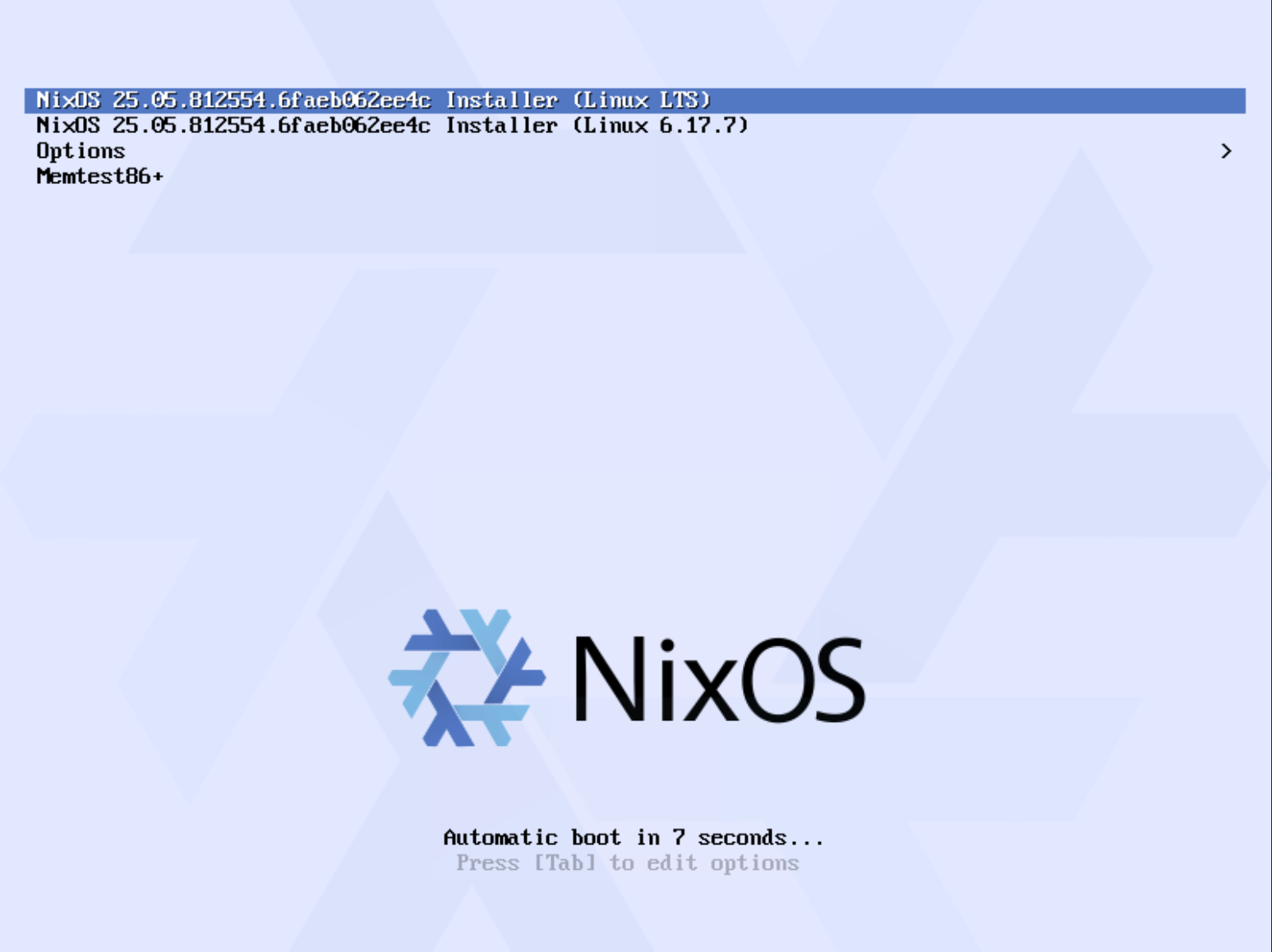
Check out my post on NixOS in the home lab: NixOS is the Best Home Lab OS You Haven’t Tried Yet.
Wrapping up
There is really a huge mindset change when you start running Docker containers vs virtual machines in your home lab compared to running virtual machines. Both are extremely important infrastructure components. But each should be treated differently. VMs are typically viewed as longer lived and running resources in your environment. Containers are short-lived, ephemeral, and immutable in nature. Viewing them this way and understanding that many of the processes and workflows that work with virtual machines just don’t work with containers or don’t work very well, saves you from a lot of problems. How about you? At what moment did you start treating containers differently than your virtual machines? Was there an epiphany moment or a problem you ran into that made you realize this the hard way? Do share!
More in this topic


Google is updating how articles are shown. Don’t miss our leading home lab and tech content, written by humans, by setting Virtualization Howto as a preferred source.
About The Author
