



One of the things that I like about Proxmox is that it continues to surprise me with its capabilities and things you get out of the box. Even though i have spent a lot of time working with VMs, LXC containers, clustering, storage, and automation, there was actually a feature or access to some resources that I didn’t really realize existed. Did you know that Proxmox has a feature built-in that gives you access to over 100+ free Proxmox TurnKey Linux appliances? Let’s take a look at these appliances that, like me, you may not have realized existed.
Where are these hidden resources in Proxmox?
I was browsing available LXC templates from the command line and decided to filter the list for TurnKey Linux appliances. Below is the command to use:
pveam available | grep turnkey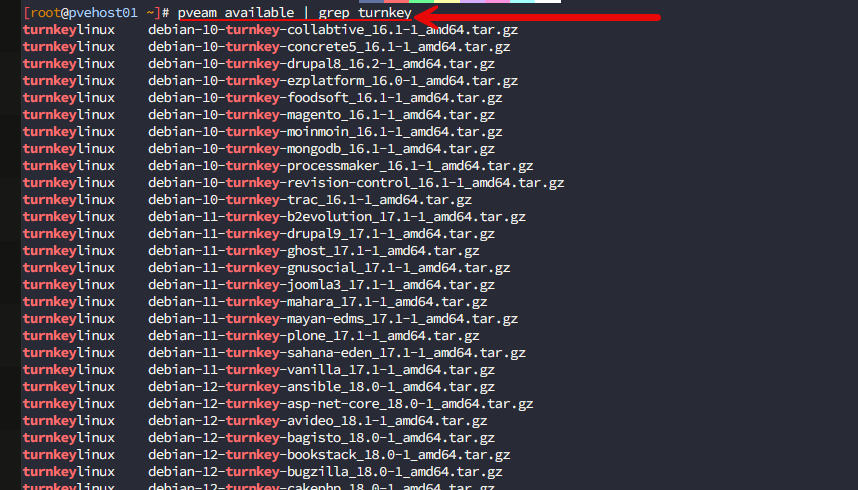
I expected to see maybe a dozen or twenty templates. Instead, when I got the command return, the list just kept scrolling. In fact, there are well over 100 ready-to-deploy Linux appliances available directly from the Proxmox template repository! These cover everything from VPNs and file servers to Git hosting. You will also see several things in the list like databases, automation platforms, monitoring tools, collaboration software, and development environments. Awesome!
That really made me stop for a minute. Like many home lab users, I usually start with a plain Debian LXC and build everything myself. I still think that’s the right approach for many long-term services. But there are definitely situations where I think having a fully configured appliance available in just a few clicks makes a lot of sense. We will talk about what those are down below.
After digging through the catalog, I found quite a few appliances that immediately caught my attention, along with entire categories of software I didn’t realize were already available. Let’s see what these are.
What are TurnKey Linux appliances?
First, let’s step back. If you haven’t used the “TurnKey” appliances before, think of these as purpose-built Linux servers that already are configured around a specific application. So, instead of doing what we might have done in the past and choosing a Debian container and manually installing dependencies in there, the TurnKey appliances already have what is needed in place.
You can read more about TurnKey LXC Linux Containers here: TurnKey LXC LinuX Containers.
I think this is great as this is more like what we would expect from a Docker container that already has the app, dependencies, and everything else needed to run the application so we don’t have to worry about those things.
Keep in mind that underneath the hood, these TurnKey appliances are still Debian-based systems. So, it’s not like you are getting locked into some proprietary system or solution. It just allows you to start a whole lot further down the road than we would be able to otherwise. This saves you time. If you are like me, any more that is my most valuable commodity.
Best use cases for these TurnKey appliances?
What do I think some of the best use cases for these TurnKey appliances might be? Take a look at the following:
| Use case | Why I’d use it |
|---|---|
| Learning new software | Start using an app almost immediately without a long install process |
| Proof of concept | Get a working environment up in just a few minutes |
| Temporary lab projects | Short-term experiments and testing |
| Trying out new applications | See if it’s worth deploying long term? |
| Quick testing | Spin up a clean instance without building it from scratch |
For production services that I expect to run for years, I still generally prefer building everything myself, or going the route of a Docker container that I will explain my thoughts on below. But there are plenty of times when speed is more important than spending an hour installing packages, especially when you are in the testing phase.
A few appliances that I think stand out for home lab
So, just to level set. I didn’t try out all 100+ templates that are available in Proxmox. Although I would like to, I just haven’t had the time to spin every single one up. But, there are a handful in the list that immediately jump out at me because they are solutions that most of us are using or experimenting with in the home lab.
Here are a few that are on my short list.
WireGuard
WireGuard was probably the first appliance that caught my attention. I have written a lot about WireGuard over the years. It is definitely the VPN technology that I see most modern VPN solutions or zero-trust solutions using underneath the hood.
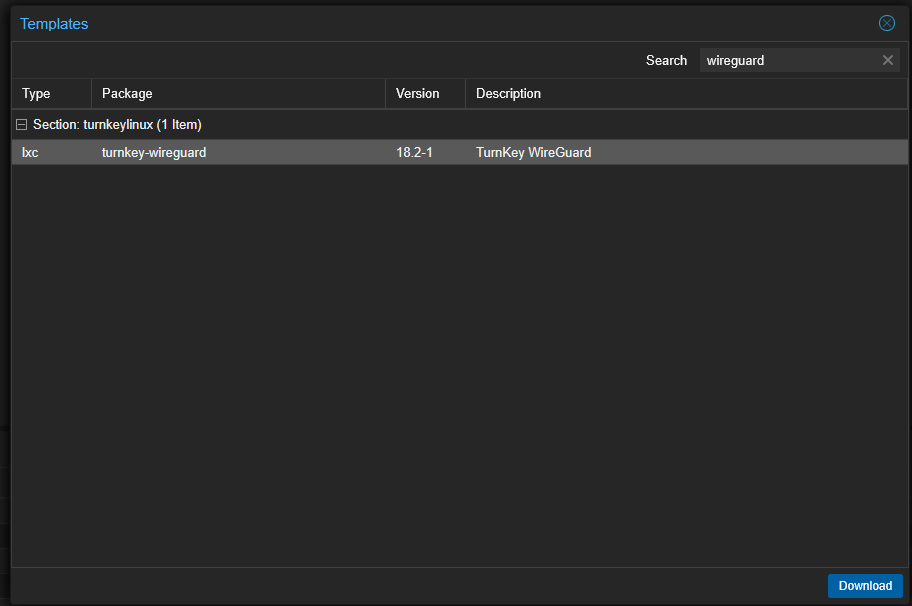
If you want to have a secure VPN endpoint that is lightweight and performs better than anything else out there, WireGuard is definitely the solution to go with. When it comes to the TurnKey appliance, instead of installing all the packages yourself, generating keys, configuring services, you can just stand up the appliances and start getting underway with your testing. Simple!
Gitea
Another thing I am a huge proponent of is having your own self-hosted Git instance. Gitea is one of the ones that has gained huge traction in the home lab today. Even without a TurnKey appliance, it is easy to spin up with Docker. But with the TurnKey appliance just download it and turn it on to have your own private Git server.
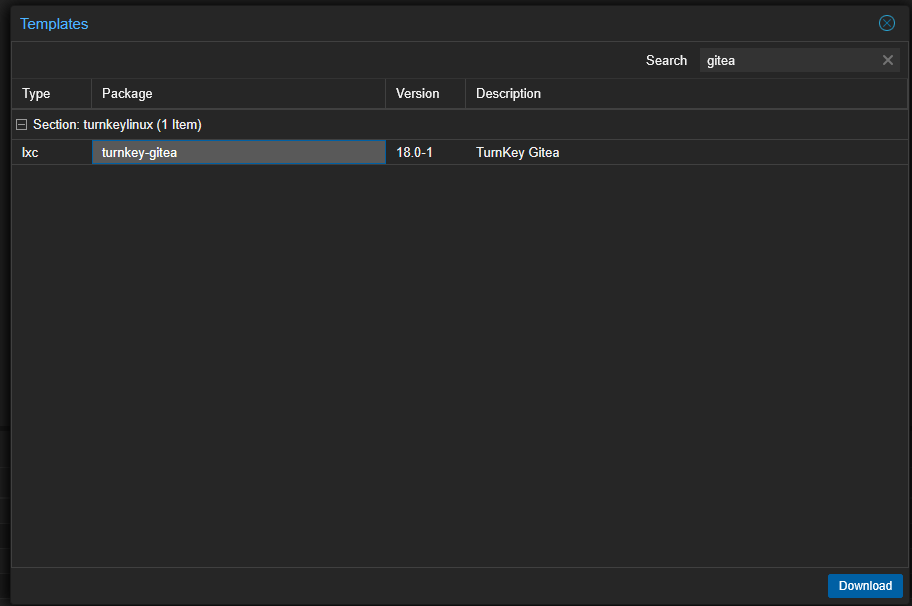
If you’ve been following my recent articles about GitOps, Kubernetes, or Docker Compose deployments, you already know how valuable git version control is as your lab grows. Having this ready-to-deploy Gitea appliance makes getting started super easy.
If you want to see how to install Gitea along with Drone CI, check out my post here: Gitea Install with Drone CI CD Server Self-Hosted Git.
File Server
If you have ever wanted a quick and easy shared storage location in the home lab you know that it is kind of time consuming and cumbersome just to manually spin a file share up in the traditional way. The File Server appliance stands out as a TurnKey appliance because it is super practical I think. It isn’t flashy or some “new thing”. But it solves a problem that we all have in a simple and easy way.
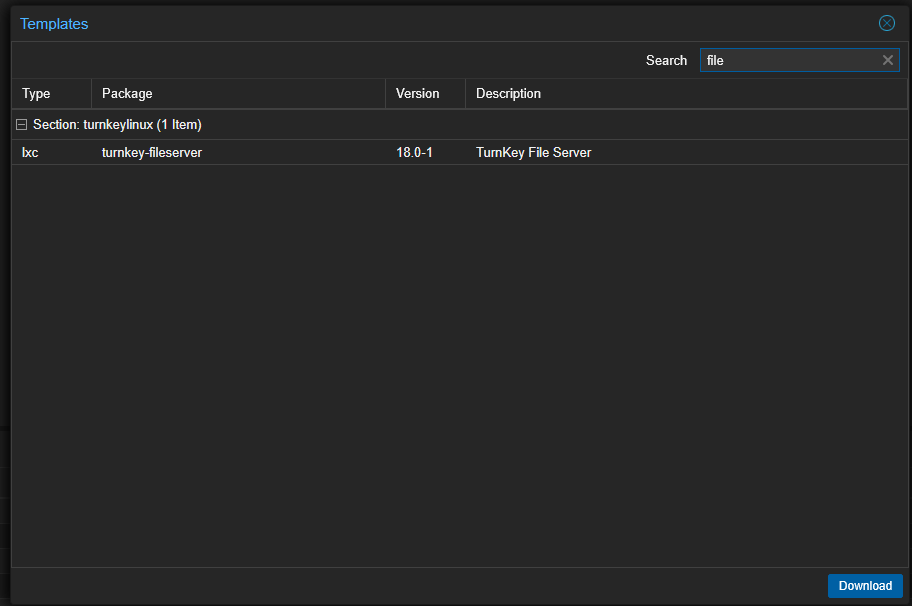
I know when I am testing things for a blog post or YouTube video in the home lab and I need a new storage location for a quick test, this provides an extremely easy way to spin up a shared storage location without much hassle.
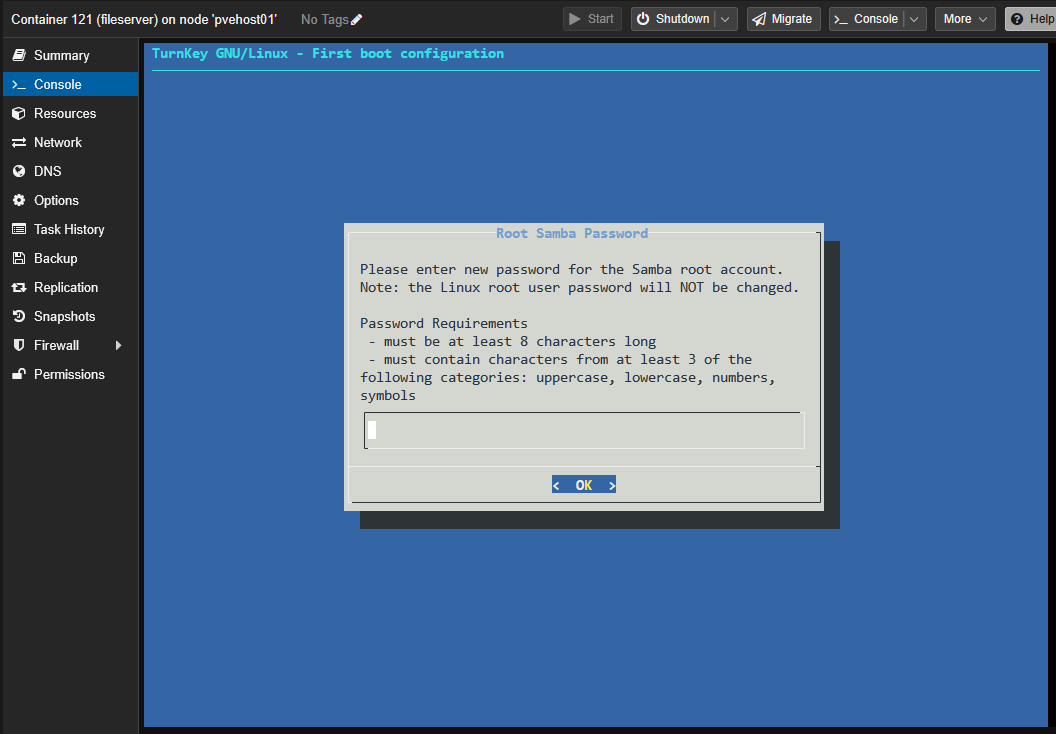
When you install the file server turnkey appliance, it will greet you with the Samba setup right from the start which is awesome.
Nextcloud
Nextcloud is a solution that is known all too well in the home lab. It continues to be one of the flagship self-hosted apps in the community. If you are looking for private cloud storage or something like document collaboration, calendar syncing, or your own self-hosted “cloud” photos, Nextcloud is hugely popular and has lots of good features there.
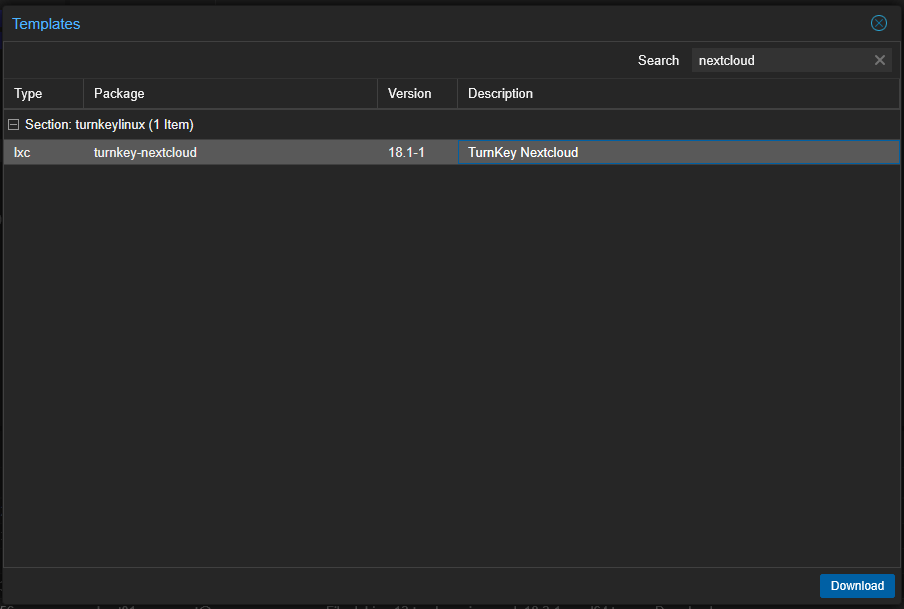
Nextcloud isn’t super difficult to install, but there are enough moving parts and pieces that a preconfigured appliance can save you a lot of time with setup. If you are exploring rolling your own document, photos, and collaboration platform, this TurnKey appliance is a great one to keep in mind.
Syncthing
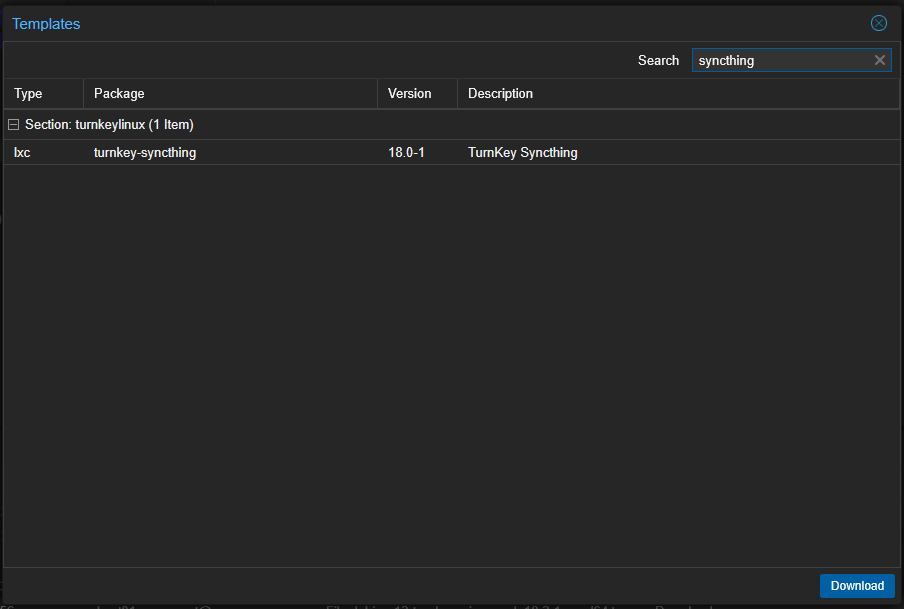
Another great turnkey appliance I think to have on the shortlist is the Syncthing appliance. I have become a big fan of keeping my important data synced across systems instead of relying entirely on cloud providers for some things. Syncthing works really well for replicating your files between servers, syncing important folders, or keeping copies of your data across multiple locations.
Ansible
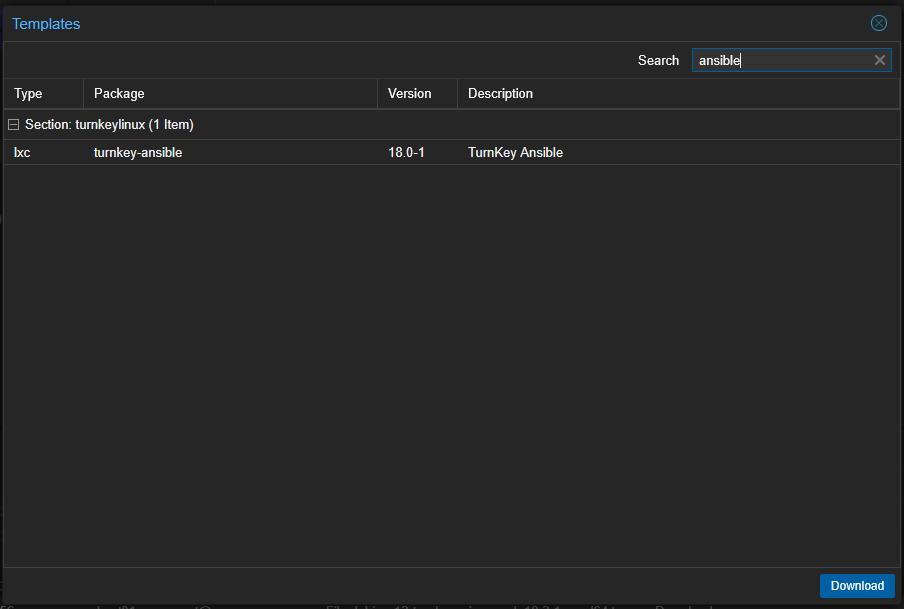
This one honestly surprised me, but in a good way. I didn’t expect to find an Ansible appliance readily available with everything else. Ansible needs no introduction as one of the best configuration management platforms out there and it is heavily used in both production and home lab environments.
If you want to have a dedicated automation server that is built around Ansible, this TurnKey Ansible LXC image is a great starting point for that.
The catalog goes much deeper than I expected
When I looked across the sheer breadth of the TurnKey appliances available, it is staggering to see the catalog goes far beyond just infrastructure services to give us a lot of really great platforms which we can build things on top of.
There are complete development environments available for many of today’s most popular platforms. In fact, if you look through the entire list, you will see appliances for the following:
- GitLab
- Jenkins
- ASP.NET Core
- Django
- Laravel
- Node.js
- Rails
- Symfony
- CakePHP
- CodeIgniter
- Tomcat
So, if you are a developer and looking for a development environment that fits your project, take a look through all of the projects that are available as the TurnKey appliances.
More core infrastructure services including databases
There are also a LOT of core infrastructure services that are readily available. Some of the most useful ones available out there include:
- PostgreSQL
- MySQL
- Redis
- MongoDB
- CouchDB
- OpenLDAP
- OpenVPN
These may not be exciting apps on their own, but these are the ones that are used as a foundation for a lot of the other self-hosted applications that ones run and often many of these need a database backend. Again, I think these TurnKey appliances help you to hit the ground running with a fully working solution instead of spending your time just trying to get to a working state.
Other cool tools including even business apps
My own home lab is focused on infrastructure and automation services, but I was surprised at just how many business apps were found in the list of TurnKey appliances. There are a lot of names and solutions here that stood out to me, including:
- Snipe-IT
- Invoice Ninja
- Leantime
- Mattermost
- SuiteCRM
- EspoCRM
- Odoo
So you could definitely use these solutions to manage IT assets, collaborate with teams, track projects, or even experiment with ERP software.
More hidden gems
There were also TurnKey appliances for MediaServer, ZoneMinder, Ghost, MediaWiki, DokuWiki, phpBB, Etherpad, Mantis, Matomo, LimeSurvey, Mumble, ProcessWire, Drupal, Joomla, WordPress, and many more apps and services.
So, no matter what type of project you’re experimenting with, there’s a good chance someone has already packaged it into a ready-to-deploy appliance.
When I would choose TurnKey over Docker
So the question will definitely probably come up among home labbers as to when you would use these over our normal go to Docker containers. For me and my long-term services, Docker still wins most of the time since it is setup in a way that supports automation and CI/CD pipelines much better and easier. That is still how I deploy most of my production infrastructure. Long term things go into my Kubernetes cluster.
But, I would definitely use these appliances when I want to do things like the following:
- Evaluate new software
- Learn a new platform
- Build a quick proof of concept
- Test an application before investing time in a manual installation
- Deploy a temporary lab environment
Here is a comparison table comparing the two:
| Scenario | TurnKey appliance | Docker |
|---|---|---|
| Learning a new application | Best | Good |
| Quick proof of concept | Best | Good |
| Temporary lab project | Best | Good |
| Evaluating new software | Best | Fair |
| Long-term production service | Fair | Best |
| GitOps / CI/CD workflows | Weak | Best |
| Docker Compose deployments | Weak | Best |
| Kubernetes deployments | Weak | Best |
| Automated updates | Fair | Best |
| Repeatable deployments | Fair | Best |
Wrapping up
The Proxmox TurnKey Linux LXC template appliance library isn’t new and has actually been around for many years. However, you may be like me and didn’t really appreciate just how many great options are found in this large catalog of downloadable LXC template images. There are so many great appliances you can download to build things like GitOps, VPNs, databases, automation, file servers, or just exploring new things and experimenting. After I have rediscovered this hidden corner of Proxmox, I will definitely be reaching for these appliances more often now when I want to evaluate something. How about you? Are you currently using the TurnKey LXC templates in your home lab? I would be curious to know which ones.
More in this topic


Google is updating how articles are shown. Don’t miss our leading home lab and tech content, written by humans, by setting Virtualization Howto as a preferred source.
About The Author
