



One of the reasons I think most of us love self-hosting our resources is the control that it gives us in our environment and over our data. I can host my own resources, manage my own infrastructure, and do things like build virtualization clusters, container hosts, etc. This allows you to generally avoid having a dependency on somebody else’s cloud platform. But there is something important here to realize in that there is a difference in being able to operate your own environment and applications and actually being able to do that without the Internet. So many things rely on it these days. The realization hits that there is a difference in self-hosting and being “offline” in a home lab without Internet. Here are the checks to run.
The first thing I test is DNS
The absolute core of self-hosting your own services is DNS. It totally owns name resolution in your environment. It also has a pretty huge blast radius when you think about it. If it stops working, then systems that seem unrelated can start breaking all over the place.
DNS is one of the first places I look because it has an enormous blast radius. Your self-hosted service may be listening like it is supposed to on the expected port for the service, but if the hostname isn’t resolving correctly, then that is a major problem and will present the same issue as the service literally being down. Think about this. It gets more interesting when Internet access is lost.
Let’s say that I have internal DNS hosting records like the following records:
proxmox.lab.example
nas.lab.example
grafana.lab.example
git.lab.example
These should resolve since they exist locally. But you will want to verify that is the case. I also test reverse lookups and other things like conditional forwarding zones and internal aliases. Really anything else my apps need to use.
From Linux or a Proxmox host, you can run the following command as a sanity check:
dig proxmox.lab.example

nslookup proxmox.lab.example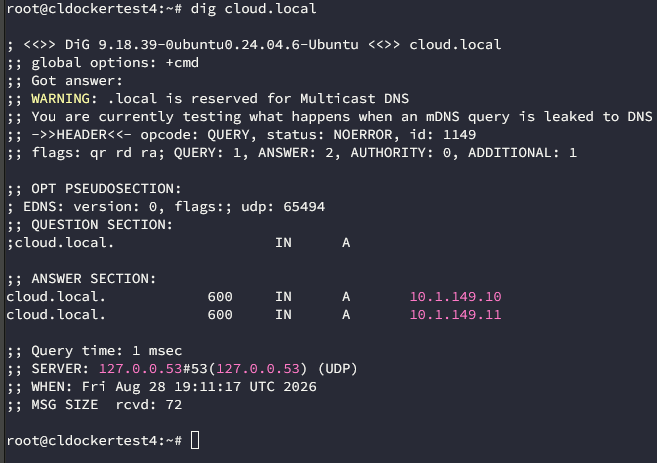
Another really good check is seeing which DNS server is servicing your request:
dig proxmox.lab.example +shortIf you are running a Windows home lab workstation, you can use PowerShell, something like this:
Resolve-DnsName proxmox.lab.example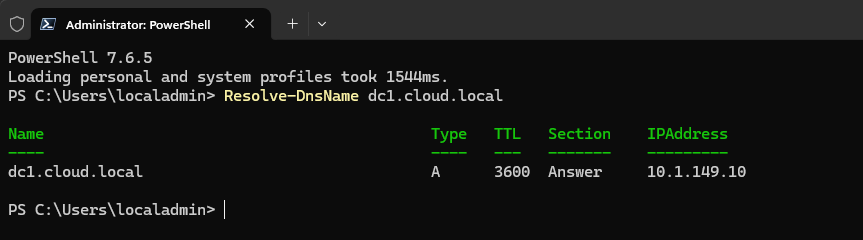
Don’t just be satisfied that you can get to your DNS server and local records are working. Make sure to separate out your local DNS resolution from Internet DNS resolution. You don’t want to get into a situation where you stop resolving DNS when your Internet connection goes down.
We can easily get fooled into thinking everything is ok, but maybe our split horizon DNS zone isn’t configured correctly and resolving hostnames locally that should exist locally first and trying to get to the Internet zone.
External DNS dependencies definitely be a surprise
Dovetailing into the above discussion, a lot of even self-hosted services can use public domain names for various resources. I use my real domain name in my home lab but again use split horizon DNS zones that know that all of the resources I tell it to resolve are available locally and then it can go to the Internet for the ones that aren’t.
This makes TLS a LOT easier and it works really well with reverse proxies like Nginx Proxy Manager or Traefik. Having this type of setup also avoids some of the quirks that you might have with internal top-level domains. But you have to be careful and not create failure scenarios.
Suppose I normally use the following to access my home lab grafana server. Externally, that hostname may resolve through Cloudflare or another public DNS provider. Internally, I may use split DNS so the same hostname resolves directly to a private IP address.
grafana.example.comBut I still want to verify what happens when Internet goes dark. If clients query only my local DNS server and the local zone has what it needs for the record, everything will probably continue to work. If the local DNS server has to ask the public DNS server for that record, then you want to discover this BEFORE the Internet goes down.
That is why I like testing DNS with the WAN unavailable instead of simply assuming split DNS is working the way I think it is.
Authentication can become a major problem
Authentication is another area that you can have major issues if your Internet connection goes down. I am seeing more and more where ones are using centralized identity across home lab resources. This may have ones using LDAP, Active Directory or something like Authentik, Keycloak, Authelia, OAuth, OpenID Connect, etc. And, I definitely like the idea of centralizing everything from a management perspective. It makes things easier to manage.
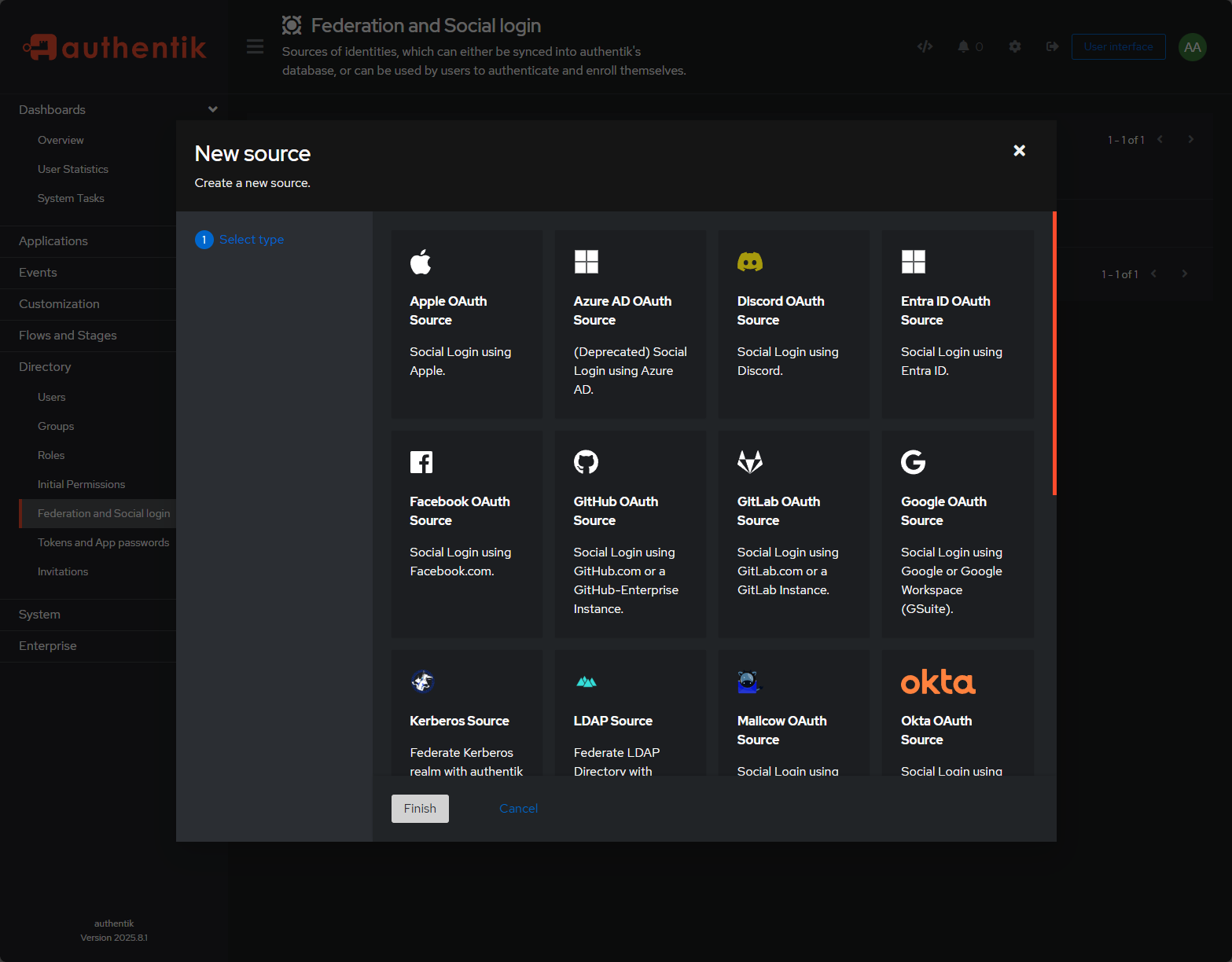
Instead of having to remember or manage multiple identities, you can use a single identity layer. But how you design this makes all the difference in the world. You need to ask yourself this question, “What authenticates the authentication system?”
So, if I log into a locally hosted app through Google GitHub, Microsoft, or some other external ID provider, that login process will stop working if the Internet connection goes down. This is true, even though the application itself is local. This doesn’t make external authentication a bad idea, but it is definitely a point to note and take into consideration.
For important infrastructure in the lab, I like to also have some form of local emergency access to my infrastructure. I don’t want the only admin account for critical management to depend on an external identity provider.
Be sure to consider systems like the following in your lab:
- Hypervisor management
- Firewalls
- Storage platforms
- DNS servers
- Backup infrastructure
- Container hosts
- Identity providers themselves
In thinking about this recently with my Talos Linux management plane, Sidero Omni, I realized that the only way I really had to get into it for management was my OAuth provider Auth0. With this, if the Internet was down, I would have been out of luck to get in until connectivity was restored. So, I created a service account in Omni that allowed token-based authentication.
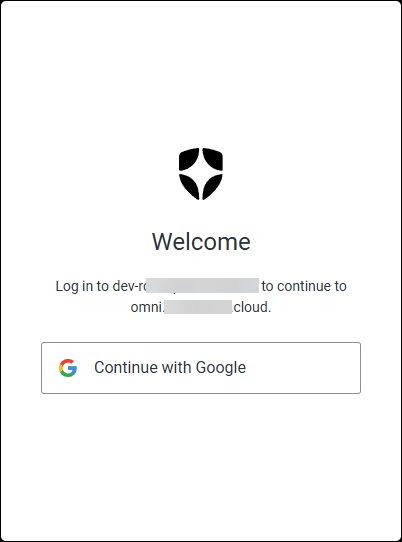
Do keep this in mind that centralized management is great and makes things easy, but it can create some real pain points when it comes to getting back into your infrastructure when Internet connectivity is lost.
Containers and their images are another kind of dependency
This is another interesting one that you need to account for. A running container may function without Internet. But, what happens if you restart the container? If the container image exists locally, then you are usually still fine as Docker will be able to start it without any issues on a restart. But what if the image is not present?
If your image references something like “latest”, then if the image is not available locally, it will definitely try to pull the latest:
image: nginx:latestIf you want to see the images that are available locally, you can use the command:
docker image ls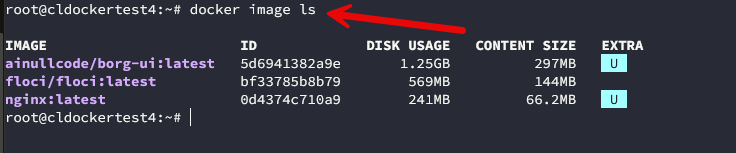
Kubernetes images can be seen with the crictl tool:
crictl imagesThis has changed the way I think about disaster recovery in the home lab, especially if the Internet goes down for a while. It is good as well to ask yourself if you could recreate the app if external repos were not available for an extended time.
Checks if package repositories aren’t available
There is a similar problem that exists with your Linux systems and package repos. If you need to install a package when the Internet is down, that can present a problem. You may need to run:
sudo apt update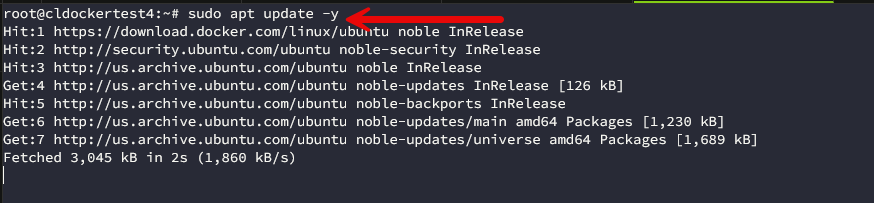
Then, you get errors and remember that you no longer have connectivity out to those repos. The same applies to the following commands:
dnf
yum
apk
pip
npm
go
cargo
GitHub is another common dependency. A lot of the home lab installation instructions we use begin with something like the following:
git clone https://github.com/...Again, this works great until you can’t get to GitHub. Most home labs don’t need access to complete offline package mirrors and that would probably be overkill. But I do like keeping a lot of handy things local. What are some ideas of things you might want to keep around?
I would suggest things like installation scripts, config files, recovery notes, important packages, firmware files, appliance ISOs, container images, and really anything else that you might need in some type of recovery or emergency situation. So, hopefully, this helps to uncover another important part of our recovery procedures. If our DR plan for home lab begins by downloading everything from the Internet, it is good to ask what happens if we are in the perfect storm of no Internet and needing to recover?
Certificates may break
When it comes to TLS certificates, these are another area where Internet dependencies can remain undercover for quite a while until you hit the perfect storm of a certificate trying to renew and the Internet being down. Most of the time, your SSL certs don’t care if the Internet is down. They have hit the CA and renewed the cert at a point in time and are happy for a while.
But, eventually, the cert will have to be renewed. These timelines are getting more and more aggressive from the CA providers as well in the past year or so. Let’s Encrypt and others are continuing to reduce their timeline on renewals.
- Now: 90 days
- February 10, 2027: default drops to 64 days
- February 16, 2028: default drops to 45 days
So, if you are using Let’s Encrypt with DNS validation, the renewal process depends on reaching the ACME service and the DNS provider API. HTTP validation may depend on inbound Internet connections. If you have an outage that lasts for just a few hours it may not create an immediate crisis with your certificates. But a longer connectivity issue might.
If I use Let’s Encrypt with DNS validation, the renewal process may depend on reaching the ACME service and the API of my DNS provider. If you are on Linux, you can inspect the remote certificate with the following command:
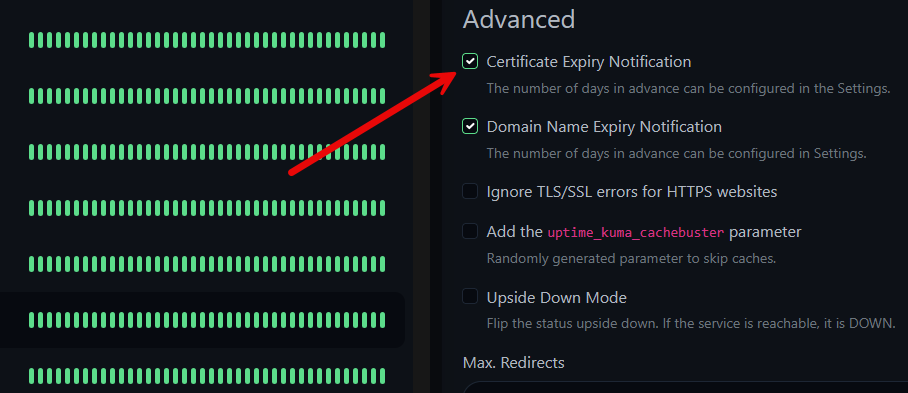
openssl s_client -connect service.example.com:443 -servername service.example.com </dev/null 2>/dev/null | openssl x509 -noout -datesThis should give you a validity period for your cert. I also like monitoring this as part of my monitoring stack with Uptime Kuma. It has a setting to monitor SSL expiration.
Time sync issues can cause failures
Another service that we rely on more than we even realize is time synchronization. We don’t realize it, but NTP is another service that we need to have things function as expected. Time sync is one of those things that affects a lot of underlying services like authentication, certificates, logs, and even cluster behavior.
If you have a host that has a time skew of more than just a few seconds or minute or two, you can start to see some pretty weird issues. Many Linux systems will default out of the box to publicly known NTP servers or Internet hosted time services. With a short outage, there is usually not a huge problem, but again, extended outages can cause more drastic issues.
On Linux systems that are using systemd-timesyncd we can check time sync with:
timedatectlor:
timedatectl timesync-status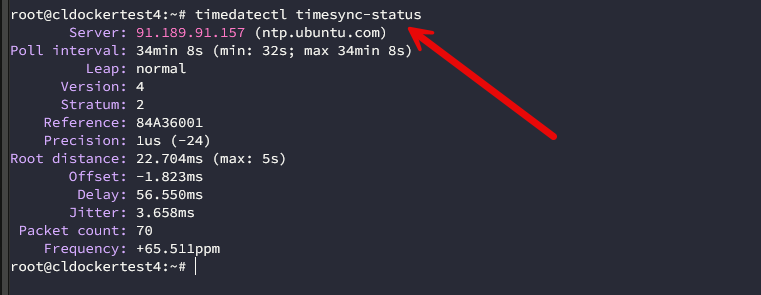
For systems that were using chrony:
chronyc sourcesand:
chronyc trackingMonitoring should still tell me what is happening
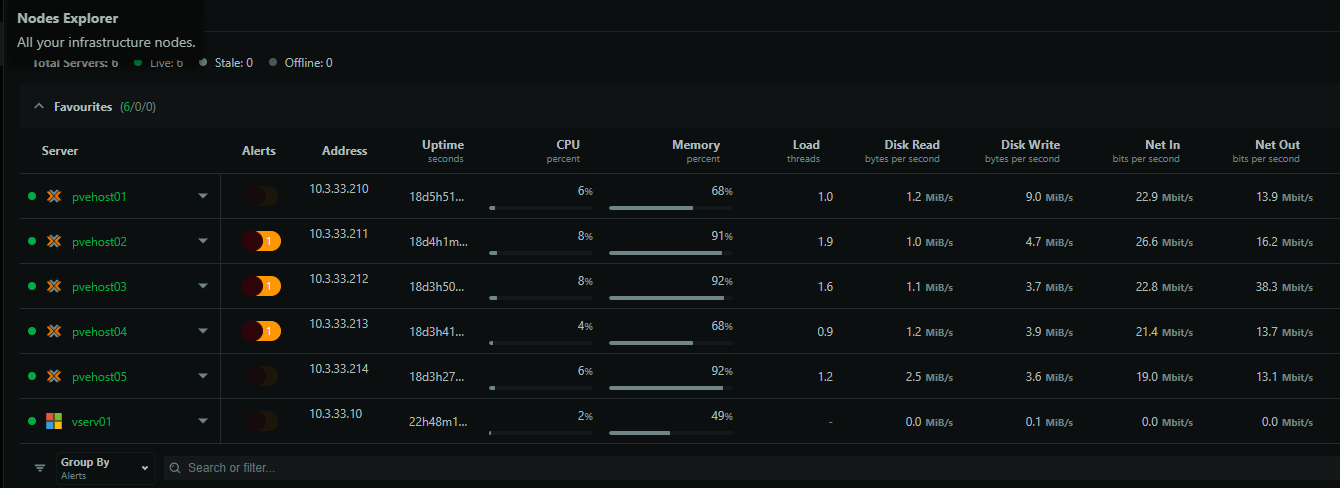
Monitoring should still be one of the things that alerts you to any types of issues with Internet connectivity. How do you get alerts out when your Internet is down? I like to use Netdata which is free for very generous use and they also have a home lab type license for a cheap amount each year.
I use Netdata to monitor from the “outside” so if it says my host “went down” if the host didn’t go down, that is usually an Internet issue as it isn’t able to connect to the cloud.
Backups need the same test
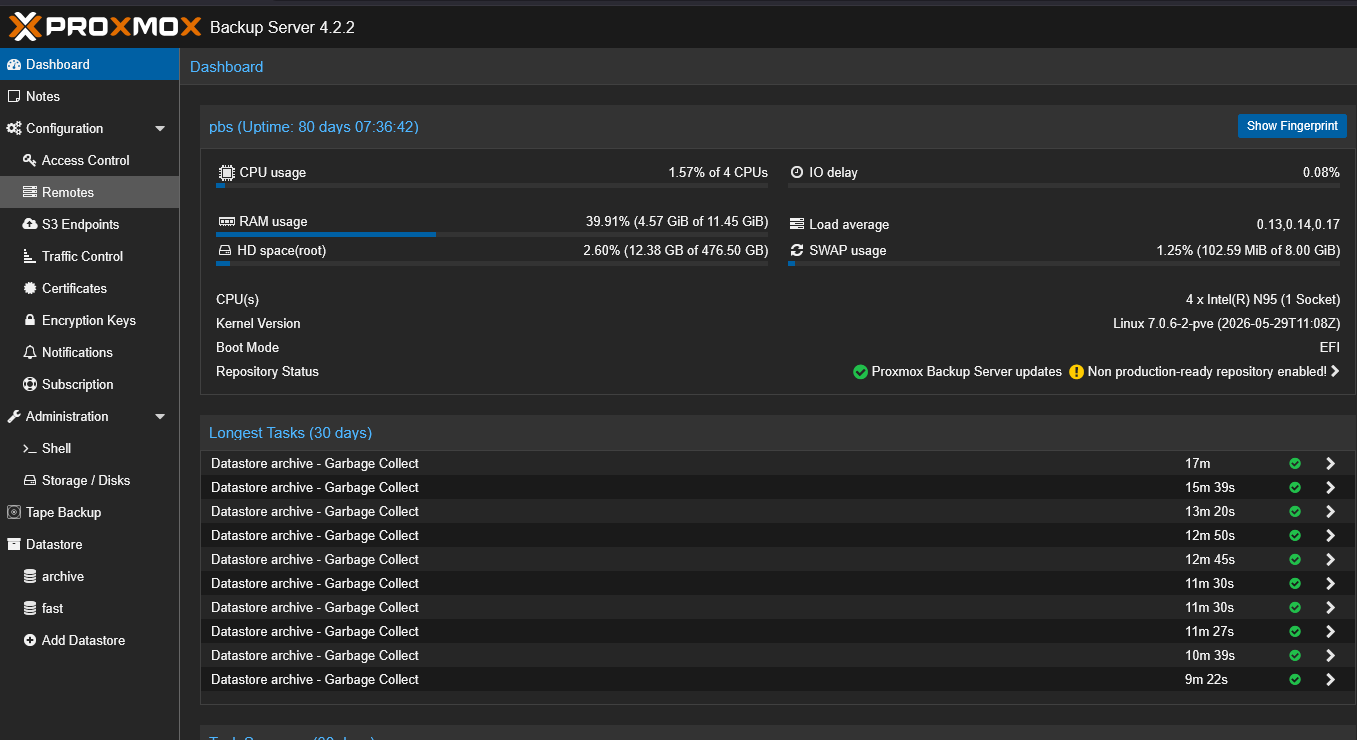
If you have backups that are egressing out your Internet connection to something like BackBlaze, S3, etc, just know that when your Internet connection is down, these types of backups will be unavailable to restore from or you won’t be able to move any new restore points to the cloud.
But, hopefully with backups, you want to have multiple copies that you will hopefully have local to your home lab and also a copy in the cloud. This way you are covered if your copy in the cloud is unavailable.
What I now try to keep truly local
There are definitely some takeaways for me in my home lab with what I try to keep truly local. Note the following services and applications and what my expectation is:
| Service | What I expect for offline |
|---|---|
| DNS / DHCP | Name resolution and addressing should still work |
| Hypervisor / firewall | Local management should be fully available |
| Storage / backups | Local data and restores should still work |
| Authentication | Local or break-glass access should be possible |
| Monitoring | Local dashboards and metrics should still load |
| Updates / cloud APIs | Temporary failures are expected and acceptable for an SLA |
| Cloud backups / tunnels | Can stop as long as local access still works |
Wrapping up
I think one of the great benefits to all of this is that you get to know your infrastructure and architecture better. When things just “work” it is hard to understand sometimes all the connections and dependencies, especially when they need Internet connections. What about you? Have you gone through this exercise of discovering dependencies in your home lab without Internet? I would be curious to know what everyone else is finding.
More in this topic



Google is updating how articles are shown. Don’t miss our leading home lab and tech content, written by humans, by setting Virtualization Howto as a preferred source.
About The Author
