


There are many great DevOps Automation tools available for use that allow DevOps engineers and IT Ops to automate and make the most of their automation toolsets. I would like to share with you guys what I think are the best DevOps automation tools that I use every day and why I feel these are ones know and use.
Why DevOps Automation tools?
You may wonder about the DevOps tools benefit gained from using automation tools in the environment. DevOps automation is great as it allows:
- Consistency – deploy and configure things consistently and in a reproducible way
- Eliminate human error – It helps to eliminate human errors across the board since the automation will deploy and configure things exactly the same every time
- Store your infrastructure as code – provides the benefits of versioning using git version control systems with all the benefits, including versioning, RBAC, CICD, and others.
- Cloud infrastructure components – can be captured as code and deployed using code-based systems, including deploying operating systems, application deployment, performance monitoring, infrastructure monitoring, and other tasks for software developers.
These DevOps tools and scripting languages, in most cases, are below programming languages and are a little more human-readable than some of the other languages.
1. Terraform
Terraform is one of the popular DevOps automation tools that has helped to spark the DevOps movement and Infrastructure as Code. There is definitely a lot of flux going on across the industry right now with Terraform. Since IBM has bought Hashicorp, many have moved over to OpenTofu (a fork of Terraform). I think Terraform is still the gold standard when it comes to IaC though and still seeing many heavily using it. But we can’t discount the other options out there now.
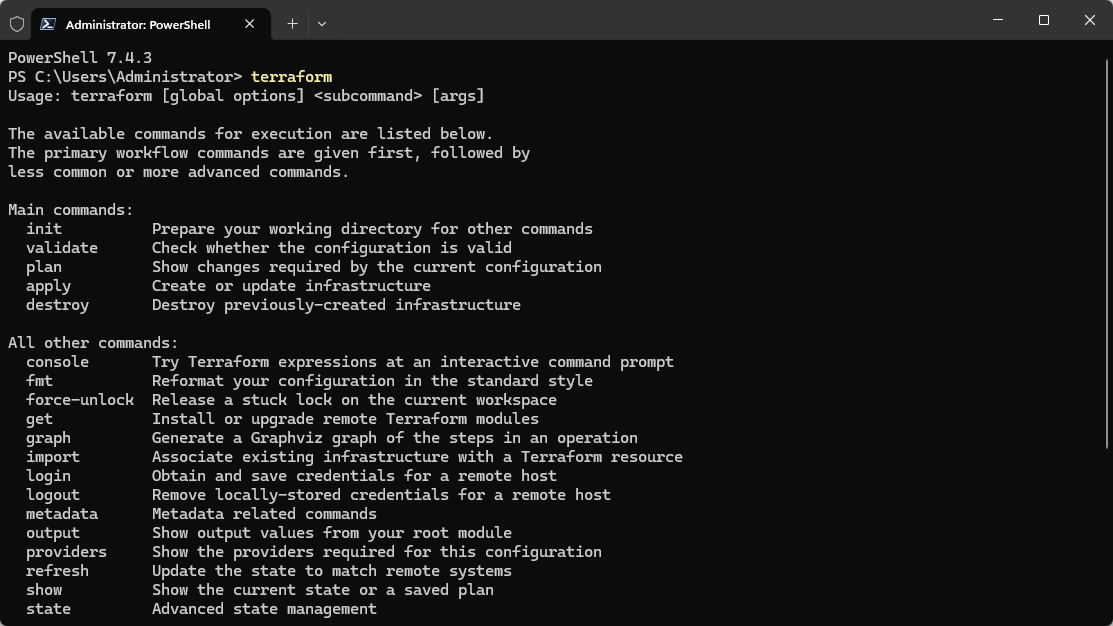
Terraform and the others mentioned let you define your infrastructure using a high-level configuration language called Hashicorp Configuration Language (HCL). Teams can manage cloud infrastructure resources across many different providers like AWS, Google Cloud, and Azure using Terraform. You can also record your on-premises infrastructure in Terraform code as well for environments like VMware vSphere.
Learn more about and download Terraform here: Terraform by HashiCorp.
2. Packer
Packer is another Devops automation tool that allows IT Ops and admins to build and create machine images for multiple platforms. I use Packer to build out VMware vSphere templates for both Windows and Linux VMs. Packer can be scheduled to build a new VM image as part of the development process.
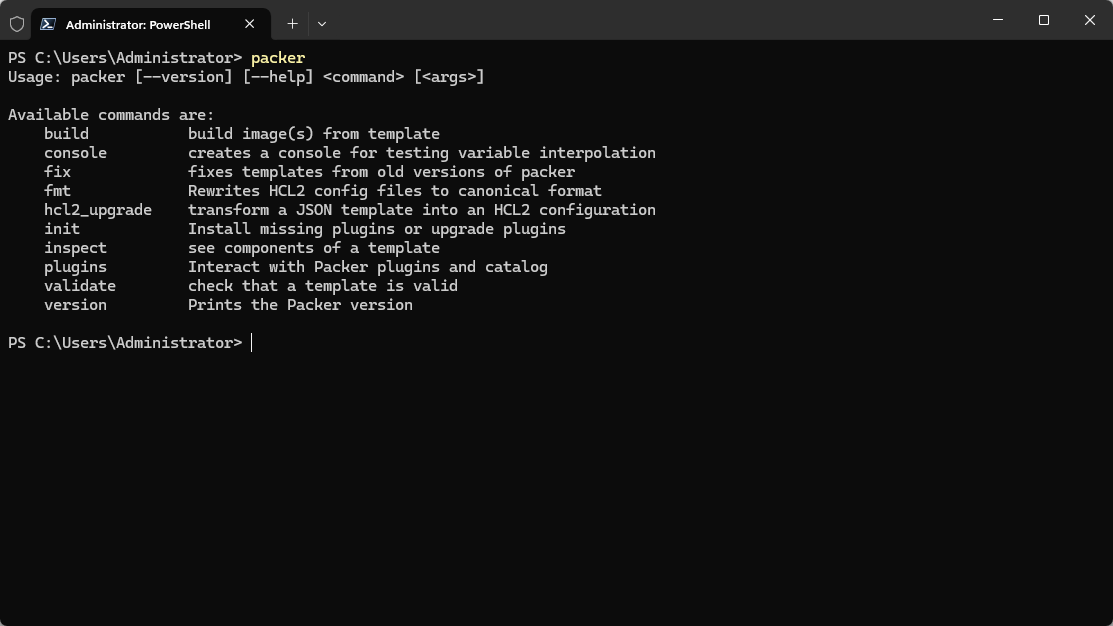
It’s a must-have tool for consistent and automated image creation, helping ensure that the development and production environments are identical.
Packer features
- Multi-Provider Support: Can create images for AWS, Azure, Google Cloud, VMware, and more.
- Template-Driven: Uses templates to define image configurations, promoting consistency.
- Integration Capabilities: Works seamlessly with other tools like Terraform, Ansible, and Jenkins.
- Parallel Builds: Can create images for multiple platforms simultaneously, saving time.
Learn more about Packer and download it here: Packer by HashiCorp.
3. Ansible
Ansible, developed by Red Hat, is a configuration management tool that is well known across the industry as a great devops tool for automating your configurations application deployments, and task automation.
Its agentless so it greatly simplifies config management since you don’t have agents to worry about with lifecycle management. It has a fairly straightforward YAML-based configuration file structure which makes it popular among DevOps teams.
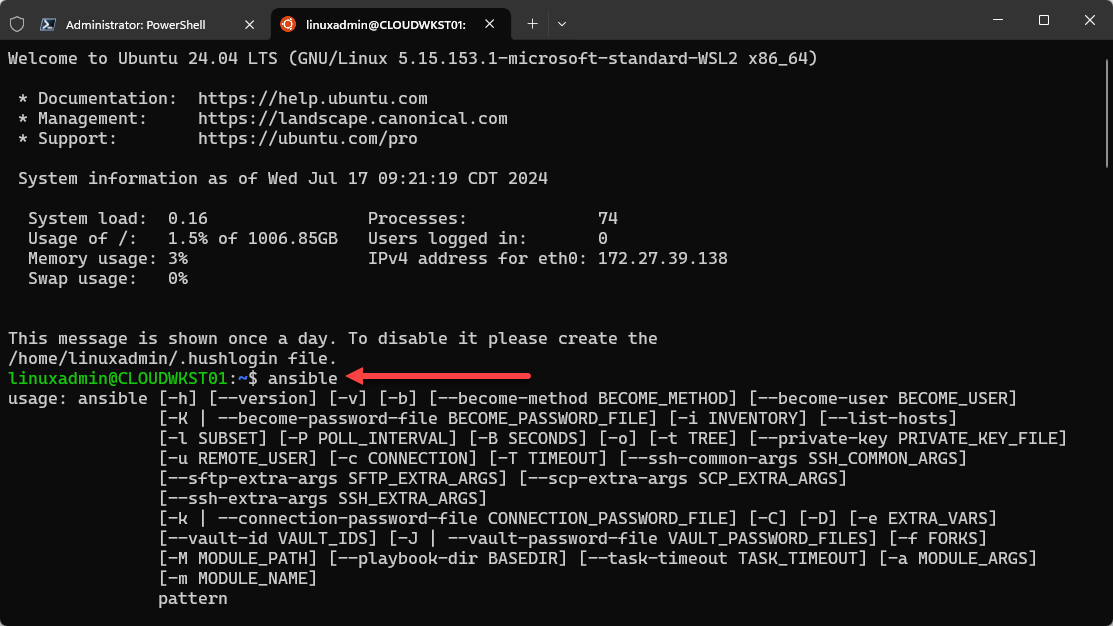
Ansible features
- Agentless Architecture: No lifecycle management of agents on target machines.
- YAML-Based Playbooks: Easy-to-read and write configurations using YAML (or as easy as YAML is to write)
- Wide Range of Modules: Lots of modules for managing various services and applications
- Integration with CI/CD: Integrates well with continuous integration and continuous delivery (CI/CD) pipelines.
Learn more about and download Ansible here: Red Hat Ansible Automation Platform Download | Red Hat Developer.
4. PowerShell
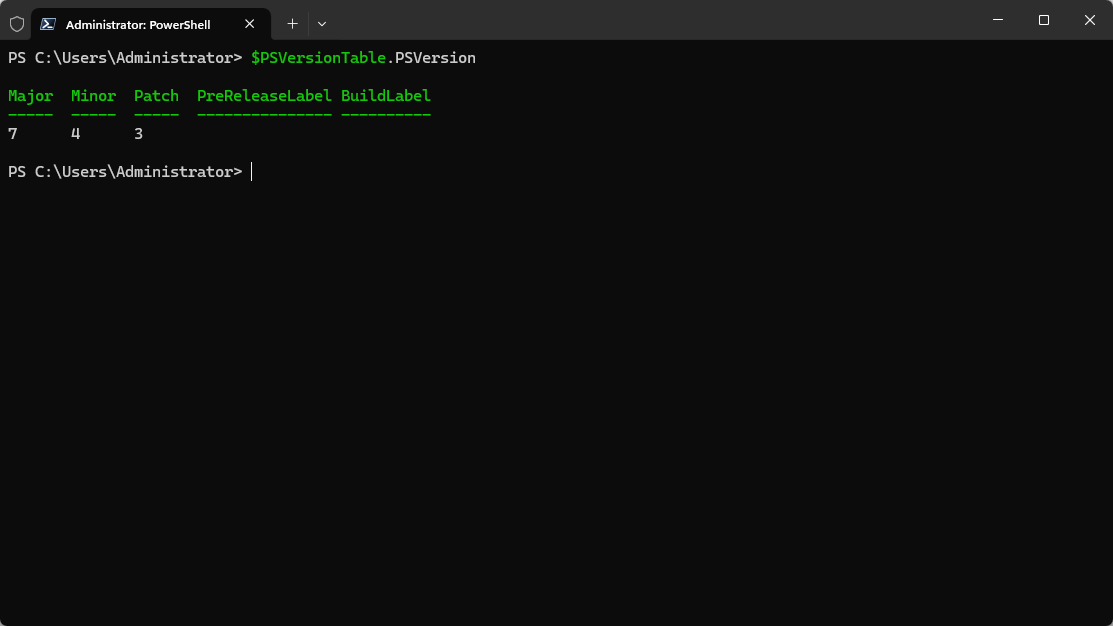
PowerShell is one of the most powerful scripting languages you can use today. It started off in Windows as the replacement shell for the traditional command shell and has greatly evolved since the early days. Now, Windows PowerShell is the option included for Windows systems. PowerShell Core is the newer PowerShell variant that is cross-platform.
You can run it on Windows, macOS, and Linux so it is truly a scripting language that transcends the barriers of Windows environments only. Due to these facts, it has become an extremely popular scripting language for DevOps teams as part of their devops automation tools.
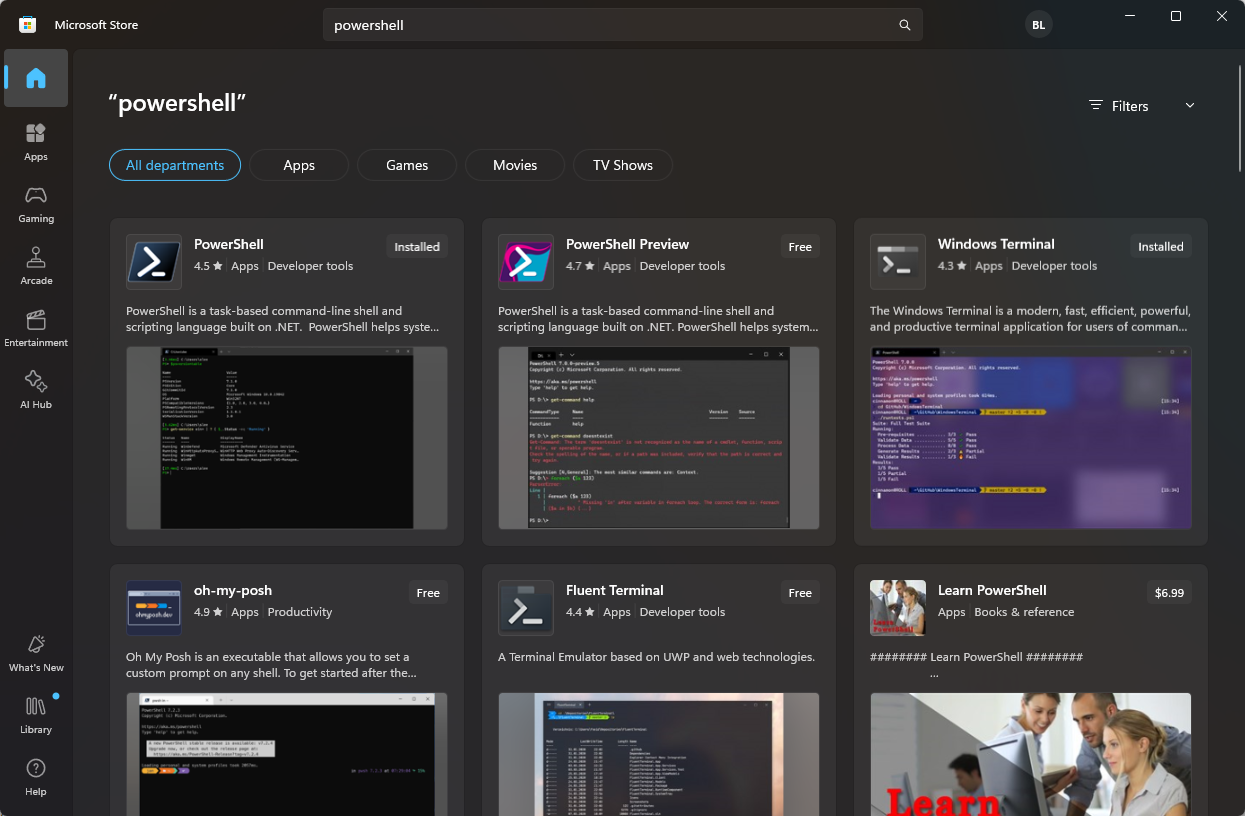
You can easily pull down PowerShell now from the Microsoft Store on Windows devices. So, it is no longer needed to perform standalone installations. This makes things much nicer for updates and keeping your PowerShell installation patched, etc.
PowerShell features
- Cross-Platform Support: Now cross-platform as it works on Windows, macOS, and Linux.
- Extensible Scripting Language: Scripting capabilities and has many modules and other integrations. Most vendors and solutions have a PowerShell module
- Integration with Windows Systems: Integrates with Windows Server and other Microsoft products.
- Object-Oriented: Uses objects for output which can be used for further processing and data use
Learn more about and download PowerShell here: GitHub – PowerShell/PowerShell: PowerShell for every system!.
5. GitLab
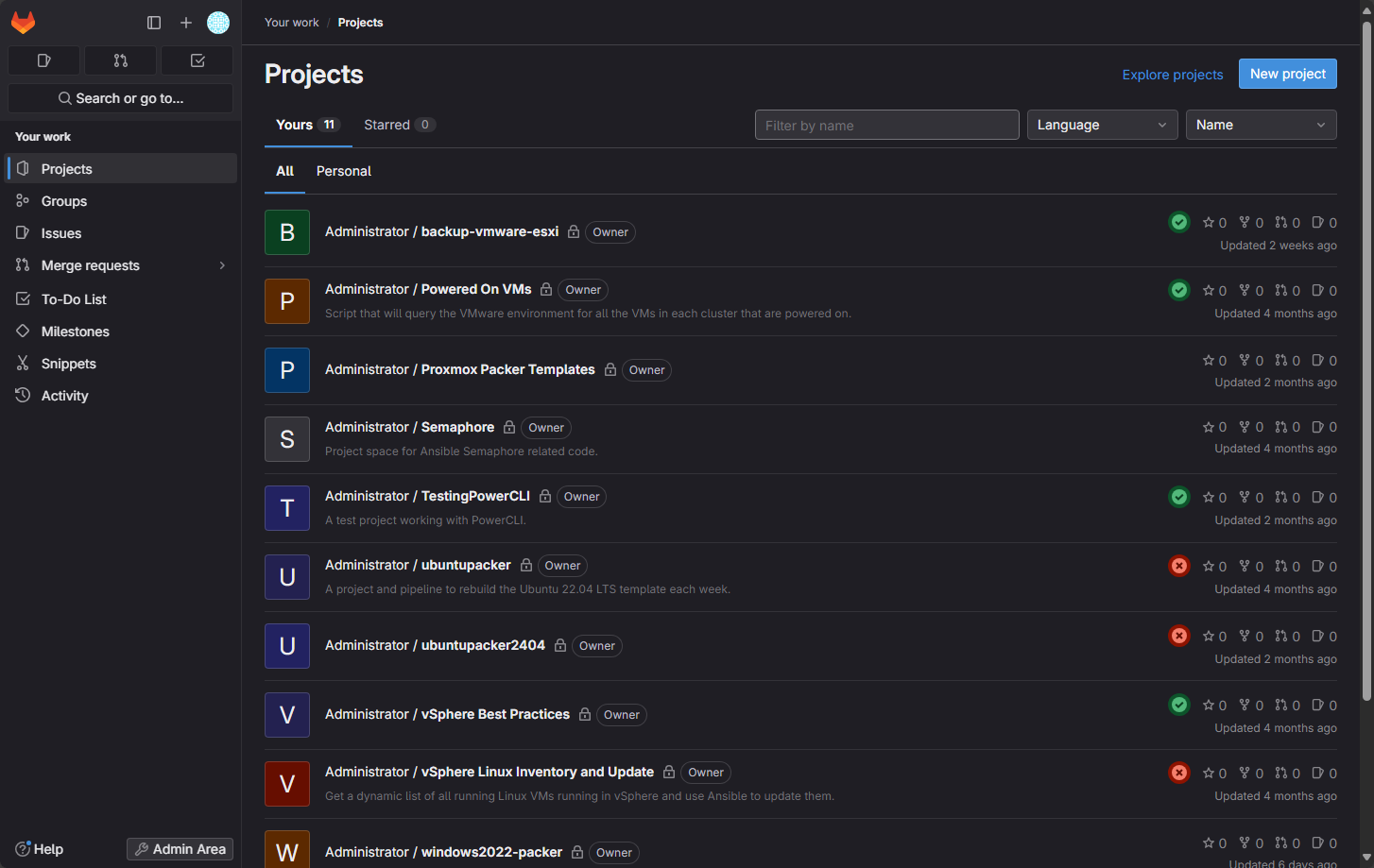
GitLab is a continuous integration and continuous deployment solution and code repository. It allows teams to have version control systems and perform infrastructure automation with CI/CD pipelines. Development teams can manage the entire development lifecycle from a single software interface.
Below is a look at the dashboard of my GitLab server running in the home lab environment.
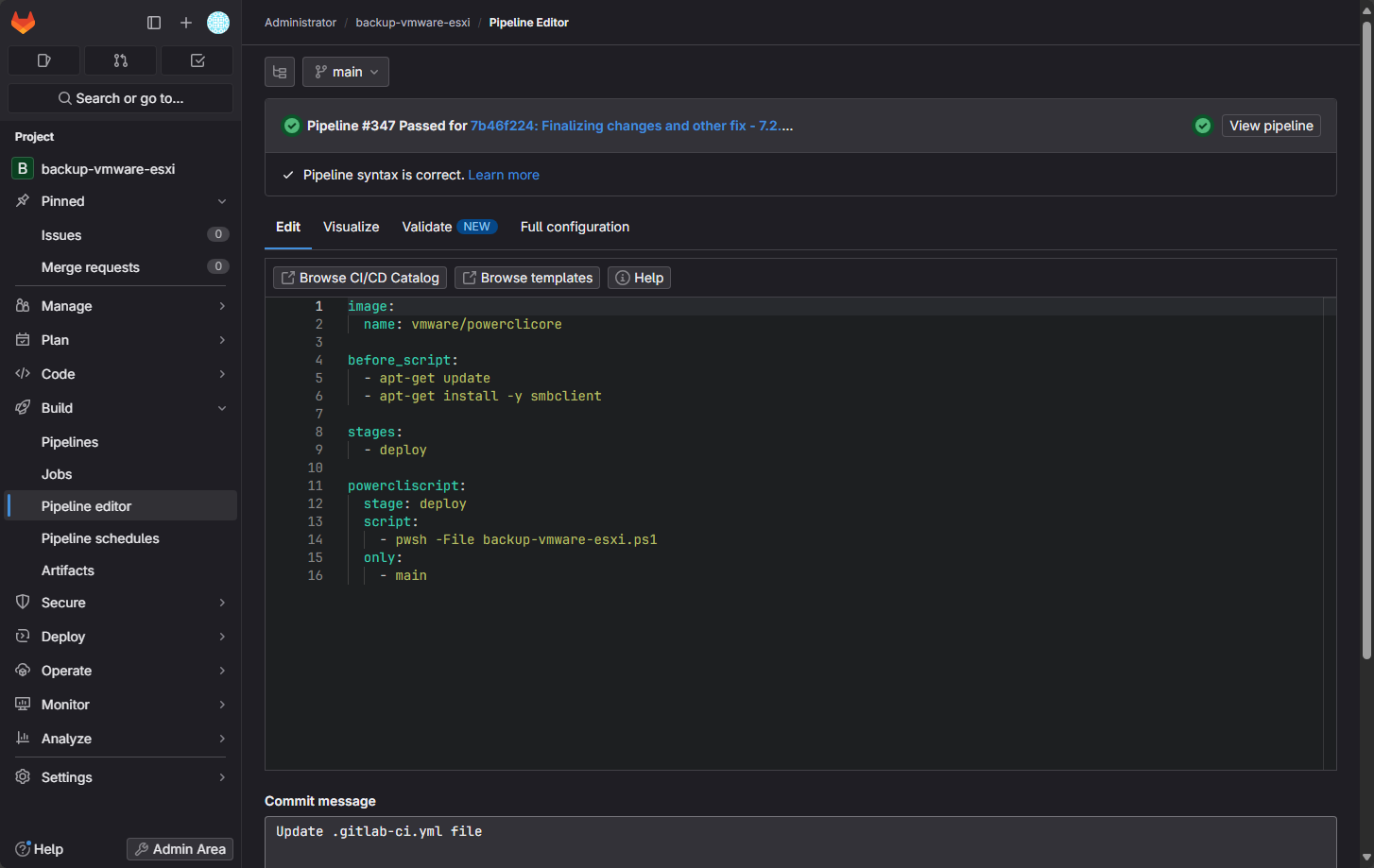
A simple pipeline to run a backup script for backing up ESXi firmware configurations.
GitLab features
- Integrated CI/CD: Built-in CI/CD pipelines for automating testing and deployment.
- Version Control System: Robust version control with Git.
- Collaboration Tools: Supports team collaboration with merge requests, code reviews, and issue tracking.
- Scalability: Suitable for small teams to large enterprises.
Learn more about and download GitLab here: Download and install GitLab | GitLab.
Where is the best place to start?
I think the home lab is a great place to start learning DevOps. A few years ago I had no idea about DevOps and how to get started. However, by playing around with solutions and services in the home lab environment, I was able to acquire skills in this realm.
Start simple by doing things like getting to know Terraform and Packer. There are a lot of great examples out there on how to use these tools to do things like cloning virtual machines, and building templates in VMware vSphere and Proxmox.
Wrapping up
There are so many great DevOps tools out there today and so many great AI integrations and features. Although this is something many still have mixed ideas on to be honest. But all of the tools mentioned here still have legs underneath them and seeing major companies still using the tried and true DevOps tools they have been for quite some time. How about you? Which are your favorites? Which would you add to the mix?
More in this topic

Discuss this in the Community

Google is updating how articles are shown. Don’t miss our leading home lab and tech content, written by humans, by setting Virtualization Howto as a preferred source.
About The Author

Do you use a paid version of GitLab, or is the free version enough for your needs?
Chris,
Hey thanks for the comment! Not using the paid version. I do have enterprise edition running but just the free edition.
Brandon