Skip to content
  • YouTube
  • Twitter
  • LinkedIn
  • GitHub
  • Facebook
  • Discord
  • Pinterest
  • Google Profile
  • BlueSky
Vht logo redesign 2025 2

Virtualization Howto

Virtualization, Cloud, DevOps, Reviews

Search
Subscribe Subscribe
  • Forum
  • Home Lab Kits
  • DevOps
  • Virtualization
    • Proxmox
    • VMware
    • Hyper-V
    • XCP-ng
  • Containers
    • Kubernetes
  • Mini PC & Server
  • Home Lab
    • My Home Lab
    • Nested ESXi Lab
    • Proxmox Build 2025
  • About
    • Contact
    • Disclaimer
    • E-books
    • Podcast
    • Privacy
  • Newsletter
  • Sign In
  • Premium
Random

Month: July 2011

ComputersSoftware

Evernote – Great tool for IT Documentation

Have you ever been looking for documentation that you just know you wrote down, a license key or important URL that you saved into a notepad document somewhere, or a…

by Brandon LeeJuly 22, 2011January 11, 2021
Windows

Remote Desktop Connection Manager – Great tool for Administrators

As IT Admins, we are always looking for ways that we can save time and effort in completing our tasks and making the most efficient use of our time and…

by Brandon LeeJuly 16, 2011January 11, 2021
VMware Import Machine Error – FAILED MethodFault.summary
Virtualization

VMware Import Machine Error – FAILED MethodFault.summary

the new sdn network will appear under the vnets after the network reload

by Brandon LeeJuly 14, 2011January 8, 2025
Exchange

Exchange 2010 SP1 Export – Couldn’t connect to the source mailbox

reboot your ESXi 8.0 update 3 host to enable nvme memory tiering

by Brandon LeeJuly 8, 2011January 11, 2025

Keep exploring

  • I Turned My Proxmox Server Into a NAS Without Installing TrueNAS
  • I No Longer Follow This Popular Home Lab Advice
  • Why I Never Bought Into the Home Lab Dashboard Trend
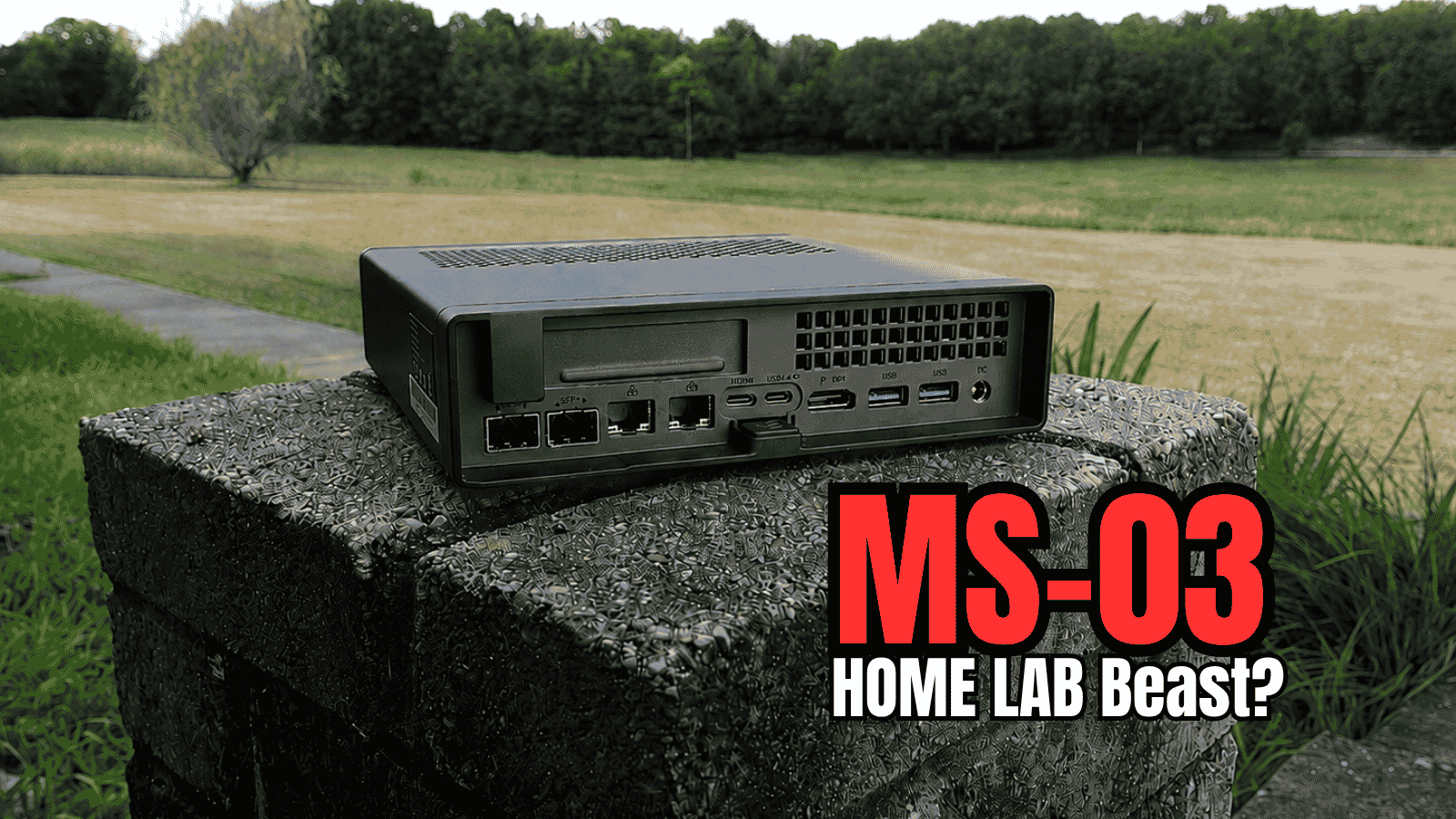
  • Minisforum MS-03 Review: The MS-01 Home Lab Upgrade I’ve Been Waiting For?
NAKIVO

Copyright © 2026 Virtualization Howto

Sign in or create an account

Continue with Google
Continue with Discord

or use email

New or returning — enter your email to sign in or create an account.

Create a password

At least 8 characters.

Your account has been registered. We've sent you a welcome email — please check your inbox and spam folders.

Stay in the loop

Pick where you want updates. You can change this later.

Go Premium

If Go Premium is on, Continue goes to secure checkout. Between the Clouds opens in a new tab only when Premium is off. Site updates are saved to your account.