TrueNAS Just Fixed One of Proxmox’s Biggest Storage Headaches
It really feels like Proxmox is on fire lately with announcements and momentum behind the solution. We just came off the heels of Proxmox announcing they were bringing on 24×7…

Virtualization, Cloud, DevOps, Reviews

It really feels like Proxmox is on fire lately with announcements and momentum behind the solution. We just came off the heels of Proxmox announcing they were bringing on 24×7…
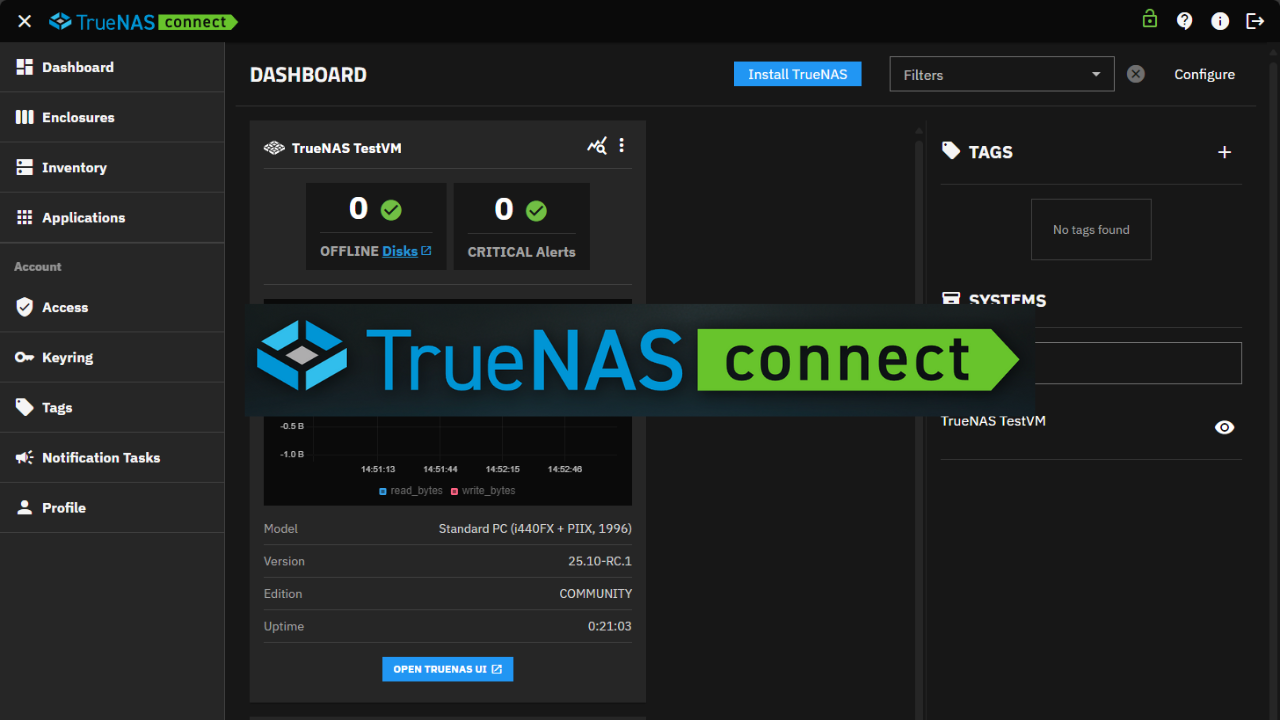
In case you haven’t seen the news, TrueNAS announced a new open beta of a new and exciting app called, TrueNAS Connect. It is a hosted, management interface that is…
I have to say that this is one that I am really excited about. The Minisforum N5 Pro NAS will be Minisforum’s first foray into the NAS world. However, they…
Combining TrueNAS with Proxmox is a great way for many to access virtualized storage environments. These integrations combine TrueNAS’s reliable storage capabilities and Proxmox’s virtualization features. Both of these are…
Running your own home lab, where you manage your own server, can be fun and exciting. These can be used for learning, experimenting, or managing personal data and services; your…
TrueNAS provides a powerful platform for running a homelab. It provides a “LAN in a CAN” approach to running everything from NAS storage, virtual machines, and containerized applications, including vanilla…
One of the cool things I have done recently in the lab is working with shared storage class configurations with Kubernetes persistent volumes. I recently set up an NFS share…
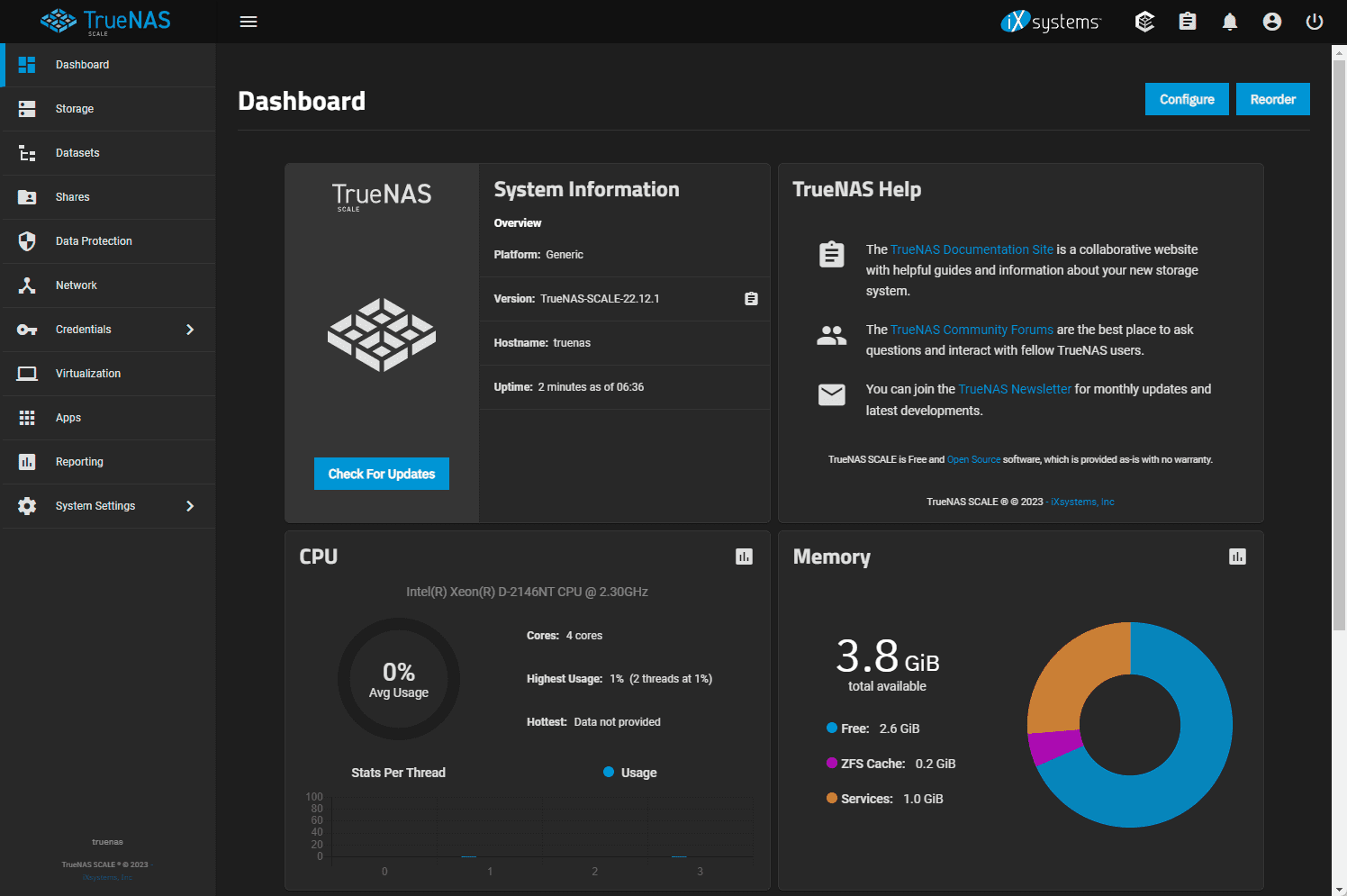
I have been testing a lot lately with TrueNAS Scale as I decided to install it on bare-metal on an older Supermicro from which I had migrated my VMware vSphere…
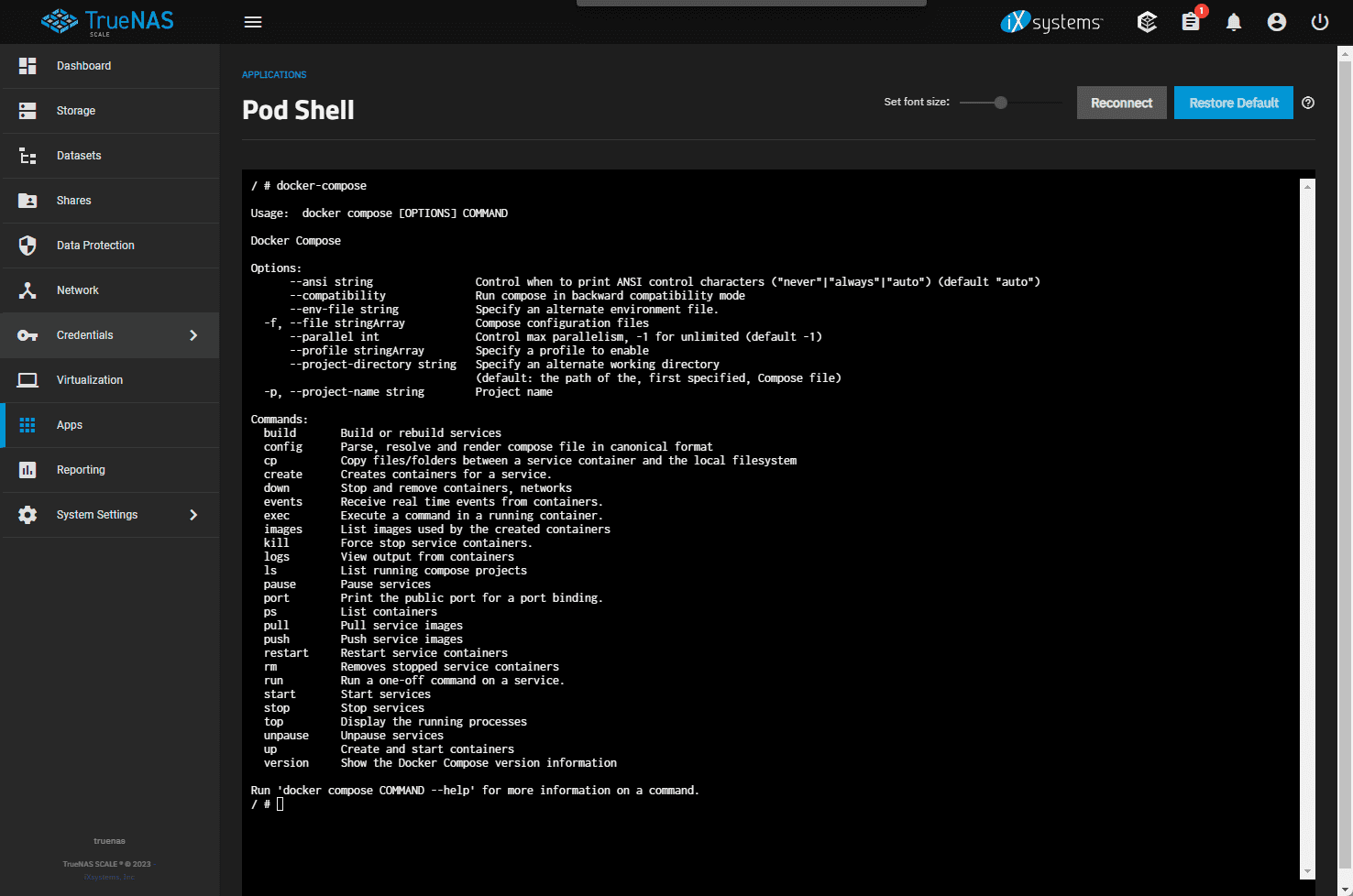
TrueNAS can truly be a LAN in a CAN solution as it can run virtual machines and even Docker containers which you may not have realized. Let’s look at this…
TrueNAS has made a name for itself as a great all around solution for not only storage but also running workloads itself like virtual machines and even Docker containers. There…
or use email
New or returning — enter your email to sign in or create an account.
If Go Premium is on, Continue goes to secure checkout. Between the Clouds opens in a new tab only when Premium is off. Site updates are saved to your account.