


One of the best upgrades that I have undergone in my home lab is the move to 10 GbE networking. Without a doubt, that was one of the best performance upgrades I have made outside of NVMe storage. With 10 Gbps, VM migrations complete quickly, storage servers hand out files much more quickly, and backups seem to burn through the data almost instantly compared to 1 Gbps. However, despite all the good things that come with upgrading to 10 Gbps network connectivity, it does also come with a few surprises. Some are pleasant, but others are frustrating. Take a look at these 12 things worth knowing before making the leap to a 10 gig home lab upgrade.
1. DAC cables are cheaper but not always the right choice
When going up to 10 GbE connectivity and the SFP cages, one of the things that changes is how you connect up your devices. Most people begin their journey into 10 Gbps with passive DAC cables. The reason for this is they are relatively inexpensive. However, there are downsides to using DAC cables across different switches and NICs.
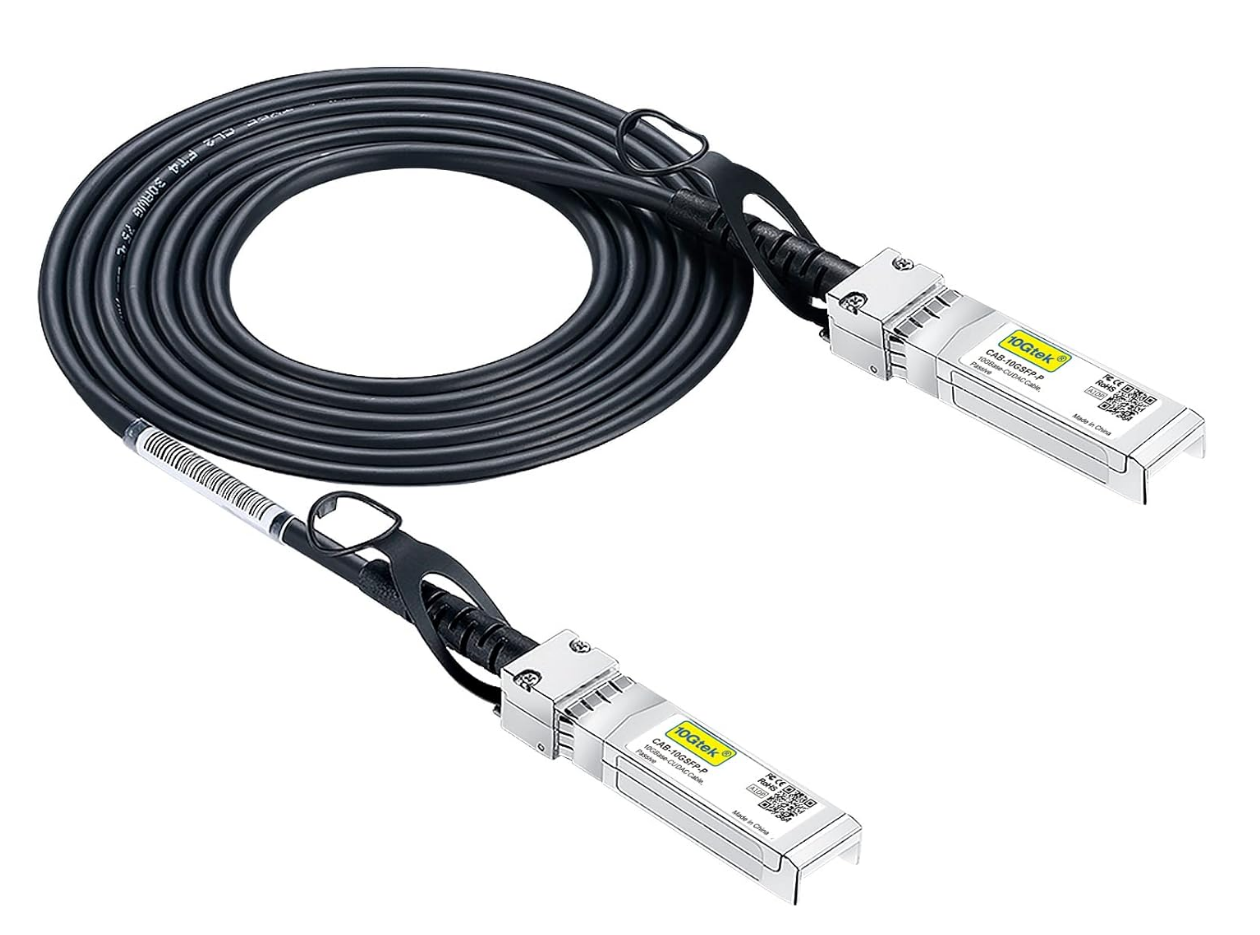
One of those downsides is they are not always universally compatible with all switches and vendors. Some cheaper DAC cables may not work with name brand switches or these may recognize these as “unofficial” cables that aren’t supported.
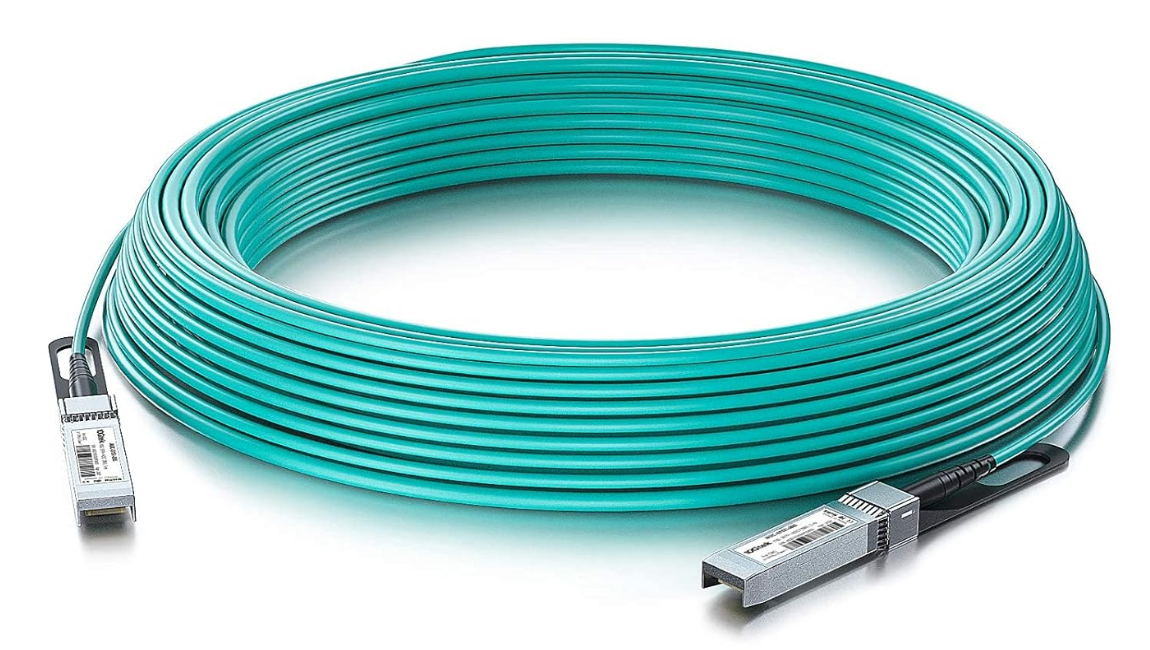
Also, the limit is 10 meters with passive DAC cables. So roughly you can go 33 feet or so with a DAC cable and that is it, so keep this in mind. There is another option if you need to go longer or run into issues with DAC cables and these are AOC cables and these stand for “Active Optical Fiber Cable”. These are basically fiber instead of the copper of the DAC cables and are active transceivers on both ends.
2. Mellanox ConnectX cards really are the best value
When it comes to your custom built servers you may be running, upgrading to 10 gig will require that you have a 10 gig NIC card to start with. Mellanox ConnectX cards are a brand and type that have a good reputation for working fairly consistently across different systems. These also work out of the box with Linux and are affordable.
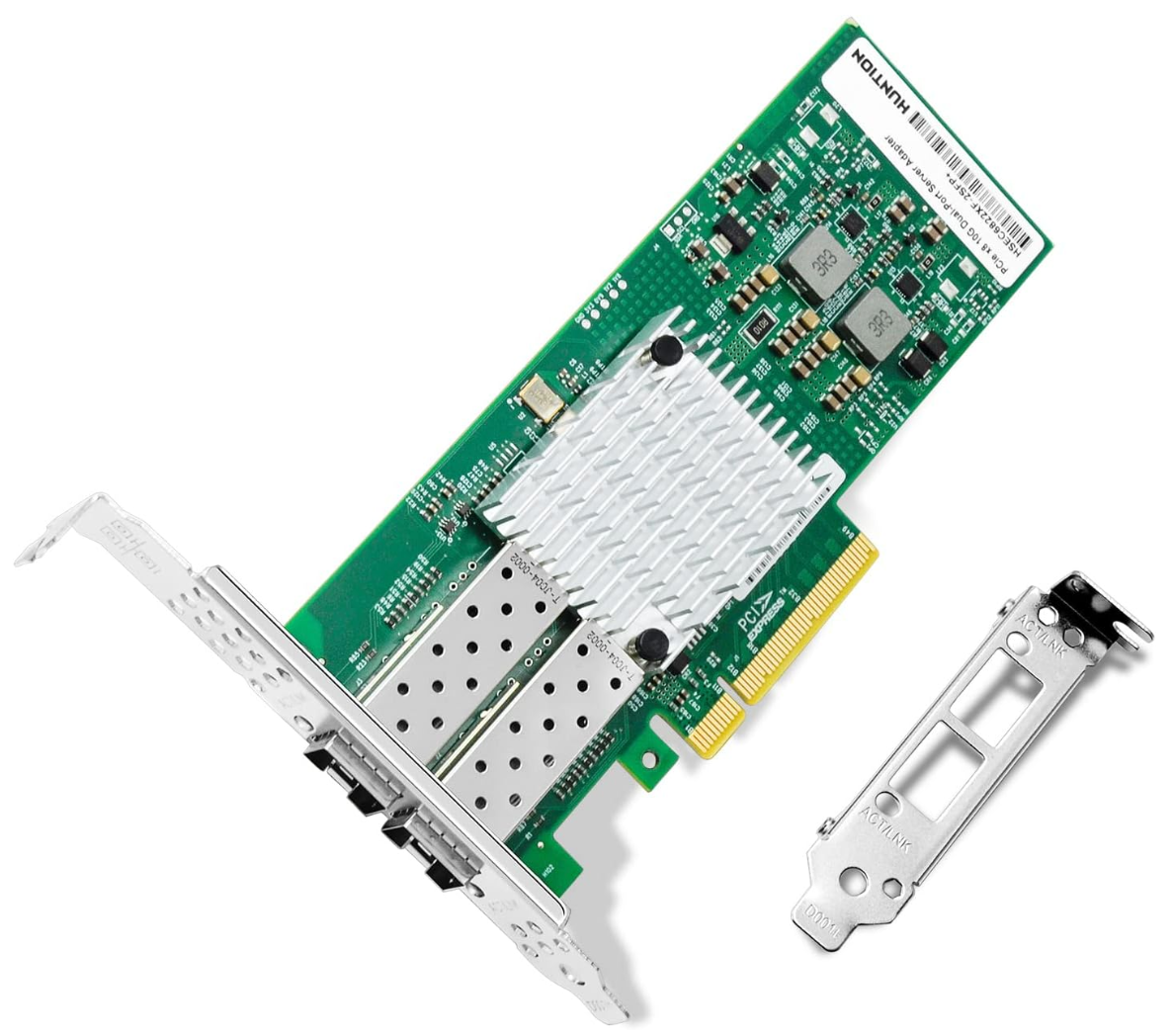
You can definitely get cheaper cards, but cheaper cards tend to have much more challenging support when it comes to drivers. Also, you may run into flaky connectivity or instability altogether. So, do yourself a favor and get something that is more widely used as the few dollars extra you might pay up front will pay dividends down the road in terms of compatibility and problems.
3. Your switch will matter more than you expect
Most home lab upgrades may include switch models like the MikroTik CRS309, UniFi USW Pro Aggregation switch, QNAP QSW series, and Netgear XS708T. One thing to note is that 10 Gig switches behave very differently depending on their internal hardware.
Some use ASIC forwarding which is extremely fast. Others route through the CPU which caps performance when features like VLANs or ACLs are enabled. Be sure to research your switch you are considering to see how it is architected in terms of hardware and how packets are pushed.
I can share switches that I have personally had experience with in the home lab that worked really well and I saw good performance with.
- Netgear XS708T – this is the first 10 gig switch I had in my lab, worked great, but long in the tooth now. I have linked to the “S” model.
- Ubiquiti EdgeSwitch 16 10 gig switch – This is my current aggregation switch but another switch that is getting older.
- Cisco SG350X-28 – this one of my first core switches, for edge devices, but it has (4) 10 gig SFPs
These are just a few that I have used personally and there are many other good ones out there.
4. SFP plus and RJ45 10G-Base-T are not equal
So, this I think is a big one. There are essentially three ways you can link 10 gig equipment. The obvious is using SFPs with a DAC cable or AOC cable, or a pure fiber patch with LC connections. But, you can also use CAT6E with 10G-Base-T tranceivers like these: 10Gb SFP+ to RJ-45 Module Transceiver.
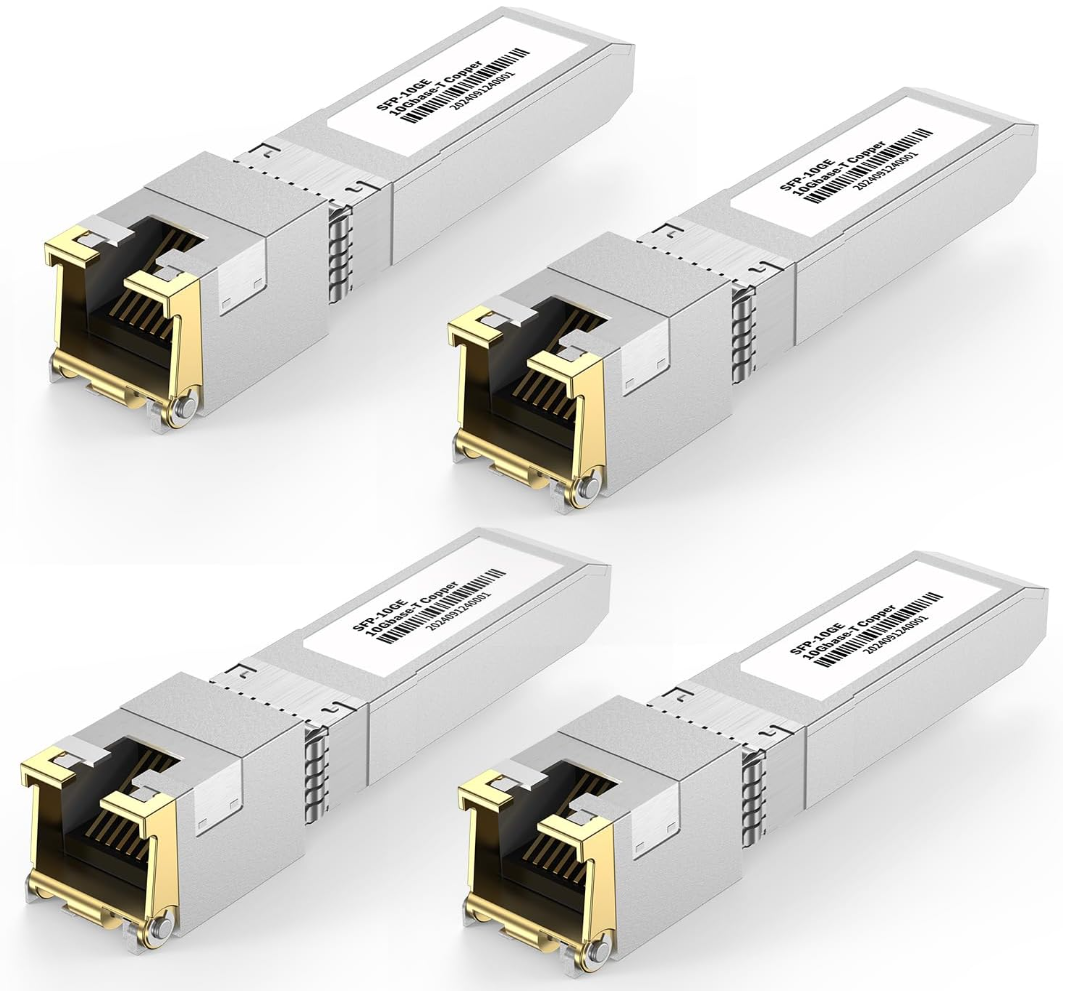
These do work great as they are able to use your existing copper cabling that you would use for any other endpoint as long as it is CAT6A (CAT6 will work technically but only up to 55 meters at which point attenuation and crosstalk kicks in).
However, the main downside to these are heat. These transceivers can get hot to the touch and not joking they are uncomfortably hot. This also means that consume a lot more power as you can imagine when running them. They may be a necessary evil in your lab if you have a server that is a BASE-T connection for the 10 gig uplink, but keep this in mind. I would always go DAC, AOC, or LC/LC fiber cable if you can when uplinking 10 gig connections.
5. Jumbo frames do not magically increase performance
I think many like myself who went through the virtualization era were indoctrinated with jumbo frames on everything that was a 10 gig connection, especially with storage networks. They definitely have their place and do make a difference in CPU usage when network traffic can be sent in larger chunks. However, jumbo frame configuration must match across all devices in the leg of communication for that particular traffic.
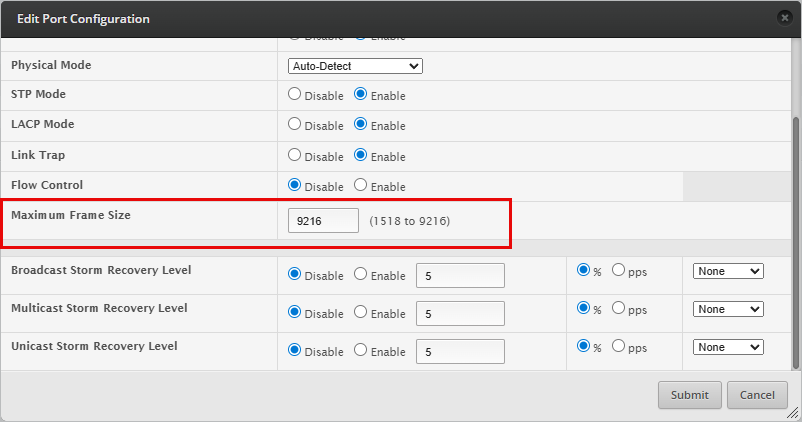
A common misconception is that jumbo frames makes all traffic “faster.” However, the truth is, for many workloads, just using the standard 1500 MTU is fine unless you are running specialized workloads like iSCSI over dedicated links in your virtualization environment.
6. Storage often becomes the real bottleneck
The funny thing about upgrades is that they just shift the bottleneck. If you bottleneck was the network, when you upgrade the network, it shifts that bottleneck somewhere else. It means that after upgrading your network throughput, you will likely expose storage as the new bottleneck, especially if you are still running spinning disks.
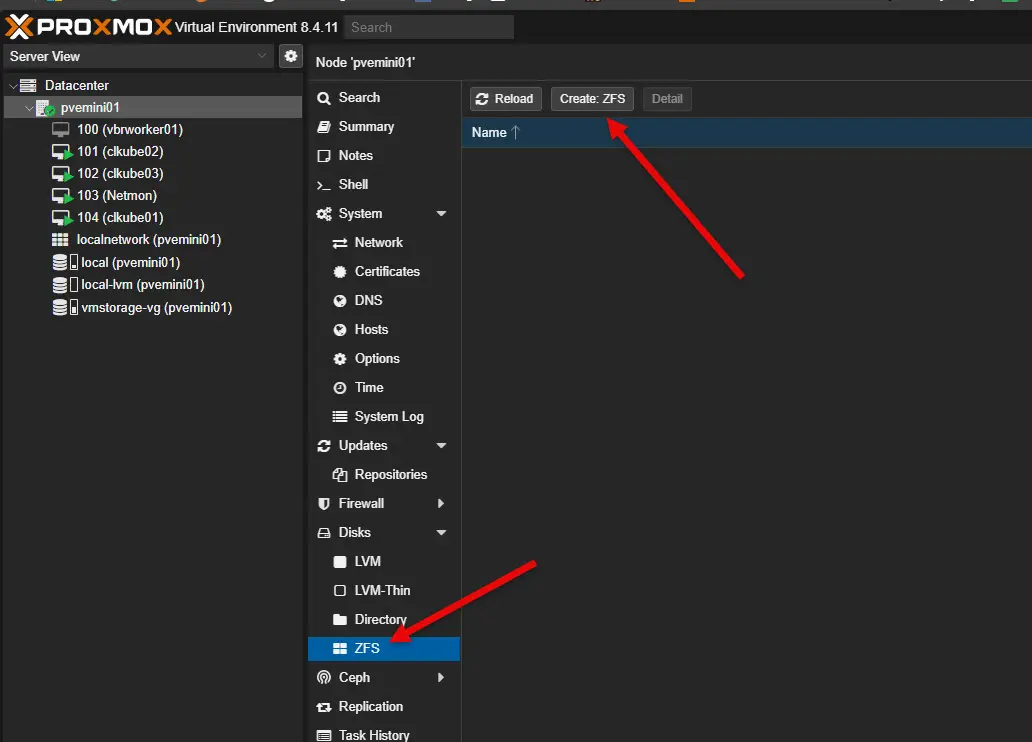
A spinning disk NAS with RAID 5 won’t be able to saturate a 10 gig link. Even SATA SSD arrays often fall short when handling mixed workloads. NVMe storage and ZFS caching like L2ARC and SLOG become much more important so as to keep up with the additional network bandwidth.
7. CPU offload and driver support matter
Another area that starts to matter is NICs that can offload checksum calculations and TCP segmentation to the card itself. When not offloaded, this work gets pushed to the CPU. On a hypervisor and pure storage servers, you can notice the difference in performance when you have offloading enabled vs not. Without offloading you can see high CPU usage during large transfers.

8. VM migrations and backups can show weak spots
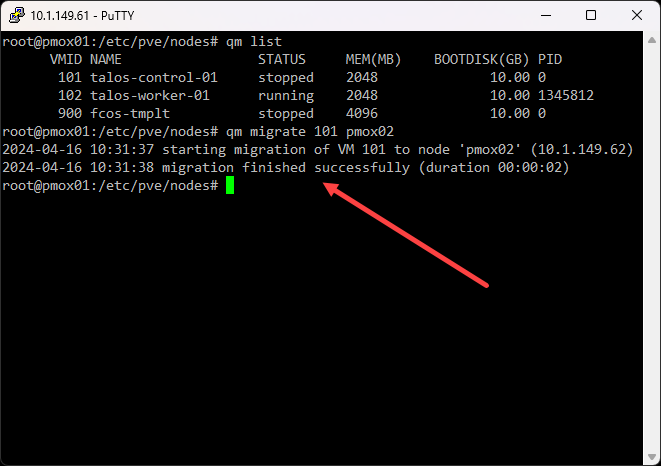
Going back to this notion of revealing new bottlenecks, once you have things running at 10 gig speeds, things like live migrations, cluster sync operations, and backup jobs may finish very quickly. But, they may not still as the weak links in the chain simply move to other parts of the system that need to be upgraded. Now, you might have weak points like slow storage as we mentioned above, underpowered NAS devices, or even old cabling that isn’t really designed to run at new specifications.
9. Heat can become an issue with 10 Gig devices
You can tell a difference usually with network switches that run at 10 gig speeds vs 1 gig speeds when it comes to heat. 10 gig switches can run very warm. Also, as we have already mentioned, if you are using the 10G-Base-T transceivers, these get uncomfortably hot to the touch even.
If you are running compact mini PCs with dual 10 gig ports, these can run hot under sustained transfer loads. So, make sure you have proper ventilation even more so with 10 gig networking upgrades.
10. Cabling quality becomes much more important
We mentioned this as part of the spec for running 10 gig over copper cabling requires a certain specification to be certified to run at 10 gig speeds. CAT6 can do it, but at shorter distances. I have even had some experience with running 10 gig over CAT5e and it will work, again for short distances.
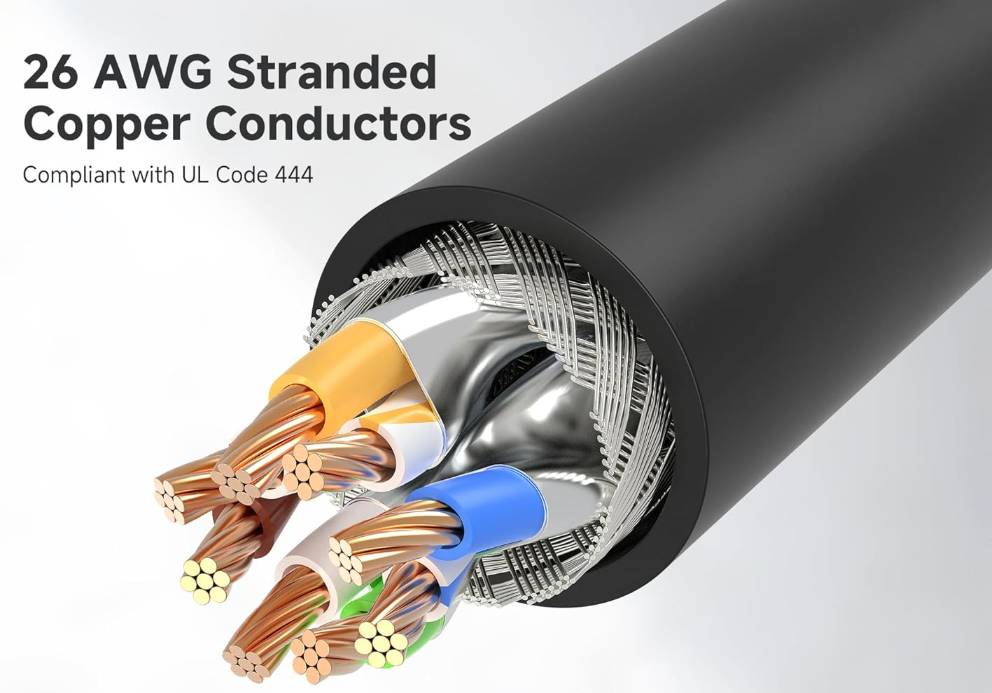
Keep in mind that CAT6A is the spec of structured copper cabling that is rated for 10 gig speeds and are your best best to be compliant with the specification. Fiber of course simplifies things and gives you ton of headroom in terms of what it can do, but it can create its own challenges as well.
11. Not all operating systems handle 10 Gig the same way
You might think the network is something that is outside of the operating system. However, not all operating systems handle 10 gig the same way as others. Linux distros usually work well with 10 gig interfaces. Windows Server may need to have specialized drivers or firmware updates to perform the best possible and be stable. VMware ESXi has historically not been friendly with Realtek network adapters, Intel and Broadcom adapters are usually the ones you can get to work without any issues.

FreeBSD based storage systems like TrueNAS may need to have specialized drivers or tuning to perform acceptably. Proxmox tends to work with most network adapters, but your mileage can vary here. If a card is compatible with Debian, this usually means it will work with Proxmox out of the box.
12. The need for new network design decisions
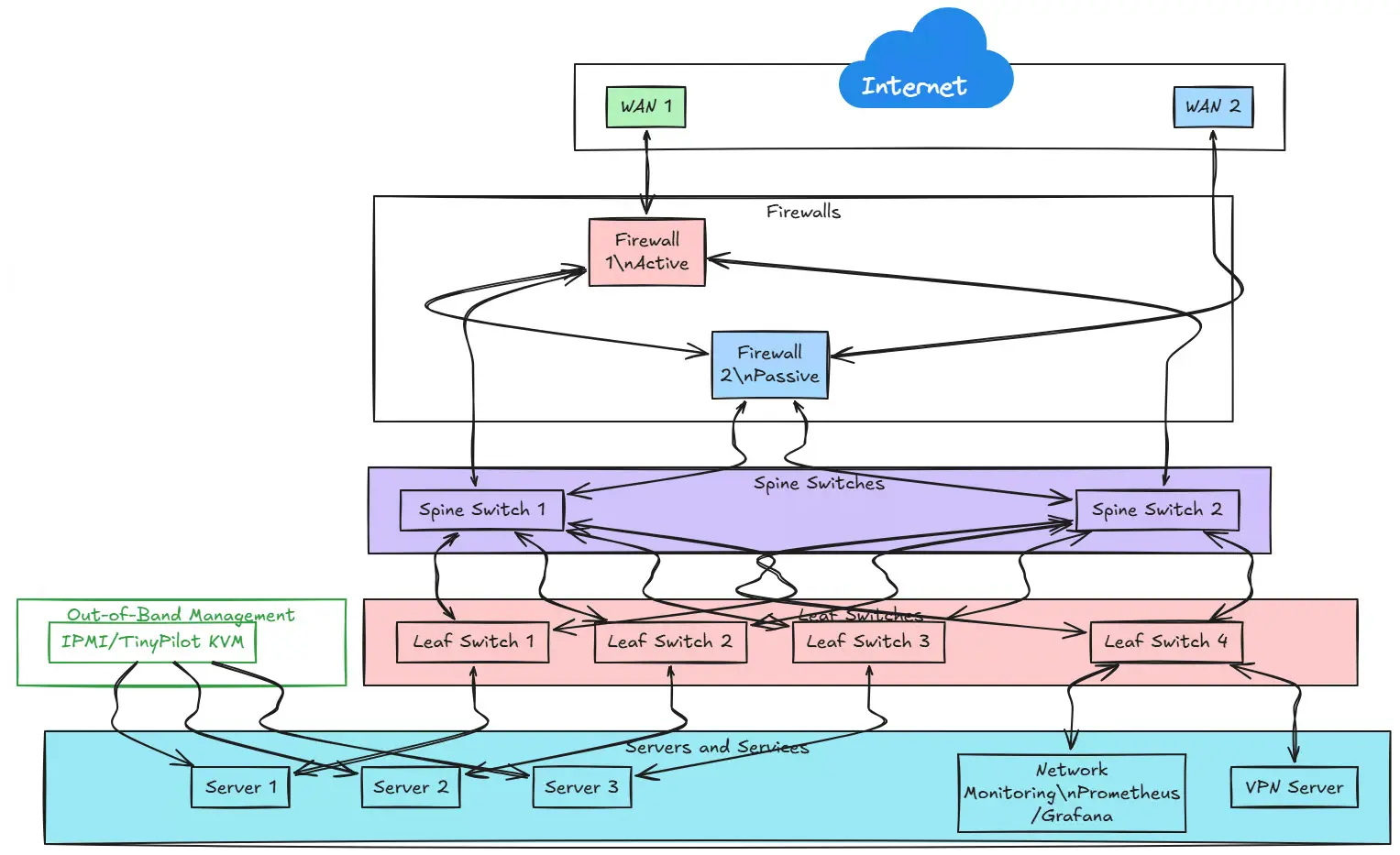
One thing calls for another. Usually, when you have your 10 gig links in place, it may call for new design decisions. Things like introducing VLANs for separating high bandwidth workloads, LACP bonds, spine and leaf topologies, or maybe even dual homing certain systems. A speed increase usually requires a network redesign and planning of topology changes as you usually introduce a new switch and move links over as you migrate.
Wrapping up
I think a 10 Gig home lab upgrade was absolutely a turning point for me in the home lab. It makes for having the backbone you need to play around with enterprise technologies like software-defined storage and other things. Just keep in mind, like any type of change, there are usually unexpected things that come up and these are just a few of the things that I didn’t really realize before moving to 10 gig networking in the home lab. How about you? What challenges are you running into? Is a 10 gig upgrade in store for your home lab network?

Google is updating how articles are shown. Don’t miss our leading home lab and tech content, written by humans, by setting Virtualization Howto as a preferred source.
About The Author


Brandon — great write-up. We just went through almost the exact same journey over the past couple of weeks.
We started by trying to use a Minisforum MS-A2 as our pfSense box and our future VMware host. First snag: Sonic’s ONT wouldn’t autonegotiate with an Intel X710 under BSD/pfSense. Swapped to an X540-T2, which finally passed the autoneg test — but it turned the MS-A2 into a literal space heater. Not ideal in a tiny office where heat + noise = angry girlfriend.
Ended up landing on an Intel X520-DA2: one port with a copper module for the ONT, the other using DAC into the switch. Runs cool, no drama.
Then came the CRS309. Wanted it to behave like a little “core” for all the local VLANs (iSCSI, server, home/WiFi, etc.). Learned quickly that at pure L2 it will push 10 Gb all day, but the second it has to route at speed — especially for the WiFi network — the CPU pegs and throughput drops to ~2.5 Gb. So the fix was designing around L2 boundaries: WiFi stays L2 all the way to the firewall, iSCSI stays L2 between ESXi and storage, and VLANs only route where absolutely necessary.
After all that, we finally ended up with a stable, quiet setup that won’t cook the MS-A2, doesn’t sound like a jet taking off, and keeps power draw sane. The only compromise is that anything crossing routing boundaries still tops out around ~2.5 Gb — but for our use case, that’s more of a demo/show metric anyway.
Funny how much more careful you have to be in a homelab vs. enterprise gear in a cold room where space, heat, and noise never mattered.
Kevin,
Great write up on your experience here. I think this is an often overlooked area here as I had noted in the post, performance of different 10 GbE switches may not be the same as others or may rely on CPU processing for doing things like routing as you have experienced. However, you brought this out well that thoughtful design can often overcome this when ones think about how their traffic flows and design around any performance bottlenecks. But so true. When we just design a home lab like it was in an enterprise datacenter we will always have some unpleasant surprises. Great insights again. Thank you for sharing!
Brandon
Nice article, it has given ideas of what to look at next.
I have had trouble when using sfp cards with a broadcom chipset on board, found they knocked out a ram slot, making the server use single channel ram. Took me a while to work that out as it was a new card and a new server which I hadn’t switched on prior to installing the card.
I have now switched to using intel based cards.
Boydie,
Interesting note here. I have seen some similar weirdness with various vendor cards so definitely something we have to flesh out when implementing new setups like a 10 gig network. Glad you got it sorted now though and good troubleshooting! What hardware did you install the Broadcom card/ Intel Card in? Was this a server-grade box? Just curious what you had this issue with.
Thanks Boydie,
Brandon
+1 for Mellanox ConnectX cards. They are fantastic options for 10G and 25G. Just keep in mind that these were designed to be SERVER cards. So, putting them in your space-constrained mini PCs, which you use as servers, in your garage, on a hot summer day, may not be the best choice (ask me how I know 😅)
F.D. Castel,
I am sure there is a good story there! 😂 Definitely a good shout though on enterprise gear running in very confined spaces. I have definitely had similar issues. There is a reason why servers are loud with a lot of fans! Thanks again for pointing this out.
Brandon