Skip to content
  • YouTube
  • Twitter
  • LinkedIn
  • GitHub
  • Facebook
  • Discord
  • Pinterest
  • Google Profile
  • BlueSky
Vht logo redesign 2025 2

Virtualization Howto

Virtualization, Cloud, DevOps, Reviews

Search
Subscribe Subscribe
  • Forum
  • Home Lab Kits
  • DevOps
  • Virtualization
    • Proxmox
    • VMware
    • Hyper-V
    • XCP-ng
  • Containers
    • Kubernetes
  • Mini PC & Server
  • Home Lab
    • My Home Lab
    • Nested ESXi Lab
    • Proxmox Build 2025
  • About
    • Contact
    • Disclaimer
    • E-books
    • Podcast
    • Privacy
  • Newsletter
  • Sign In
  • Premium
Random

Tag: physical backup

Physical Server Backup and P2V with Vembu
Backup Software

Physical Server Backup and P2V with Vembu

There is still many use cases for various organizations to use physical servers in their environments. There may be hardware devices or other applications that require physical hardware to interface…

by Brandon LeeOctober 30, 2019December 25, 2023
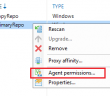
Veeam Windows Agent not showing backup repository
Backup Software

Veeam Windows Agent not showing backup repository

Just a quick post on a little issue I saw with configuring a new Veeam Windows Agent 2.0 workstation pointing to a Veeam Repository.  When configuring the backup, the repository…

by Brandon LeeJune 8, 2017January 11, 2021

Keep exploring

  • I Turned My Proxmox Server Into a NAS Without Installing TrueNAS
  • I No Longer Follow This Popular Home Lab Advice
  • Why I Never Bought Into the Home Lab Dashboard Trend
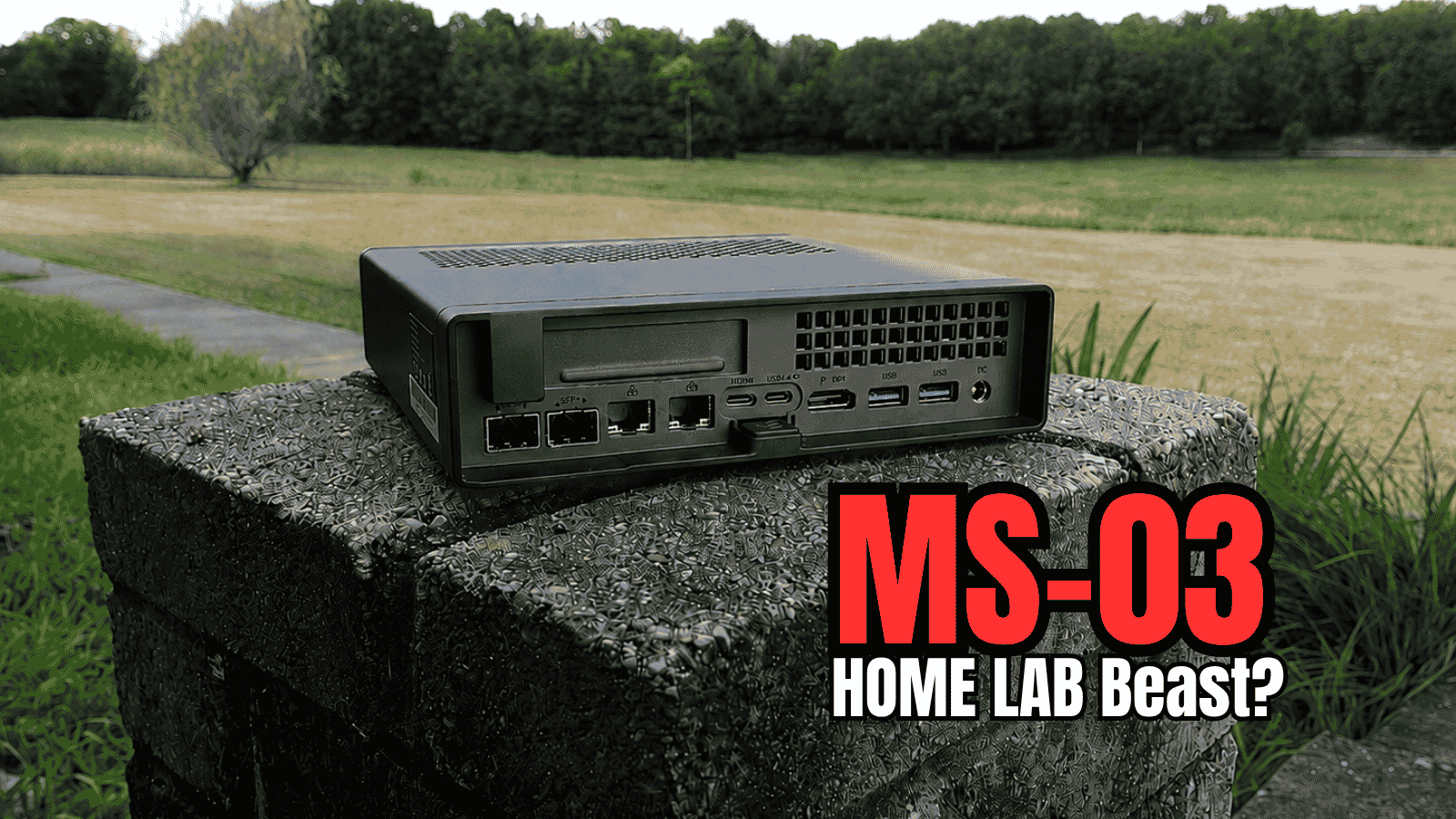
  • Minisforum MS-03 Review: The MS-01 Home Lab Upgrade I’ve Been Waiting For?
NAKIVO

Copyright © 2026 Virtualization Howto

Sign in or create an account

Continue with Google
Continue with Discord

or use email

New or returning — enter your email to sign in or create an account.

Create a password

At least 8 characters.

Your account has been registered. We've sent you a welcome email — please check your inbox and spam folders.

Stay in the loop

Pick where you want updates. You can change this later.

Go Premium

If Go Premium is on, Continue goes to secure checkout. Between the Clouds opens in a new tab only when Premium is off. Site updates are saved to your account.