Skip to content
  • YouTube
  • Twitter
  • LinkedIn
  • GitHub
  • Facebook
  • Discord
  • Pinterest
  • Google Profile
  • BlueSky
Vht logo redesign 2025 2

Virtualization Howto

Virtualization, Cloud, DevOps, Reviews

Search
Subscribe Subscribe
  • Forum
  • Home Lab Kits
  • DevOps
  • Virtualization
    • Proxmox
    • VMware
    • Hyper-V
    • XCP-ng
  • Containers
    • Kubernetes
  • Mini PC & Server
  • Home Lab
    • My Home Lab
    • Nested ESXi Lab
    • Proxmox Build 2025
  • About
    • Contact
    • Disclaimer
    • E-books
    • Podcast
    • Privacy
  • Newsletter
  • Sign In
  • Premium
Random

Tag: change ip address

Change vCenter IP Address – Step-by-step
VMware

Change vCenter IP Address – Step-by-step

You may have a need to cdhange your VMware vCenter Server IP address. Maybe you walked into an environment that wasn’t properly segmented and you need to move the VMware…

by Brandon LeeApril 14, 2023August 7, 2024
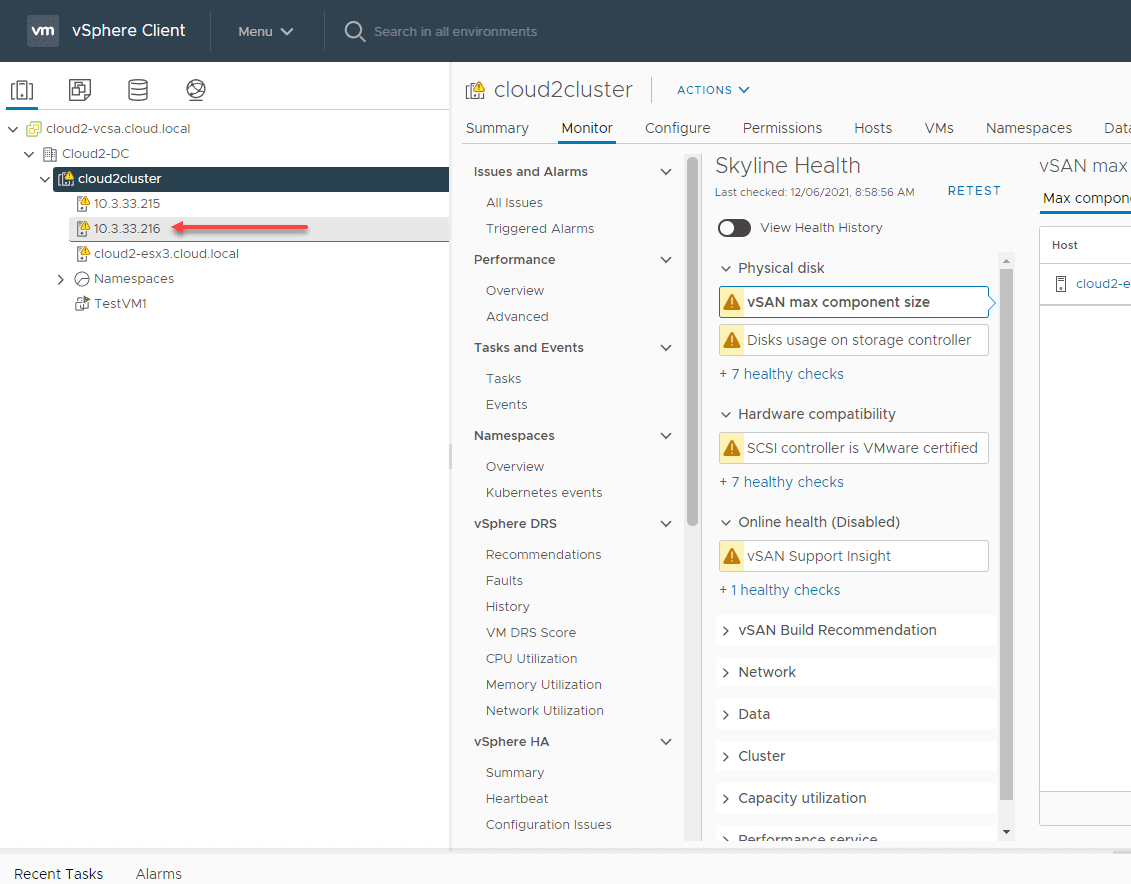
Change IP ESXi for vSAN host with VDS
vSAN

Change IP ESXi for vSAN host with VDS

I am doing a bit of network redesign in the home lab (a new post to come on that soon), for better manageability and security practices. With that being said,…

by Brandon LeeDecember 6, 2021March 27, 2024
FreeNAS Change IP Address on iSCSI target VMware ESXi 6
vSphere 6

FreeNAS Change IP Address on iSCSI target VMware ESXi 6

FreeNAS is one of the easiest and coolest virtual SAN appliances out there for use with VMware and other Hypervisor labs.  If you have FreeNAS already setup and running with…

by Brandon LeeApril 22, 2015November 22, 2023

Keep exploring

  • I Tried Termius for My Home Lab and Replaced My SSH Client
  • I No Longer Follow This Popular Home Lab Advice
  • Why I Never Bought Into the Home Lab Dashboard Trend
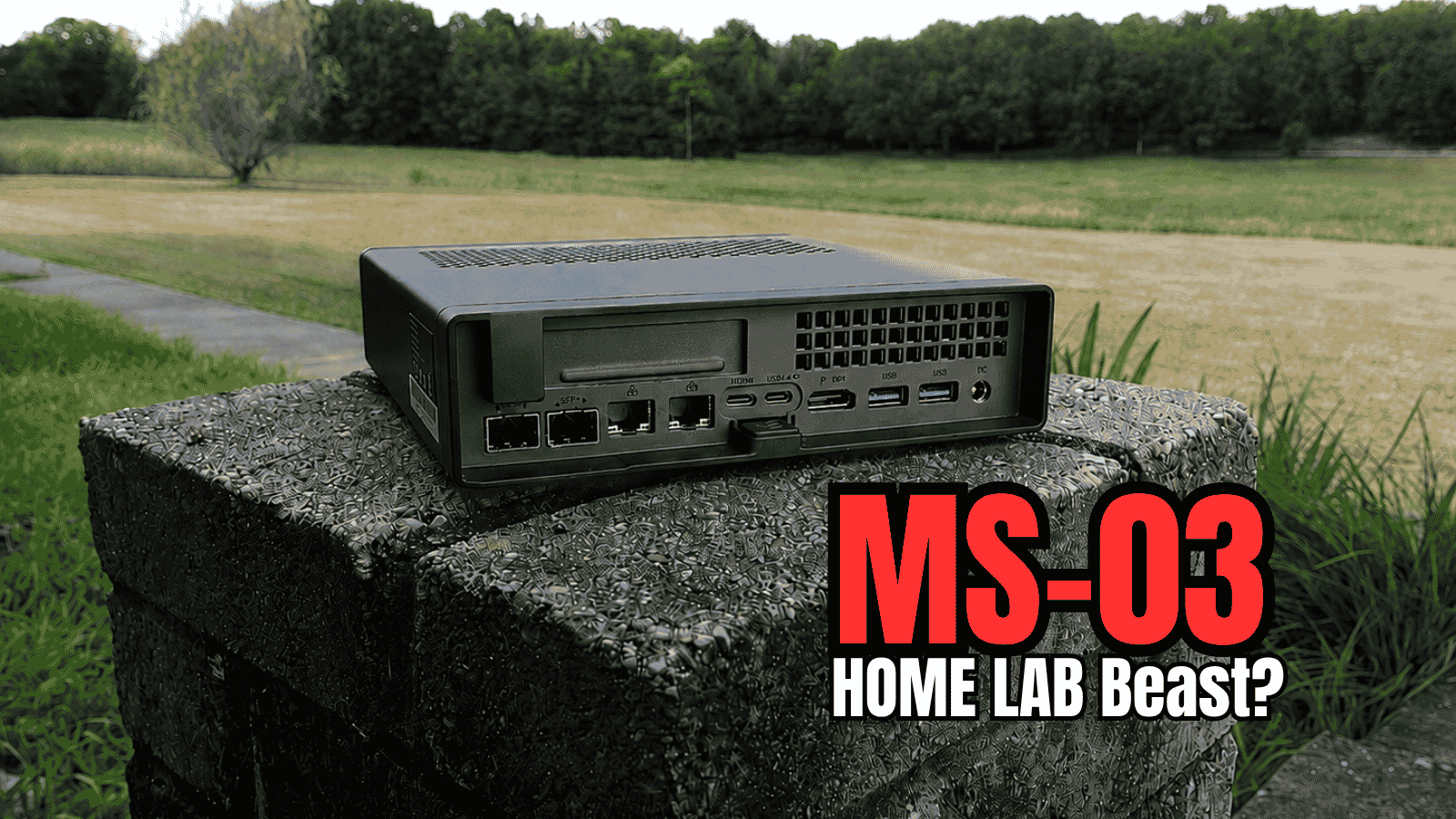
  • Minisforum MS-03 Review: The MS-01 Home Lab Upgrade I’ve Been Waiting For?
NAKIVO

Copyright © 2026 Virtualization Howto

Sign in or create an account

Continue with Google
Continue with Discord

or use email

New or returning — enter your email to sign in or create an account.

Create a password

At least 8 characters.

Your account has been registered. We've sent you a welcome email — please check your inbox and spam folders.

Stay in the loop

Pick where you want updates. You can change this later.

Go Premium

If Go Premium is on, Continue goes to secure checkout. Between the Clouds opens in a new tab only when Premium is off. Site updates are saved to your account.