Outside of Proxmox or your hypervisor of choice, in the modern 2026 home lab, the operating systems you choose matter more than just about anything else. The OS’s you run determine so many of the workflows in your home lab. How easy it is to manage, how stable it feels, and how quickly you can recover something. Over the past year, I have rebuilt large portions of my lab, tested different Kubernetes distros, experimented with GitOps, and tried several different operating systems. These are the five operating systems I actually run my workloads on in 2026. Each has a specific role.
Talos Linux for Kubernetes without the overhead
Talos Linux is one of those operating systems that totally changed how I approach running Kubernetes. Before I ran Talos, I spun up my own home-rolled Linux servers with many steps using Ubuntu 24.04. While this was great for learning, it resulted in having to deal with patching nodes, SSH access, troubleshooting configuration drift, and constantly trying to keep things in a consistent state.
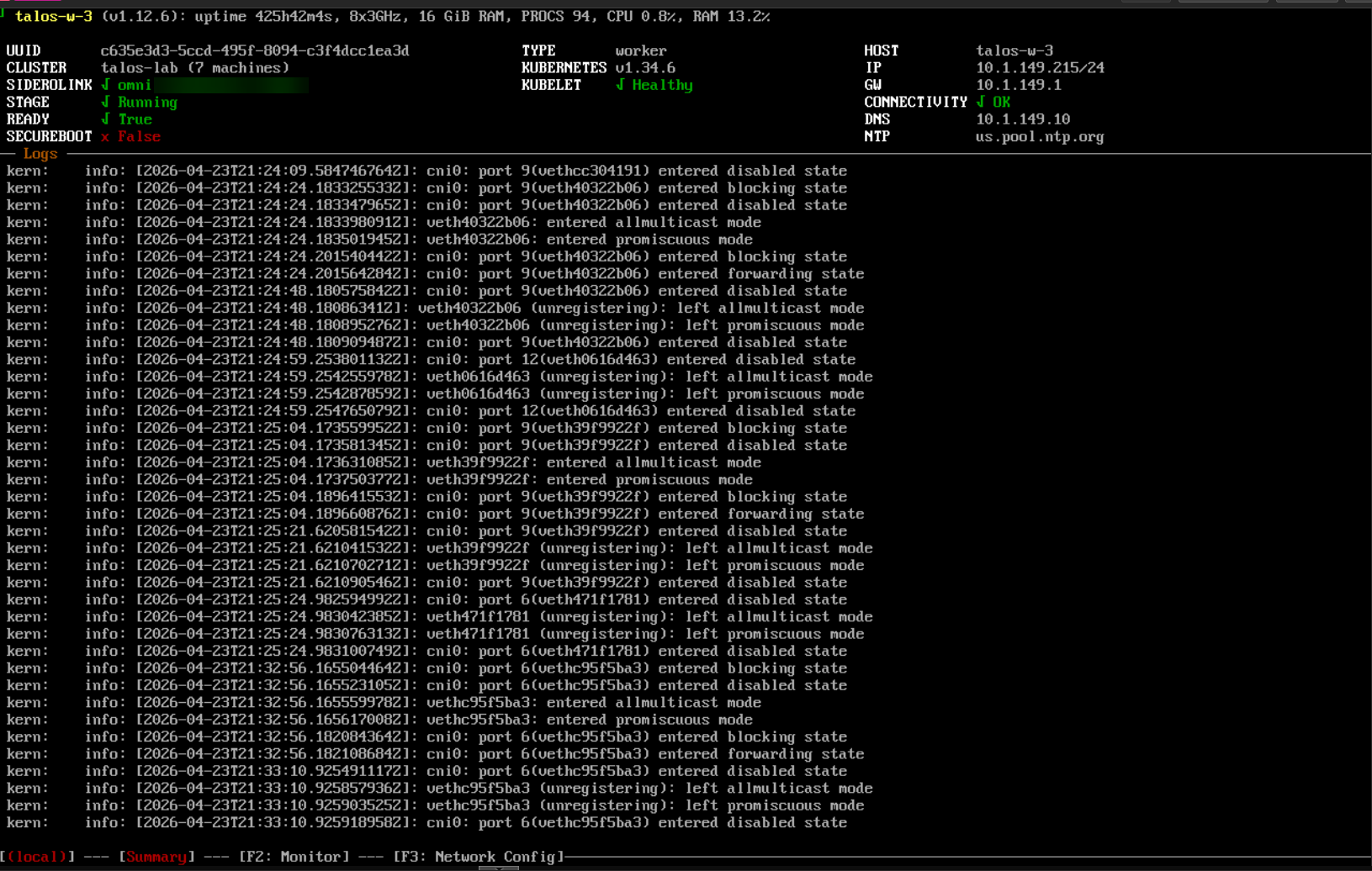
Talos is a solution that removes all of that labor in your Kubernetes operating system underneath. It is an immutable, API-driven operating system that is built specifically for Kubernetes. There is no shell access with SSH. Everything you do is managed through declarative config and APIs, using the talosctl command or traditional kubectl commands.
What do I use Talos for?
- Kubernetes control plane and worker nodes
- Clusters that need to be rebuilt quickly and consistently
- “Cattle” and not “pets”
The biggest advantage is lifecycle management and things being predictable. Every node behaves the same way because every node is defined the same way. If something goes wrong, I do not troubleshoot the node. I replace it. That is a very different mindset from traditional Linux administration, but it makes the environment much more reliable.
You can also use Sidero Omni to manage it in your home lab and you can do this for free if not using it commercially in your home lab. Omni adds an incredible GUI on top that just takes management to the next level.
NixOS for reproducible infrastructure
If you absolutely want the coolest operating system for declarative home labbing, NixOS is probably one of the most powerful and unique OS’s that I have added to my home lab. It completely flips the way system configuration works I think.
Instead of you installing packages and manually editing multiple config files after installation, you define your entire system in a declarative configuration file. Your operating system becomes something you describe, not something you gradually modify and the config drifts. This gives you a lot of advantages I think. Things like the following:
- Fully reproducible systems
- Version-controlled configurations
- Built-in rollback capability
- Predictable rebuilds every time
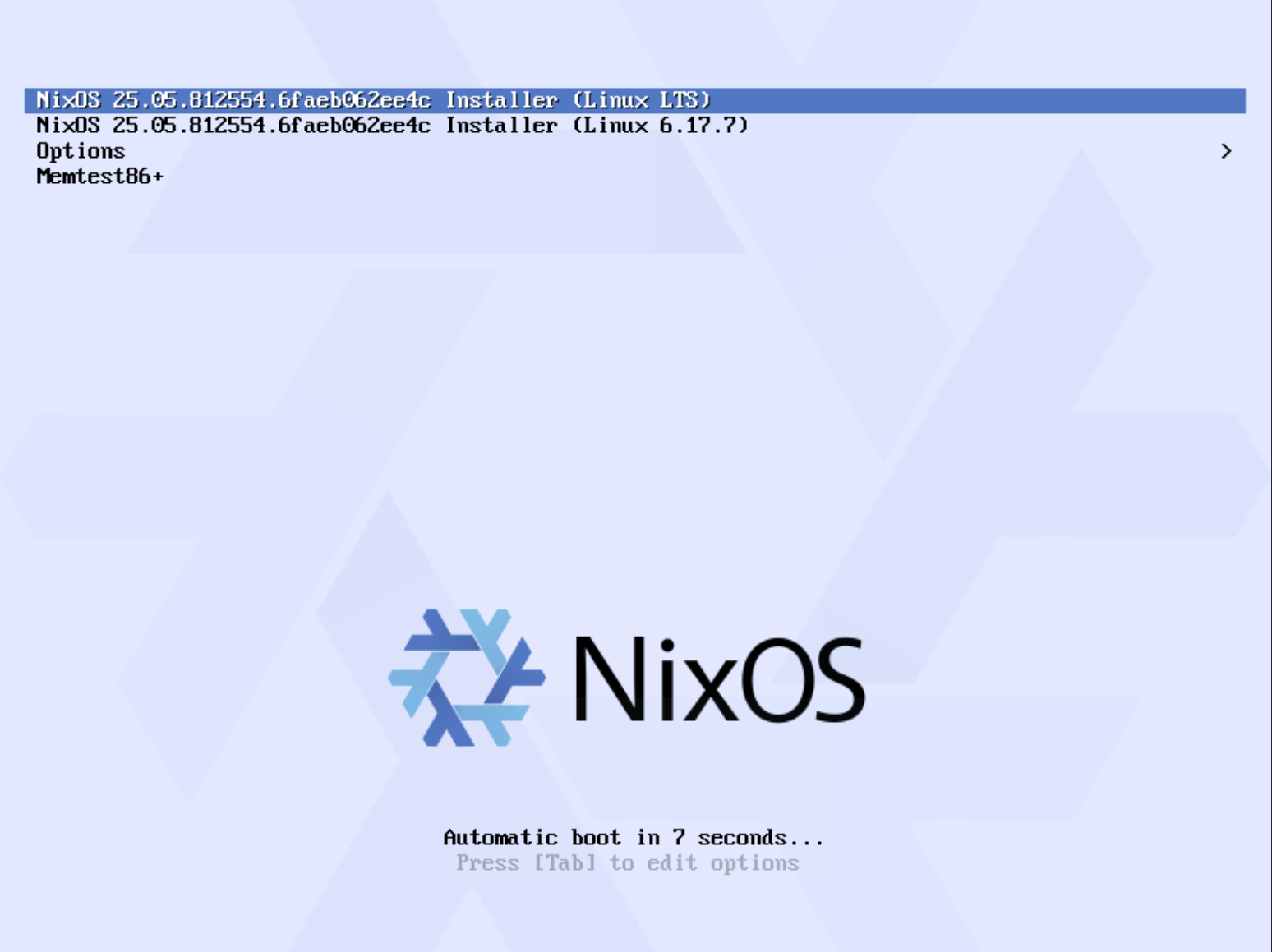
In my lab, I use NixOS for things like infrastructure tooling nodes, services that need to be consistent across rebuilds or any type of system that I want to have really good control over the dependencies. Many use it for Docker hosts or other types of test environments.
Also, when you upgrade, it works like a network switch, your new OS is placed in a secondary config that is instantiated on a reboot. If it doesn’t work, you just roll back to the other config, pretty cool.
Check out my recent post on NixOS and its viability in the home lab: NixOS is the Best Home Lab OS You Haven’t Tried Yet.
Ubuntu Server 24.04
There is no question that Ubuntu Server is one of my favorite home lab operating systems. Even with the newer approaches of Talos and NixOS, Ubuntu Server is a staple in my lab if I need just a Swiss army knife type OS.
It is the baseline for me. When I am testing a new tool, spinning up a quick Ubuntu VM is the easiest path for things that just expect a traditional Linux setup. In my lab I have used Ubuntu for everything including the following:
- Docker hosts outside of Kubernetes
- Utility systems like jump boxes and admin nodes
- Running applications that expect a standard Linux environment
- Temporary or experimental workloads
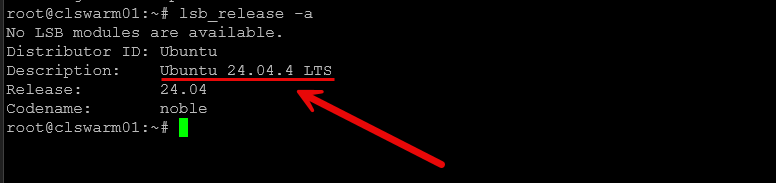
One of the biggest advantages is the ecosystem support you get with Ubuntu. Almost every guide, script, or piece of documentation you find online works with Ubuntu or something very close to it, since it is built on top of Debian. That saves a lot of time knowing that you won’t be hunting drivers and other things for compatibility.
You can easily do things like templates and automation with Proxmox and Packer. I have automation pipelines setup that automatically build a new Proxmox template each week with a fresh install of Ubuntu with patches. Ubuntu is not like the strict reproducibility of NixOS, and it is not immutable like Talos. Keep in mind that over time, systems can drift if you are not careful.
For me, I treat Ubuntu as my flexible layer. It fills in the gaps and lets me move quickly when I do not want the operating system itself to be part of the problem.
Alpine Linux
When it comes to building very efficient super small environments Alpine Linux is my de facto choice in this area. It is one of the smallest Linux distributions that is perfect for running simple environments for services and container focused workloads. What do I personally use it for?
- Lightweight service VMs
- Building my own customized containers
- Supporting infrastructure with low resource requirements
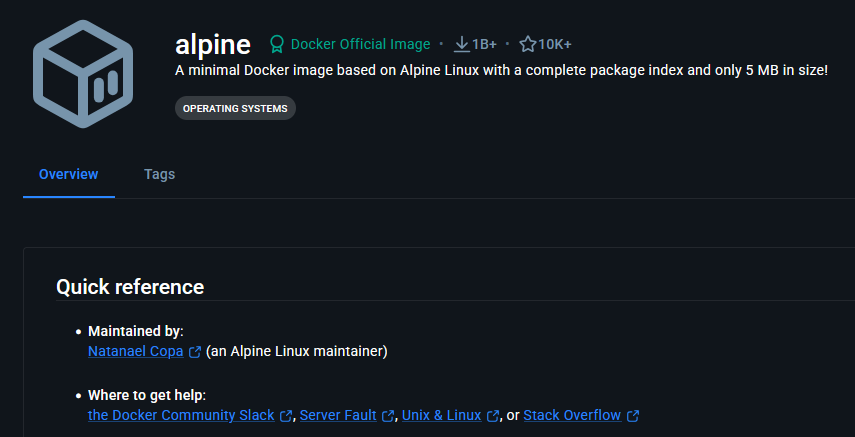
Below is the official Alpine container from Docker hub:
The biggest advantage is how little it consumes in terms of CPU, memory, and disk space. This allows you to pack more services into my environment without wasting resources. This is especially important these days with the shortage of memory and the exorbitant prices.
It also boots super quickly and has very little running by default. That keeps things simple and helps to get rid of failure points. There are some downsides to it though, because it uses musl instead of glibc, not all applications are compatible with it. Certain tools or binaries expect glibc and won’t run.
If I need compatibility, I use Ubuntu. If I need efficiency, I use Alpine. When you use it for the right workload, Alpine will help you keep the lab lean and fast without a lot of overhead.
Windows Server for real-world enterprise scenarios
Now, I will probably get heckled on this one, but Windows Server is still a critical part of my home lab. Even if you are like me and most of your workloads are Linux-based, there are just certain things you simply run properly without Windows.
In my lab, Windows Server is still used for:
- Active Directory
- DNS and identity services (in my Windows domain)
- Group Policy testing
- Simulating real enterprise environments that are running Windows AD
- Testing application integrations that rely on Windows
This is especially important if you are working in IT or want your home lab to reflect real-world environments. This has been a critical part of me being able to have a test environment for Windows and troubleshooting real-world issues in the enterprise.
It also adds another layer of realism. You are not just running isolated services. You are building an environment that behaves more like what you would see in production. Windows Server is not something I use for everything, but it is something I would not want to be without with as much of it as is still in the enterprise.
How I use these together in my home lab
So you might wonder how these all fit together in my overall home lab strategy with how I run my self-hosted services. In my lab, each operating system has a specific role.
Here’s a clean, bookmark-worthy table version that fits your style and makes the roles super clear:
| Operating System | Primary role in my home lab | What I run on it | Why I use it |
|---|---|---|---|
| Talos Linux | My Kubernetes platform | Kubernetes control plane and worker nodes, GitOps workloads | Immutable, consistent, no drift, easy to rebuild clusters |
| NixOS | Any type of reproducible infrastructure that I need | Tooling nodes, custom services, repeatable environments | Declarative config, version-controlled systems, reliable rebuilds |
| Ubuntu Server 24.04 | Use it for general-purpose workloads | Docker hosts, utility VMs, test systems | Maximum compatibility, fast to deploy, huge ecosystem support |
| Alpine Linux | Any lightweight services | Small service VMs, minimal container hosts | Very low overhead, fast, efficient use of resources |
| Windows Server | Enterprise services that are Microsoft-based | Active Directory, DNS, Group Policy, app integrations | Real-world enterprise scenarios, identity services, lab realism |
How my home lab services have shifted
I have moved away from these “pet” like home servers that have these hand-crafted artisanal installs. We all know those server types where everyone is afraid to touch it or install or remove anything because we don’t know what will break. I wanted no part of that in the modern home lab.
So, I have moved away from manually configured systems that are hard to reproduce. Also, I don’t have a one-size-fits-all operating system that I use for everything and I don’t want my environments to require constant manual maintenance.
For me, the shift has been toward systems that are:
- Declarative
- Immutable
- Reproducible
- Easier to rebuild than repair
This has made my home lab more stable and much easier to manage.
Wrapping up
If you are rebuilding or looking at how you can make your home lab better in 2026, the operating system choices you make matter more than you might think. You don’t have to run all five of the operating systems I have mentioned here. But thinking in terms of roles instead of trying to standardize on a single OS for absolutely everything I think is much more realistic and will have better success in the long run. Each one solves a different problem. But together, they make my home lab flexible and able to run basically anything I want to throw at it. How about you? What is your OS of choice in the home lab? What operating system are you planning on bringing online this year that you may not have currently?

Google is updating how articles are shown. Don’t miss our leading home lab and tech content, written by humans, by setting Virtualization Howto as a preferred source.
About The Author