Skip to content
  • YouTube
  • Twitter
  • LinkedIn
  • GitHub
  • Facebook
  • Discord
  • Pinterest
  • Google Profile
  • BlueSky
Vht logo redesign 2025 2

Virtualization Howto

Virtualization, Cloud, DevOps, Reviews

Search
Subscribe Subscribe
  • Forum
  • Home Lab Kits
  • DevOps
  • Virtualization
    • Proxmox
    • VMware
    • Hyper-V
    • XCP-ng
  • Containers
    • Kubernetes
  • Mini PC & Server
  • Home Lab
    • My Home Lab
    • Nested ESXi Lab
    • Proxmox Build 2025
  • About
    • Contact
    • Disclaimer
    • E-books
    • Podcast
    • Privacy
  • Newsletter
  • Sign In
  • Premium
Random

Tag: staging

Automate Veeam Restores Using PowerShell
Powershell

Automate Veeam Restores Using PowerShell

One of the powerful things that Veeam offers is the ability to use PowerShell to both backup and restore virtual machines.  This makes for great ways to automate tasks either…

by Brandon LeeJuly 3, 2017January 11, 2021
Stretch isolated network between multiple ESXi servers
Virtualization

Stretch isolated network between multiple ESXi servers

Setting up testing networks and lab networks have been very interesting to me the past few weeks.  When you are setting up Dev and Staging environments, the requirements may be to…

by Brandon LeeAugust 22, 2016January 11, 2021
Use same domain login for production and lab
Virtualization

Use same domain login for production and lab

Labs are cool right?  We can use them for many use cases when it comes to testing and proof of concept mock ups.  If you have been tasked to spin…

by Brandon LeeJuly 25, 2016January 11, 2021

Keep exploring

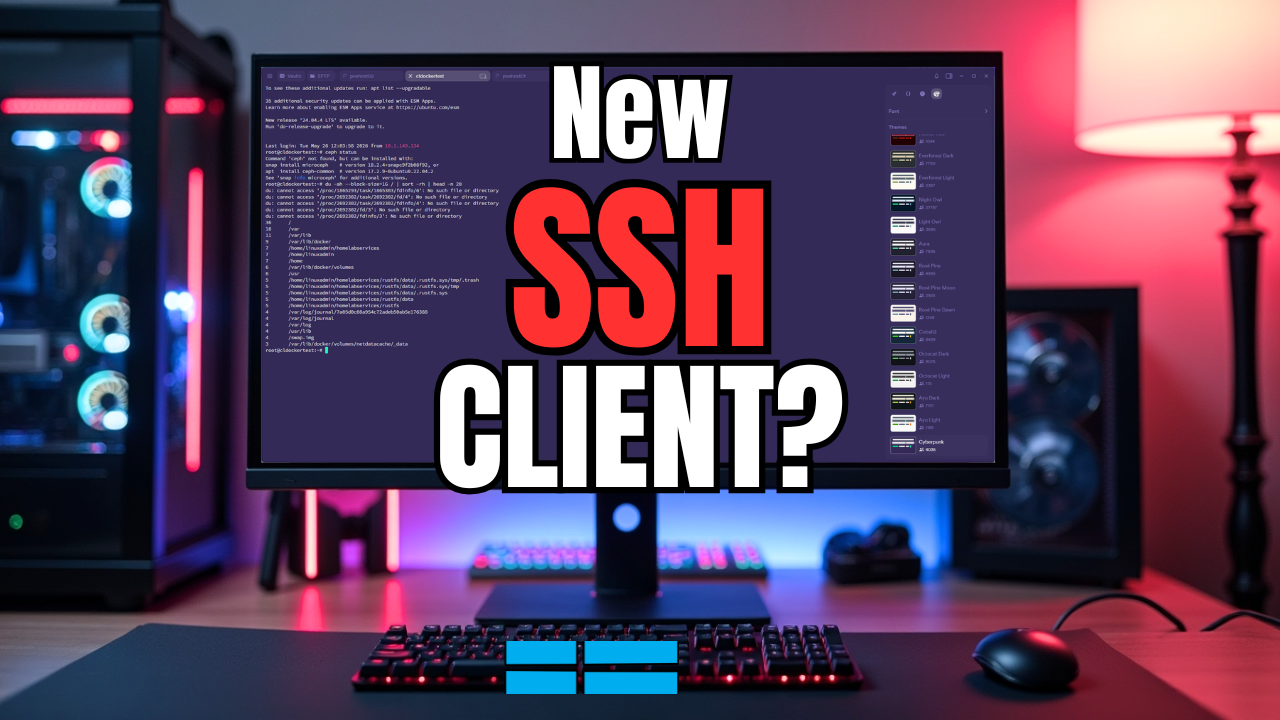
  • I Tried Termius for My Home Lab and Replaced My SSH Client
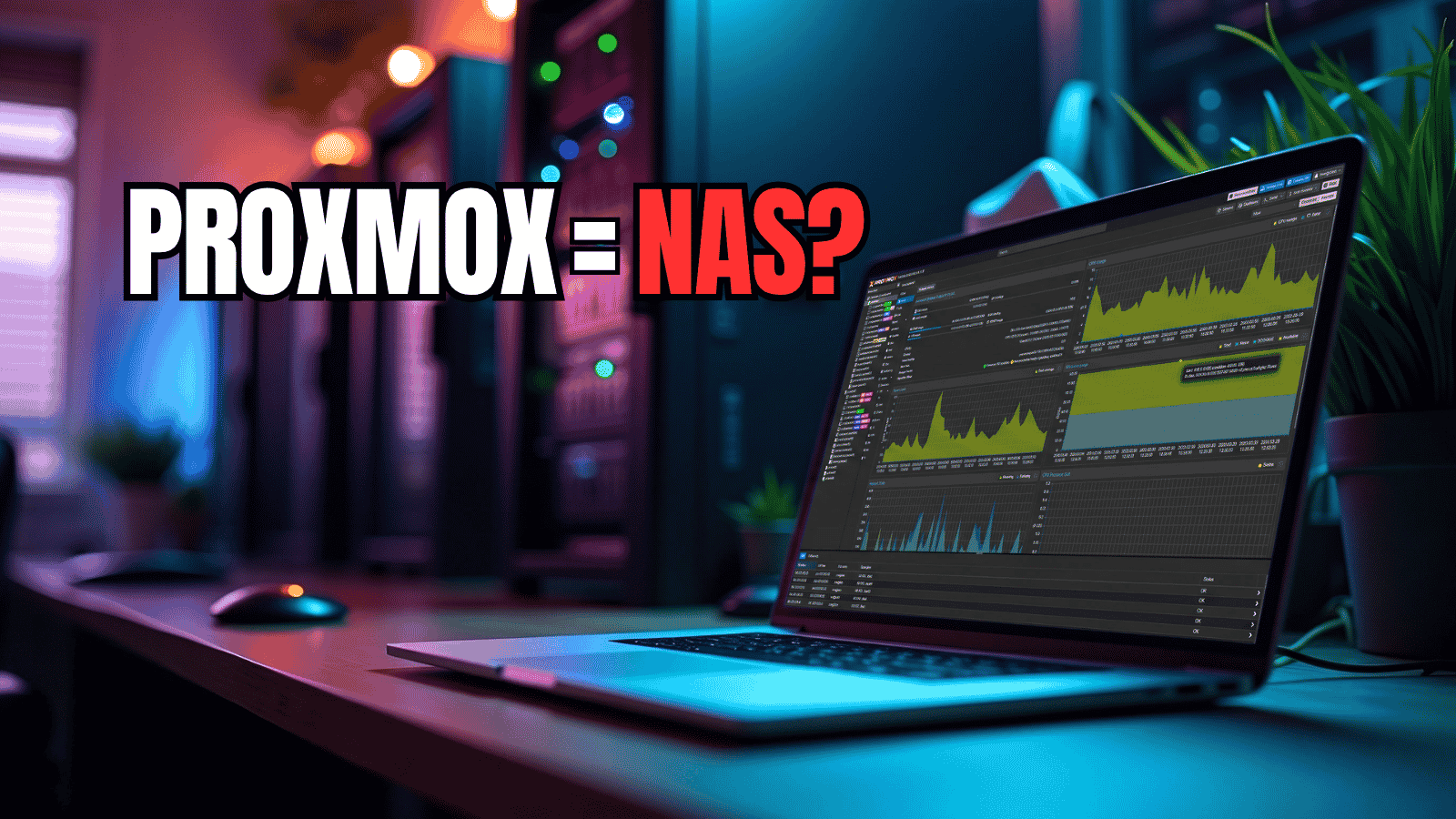
  • I Turned My Proxmox Server Into a NAS Without Installing TrueNAS
  • I No Longer Follow This Popular Home Lab Advice
  • Why I Never Bought Into the Home Lab Dashboard Trend
NAKIVO

Copyright © 2026 Virtualization Howto

Sign in or create an account

Continue with Google
Continue with Discord

or use email

New or returning — enter your email to sign in or create an account.

Create a password

At least 8 characters.

Your account has been registered. We've sent you a welcome email — please check your inbox and spam folders.

Stay in the loop

Pick where you want updates. You can change this later.

Go Premium

If Go Premium is on, Continue goes to secure checkout. Between the Clouds opens in a new tab only when Premium is off. Site updates are saved to your account.