




If you use the Lens Desktop Kubernetes IDE to work with your Kubernetes clusters (it is one of the best ones out there), you may have run into a problem when launching a node shell that gives the error message:
Command 'microk8s' is available in '/snap/bin/microk8s'
The command could not be located because '/snap/bin' is not included in the PATH environment variable.
microk8s: command not found
This is what it looks like in the node shell:
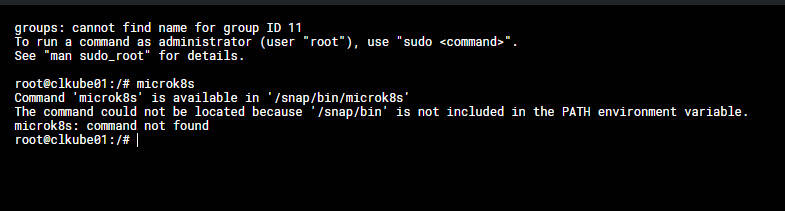
There is a little workaround fix that will make it where you won't run into this issue. It involves editing your .bashrc file.
nano ~/.bashrc
Then add the following at the bottom of the .bashrc file:
export PATH=$PATH:/snap/bin
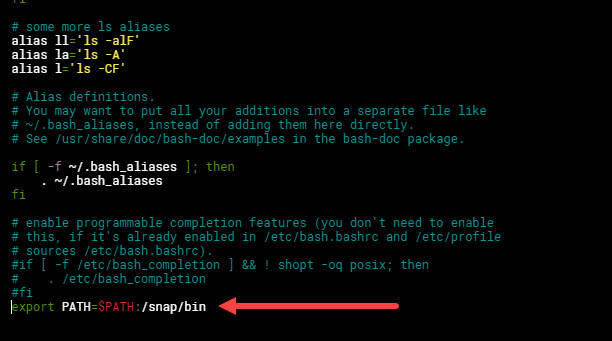
Then to make the changes active, run the following command:
source ~/.bashrc
Then you can check to see if you can run microk8s commands:
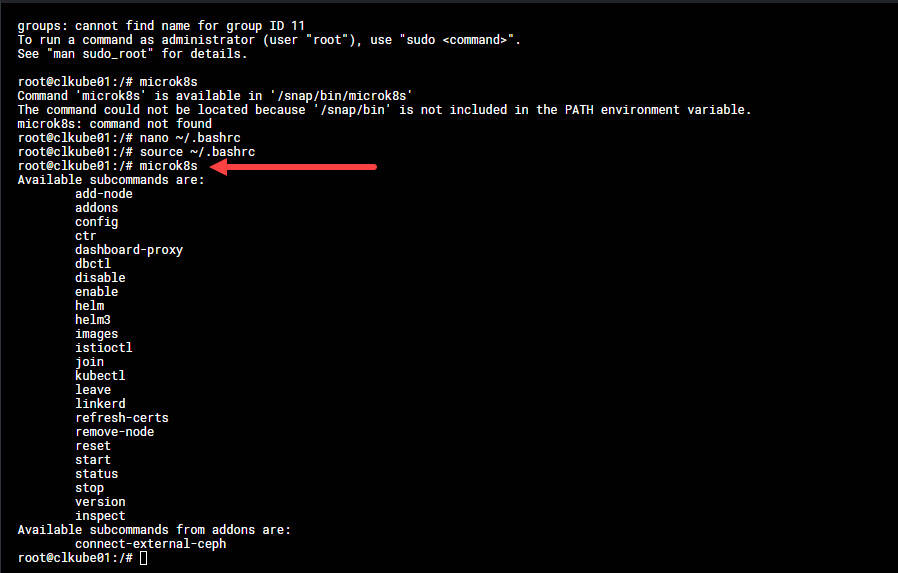
Hopefully, this little fix will help anyone else that may have run into this issue working with a Microk8s cluster with Lens Desktop Kubernetes IDE.