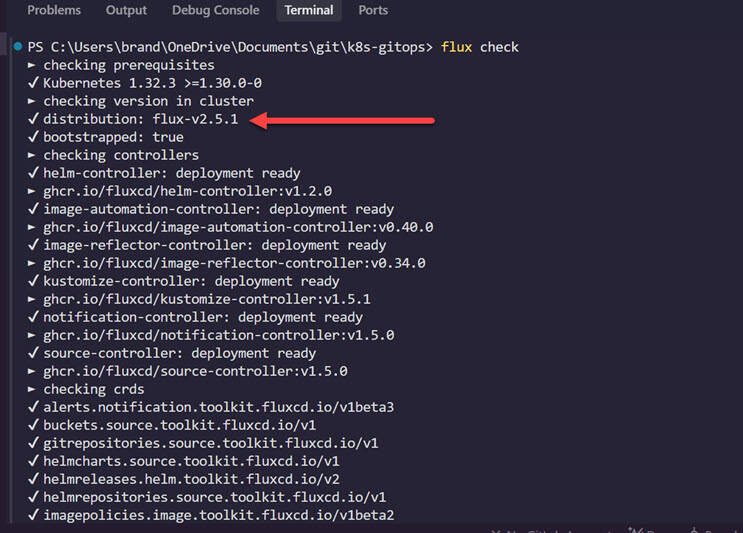
First things first, you have to have the latest version of the Flux CLI installed. You can use the package manager that you originally used to install it to upgrade it. You can check to see if there is an update available with the command:
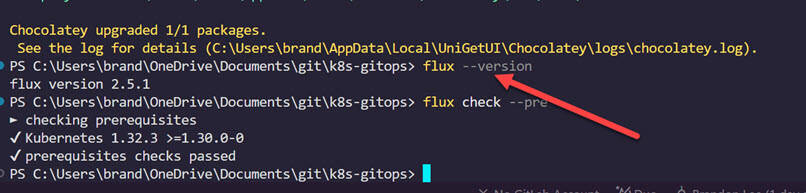
flux check --pre
See here for documentation on the initial installation and package managers you can use: Flux CLI | Flux.
After you have updated your Flux CLI, you can see this with the command:
flux --version
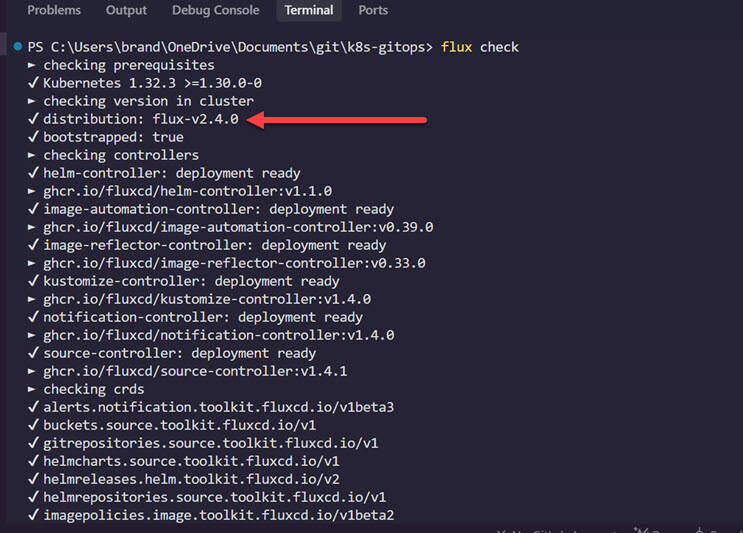
You can check and see what version your controllers are sitting at with the command:
flux check
You can see below I am at an older version than my newly updated Flux CLI at 2.5.1. Below we are at v2.4.0.
If you have used the Flux CLI bootstrap command to install Flux in your Kubernetes cluster, you can simply rerun the bootstrap command using the same parameters you used initially to bootstrap. The command will look something like this:
flux bootstrap git --url= https://<git server URL>/devops/k8s-gitops.git --branch=main --path=clusters/clkube --token-auth
After rerunning the bootstrap command, you will see the update process work through and the controllers should be redeployed with the latest version. Then, you can run the flux check command again, and you should see your distribution has been updated.