



Notifications
Clear all
Kubernetes and Containers
1
Posts
1
Users
0
Reactions
678
Views

Jul 15, 2026 5:24 pm
I ran into an issue where looking over some health metrics on my Talos Kubernetes nodes where I saw disk pressure pretty high on a couple of my worker nodes. It turns out this is fairly easy to get resolved. You can create the following config patch in Omni to apply to your Talos nodes:
machine:
  kubelet:
    extraConfig:
      # Start GC sooner than the default ~85%
      imageGCHighThresholdPercent: 75
      # Keep reclaiming until under this
      imageGCLowThresholdPercent: 65
      # Don't delete brand-new unused images
      imageMinimumGCAge: "2m"
      # Also drop unused images older than 7 days even if disk isn't critical
      # (this is what should eat old gitlab-ee / pulse tags)
      imageMaximumGCAge: "168h"
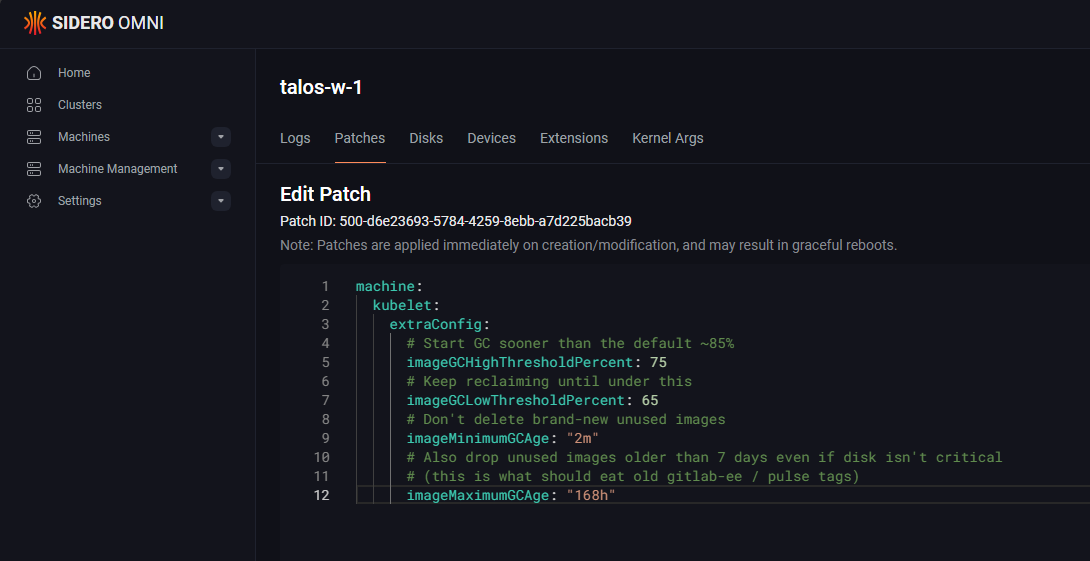
Apply the config patch on all nodes that have disk pressure and Talos will begin discarding old images immediately. Comparing from before I ran the patch to after:
| Node | Before | After |
|---|---|---|
|
talos-w-1
|
~78%
|
~49% (57.6 / 118 GiB)
|
|
talos-w-2
|
~83%
|
~37% (43.8 / 118 GiB)
|
|
talos-w-3
|
~40%
|
~42% (49.9 / 118 GiB)
|