Building your first home lab is an exciting adventure and an extremely addictive and rewarding hobby, that not only is fun, but also teaches you skills that you can apply in any job. However, times are different in 2026 and there are definitely things I would “do” and “not do” if I were just getting started in 20206. There are mistakes and pitfalls that can waste money, time, and energy, and can make a home lab something that you want to get rid of as soon as you can. Let’s take a look at my do’s and don’ts for 2026. Learn from my mistakes before you build.
Do start with a single mini PC
If I were just starting out or starting over right now in 2026, I absolutely would begin with a single mini PC. Modern mini PCs can do really everything an enterprise server can do in the realm of a home lab and do it in a much less expensive way and MUCH more power efficient way.
Modern mini PCs are decently affordable, quiet, and they are extremely efficient. Most of them nowadays have very impressive specs packed into a very small form factor. You can easily run a hypervisor a few VMs and support a surprising number of containers using this approach and stack.
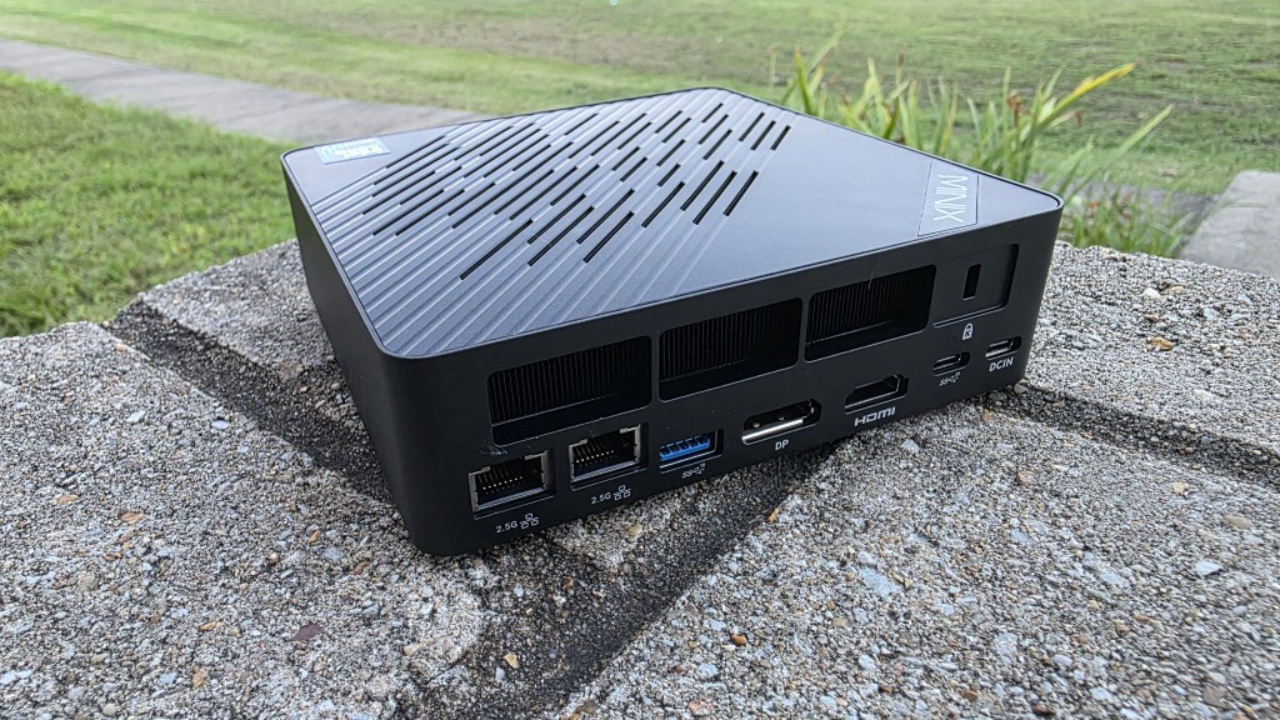
With just a single mini PC, you can experiment with different operating systems, networking, automation, and monitoring without having to worry with maintaining multiple physical machines. Also, I think it allows you to have very good mobility to try new and different things with just this type of setup.
Do invest in a managed switch that supports VLANs
If I could give advice to anyone starting out related to the networking side of things is to invest right from the start in a “managed” switch that supports VLANs. Managed switches these days usually have some sort of web UI you can manage but also have a CLI interface that gets you used to navigating around the command line and configuring things that you would be able to configure in a production enterprise environment.
I made this mistake off the bat when I started. Most will get a “dumb” switch that doesn’t support VLANs, as these are the cheapest. However, I think if I could suggest an area where you should spend a few extra dollars that will benefit yourself long term, it would be to start with a VLAN-capable switch.
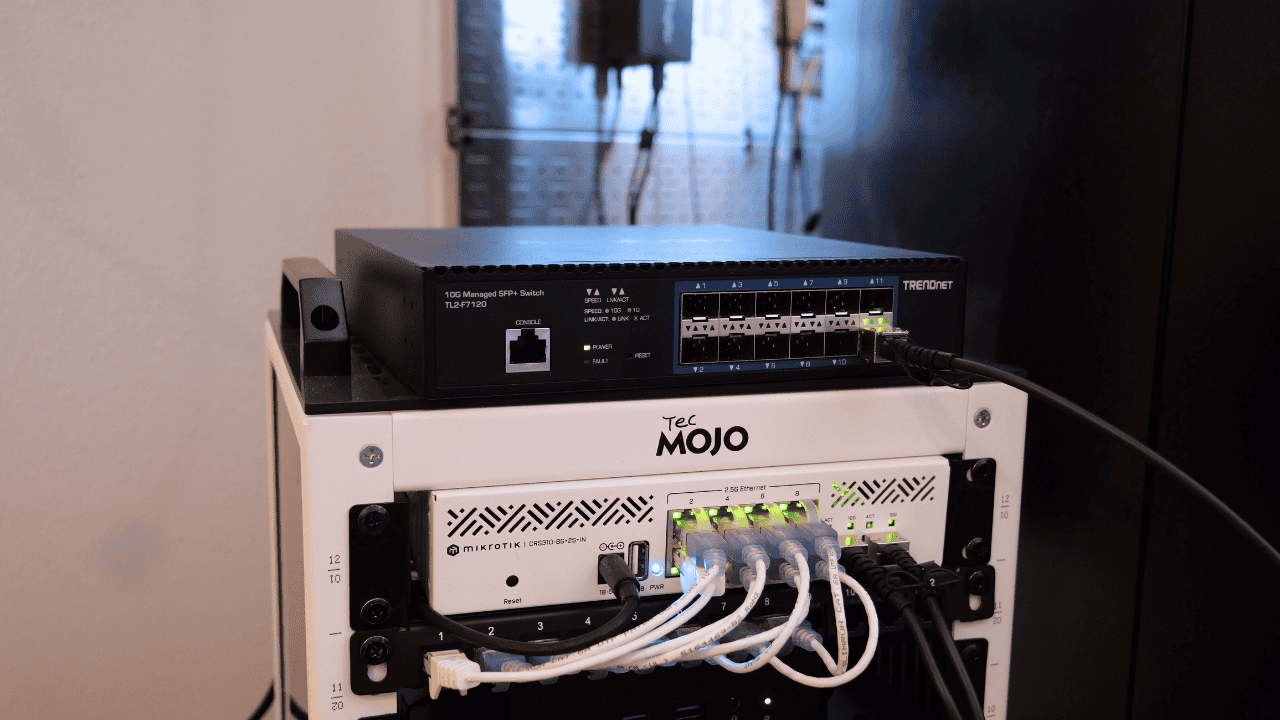
VLANs are something that you will quickly wish you had in a home lab. These allow you to segment and separate traffic logically from other traffic types. You can create networks that separate management traffic, lab traffic, storage traffic, and client access traffic, all without interfering with each other.
This is also better for security as well and is one of the foundational basic security strategies that you will see in an enterprise network. Even in a small lab, learning how to design and troubleshoot segmented networks pays off very quickly and keeps you from painting yourself into a corner when your home lab grows.
Do focus on running containers early
I would say as quickly as you can, start spinning up containers in your environment. Containers are not only much more efficient to run home lab services, they are the major focus of modern DevOps skills. Most applications in 2026 are going to be offered in a container image. So, learn about containers early on and start implementing them in your lab. The first VMs I would spin up would be Docker container hosts.
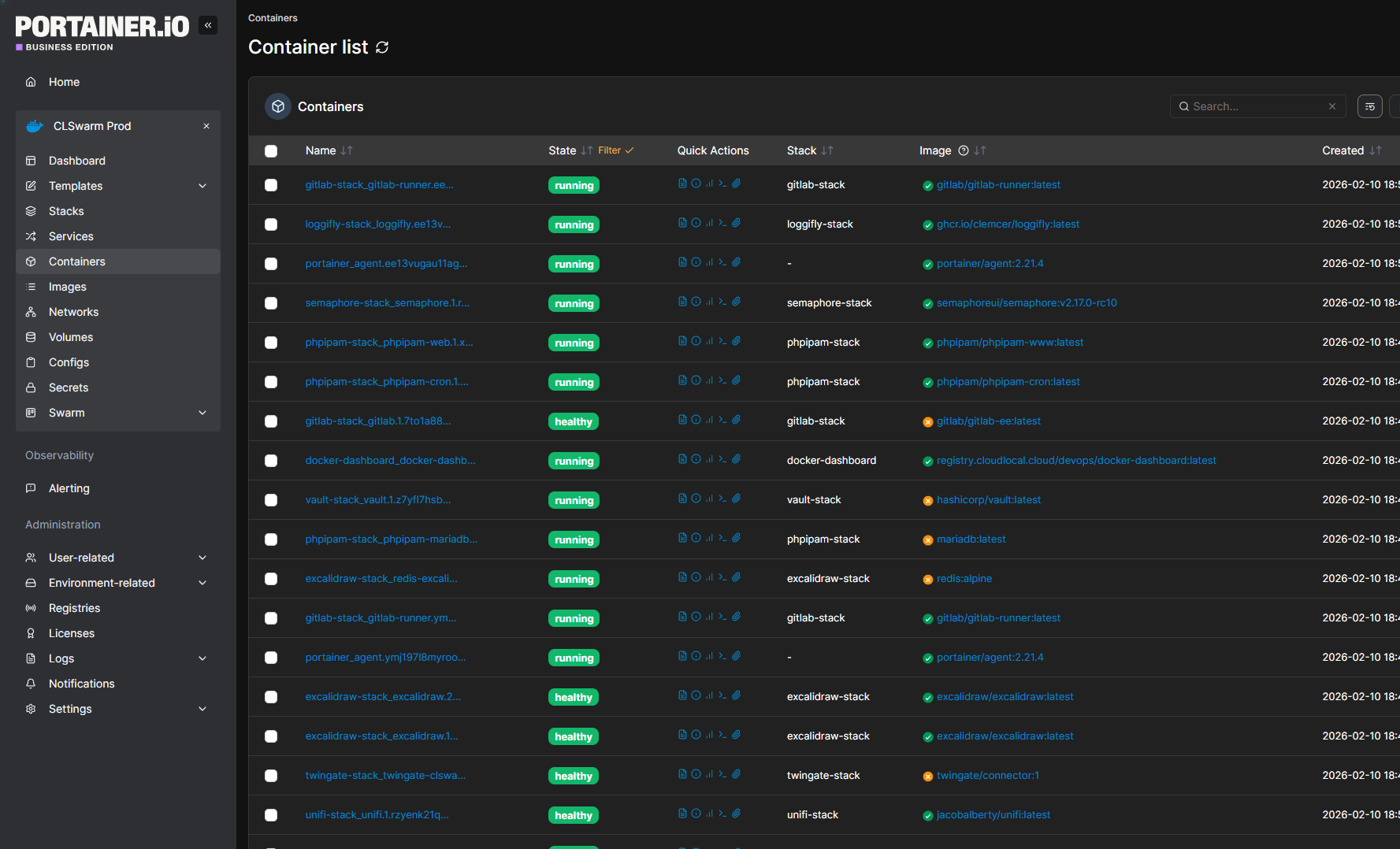
By doing this, you will still learn about virtual machines as most containers are ran on top of virtual machines running on top of a hypervisor. You will also greatly benefit as learning about containers sets you up naturally to start learning about automation, declarative configuration and service isolation.
Do design your lab for efficiency, not just performance
Most of us want to have “performance” when it comes to compute power in our home labs. We don’t want to feel like we don’t have enough horsepower to run the apps and services that we want to run. However, buying the fastest hardware usually means that it won’t be the most efficient hardware on the market and it can turn a fun lab into an expensive one.
If I were starting fresh, I would pay attention to idle power draw just as much as peak performance. Mini PCs, efficient CPUs and efficient storage choices can make a really big difference over time. It also compounds when it comes to noise and heat as well.
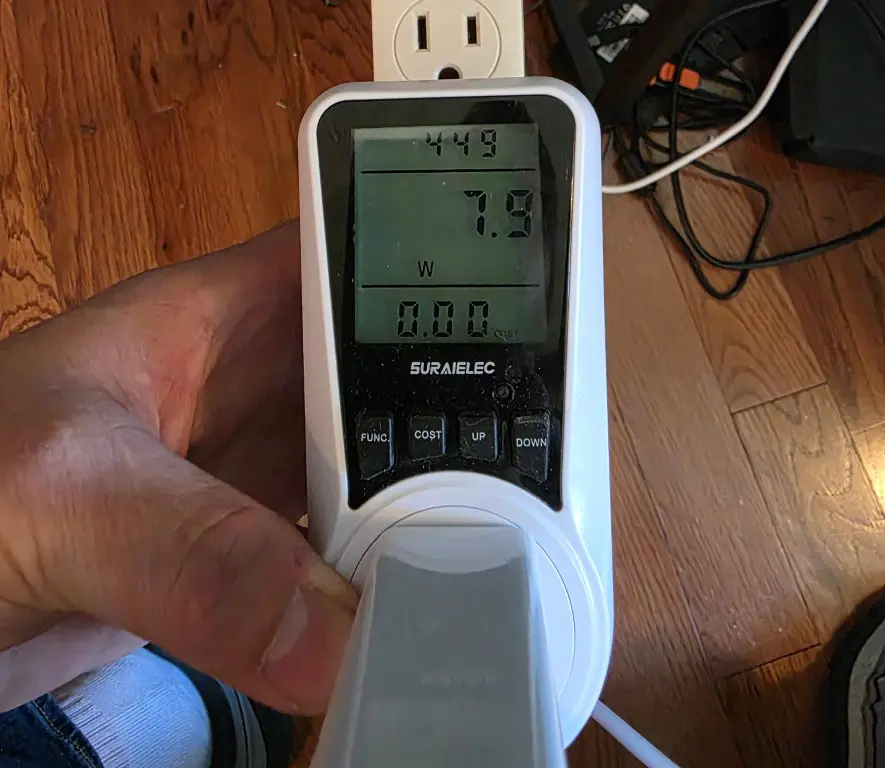
If your lab is in a shared space, like a living room or bedroom, you will want something that doesn’t sound like a 747 taking off when the fans kick in. I have seen many including myself make this mistake in not paying attention to power draw when building out solutions in the lab.
Do document what you are learning as you go
I can’t tell you how many times I have wished I had documented something when I didn’t. This is probably the most underrated habits that you can have in a home lab environment. It is easy to assume that you will remember why you set something up a certain way.
But, for most, this is just not the case. After weeks or months go by, the context and muscle memory is gone. Troubleshooting with a blank slate and no documentation is extremely hard when it doesn’t have to be.
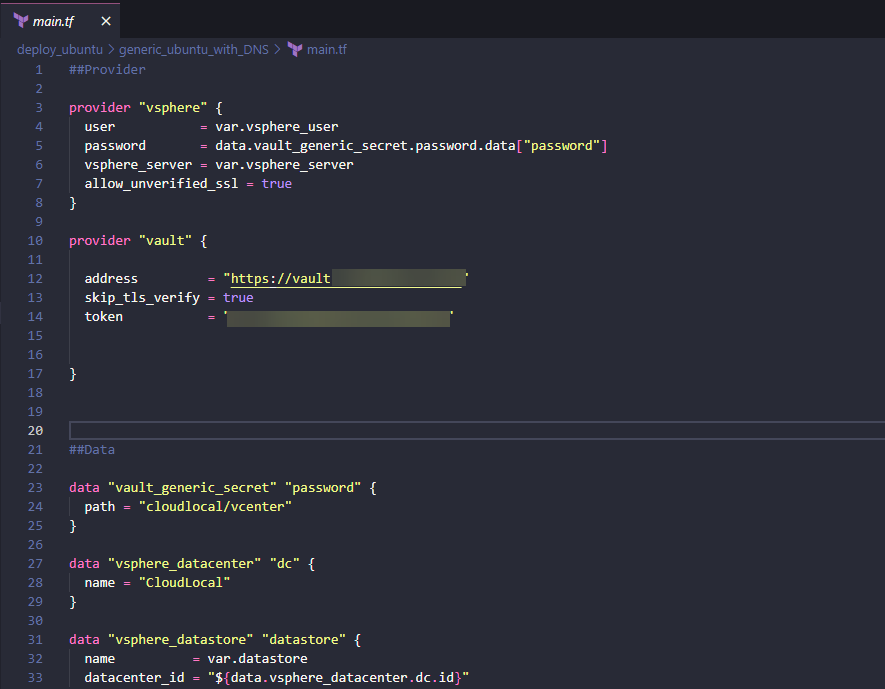
One of the best times to document is DURING the process of building. This is when you are getting familiar with all the components, nodes, networks, cabling, etc. Don’t overdo the documentation but do document enough to trigger your memory on how to connect the dots and get you “over the hump” of scratching your head.
Documentation of course is living documentation or needs to be. It should change along with your lab. Keep notes about:
- Decisions
- Diagrams
- Commands you used
- Things that break
- Root cause analyses
- Label everything etc.
Don’t overbuild at the beginning
This goes hand-in-hand with earlier guidance above. One of the most common mistakes I see ones make is overbuilding too early. Buying multiple machines, complex storage devices, having HA networking configured before you actually understand your needs and what your goals are leads to frustration and overspending, etc.
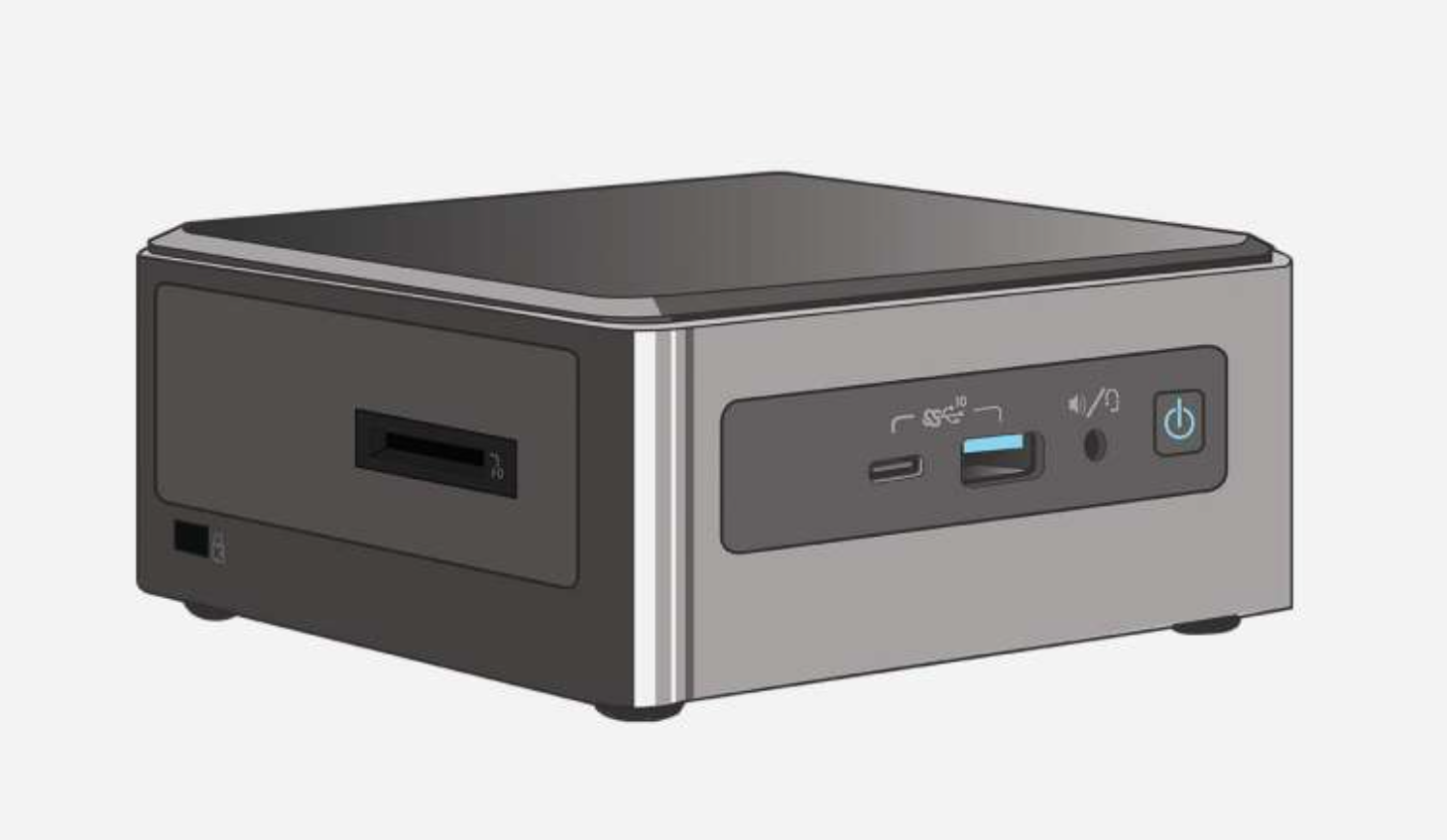
As we have already mentioned, a single mini PC is just enough for most. It is better to outgrow a simple setup than to manage one that is excessively complex and one that you do not fully understand as of yet. Learn fast but grow small. Hit real hardware limits before you decide to add hardware or upgrade.
Don’t buy lots of software licenses upfront
Don’t invest in lots of software licensing. You just simply don’t need it. These days I would definitely use an open source hypervisor like Proxmox. I think it is the best out there for home labs now. It gives you enterprise features and capabilities for absolutely free. This includes backups as well.
I think really in 2026 you can learn just about everything you need to know with open source solutions. Don’t get me wrong, there are certain vendor related skills that having commercial software to play with is beneficial. But if you are just looking to start off increasing your knowledge as a generalist, you can do this for totally free.
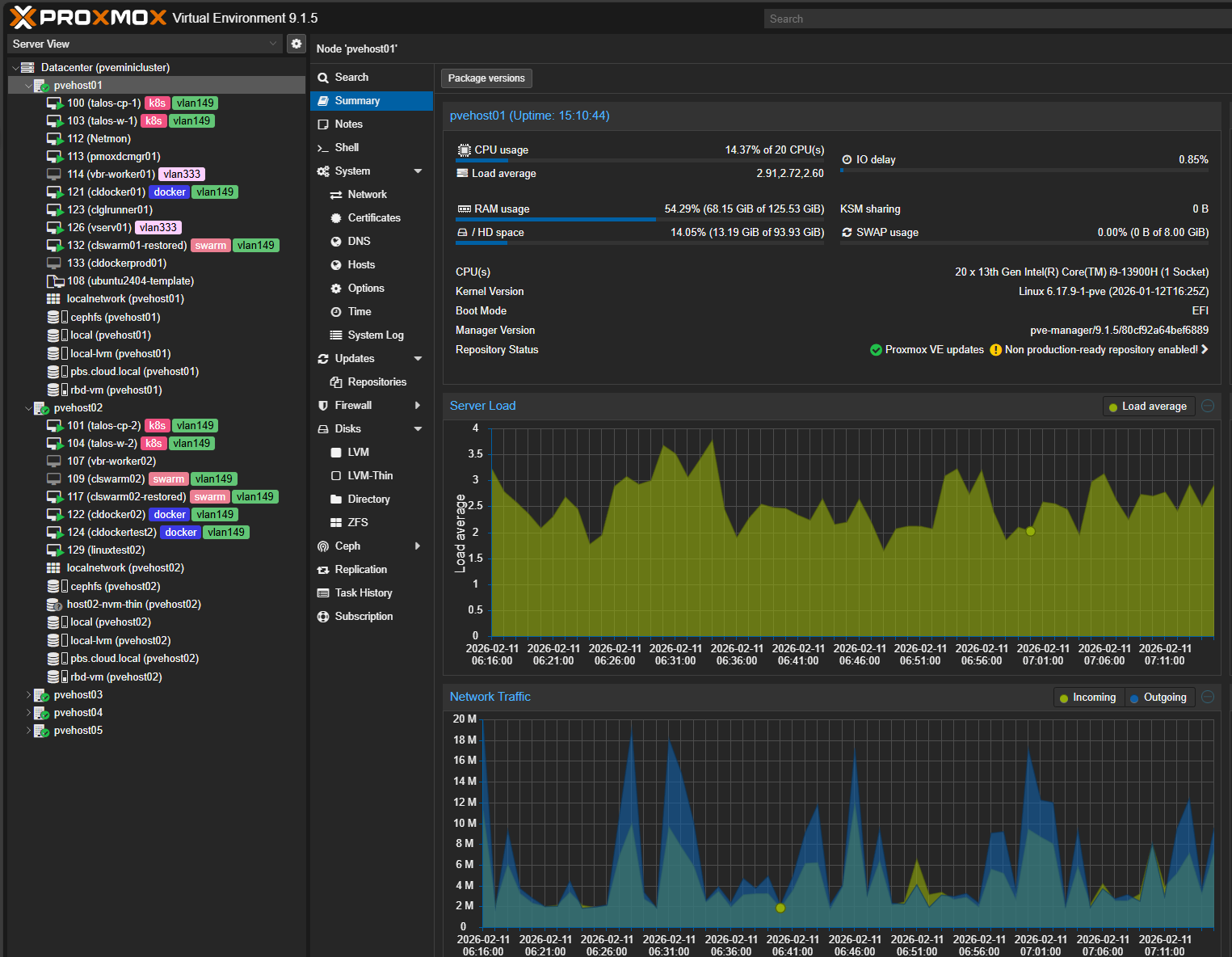
Outside of Proxmox, you can of course use all the major Linux distros for the most part for free, including server and workstations variants. You can also download 180 day trials of Microsoft Windows operating systems. These are often good enough to setup lab environments to learn things like Active Directory and the Microsoft enterprise stack.
I would save any cash that you might spend on licensing and instead spend this on getting yourself a nice switch instead as this will pay off much better for your home lab in 2026.
Don’t expose services directly to the internet
It can be tempting especially when you first are starting out and are excited about getting self-hosted services up and running to want to immediately expose these directly to the Internet. However, I can tell you from experience, the Internet is not forgiving. You will be shocked to start monitoring even a resource that you pout out on a residential Internet connection just how quickly it will start getting scanned.
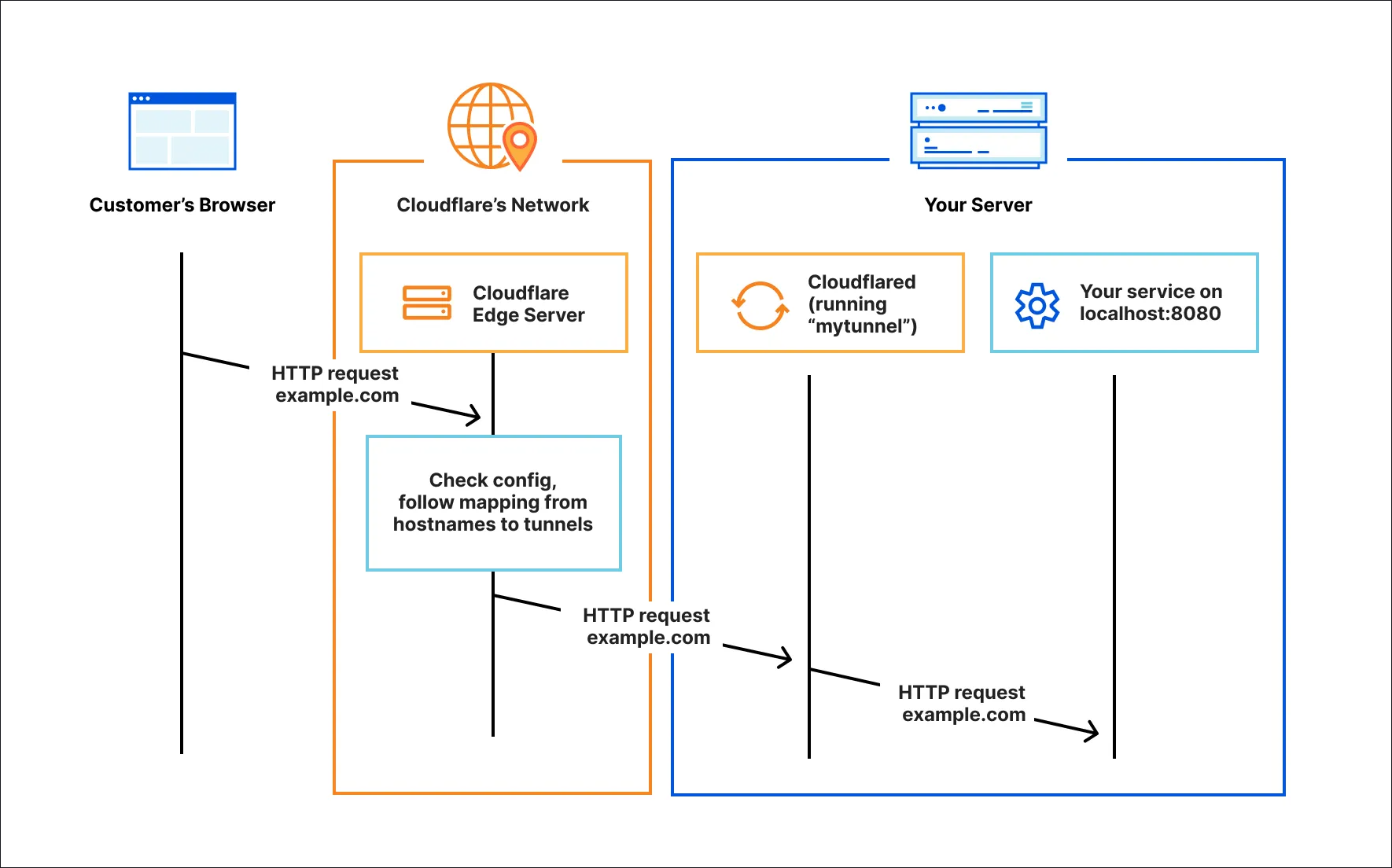
When you expose your services with simple port forwarding, this is risky and usually not necessary. There are great “zero-trust” solutions like, Cloudflare tunnel, Twingate (you can have for free for 1-5 users), or something like Pangolin that allows you to remotely access all your resources without opening any ports.
If I were building a lab in 2026, I would default to secure access and identity-aware access solutions with multi-factor authentication as the default.
Don’t treat your home lab like production infrastructure
You don’t have to treat your home lab like a production environment for it to be fun, useful, and allow you to learn. The whole purpose is to experiment and learn. It should be safe to break things on purpose or tear things down and build something new.
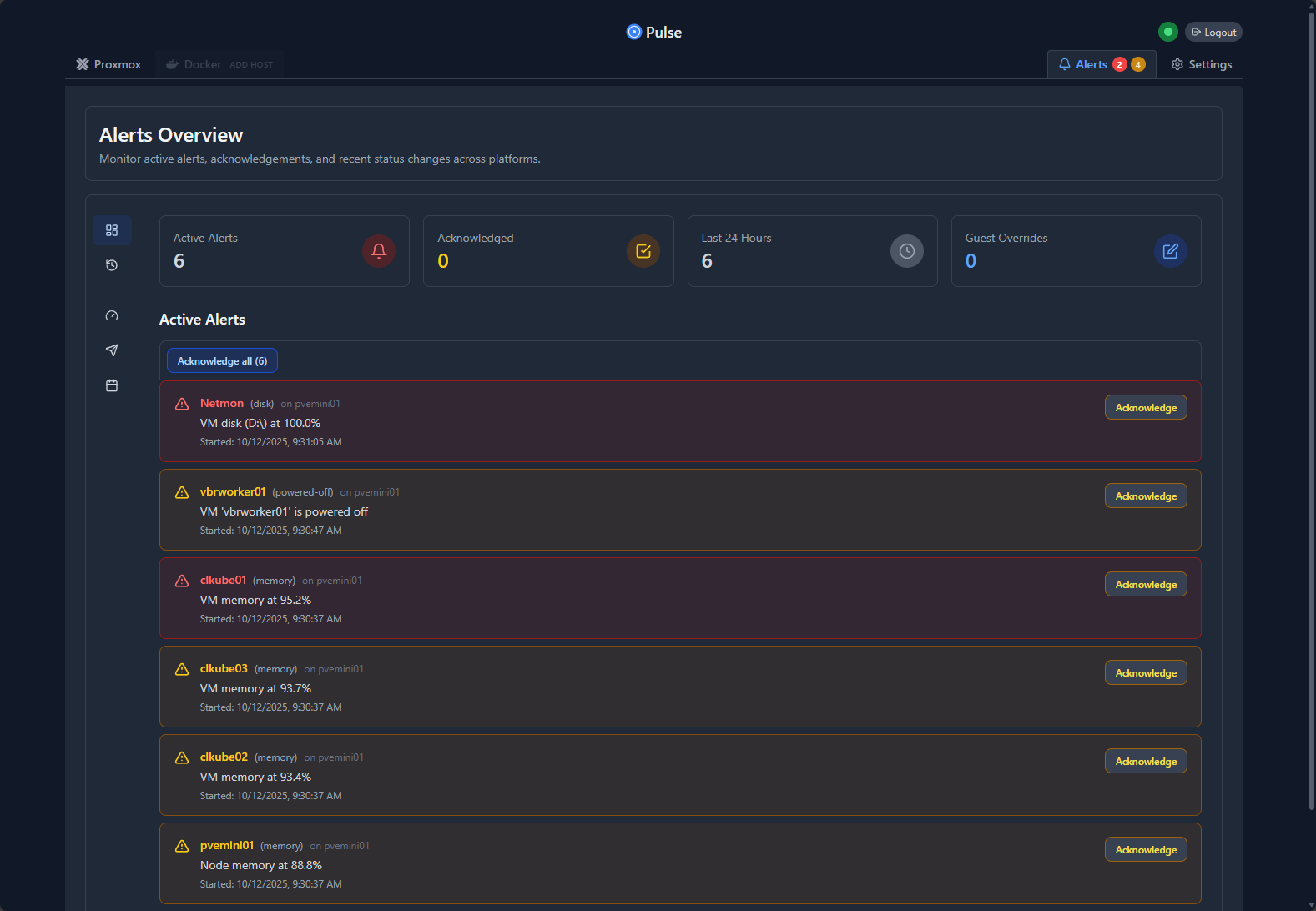
If your lab is starting to feel like an unpaid job with alerts firing every 30 seconds and fighting fires when things go down, it is probably time to start simplifying your setup.
Don’t rely on manual tasks instead of automating
Not only is it a great skill to learn, but it also helps to keep things fun. That is automation. When you automate things, the heavy lifting is only done once. Then the next time you want to carry out that task, you have a script or an automation process that handles it for you.
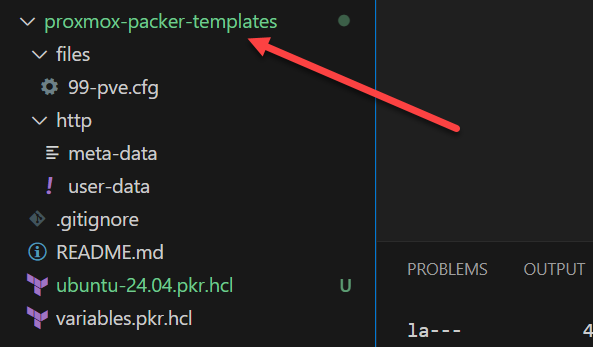
Even small types of automation can be hugely beneficial. One of the first great projects I like to encourage ones to tackle is standing themselves up a CI/CD pipeline with Packer to build automated VM images fresh each week. This is a very manual process that takes a lot of time otherwise. This will show you just how beneficial it is to automate and have these types of automated processes.
Wrapping up
If there is a theme to home labs in 2026, it is to use restraint. Start slow but be very intentional about your learning. When you have a plan going in and don’t overdo it from the start, your lab will grow naturally and organically as you need it to. You won’t force things before they need to happen. This will keep things manageable and much less expensive. Let me know what is on your list of dos and don’ts in your home lab in 2026 I would love to hear from you in the comments.

Google is updating how articles are shown. Don’t miss our leading home lab and tech content, written by humans, by setting Virtualization Howto as a preferred source.
About The Author