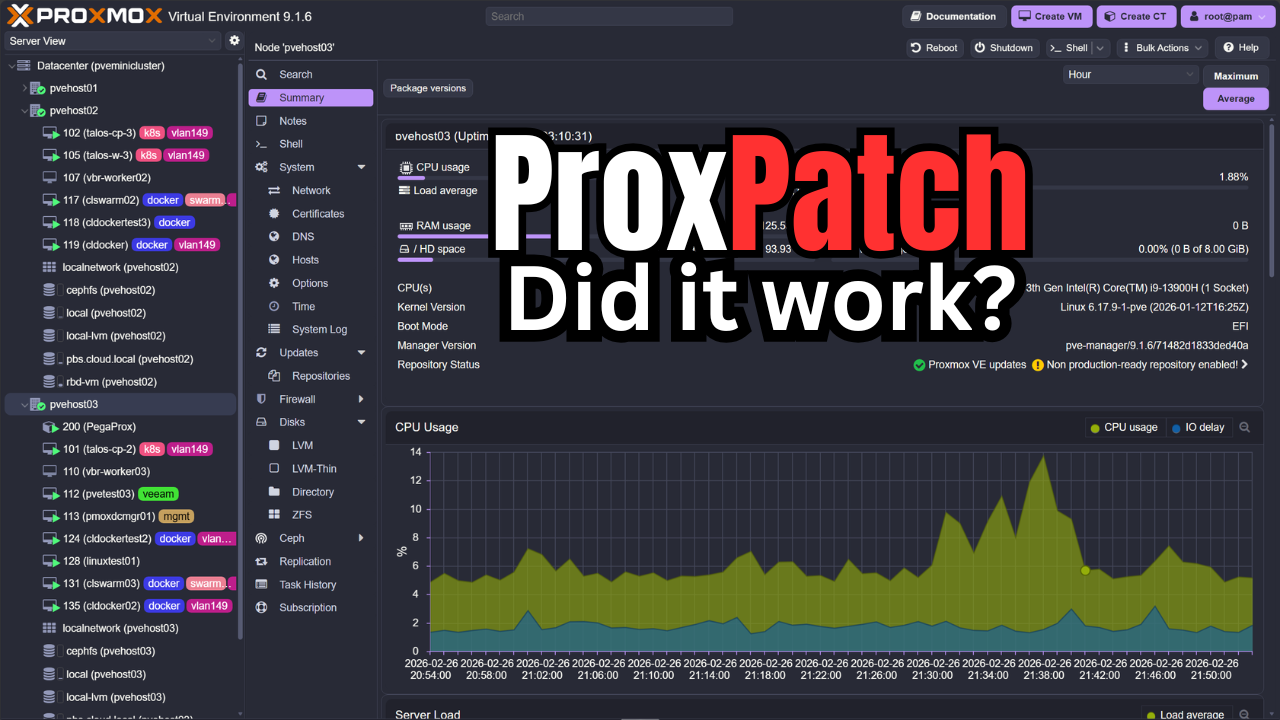
If you have been following along with what I have been up to in the home lab, you know that I recently built a 5-node Proxmox VE cluster running Ceph storage. So, I have been having fun working with PVE closer than ever before in the home lab. Recently also, I wrote a post on how to perform zero-downtime rolling updates across my 5-node cluster and the process I use. This included how to verify Ceph, confirm quorum, enter maintenance mode, migrate workloads, patch reboot, validate, etc. Around the same time, a new open-source project was announced by Gyptazy, the developer behind ProxLB, etc. It is called ProxPatch and it has the goal of orchestrating rolling patches for Proxmox VE clusters. Let’s walk through what it does, how it worked in my environment, and whether I would trust it or not.
My current cluster setup
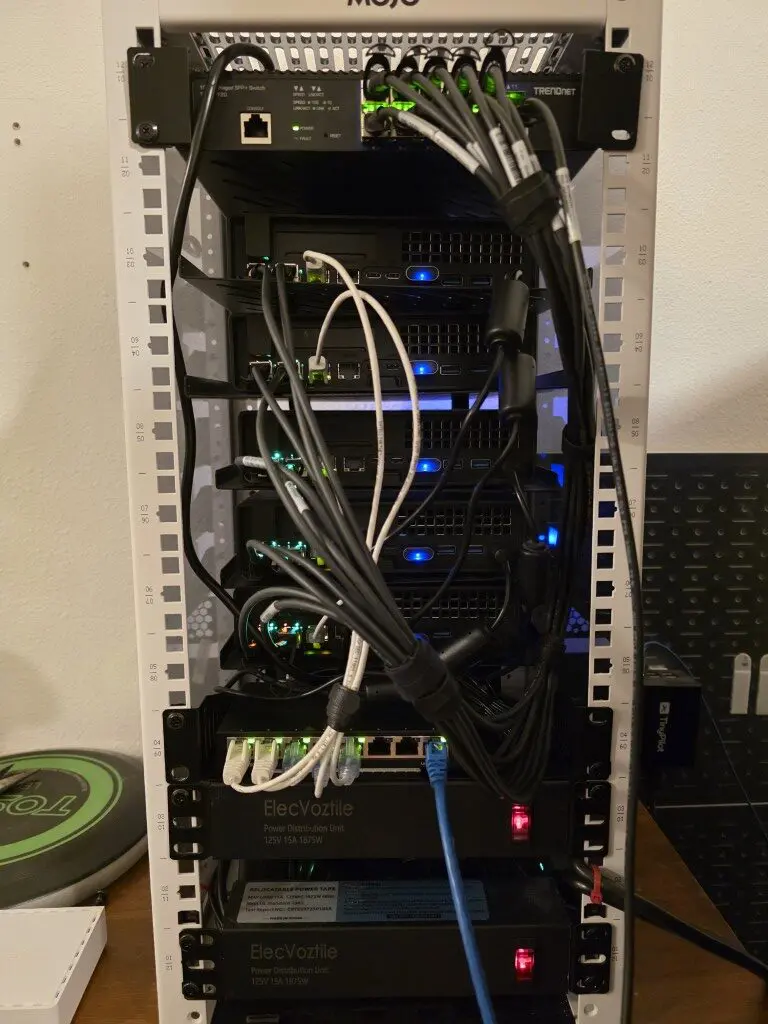
I have gone to an all mini PC lab running in a 10 inch rack that has the following build:
- 5 Proxmox nodes
- NVMe-backed Ceph storage
- Each node is running two OSDs
- Dual 10Gb LACP bonds
- Using vPro for out of band management
- VLAN segmentation for cluster, storage, and VM traffic
- Real production workloads
Each of my nodes participate in Ceph storage with two OSDs. That means when a host reboots, OSDs temporarily go offline. Ceph tolerates this fairly well, but you still have to be careful to only take down one node at a time or only the number of nodes that your Proxmox/Ceph cluster can withstand to keep quorum.
Also, as a note, the first official release of Proxpatch does not claim to take care of Ceph. This is a forthcoming release hopefully happening this week. But what I decided to do was test the functionality any way and just manually control the noout flag.
What is ProxPatch and what does it do?
The open-source ProxPatch solution is a rolling patch orchestration tool. It allows you to automate updating your Proxmox VE clusters without interrupting your running workloads. Instead of you having to manually drain your nodes, you can use ProxPatch to orchestrate these steps and tasks for you.
It does the following:
- It inspects the cluster state
- Upgrades nodes using an SSH connection
- It determines whether or not a reboot is needed
- It migrates running virtual machines away from affected nodes
- It performs controlled reboots while keeping the cluster in operation
One of the things I like about the approach taken with this project is that it just uses native tools that are already included with Proxmox. So you aren’t really installing anything that isn’t already there. What does it use?
- pvesh, qm, ssh
At a high level, it:
- Connects to nodes via SSH
- Checks for updates
- Evacuates workloads
- Applies updates
- Reboots if needed
- Moves to the next node
Requirements to use it with your cluster
There are a few requirements and details to note. It needs the following:
- PVE 8x or 9x
- Cluster quorum
- Shared storage so VMs can “move off” nodes
- SSH to all cluster nodes (SSH key recommended)
- jq on the machine running ProxPatch for JSON parsing
Installing ProxPatch
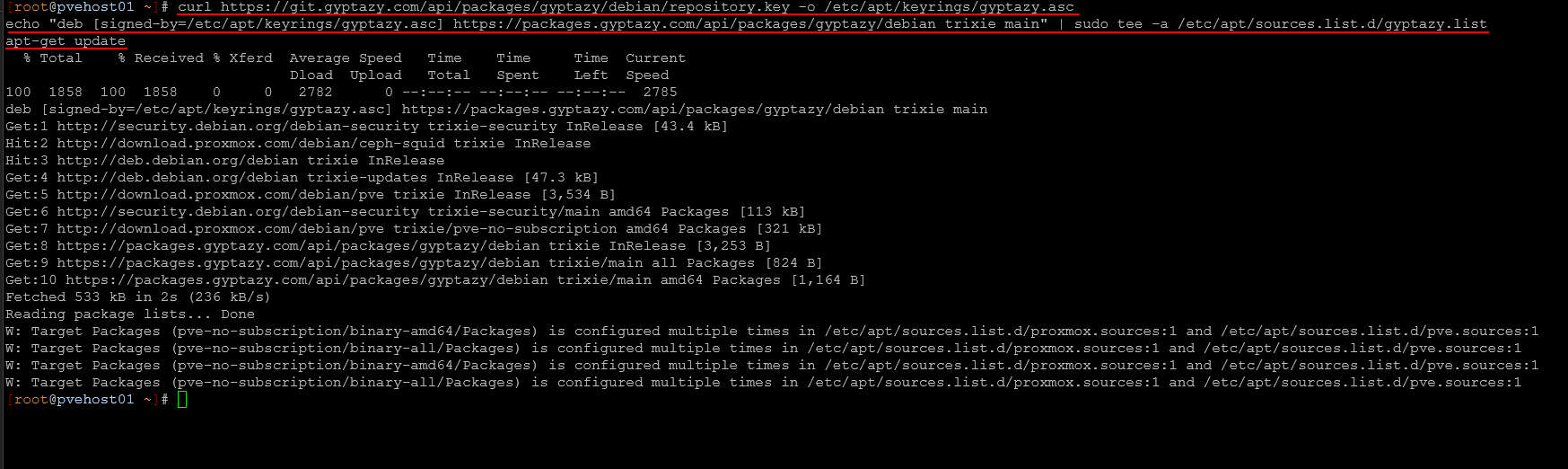
Installation was straightforward. ProxPatch is really lightweight and doesn’t need anything special to get up and running. The developer has the installation out in his repo that you can add and then install using a typical apt get command:
# Add the official gyptazy.com repository
curl https://git.gyptazy.com/api/packages/gyptazy/debian/repository.key -o /etc/apt/keyrings/gyptazy.asc
echo "deb [signed-by=/etc/apt/keyrings/gyptazy.asc] https://packages.gyptazy.com/api/packages/gyptazy/debian trixie main" | sudo tee -a /etc/apt/sources.list.d/gyptazy.list
apt-get update

# Install ProxPatch
apt-get install -y proxpatch
Installing the keyring:
Below is installing the package:
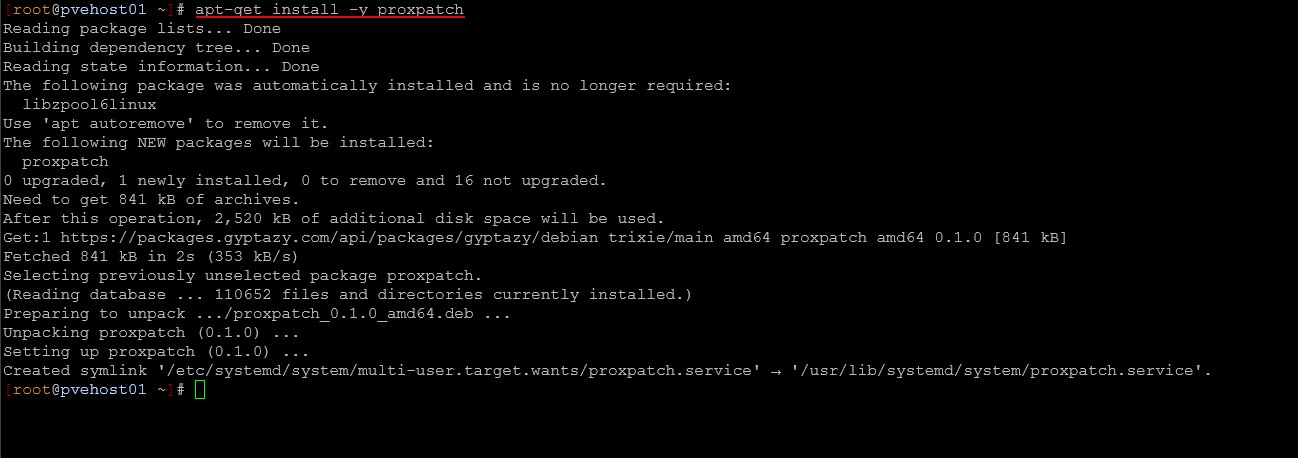
Finally, after we have the solution installed, we just need to enable the service and start it:
systemctl enable proxpatch
systemctl start proxpatch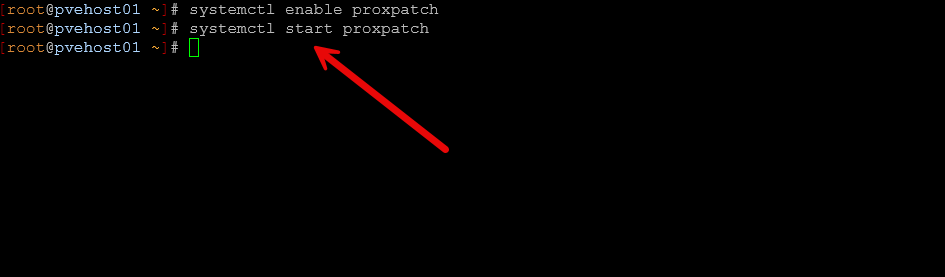
In reading through the instructions from the Github page, it sounded like the config file located at /etc/proxpatch/proxpatch.yaml was optional. However, I found that I received an error with the service starting about the missing config file:

This was easily resolved, with the following simple proxpatch.yaml config file placed at the /etc/proxpatch location:
ssh_user: root
deactivate_proxlb: false
Before running ProxPatch
There were a few quick sanity checks that I made before running ProxPatch on my cluster. First, I made sure that Ceph was healthy. You can do that by running the following command. As a note, the developer has mentioned the next release of ProxPatch will handle Proxmox clusters running Ceph by placing the cluster noout flag for Ceph.
ceph -sI verified:
- HEALTH_OK
- All OSDs up and in
- No recovery or backfill
- All PGs active+clean
Then I checked quorum for the Proxmox cluster in general:
pvecm statusAll nodes were in quorum and stable.
The First Node Roll
When ProxPatch began its process, I kept a check on things by looking at the service status as you can see what the service command is working through.
In my manual process, I explicitly place a node into maintenance mode using:
ha-manager crm-command node-maintenance enable <node>That ensures workloads are migrated in a controlled fashion.
ProxPatch handled evacuation correctly. VMs began migrating off the first node before updates were applied. Migration behavior was similar to what I see when I manually enter maintenance mode.
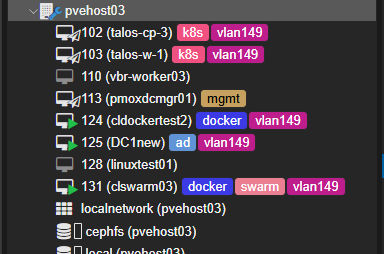
If you look at the status of the service using systemctl, you can see the tasks that it has completed or working on:
systemctl status proxpatch
After all nodes have been upgraded, you will see this in the status messages. The service checks for updates again every 6 hours:

Ceph Behavior Under Automation
This was the part I cared most about. Keep in mind as I have stated here, the developer is going to release a future version of the tool that has Ceph “awareness” so that it properly sets the noout flag. In a Ceph-backed cluster, automation can be dangerous if it moves too quickly.
Here are a few things with Ceph that you need to pay attention to and monitor, really with any process, whether it is manual or automated:
- OSD up/down transitions
- PG states
- Backfill behavior
- Recovery storms
- Write latency
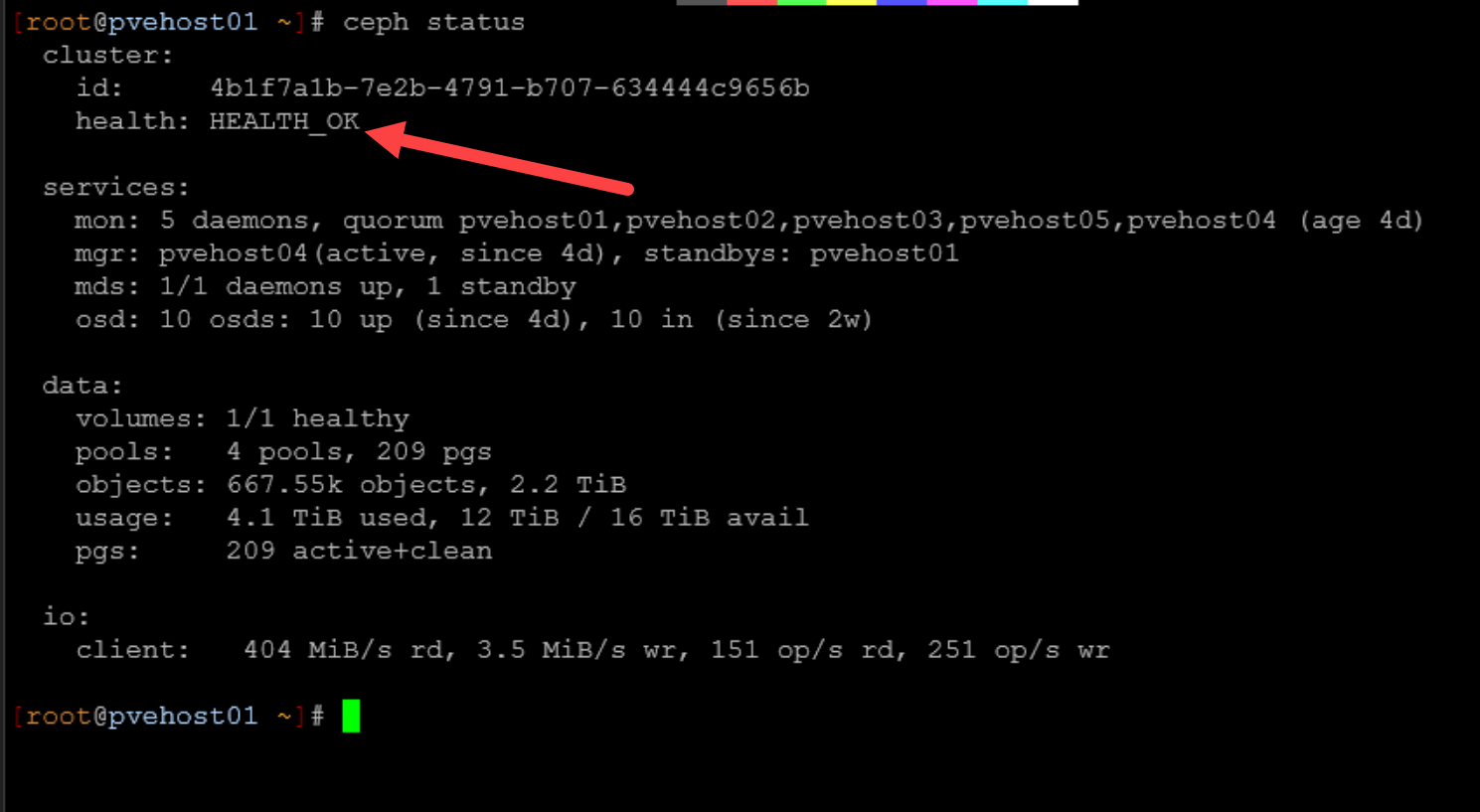
ProxPatch did look to respect serial execution. It did not attempt to process multiple nodes simultaneously. I think this is one of the critical aspects in a Ceph environment. In my testing, Ceph stayed healthy throughout the process and didn’t see
Where ProxPatch makes a lot of sense
I see a few strong use cases with this particular release of ProxPatch that I tested. I think more features and capabilities are coming, including Ceph, so these thoughts are based on the version I tested. I think it makes a lot of sense for:
- Smaller clusters that do not run Ceph (in the current version)
- Clusters where operational consistency is more important than manual intervention
- Environments where patching tends to get postponed because it is tedious
Automation reduces the likelihood that updates are delayed for weeks or that you miss a step that needs to be done before updates are applied. It also reduces the chance that someone forgets to evacuate workloads before patching. For home lab users who are just getting comfortable with rolling updates, I think ProxPatch lowers the barrier to entry.
Did using ProxPatch actually save time?
Yes it does. It takes all the planning and heavy lifting out of the equation where you can “set it and forget it” especially in home lab environments. With my typical 5 node cluster in the home lab, it takes anywhere from 30 minutes or more to get everything upgraded, checked, rebooted, etc.
With ProxPatch, you can kick the process off and monitor things from the side as you go about your business otherwise. It still took time to complete, but it requires less hands-on interaction. I think from a workflow perspective, that is valuable.
Wrapping up
ProxPatch is a great community tool by the developer Gyptazy who is well known for other Proxmox projects. This one is no exception and definitely one to add to a weekend Proxmox project list if you are looking for new things to try this comming weekend. Testing ProxPatch in my 5-node Proxmox cluster was a positive experience. It respected serial execution of tasks. It handled VM evacuation correctly. It did not destabilize Ceph even though this version is not written for it (I took the precautions needed to manually do this). It completed rolling updates without downtime. How do you currently handle your Proxmox updates? Is this a manual process for you?

Google is updating how articles are shown. Don’t miss our leading home lab and tech content, written by humans, by setting Virtualization Howto as a preferred source.
About The Author