


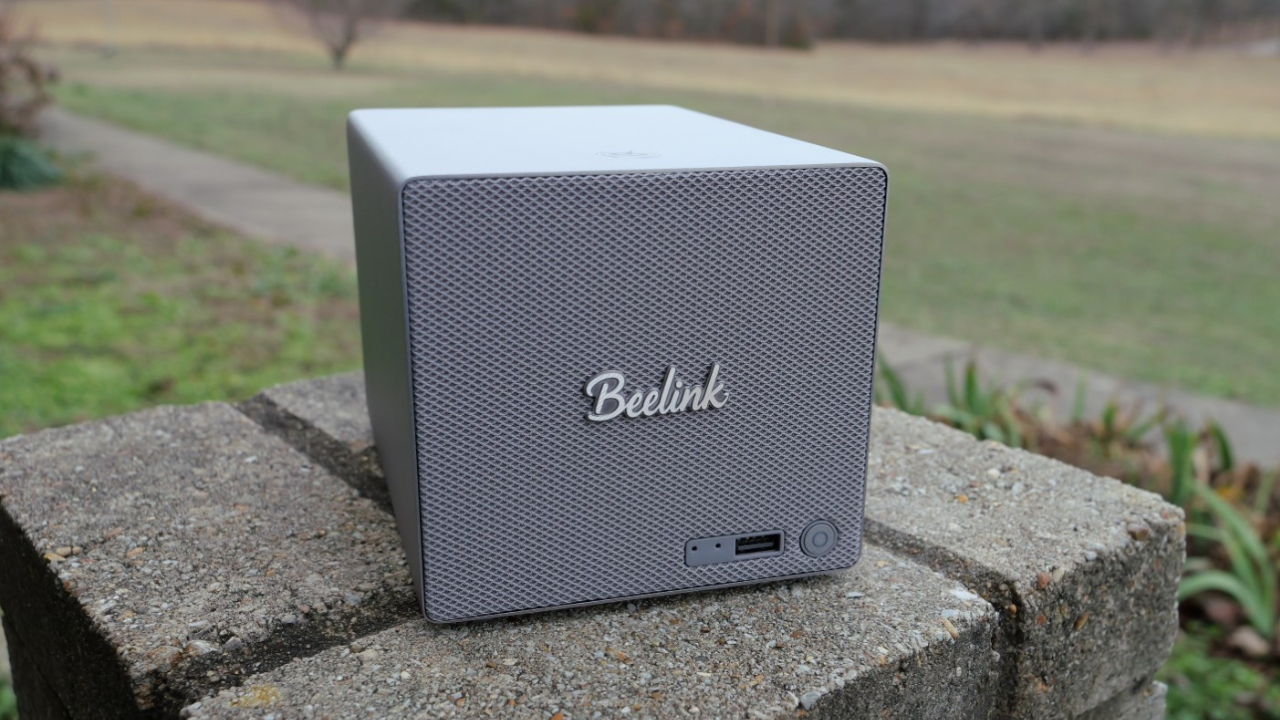
I just received over the Beelink ME Pro from Beelink for review in the home lab. This I have to say is one that did catch my attention when I first heard about its release. I am excited to get this one and perhaps use it in my newly built 10 inch rack providing storage for my tiny rack setup. This little NAS definitely has a small footprint, but it has a lot of options for storage underneath the hood that give it quite a bit of flexibility for your lab storage. So, let’s dive into the review of this unit as a home lab server or home lab server storage in 2026.
Where does the Beelink ME Pro fit in?
You probably saw my review of the Beelink ME Mini NAS that features an all flash design with the possibility of 6 M.2 drives all the way around the perimeter of the unit along with the internal storage that has the OS loaded. This is the beefier big brother to that unit in terms of storage capabilities.
I think the mini NAS devices that Beelink has been delivering to the community are fitting nicely with the trend to cut power costs, space, and noise in the home lab. This NAS is small on the outside but has actually really powerful hardware capabilities and flexibility in what it can do both for storage and networking.
After receiving a review unit and spending time with the hardware, I can say the ME Pro is not just another budget NAS box. It does deliver on the promise of having high density storage, modern networking, and also as a mini PC. I personally think modern NAS devices have evolved into basically “hyperconverged” nodes since they have compute, storage, and networking all built into a single device and this is amazing for home labs. It means that these types of devices are not just for “storage only” but they can also be used as an actual hypervisor host as they have everything that is required.
Specs of the Beelink ME Pro
The Beelink ME Pro packs a lot of features I think into a compact system. Below is a breakdown of the official hardware specs that are listed by Beelink.
Processor
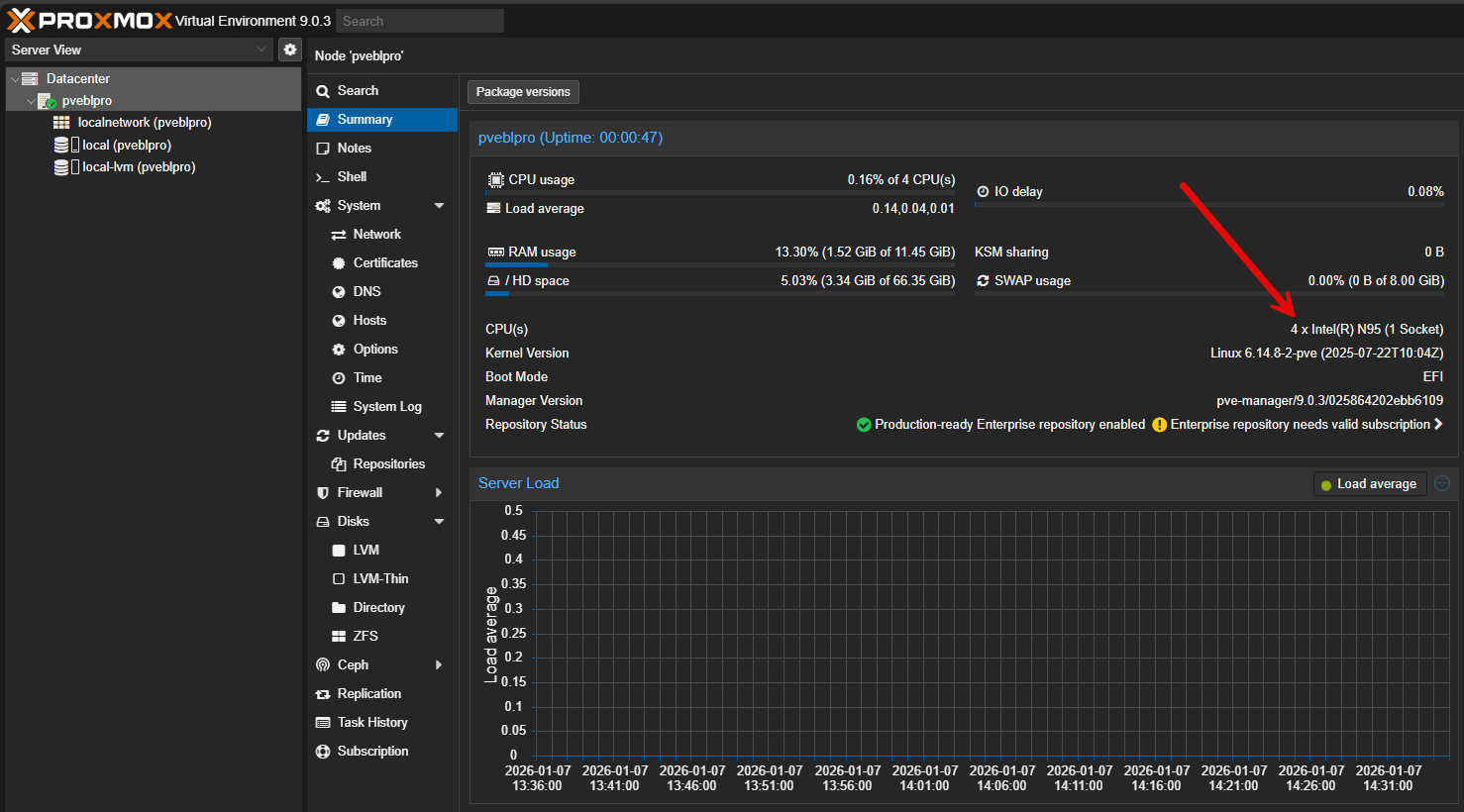
- Intel Twin Lake N95 quad core processor with boost up to 3.4 GHz (unit I received)
- Intel Twin Lake N150 quad core processor with boost up to 3.6 GHz
- Integrated Intel graphics suitable for media playback and transcoding
The ME Pro uses Intel Twin Lake processors in either N95 or N150 configurations. These CPUs are not designed to compete with high end desktop or server parts, but that is not the point. For NAS workloads, container hosting, and light services in the home lab, they fit. The power draw is low as well. The integrated graphics can also handle media tasks and basic display output and also has hardware transcoding for Plex or Jellyfin.
Memory
- 12 GB LPDDR5 at 4800 MHz or 16 GB LPDDR5 at 4800 MHz
- Soldered memory design optimized for power efficiency (makes me also wonder about RAM availability as an unstated reason)
Memory is soldered on LPDDR5 at 12 GB so it isn’t upgradeable. The available configuration provides enough memory for storage services, a few containers, and some multitasking.
Storage Support
- 2 x SATA bays supporting 2.5 inch or 3.5 inch drives
- Support for high capacity NAS hard drives and SATA SSDs
- 3 x M.2 2280 NVMe slots
- One PCIe 3.0 x2 NVMe slot
- Two PCIe 3.0 x1 NVMe slots
Networking
- 1 x 5 GbE Ethernet port
- 1 x 2.5 GbE Ethernet port
- Wi Fi 6 wireless networking
- Bluetooth 5.4
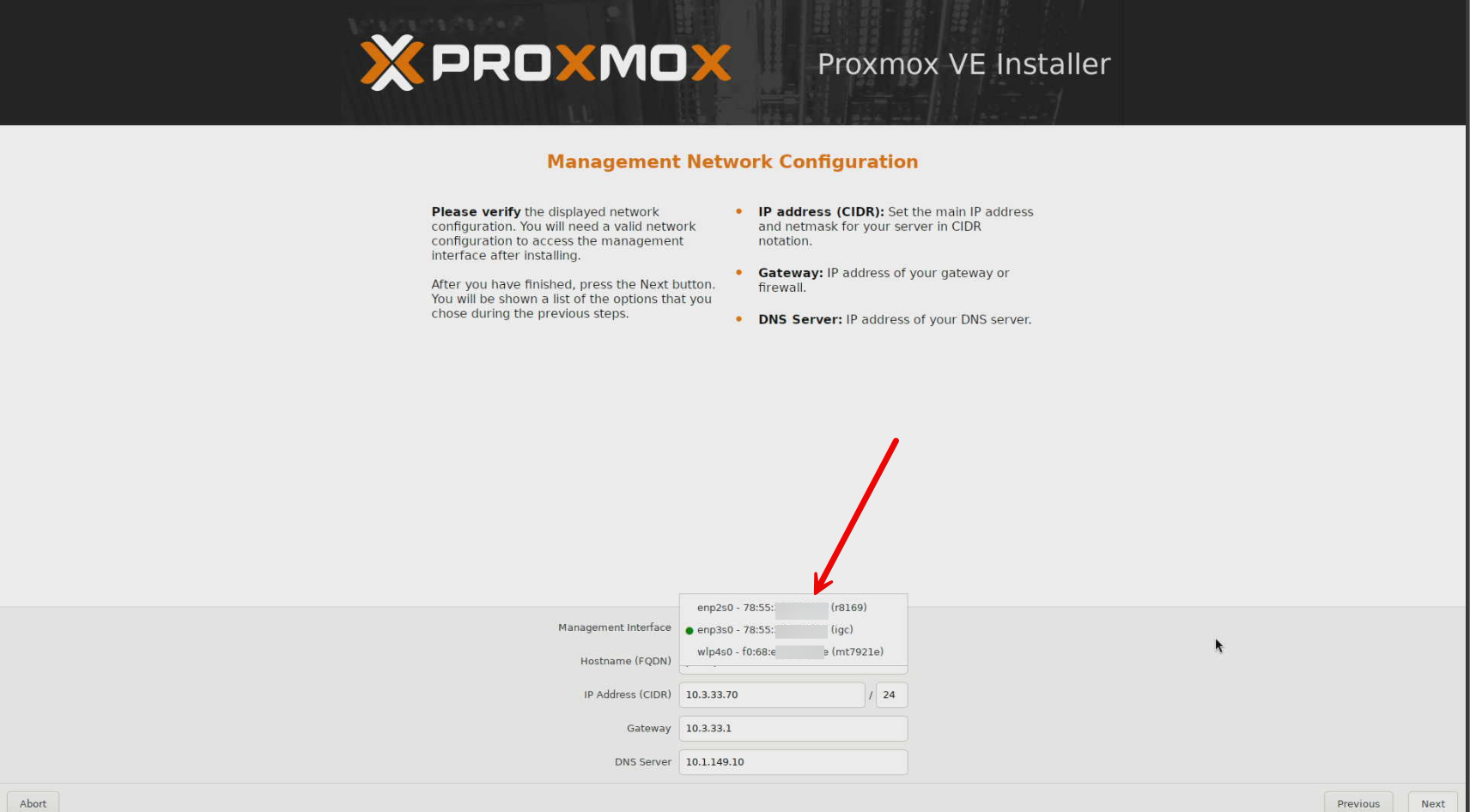
As you see above, the ME Pro includes both 5 GbE and 2.5 GbE Ethernet ports and wireless. So this thing is a fully featured NAS with a lot of flexibility on the networking side. Also, something I found when installing Proxmox is that one of the NICs is an Intel based adapter and one is Realtek! Pretty cool to have the options there, could even install VMware ESXi on this thing. You can also setup aggregation or segmented networks with separate physical adapters.
External Ports
- 1 x USB C port with 10 Gbps data transfer and video output
- 1 x USB A 3.2 Gen 2 port at 10 Gbps
- 2 x USB A 2.0 ports
- 1 x HDMI 2.1 port supporting up to 4K at 60 Hz
Other Notable Features
- Internal active cooling with dedicated airflow for storage drives
- Anti vibration mounting for SATA drives
- Modular internal design intended for future platform flexibility
The design of the ME Pro
When you compare the design of the Beelink ME Pro two-bay NAS with other two-bay systems, it is small. I love the footprint for this device. It is super small and minimal and definitely has that mini PC feel in that regard compared to being a storage device.
Physical Design
- Metal chassis construction
- Dimensions approximately 166 mm x 121 mm x 112 mm
- Weight approximately 2.1 kg
- Compact footprint compared to traditional two bay NAS systems
I think this size difference with other units on the market will definitely appeal to the home lab crowd, again looking to have small footprint and efficient labs. It is also very solid in fit and finish and look.
Comes with Windows but gives you OS freedom
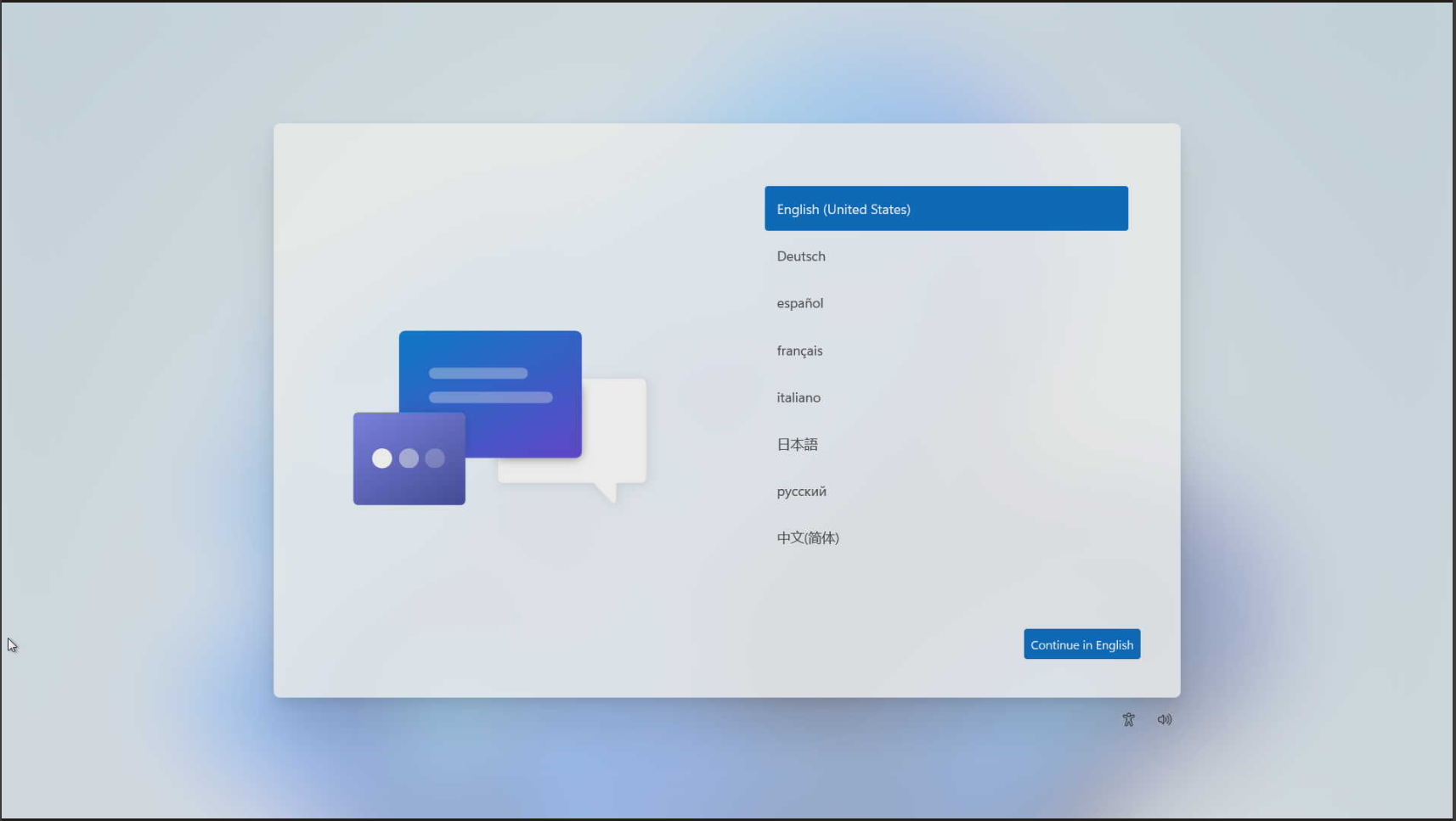
One of the most important aspects of the ME Pro is the freedom to choose your operating system. It comes preinstalled with Windows 11 on the preinstalled NVMe drive. However, you have tons of flexibility here as you can install Proxmox, VMware, TrueNAS, UnRAID, or something else that you like, such as ZimaOS. So, long story short, you can run just about anything on this little NAS.
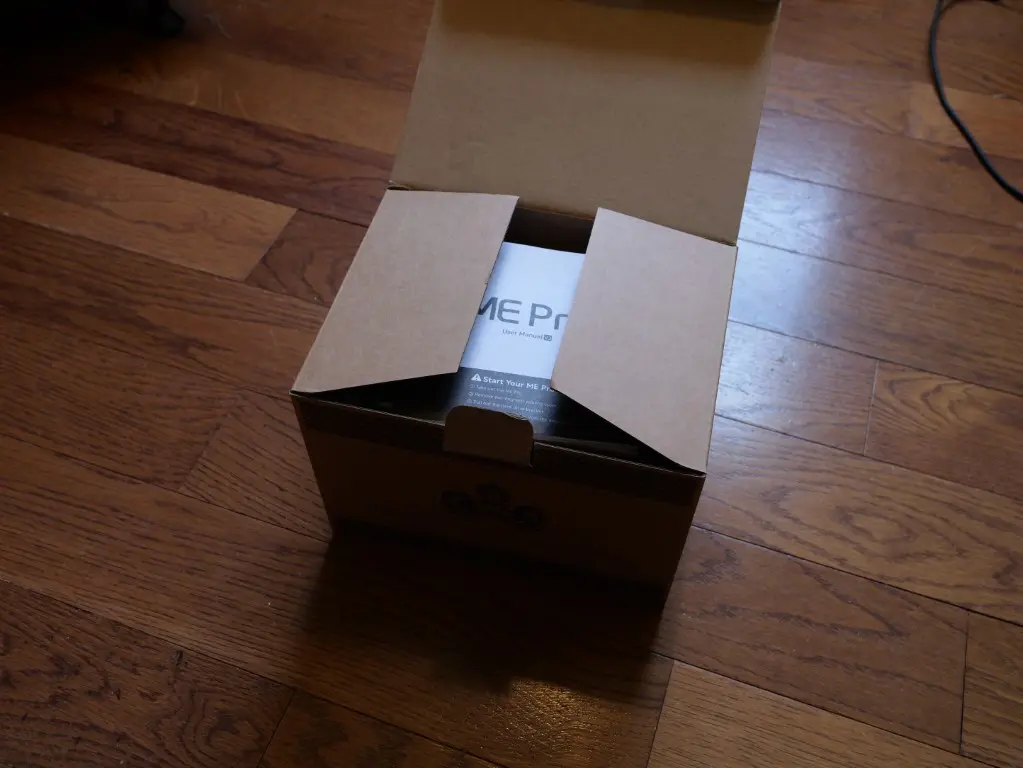
Unboxing and drive installation (M.2 and SATA hard drives)
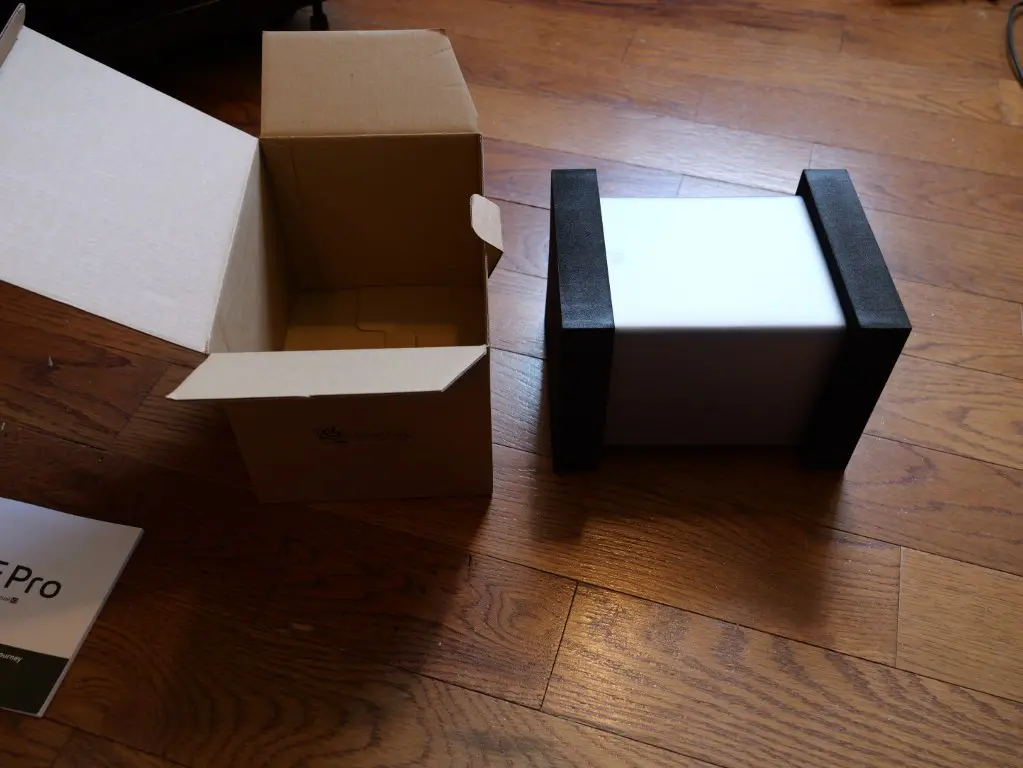
Below are pictures from the unboxing of the Beelink ME Pro, the hardware, and the various storage bays and slots. The unit is packaged very well and the box is surprisingly small even though it packs a lot of hardware in.
Removed from the box.
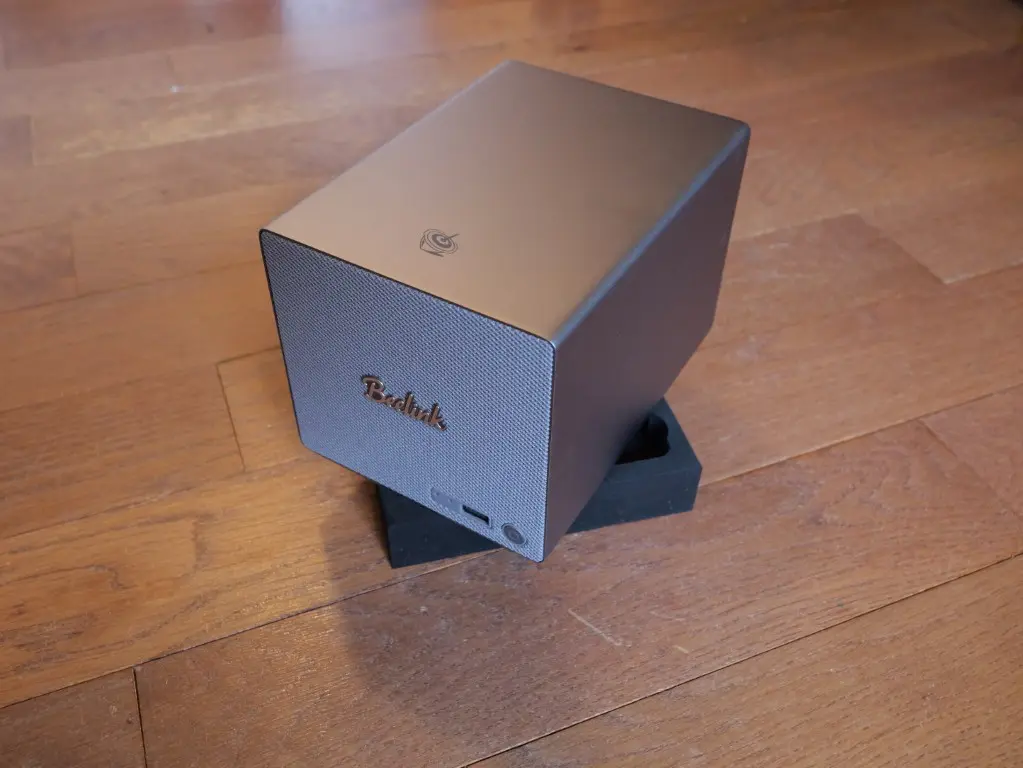
I like the mesh front. This gives me vibes of a Fender amp the way it is styled and the look. Would be so cool if someone comes out with a mod to make this a personal practice amp, lol.
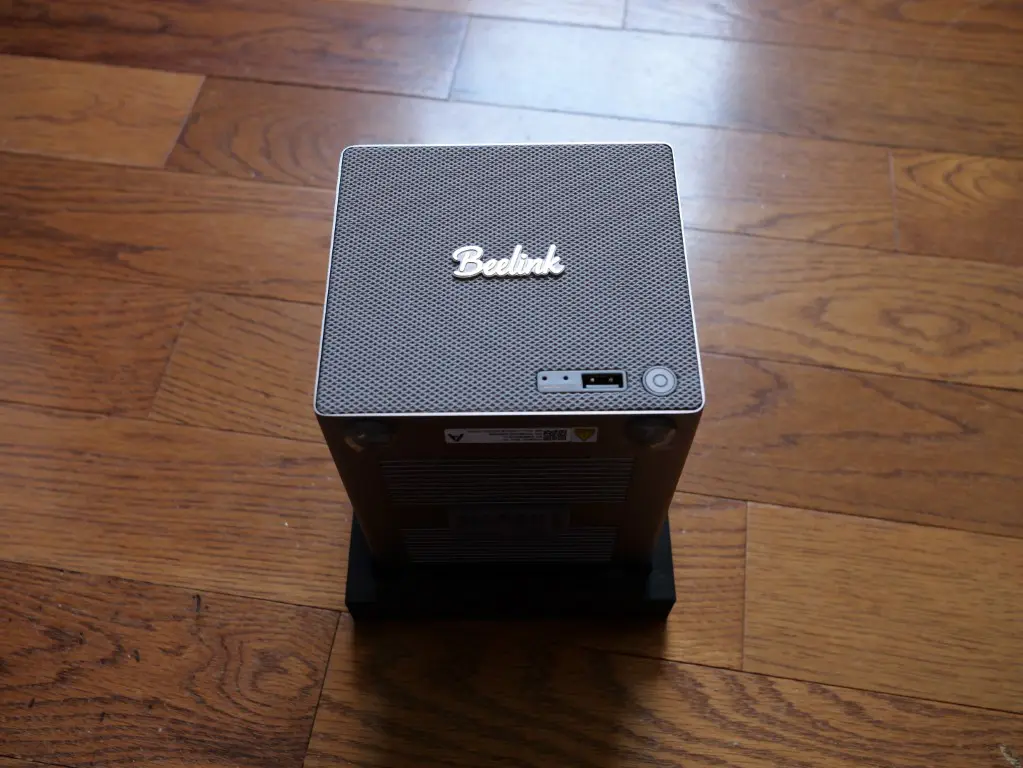
Another look at the Fender amp/I mean Beelink ME Pro.
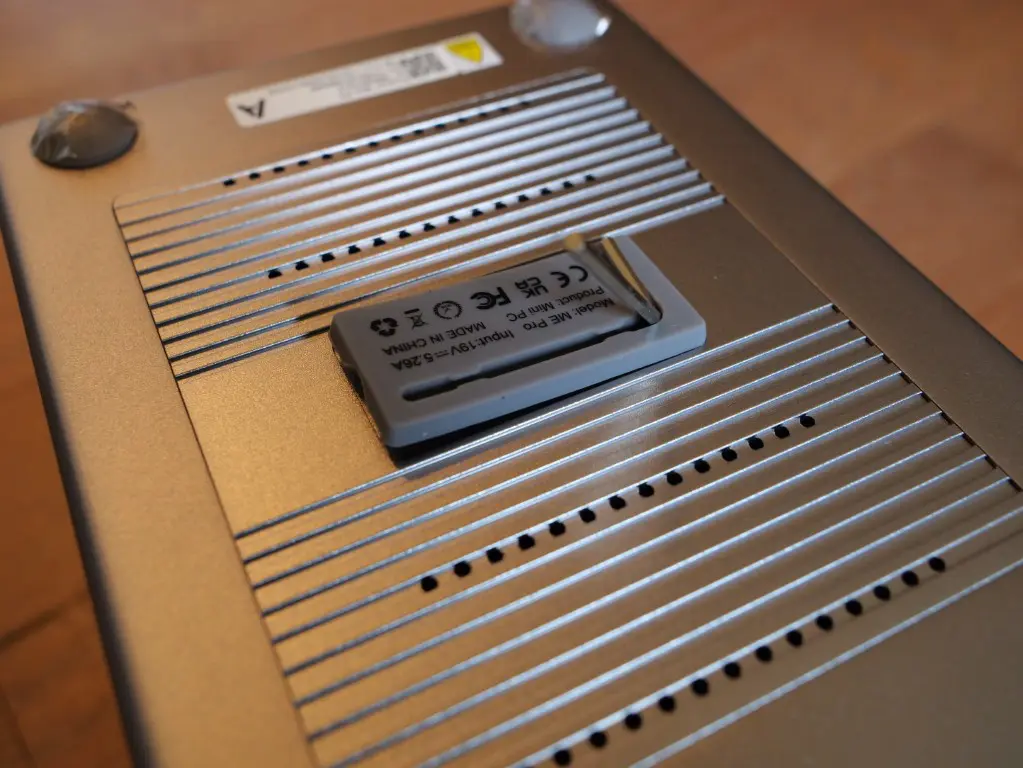
On the bottom, you have the included hex key tool that allows you to unscrew/screw the components. However, this tool is tiny. I highly recommend using your own tool with a handle as it will be much easier to handle than this one.
The drive bays are visible after you remove the magnetic mesh cover you see to the right of the unit. They also have nice nylon type pull tab straps that allow you to easily pull them out from the connectors.
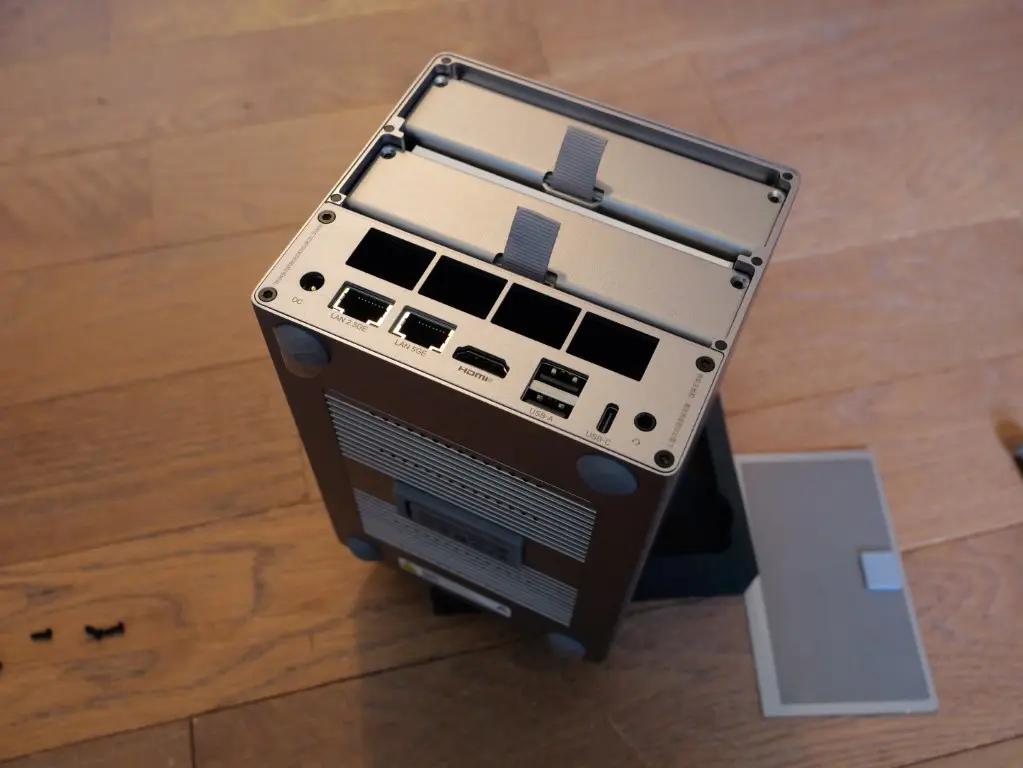
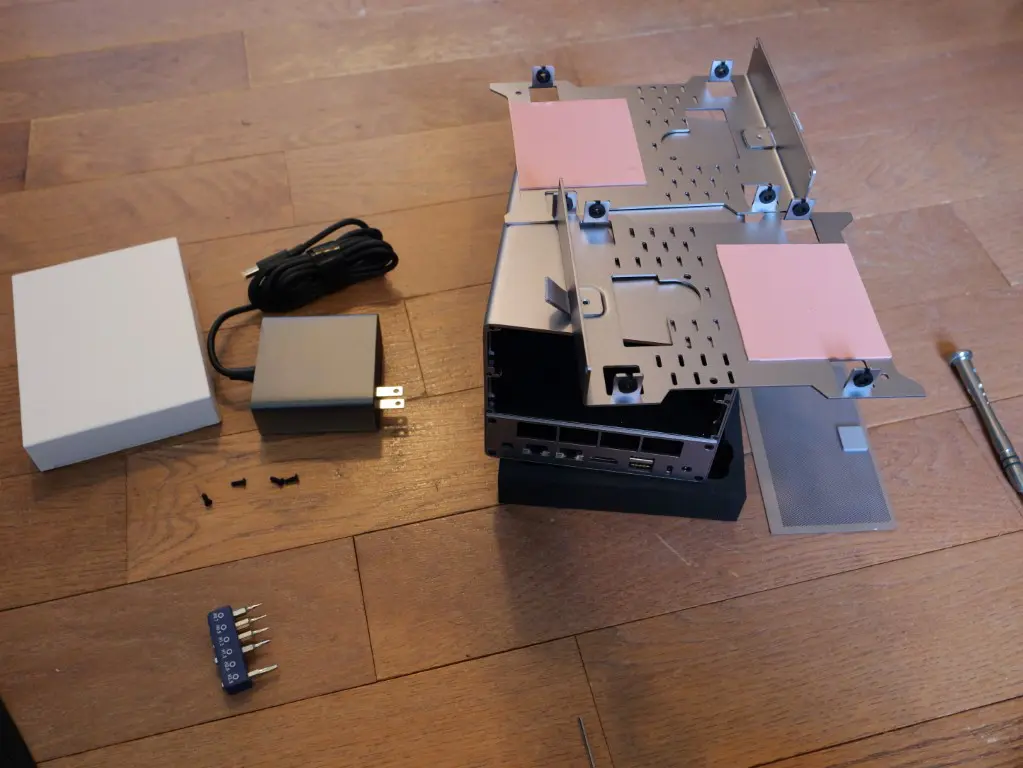
Hidden inside the drive bays out of the box is all the hardware. Pretty cool way to package everything and I am sure this saved a lot of money on the packaging requirements for Beelink.
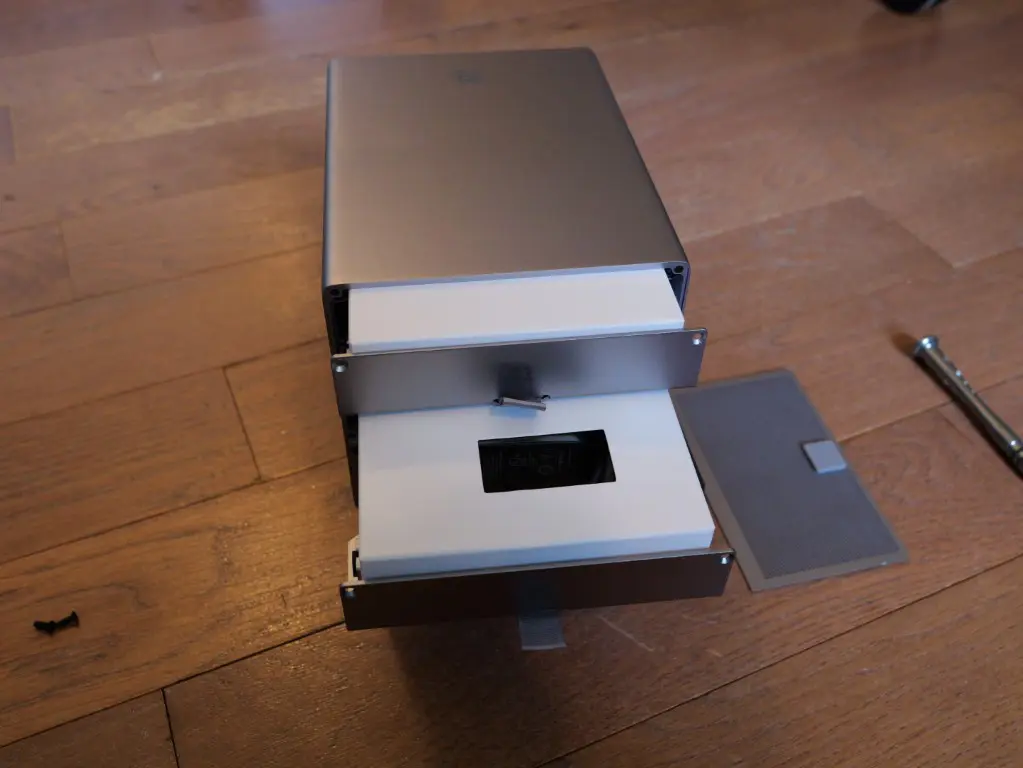
After removing the boxes from the drive trays. Also, here you see the size of the power adapter which looks identical to other Beelink mini PC power adapters. One nice thing is the 3.5 inch drive bays have heat pads on them to help with heat dissipation from the hard drives.
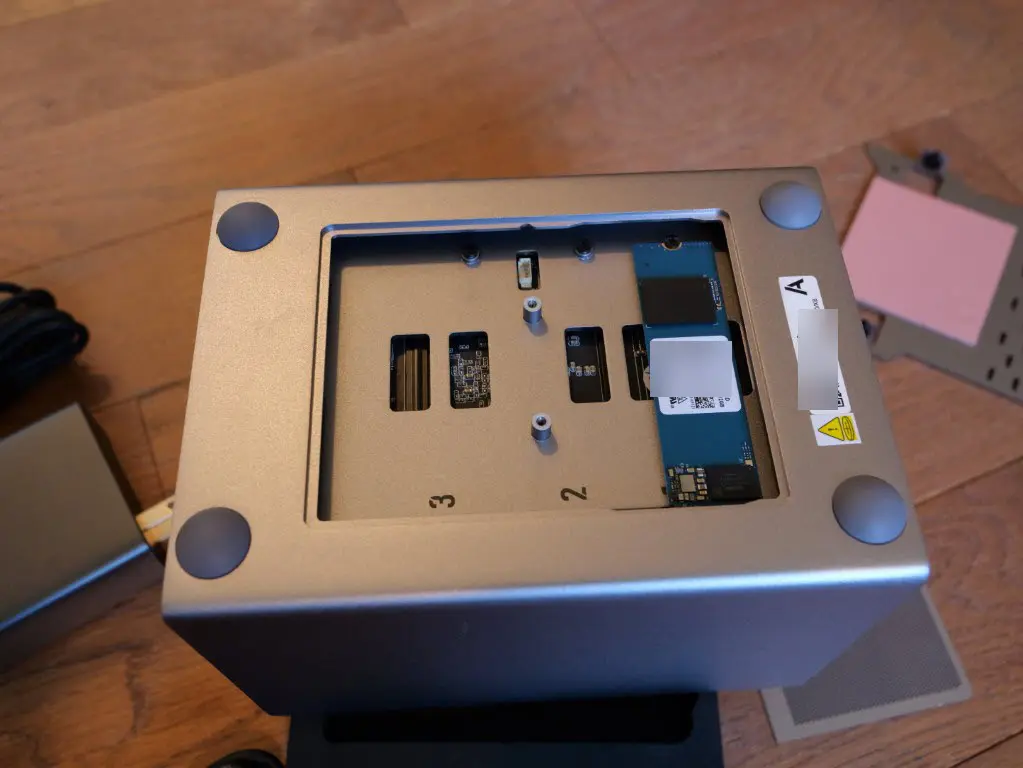
Underneath the unit is the M.2 bays. is the NVMe drive from the factory in slot 1.
Another view of the hard drives after they are installed. As a note, the hard drives install with screws.
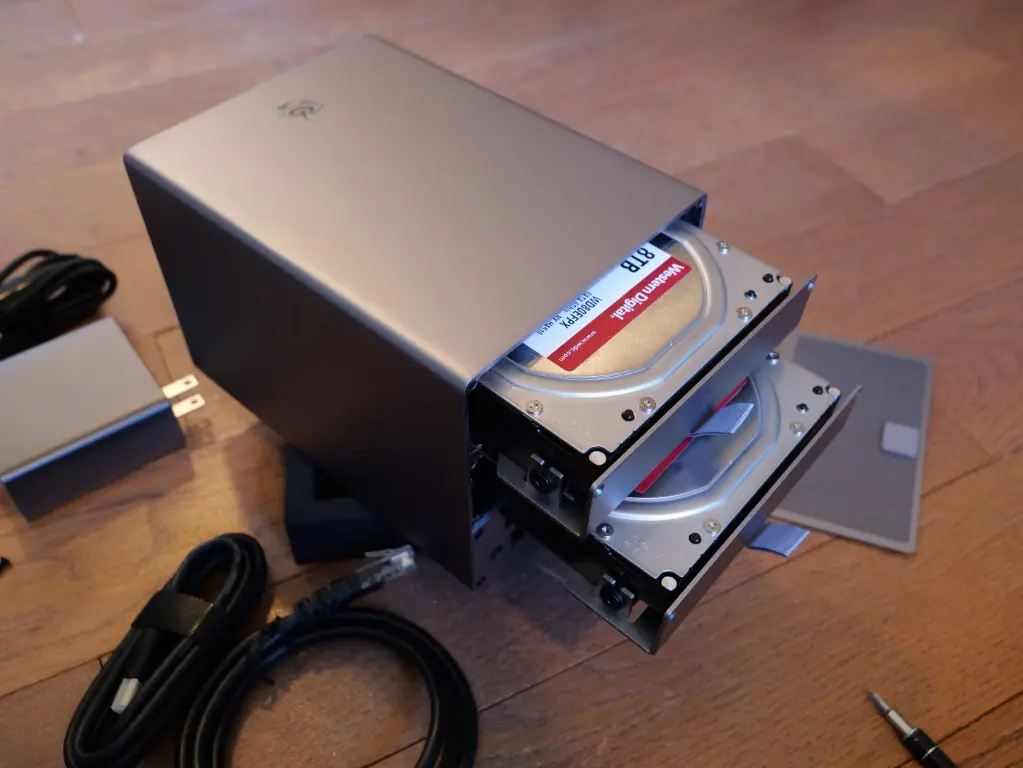
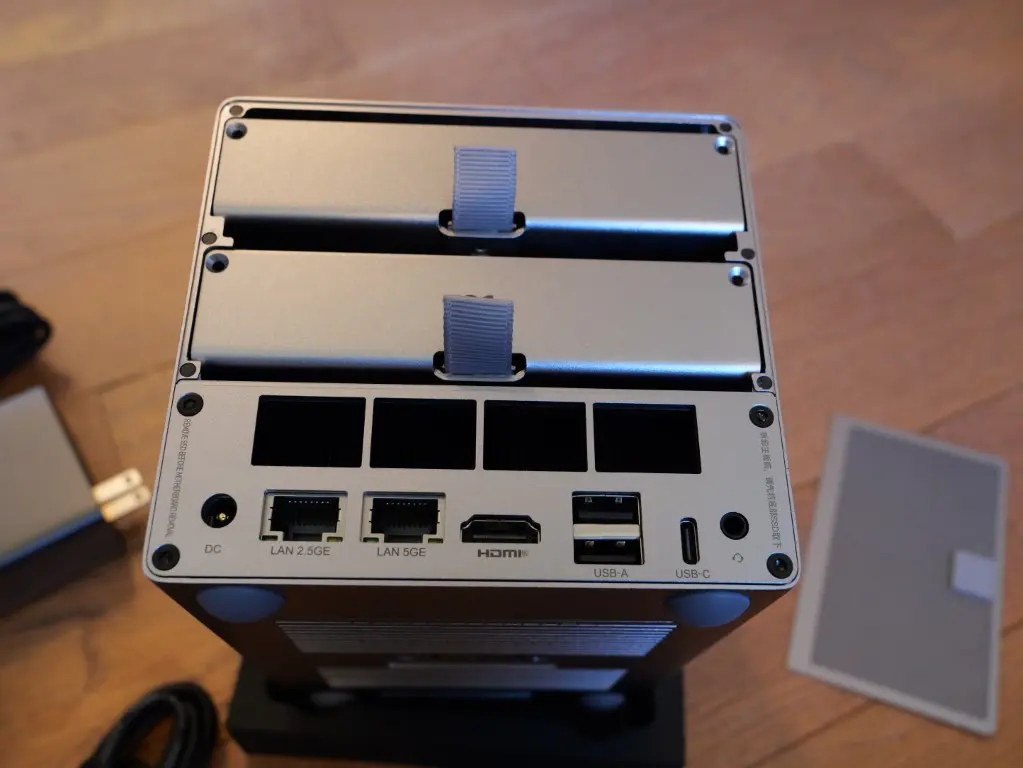
A top down look at the hard drive slots.
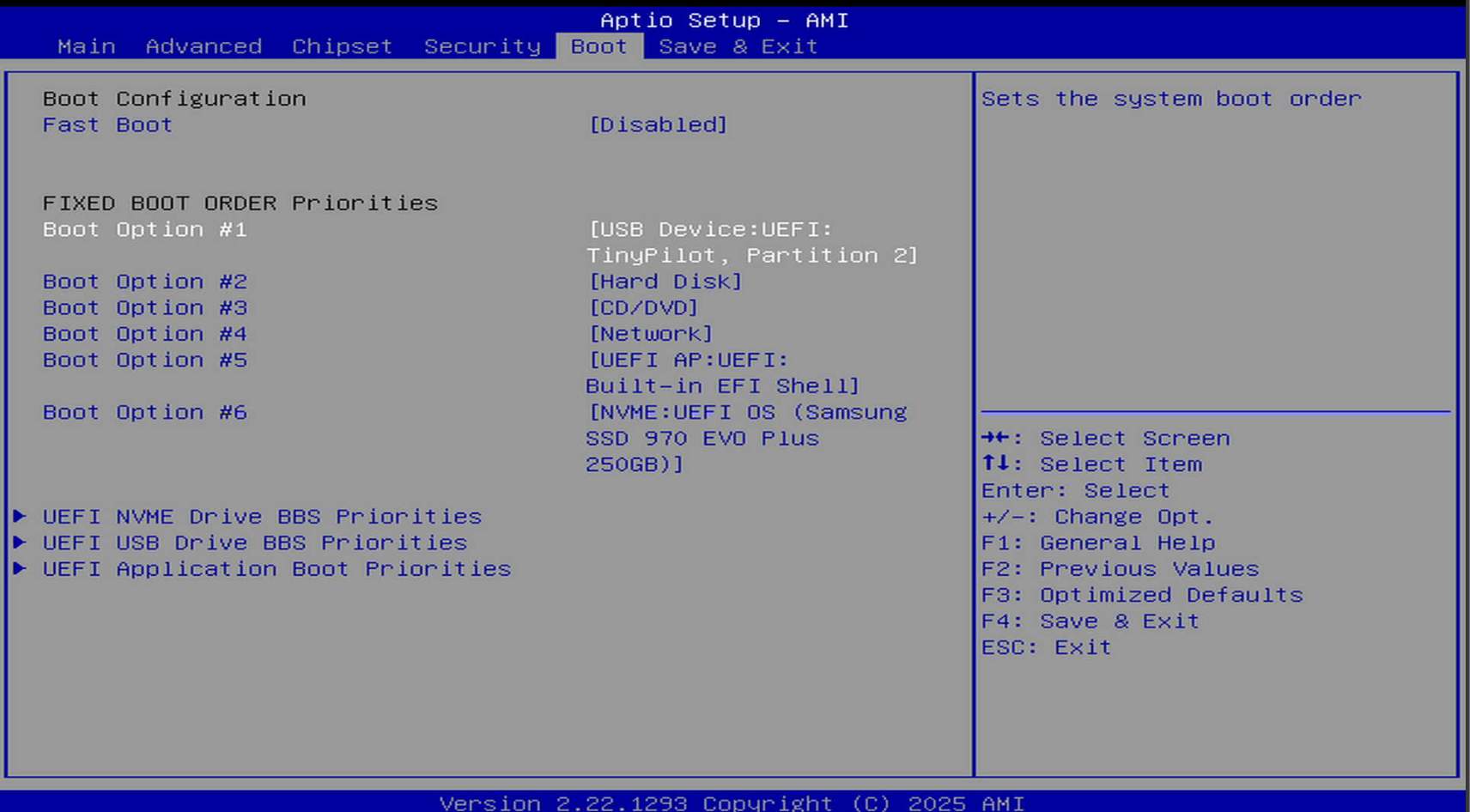
BIOS for the Beelink ME Pro
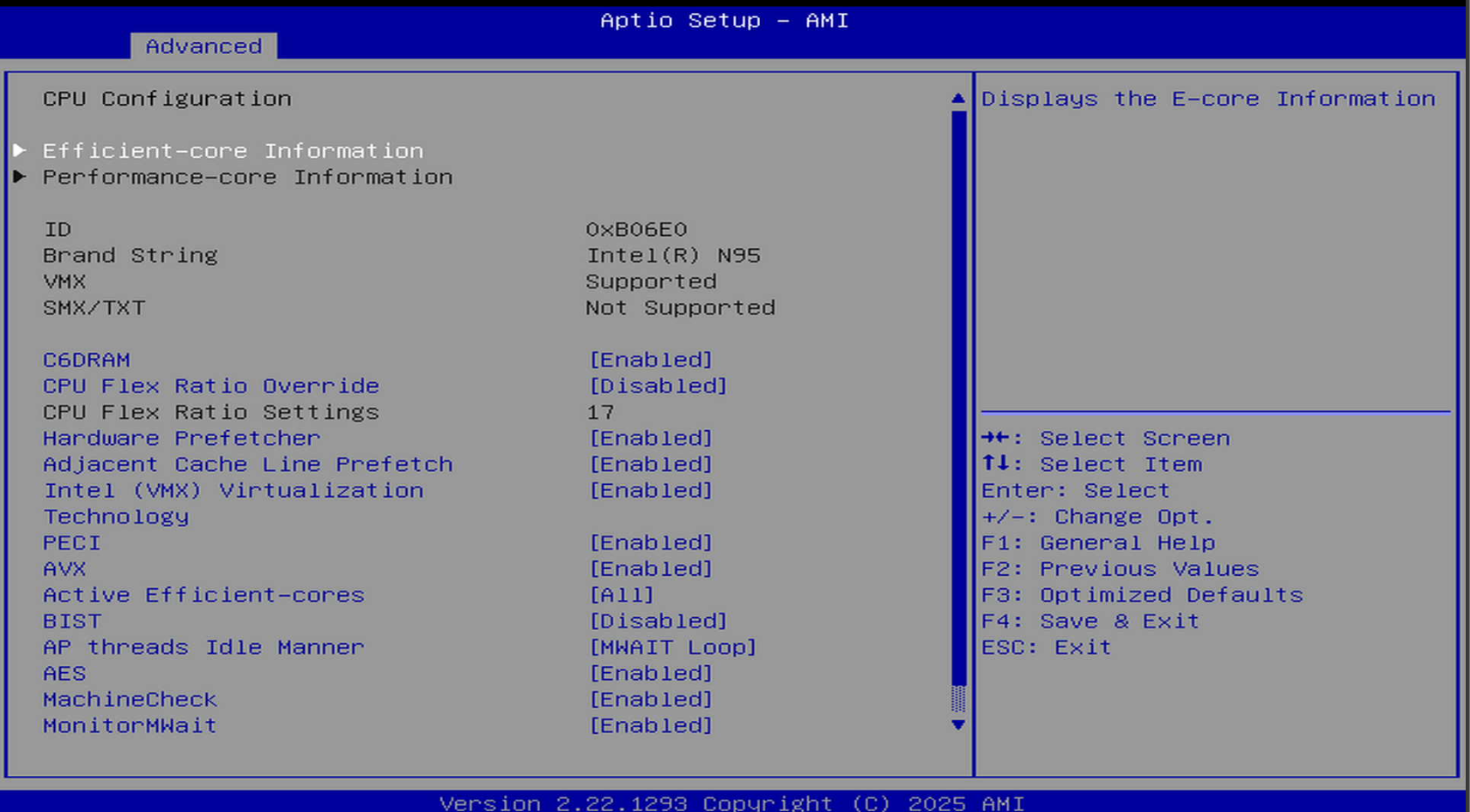
Below are a few of the screenshots from the BIOS of the Beelink ME Pro.
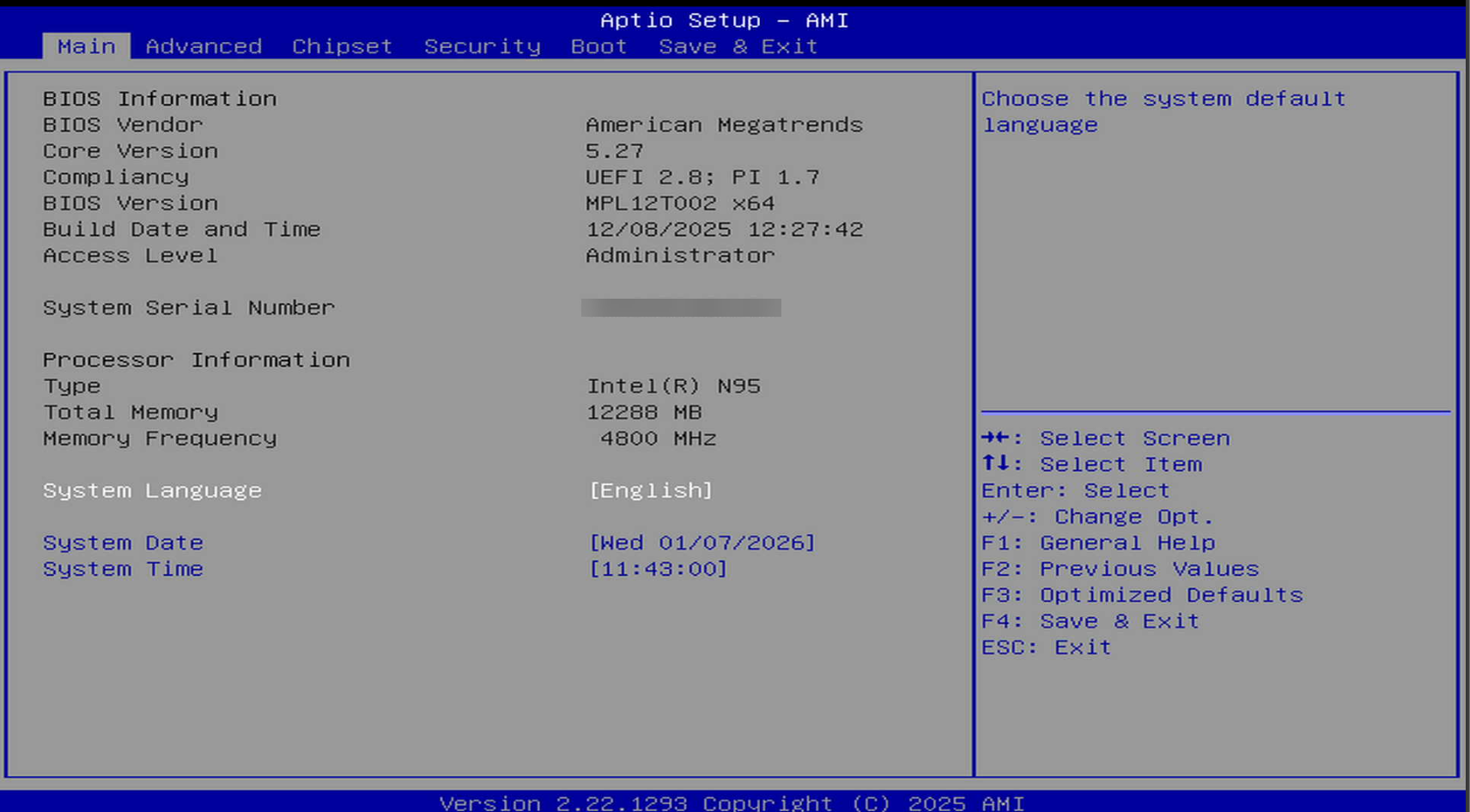
The CPU power management control screen.
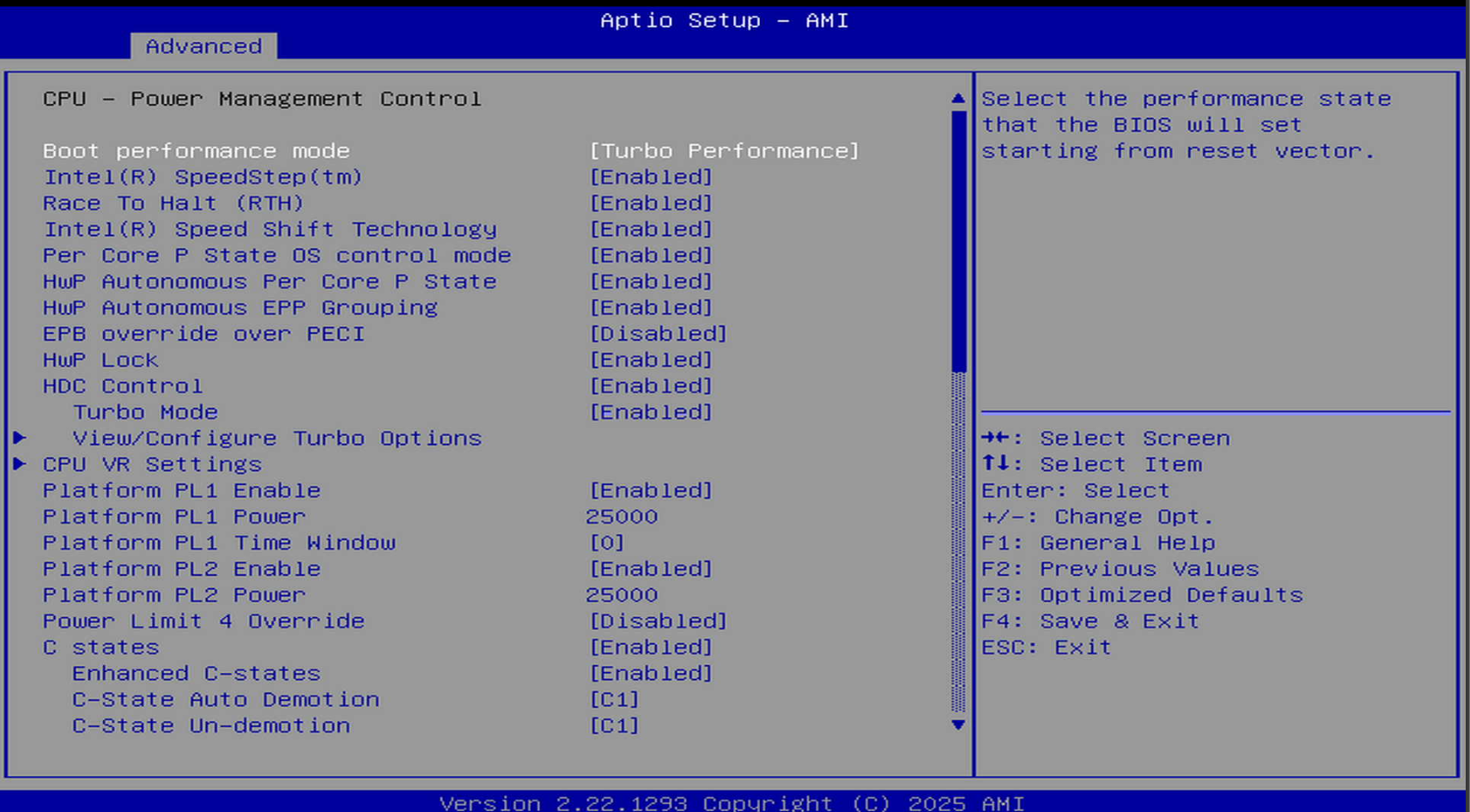
Boot options screen.
CPU configuration screen.
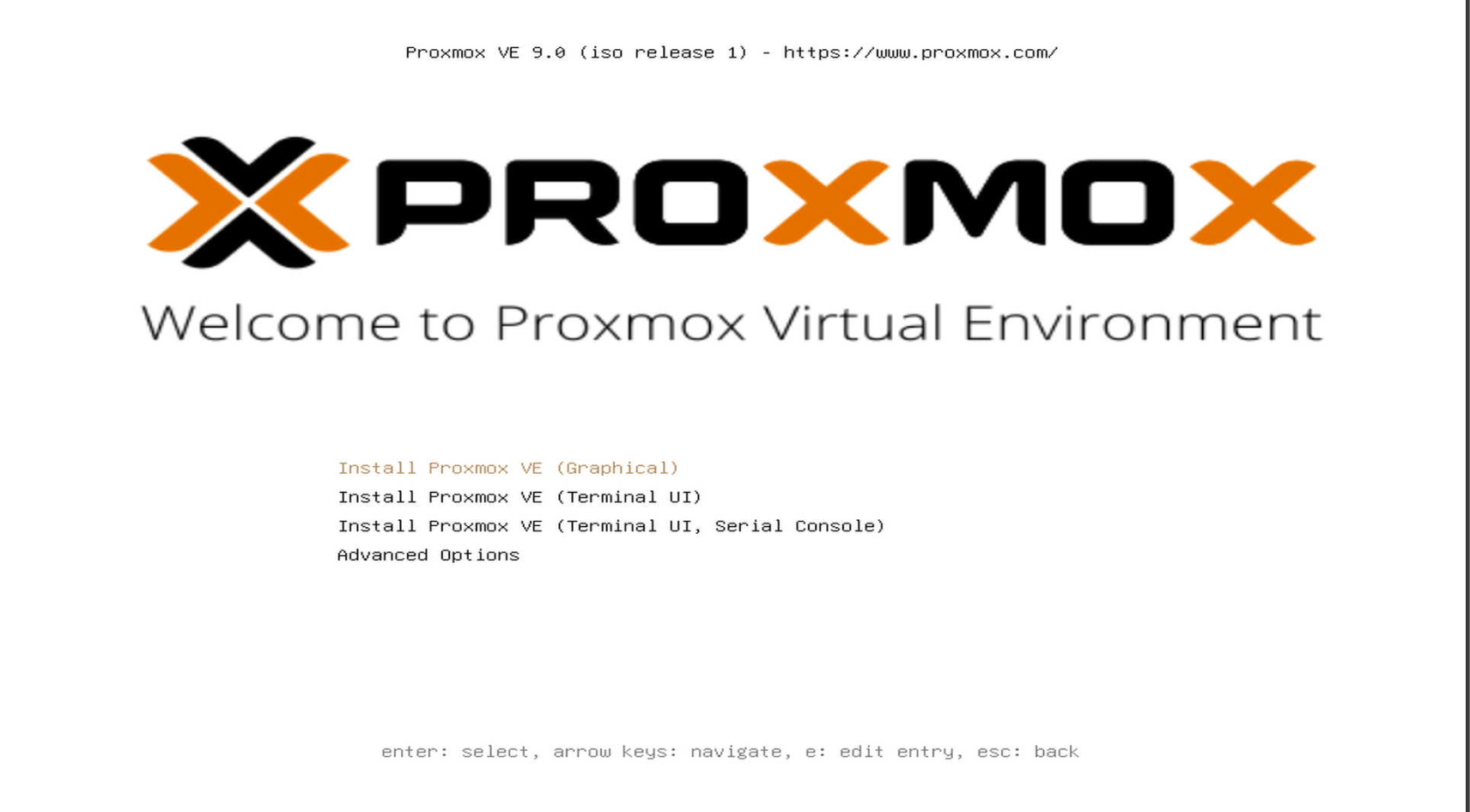
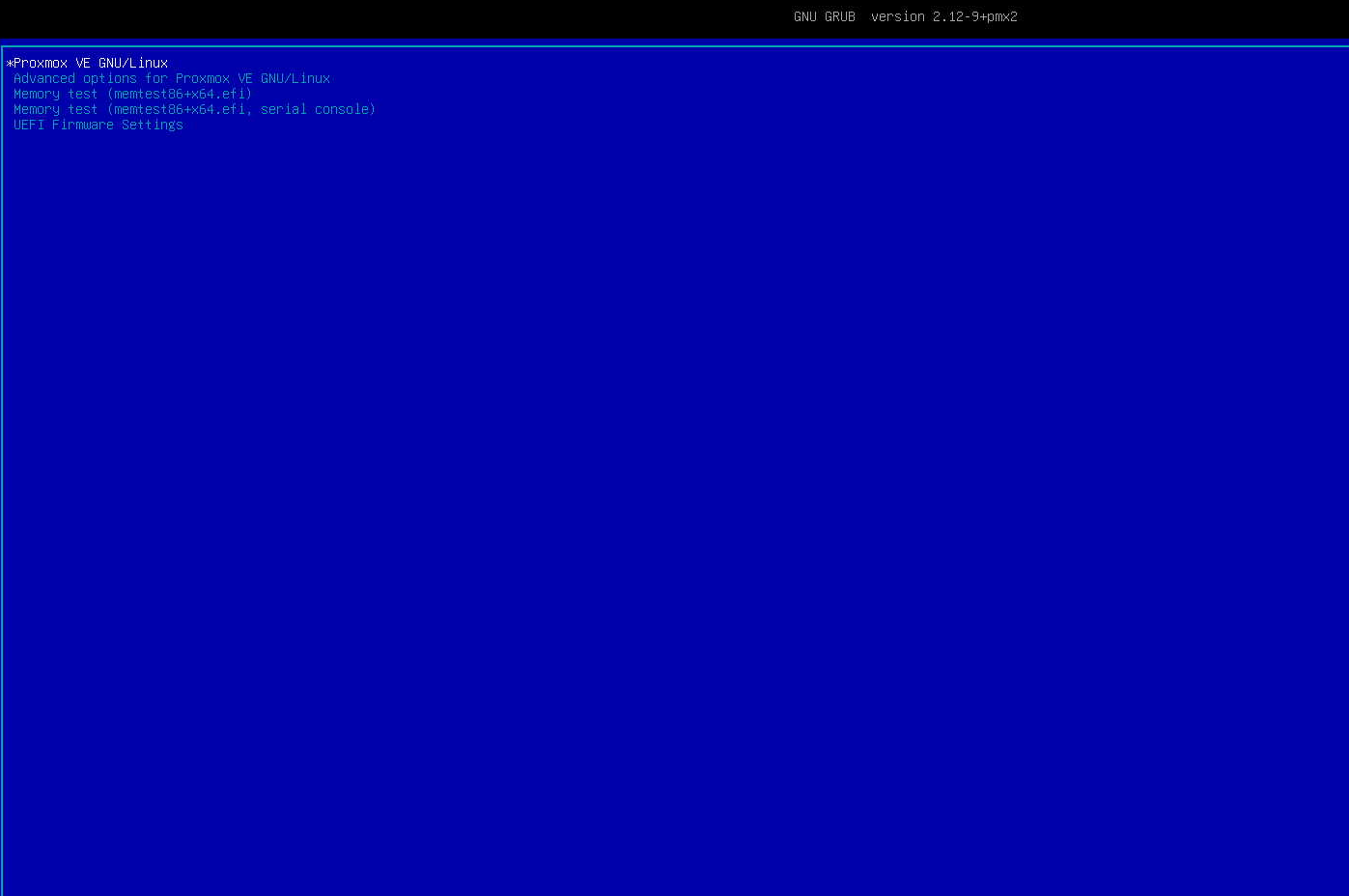
Proxmox install
Beginning the Proxmox 9.x installation.
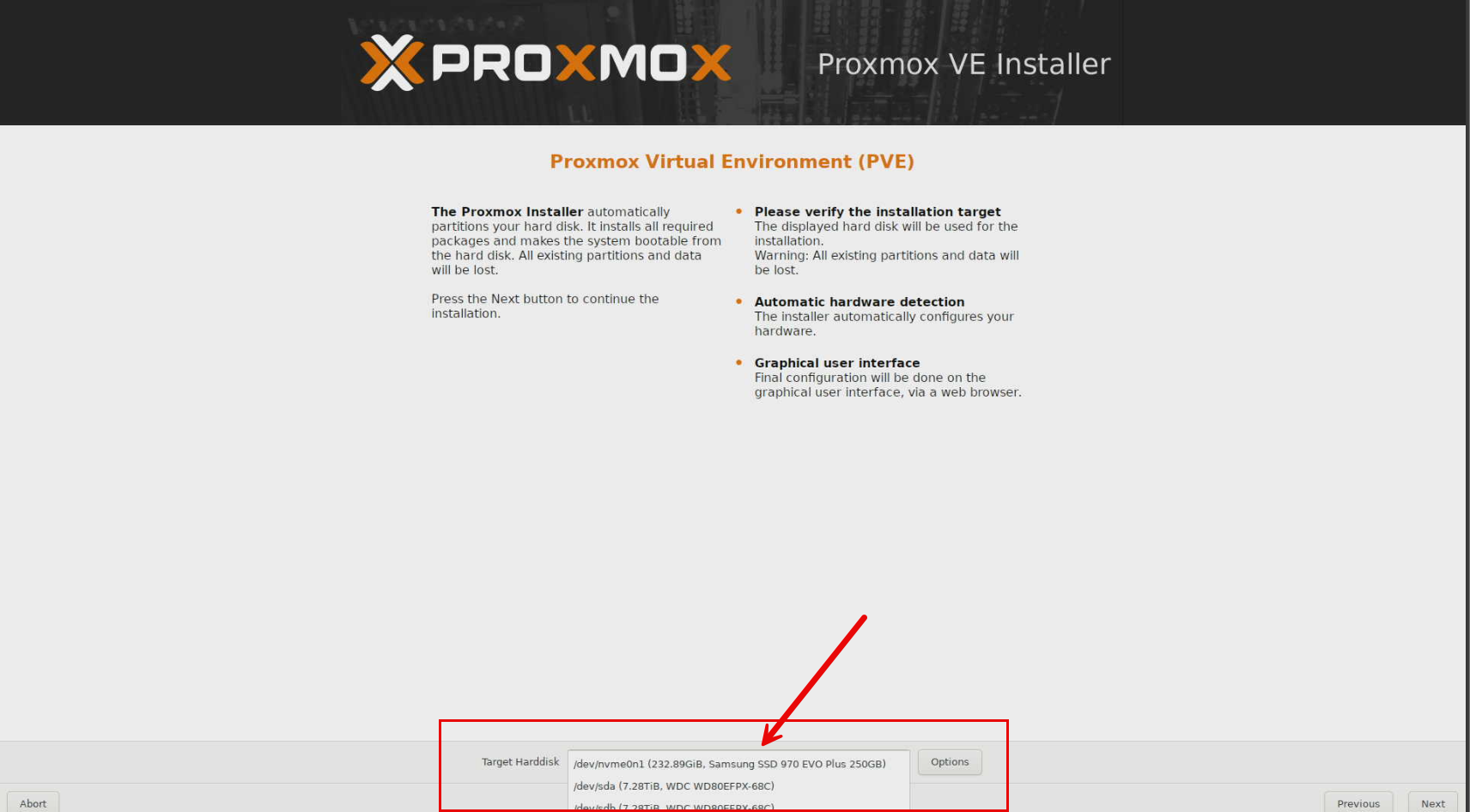
It sees the storage just fine.
Here is something super interesting, it has both Intel and Realtek adapters. Pretty cool.
Proxmox booting up.
After booting Proxmox and logged into the web UI.
Power efficiency
Power efficiency is critical for devices that run around the clock in 24x7x365 home labs. The ME Pro benefits from efficient CPUs and laptop class components so this keeps the power draw very reasonable. In other words, you can leave the system running without worrying about excessive energy bills. So if you have already moved to mini PCs from large power hungry enterprise servers and other enterprise gear, this will fit nicely into your power efficient lab now.
Booting, I saw a max of:
- 44 watts
Idling, I saw a max of around:
- 22 watts
100% CPU draw power consumption is:
- 34 watts (surprised it was lower than what I recorded with booting)
Price
The price for the base model of the Beelink ME Pro is $369.00 which is not bad.
- Buy it here: Beelink | Beelink ME Pro
Pros and cons of the Beelink ME Pro
| Pros | Cons |
|---|---|
| Compact | Memory is soldered and not upgradeable, 12 or 16 GB depending on the model |
| Has both SATA HDDs and multiple NVMe SSDs in one small chassis | Not designed for heavy CPU intensive workloads, its a 4 core CPU |
| Three internal M.2 NVMe slots for fast cache configs | Limited internal expansion (but the CPU tray pulls out to possibly upgrade in the future? |
| Dual multi gig networking with 5 GbE and 2.5 GbE ports (Intel and Realtek) | No PCIe slot for add in NICs or HBAs |
| Low power Intel Twin Lake CPUs with transcoding | SATA bays limited to two drives |
| Flexible OS installs (you choose what you load) | Advanced storage features may depend on OS |
| Quiet operation | NVMe slots operate at PCIe 3.0 speeds and x2 and x1 so not full speed. |
| Metal chassis with solid build quality | Requires careful OS configuration due to fixed RAM, needs to be kept in mind |
| Good balance of performance and efficiency for NAS and containers | Not a replacement for a dedicated virtualization host |
Video
Wrapping up
I think the Beelink ME Pro is a great mix of form and performance for what it is in the home lab. You get a lot of storage options for just a tiny package that it is. The (3) NVMe drives could be used for caching in front of the capacity SATA drives, or you could have two types of datastores, one for performance and one for capacity. ZFS would be great here to use as both capacity and caching storage. I easily loaded Proxmox on this little unit and you can also load TrueNAS, UnRAID, even VMware ESXi with the Intel NIC. Pretty cool options. It also comes with Windows 11 installed. Let me know in the comments what you think about this little unit for home lab? I am itching to put this in my newly build 10 inch server rack as the form factor is perfect for that.

Google is updating how articles are shown. Don’t miss our leading home lab and tech content, written by humans, by setting Virtualization Howto as a preferred source.
About The Author



There’s already talk of an upgrade motherboard, with better CPU and 4 SSD slots.
My main need is setting up a pair of (RAID 1) hard drives to share.
In the future, more RAM etc. would be a nice upgrade. Until then, however, this co ers everything I need.
Alan,
I have seen this too or heard rumors of that. Definitely looks like they have made these to be upgradeable which is something new/different compared to just about everything else on the market. Definitely going to be interesting to see how they use this capability.
Brandon
I had the same thought – a RAID controller that enables a mirror/RAID1 config for SATA drives would push this device over the top.
Lee,
Definitely agreed. Will be cool to see what they have in store for this little NAS.
Brandon
Recently I’ve been playing with the new USB 3.2 10GbE NICs from Realtek, and even connected to USB 3 10Gb ports, I’m getting 8Gbp/s, and they’re working like a champ on my CEPH+Proxmox cluster. But most interesting, they are significantly smaller and run cooler than any of my Thunderbolt NICs, which also get scolding hot!
there are only 2 or 3 vendors pumping them out at present, but they’re already available for around $60, and dropping. I’m hopeful this will start feeding through to the mini PC market and we see them onboard.
Kelv1n,
That is awesome! Do you mind sharing the link to models you have used that work specifically? I know this would great for those in the community to know which ones work for sure. I wouldn’t mind trying these out as well.
Brandon
Hey Brandon
This is the model, its by XikeStor..
XikeStor Portable USB 10GbE Network Card RTL8159 Chip USB 3.2 to RJ45 10 Gigabit External Ethernet Adapter
https://a.aliexpress.com/_EGX4CnA
It looks like they’ve sold old, but its worth searching, like all vendors on AliExpress, they run a dozen sales for each product.. note prices have been fluctuating, I’ve 3 now, with another 2 on the way, and prices have varied from £35 to £48 each – I’ve brought quite a bit from xikestor over the past 2-3 years, I’ve found their products to be pretty unique and well priced… they also created a mini 10GbE NIC for Synology’s, which was half the price of Synology’s official one, which I found hilarious!
It connected out-the-box with Proxmox 9, but I had some issues with VLAN, so I installed the latest driver from Github… ChatGPT or Gemini can run you through the steps!
Kelv1n,
Awesome! Thanks for sharing the model you are using here. Definitely looks like a great solution to easily get up to 10 GbE. Will check this out! Thanks again for sharing with everyone here!
Brandon