


If you have been following Promxox for the past couple of years now, there is one tool that piqued I think the attention of all of us and that is Proxmox Datacenter Manager. We first got a glimpse of it in alpha, and then beta, but now, the big news is that Proxmox Datacenter Manager 1.0 is here in GA form! I think this has been the missing piece of the puzzle for Proxmox for quite a while now, a centralized management tool that is very “vcenter” like in what it does. Let’s see how Proxmox Datacenter Manager changes everything not only for the home lab but for production environments.
The official news
Proxmox Server Solutions has officially released Proxmox Datacenter Manager 1.0. The idea of a single pane of glass for Proxmox is not new, but this is the first time Proxmox has delivered a purpose-built solution. It allows us to now have a unified metrics dashboard, cross cluster operations, role-based views, central updates, and even cross cluster live migration which is a big one!
Read the official press statement here: Proxmox Datacenter Manager 1.0 available.
What challenge does this solve?
If you have ever managed two or more Proxmox clusters at the same time, you know about the aspects of administrating Proxmox that are painful. Each cluster has its own web UI, its own authentication, its own metrics, and its own update configuration and cycle. If you need to scale this to multiple hosts or even datacenters things get cumbersome and complicated. Proxmox Datacenter Manager 1.0 changes this by giving admins a centralized operations dashboard that gives them visibility across their entire Proxmox estate.
Here are a few of the common issues that Proxmox Datacenter Manager helps to solve:
- Disjointed monitoring with no global view
- Manual and repetitive tasks across clusters
- No standard location to search or audit resources
- Difficulty coordinating updates with multiple hosts/clusters at scale
- No easy way to assign permissions across teams
- No built in cross cluster VM migrations
The release of Proxmox Datacenter Manager is the official GA release that helps customers solve these pain points.
Centralized overview and metrics aggregation
One of the first things that is obviously a game changer is the unified dashboard that connects to multiple Proxmox VE servers. These can be:
- Standalone node
- Full Proxmox VE cluster
- Proxmox Backup Server
From the interface, you can see the overall health of the Proxmox environment in real time. The dashboard shows you things like CPU load, RAM use, storage I/O, and backup server health among other key performance statistics.
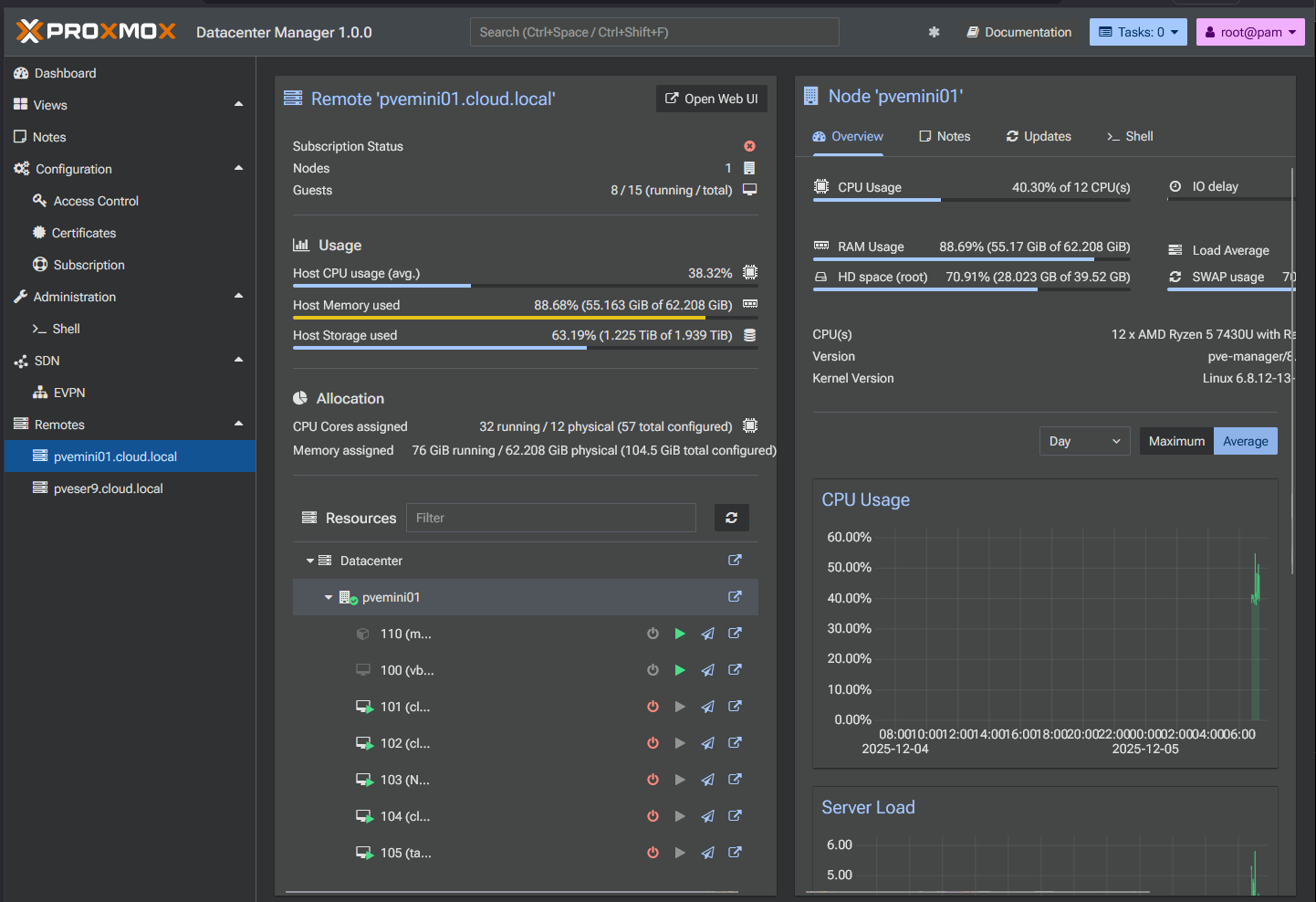
Another neat feature is that Proxmox caches recent data locally. With this, you can still see the last known state of clusters even if a remote Proxmox host becomes temporarily unreachable. For multi-site deployments or edge locations with unstable connectivity, I can see this being really beneficial.
Dynamic role-based custom views
For teams of admins that includes admins, junior admins, and others, PDM contains a new permissions model that allows admins to create specialized views of the environment. You can filter these by cluster, host type, tags, or even resource class. So, you can build out custom dashboards to show only what resources specific users need to see.
The key here is that it is role-based access control at a high-level. This means you don’t have to give users access to the underlying infrastructure. This will help with compliance in production environments.
It also gives administrators the ability to design purpose built views like the following:
- A dashboard for backup operators
- A dashboard for capacity planners
- A dashboard for help desk teams
- A dashboard for edge site admins, etc
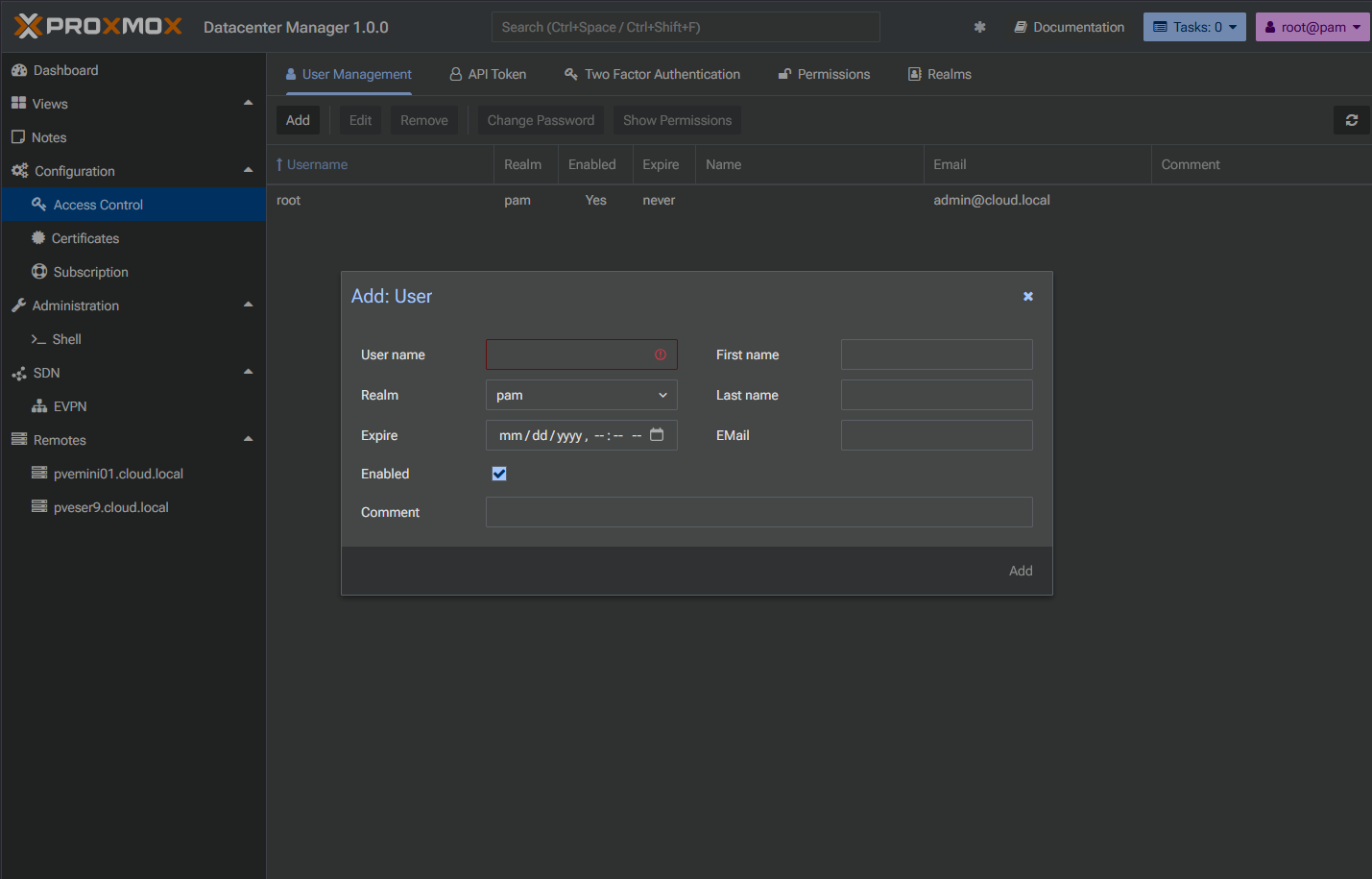
Again, these are all controlled through one system without exposing the rest of the infrastructure.
Multi-cluster management from the same UI
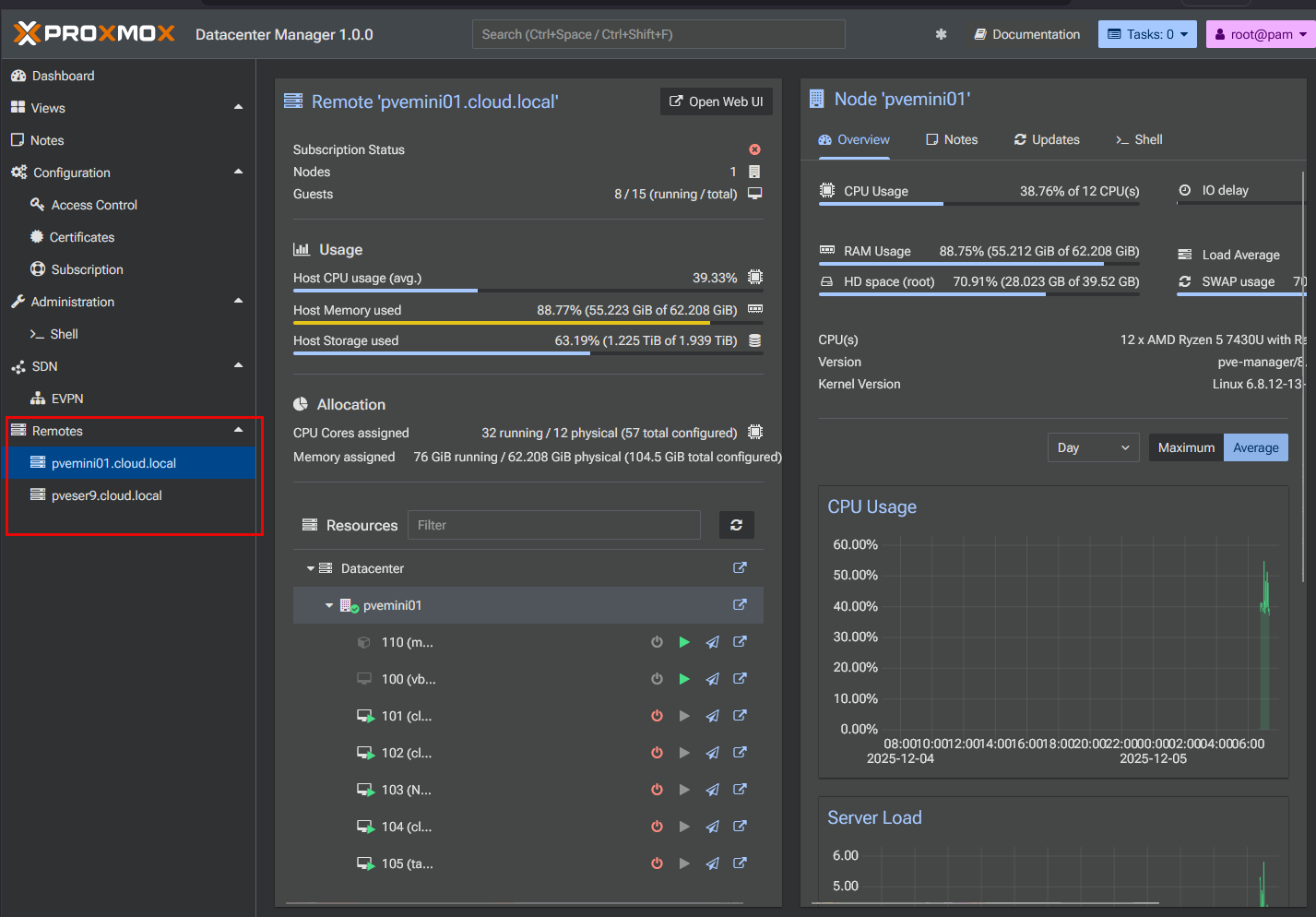
This is now a huge feature. Admins can connect multiple clusters and multiple Proxmox Backup Servers (PBS) into one control plane tool. Once these are connected, they can perform VM and container life cycle tasks from the same interface.
Features for this include starting and stopping guests, modifying basic settings, and configuring and managing storage resources. Now, you don’t have to jump between the different interfaces of the various Proxmox servers you have in your home lab or production environments.
Cross cluster live migration
A feature I think that will also be a game changer is the ability released in the version 1.0 GA release that enables cross cluster live migration. Until now, there hasn’t been a supported way to live migrate VMs between clusters, only within a single cluster.
Now, with Datacenter Manager, admins can migrate a running virtual machine between clusters with no downtime. So this will change what is possible now for Proxmox infrastructure.
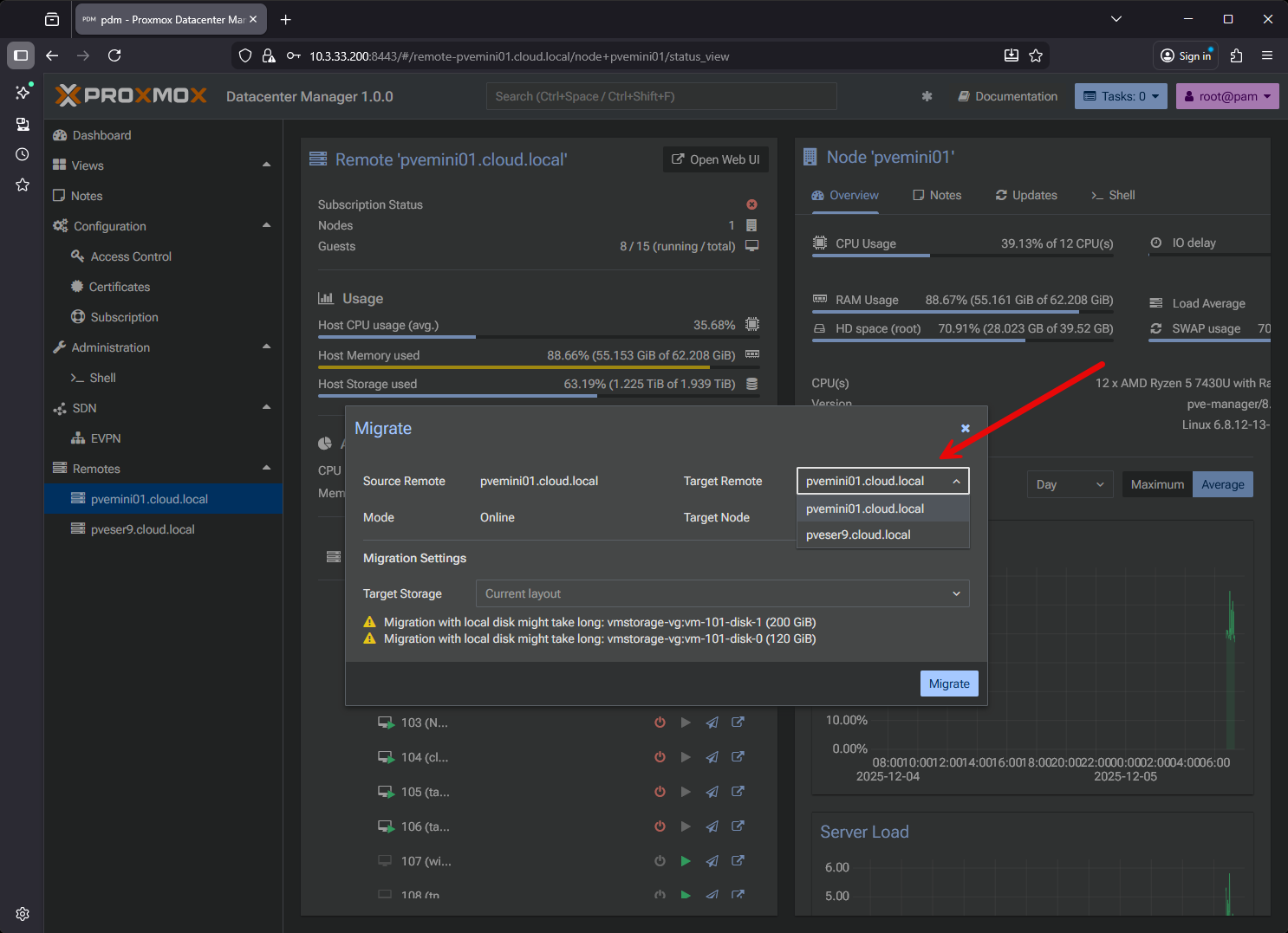
The new feature supports:
- Load balancing across clusters
- Hardware maintenance or even decommissions clusters without downtime
- Migration of workloads between datacenters
I think cross cluster live migration will be one of the features introduced that will allow more enterprise customers to consider Proxmox for larger environments.
Search with a query language that makes sense
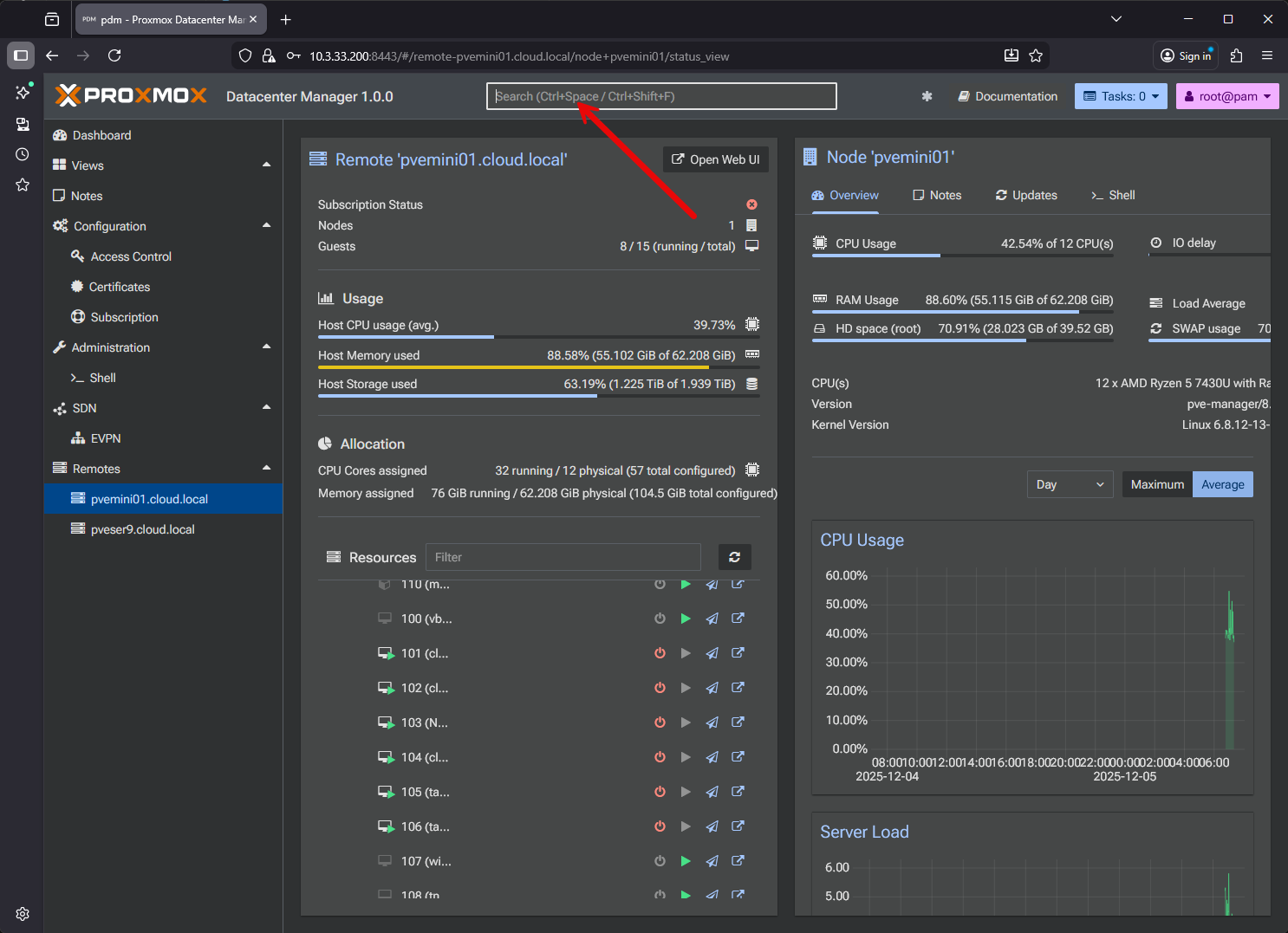
There is a new full search engine in the release of Proxmox Datacenter Manager 1.0. This means you can filter across all your clusters and nodes.
You can search by resource type, cluster, running state, or specific tags. This becomes useful in environments with hundreds or even thousands of virtual machines or containers. Trying to find a workload in the traditional Proxmox interface would mean navigating the tree structure in each specific interface. In Datacenter Manager, the search bar is the fastest way to find any resource.
Centralized SDN with EVPN
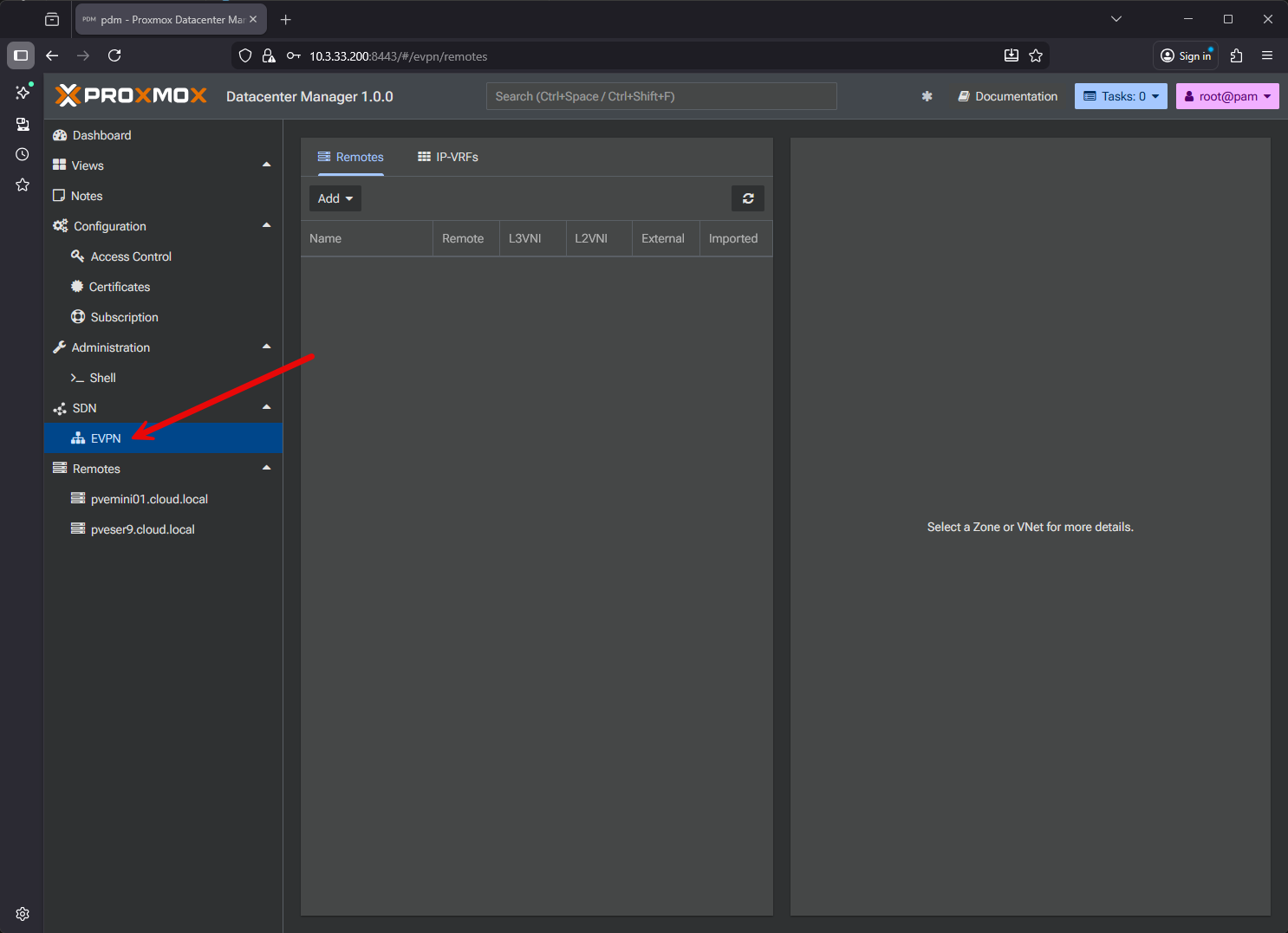
Back in Proxmox 8.x, it released software-defined networking. Managing SDN across multiple clusters though hasn’t really been easy due to the disaggregated nature of the interface. With Datacenter Manager, it introduces centralized SDN configurations for EVPN zones and VNets. Admins can define overlays and deploy them across many remotes. This will be helpful for orgs to have a standardized network build across multiple datacenters.
Also, if you are building VLAN aware bridges, EVPN overlays, or even more advanced SDN configurations, the centralized management will definitely help prevent a lot of duplicated config efforts, etc.
Central update management
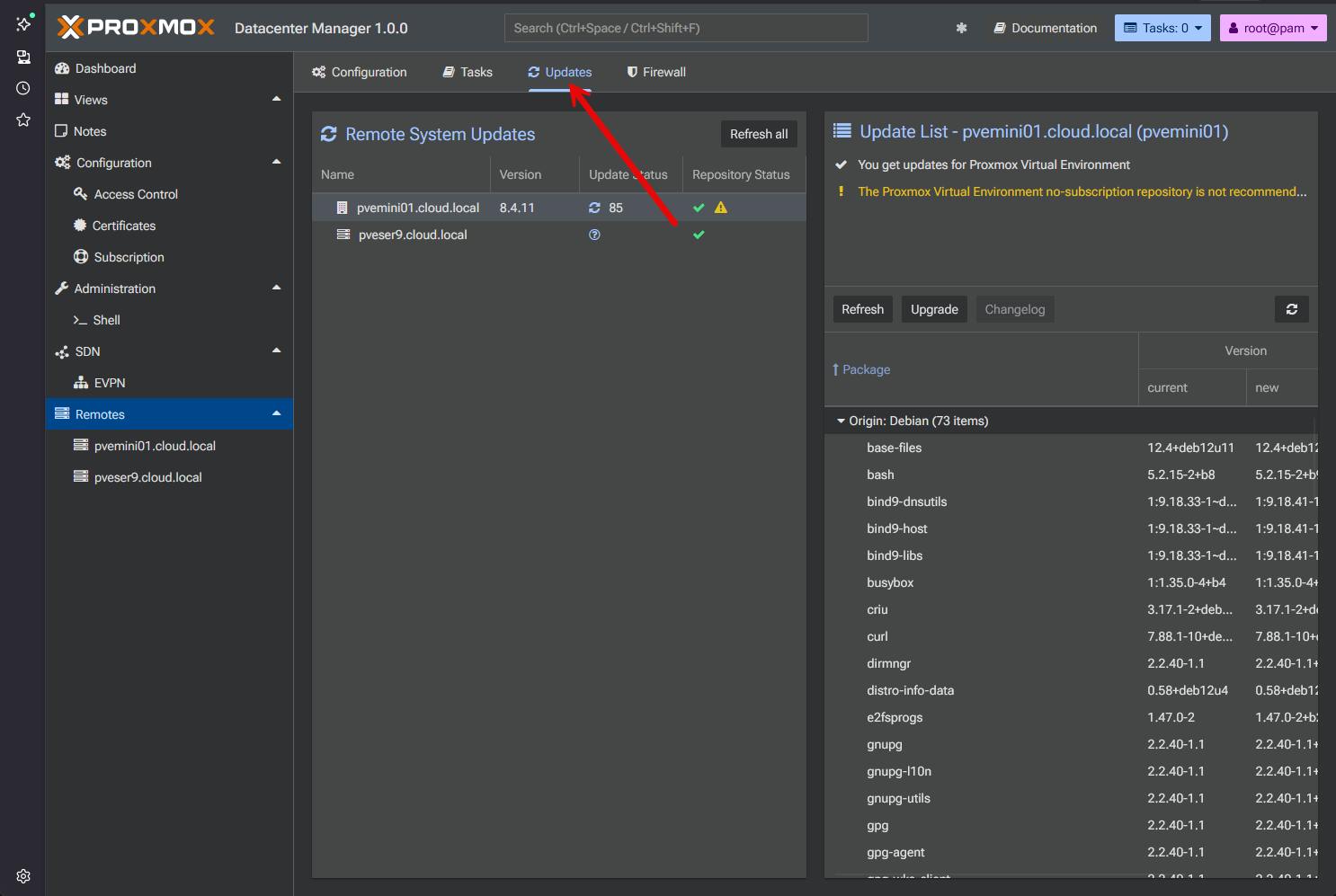
When it comes to having virtualized environments with multiple Proxmox VE server hosts and clusters, keeping these updated has been a very manual task having to update each cluster manually. Datacenter Manager changes that. Now you have a unified updated management panel that shows all updates for all connected Proxmox servers.
Admins can now trigger updates directly from Datacenter Manager and they also have logging for update operations and patches. This will be a great step forward not only for management but also for security operations.
Installing Proxmox Datacenter Manager
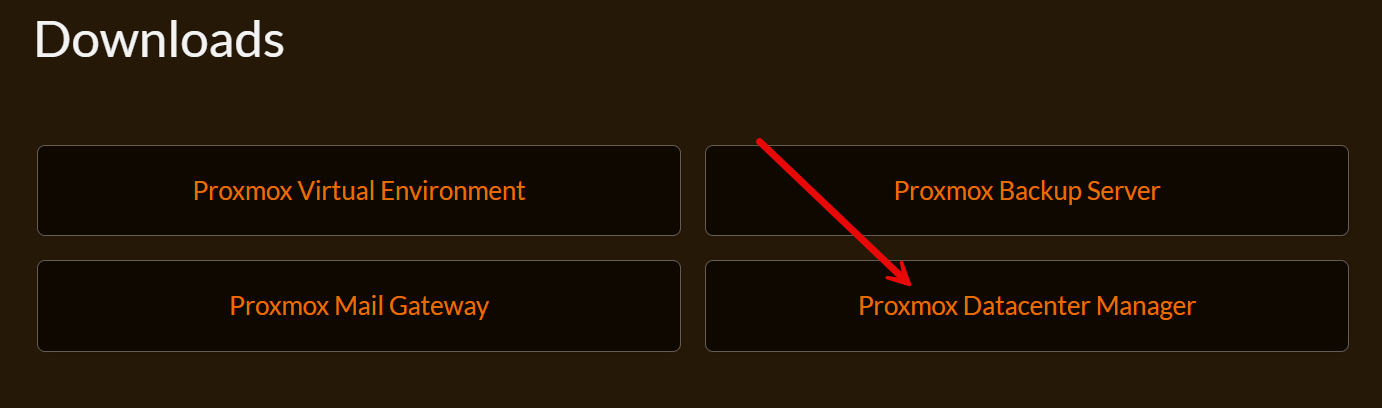
Proxmox Datacenter Manager is easily installed by downloading the ISO image from Proxmox and going through the installation process. First, download the ISO image from here:
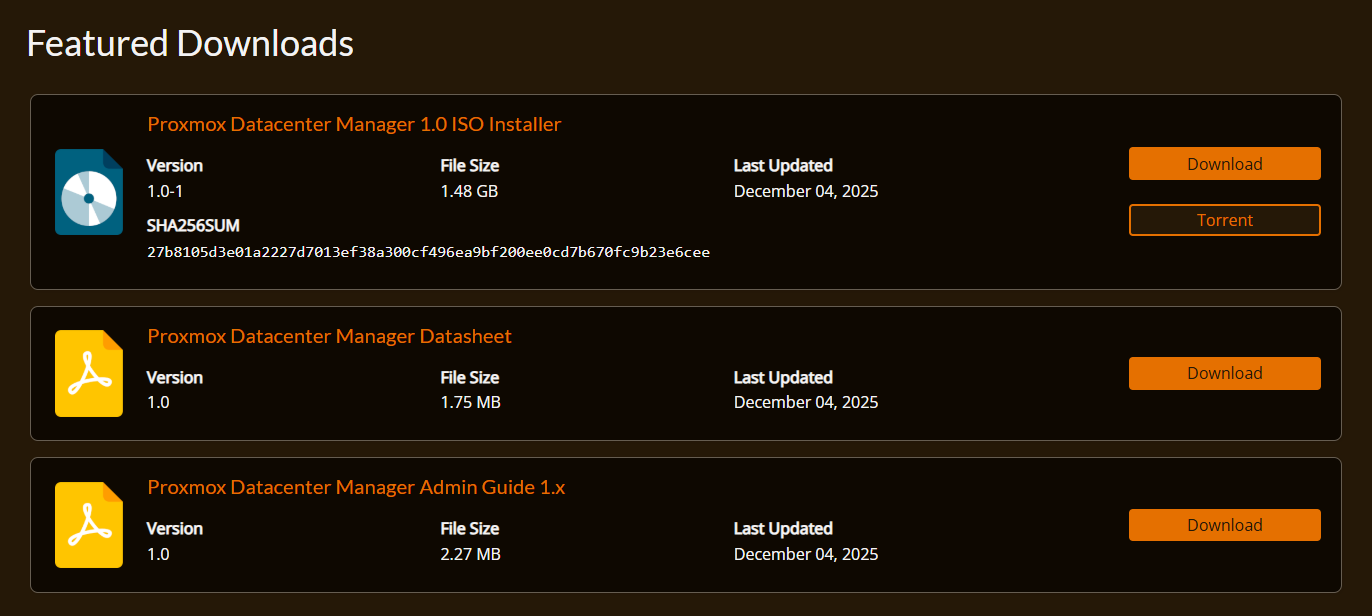
Here you can download the ISO installer, Datasheet, and the Admin Guide. As you can see the ISO is around 1.5 GB.
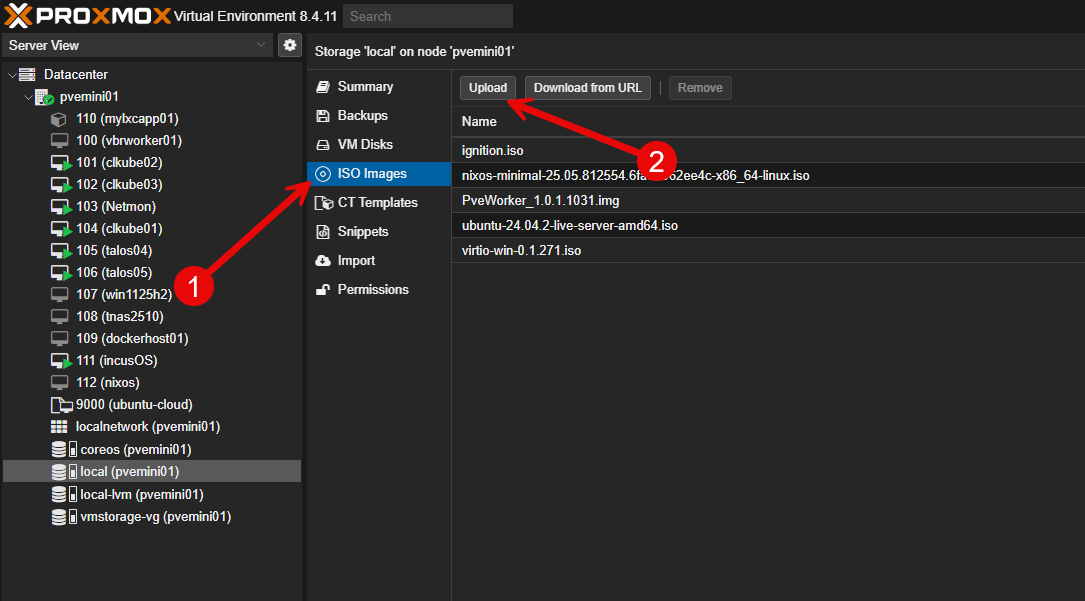
Upload your PDM ISO.
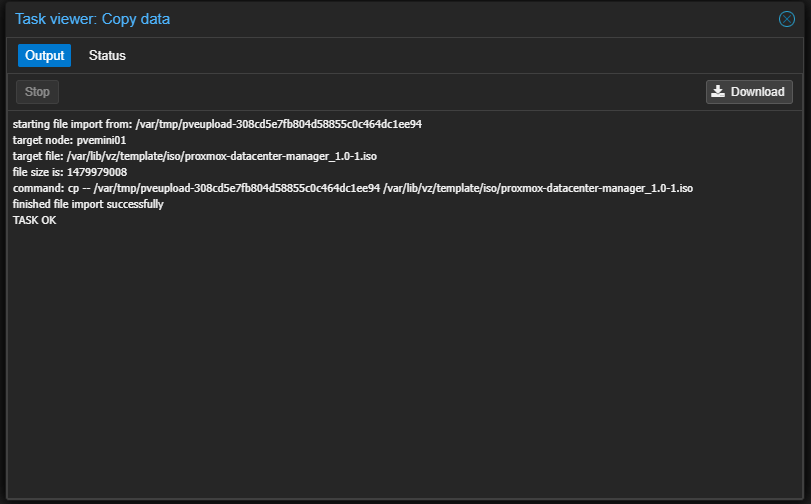
The ISO uploads successfully.
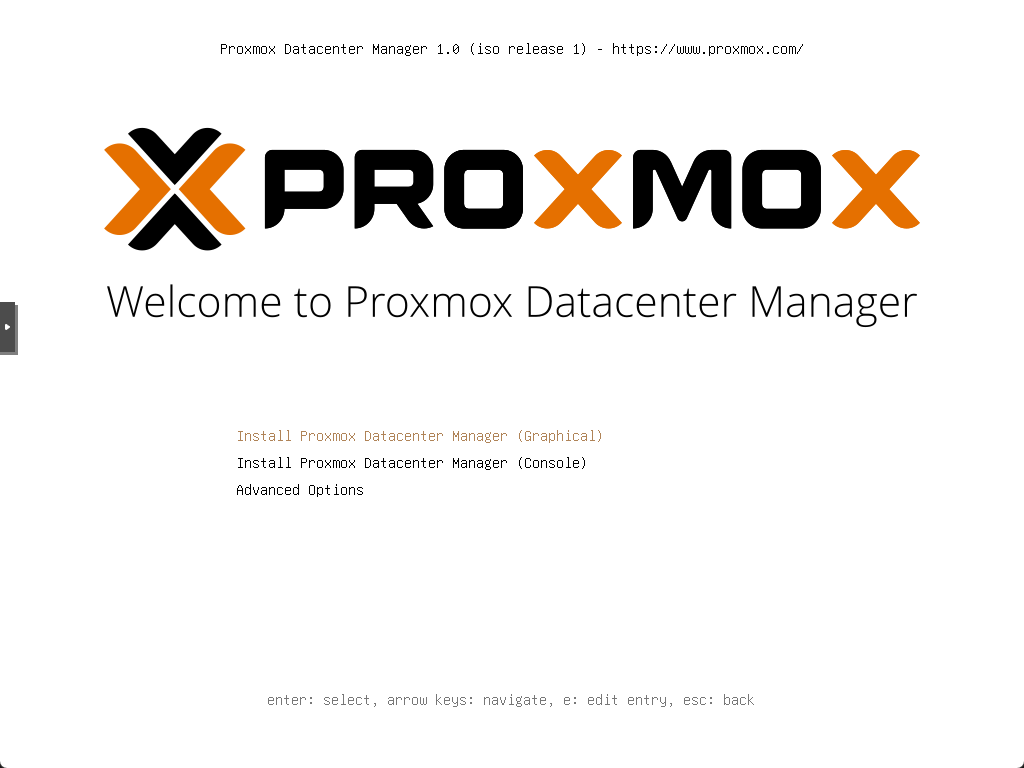
Beginning the install of Proxmox Datacenter Manager.
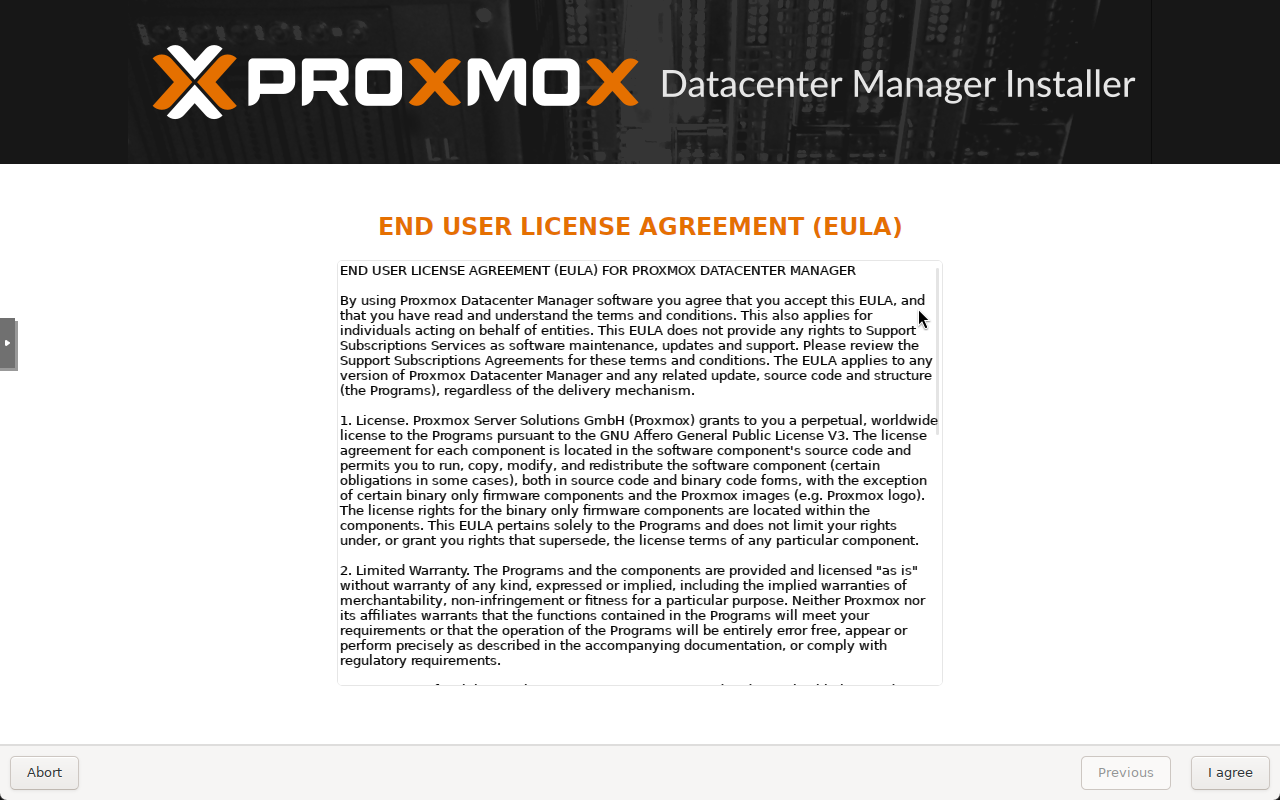
Accept the EULA.
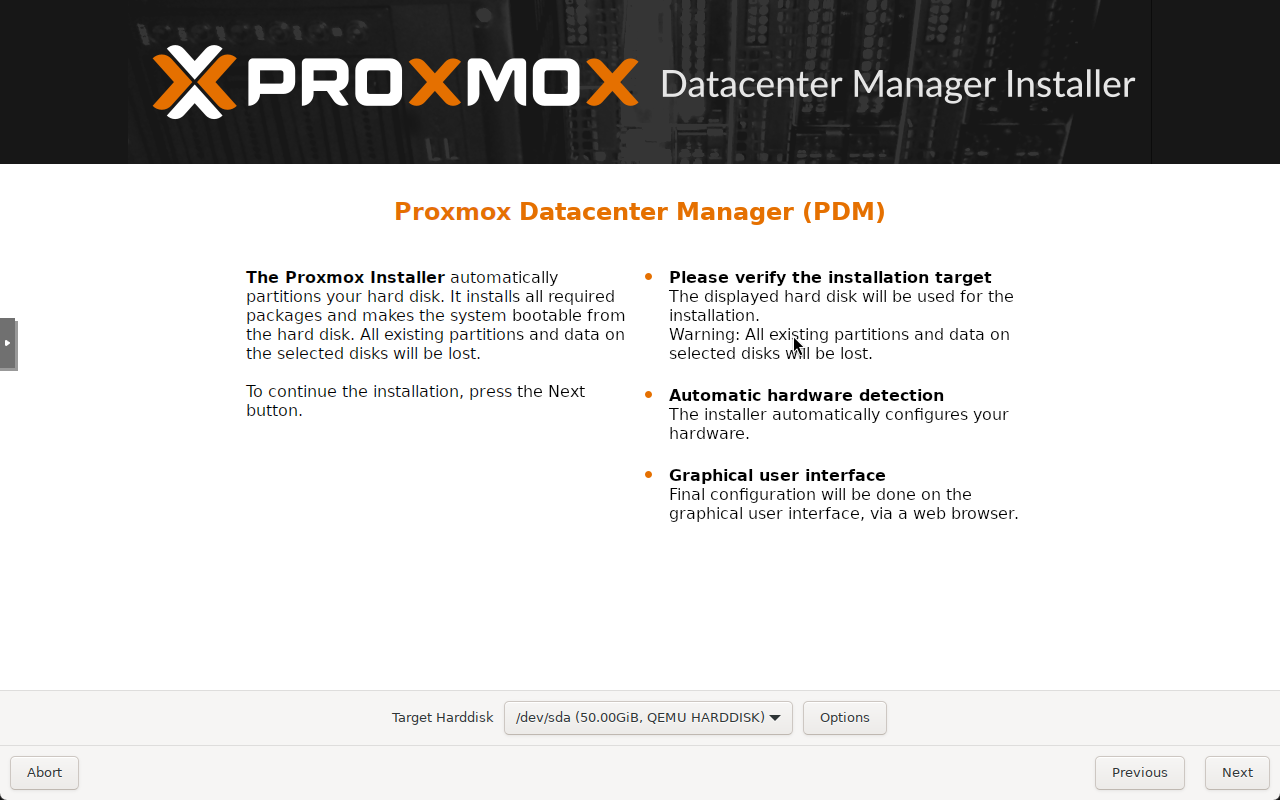
Choose the target disk for the installation.
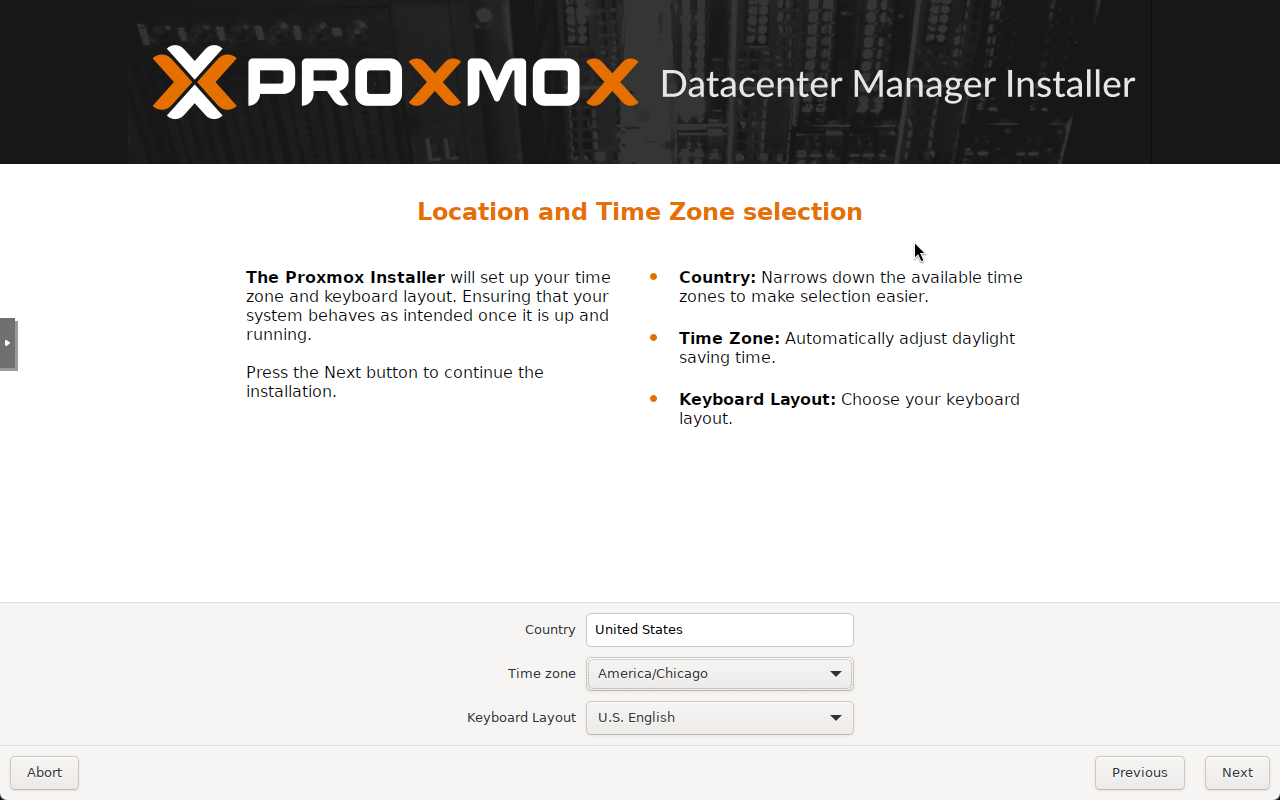
Set the location and timezone.
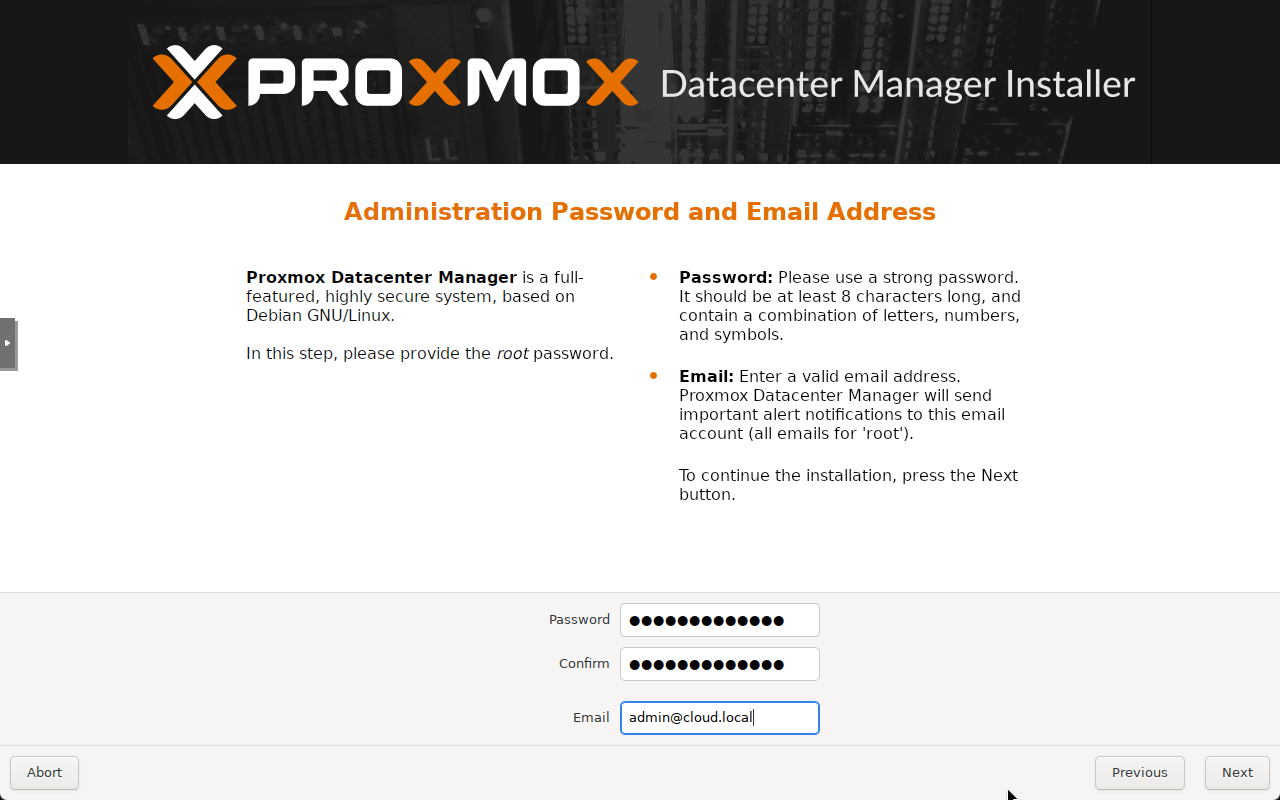
Configure the admin password and email address.
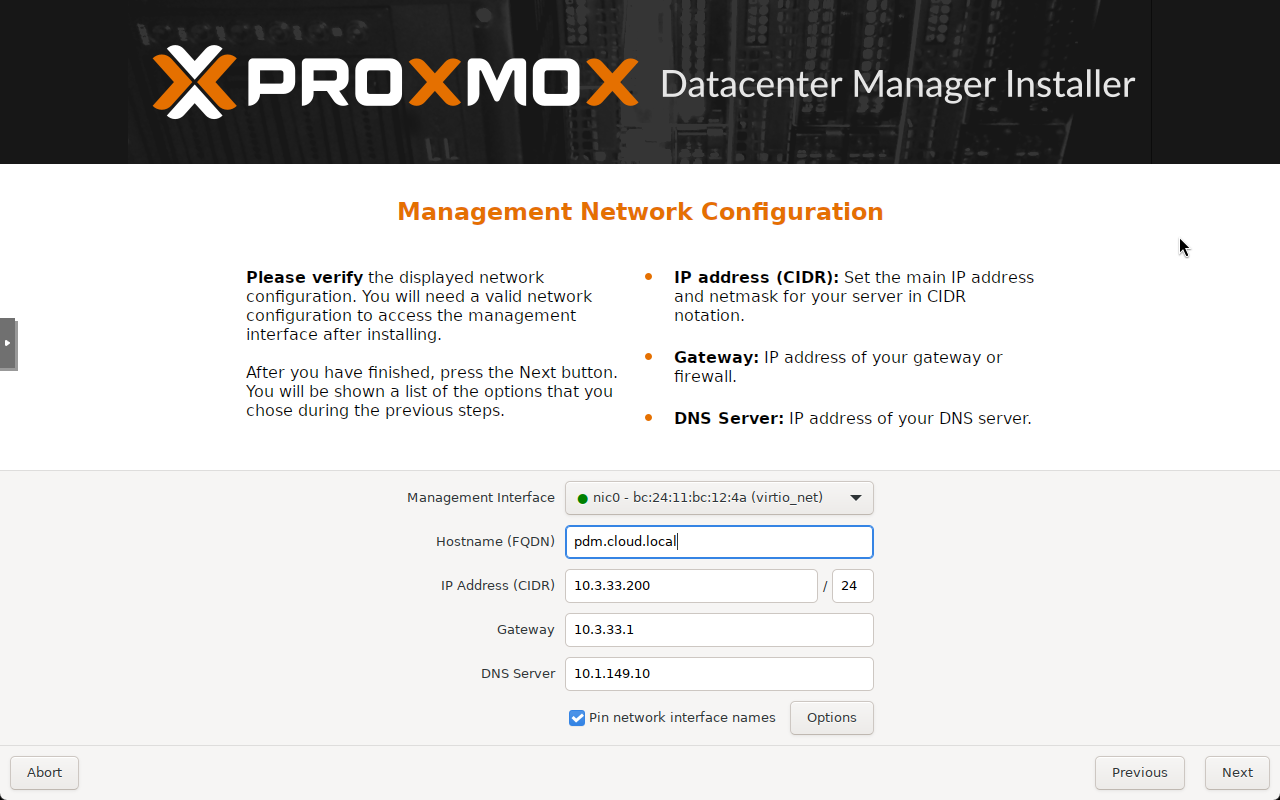
Set the management network config, hostname, IP, gateway, DNS, etc.
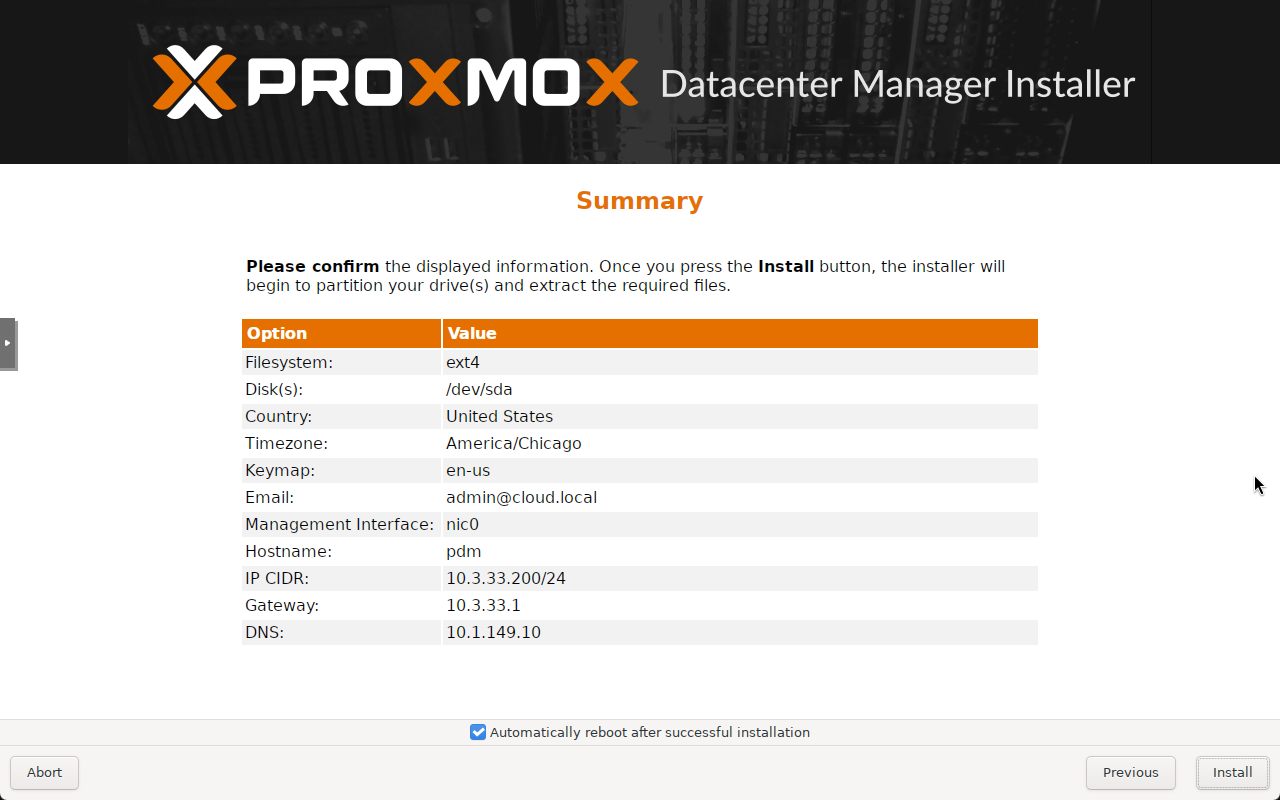
Summary screen.
The server boots to the console prompt.
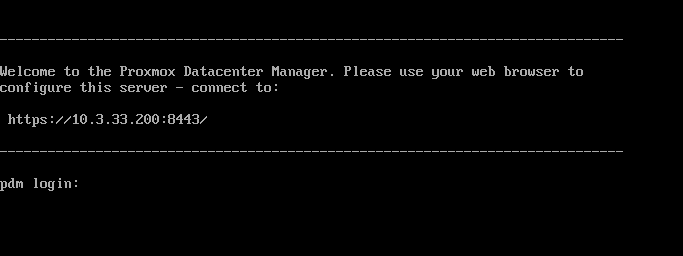
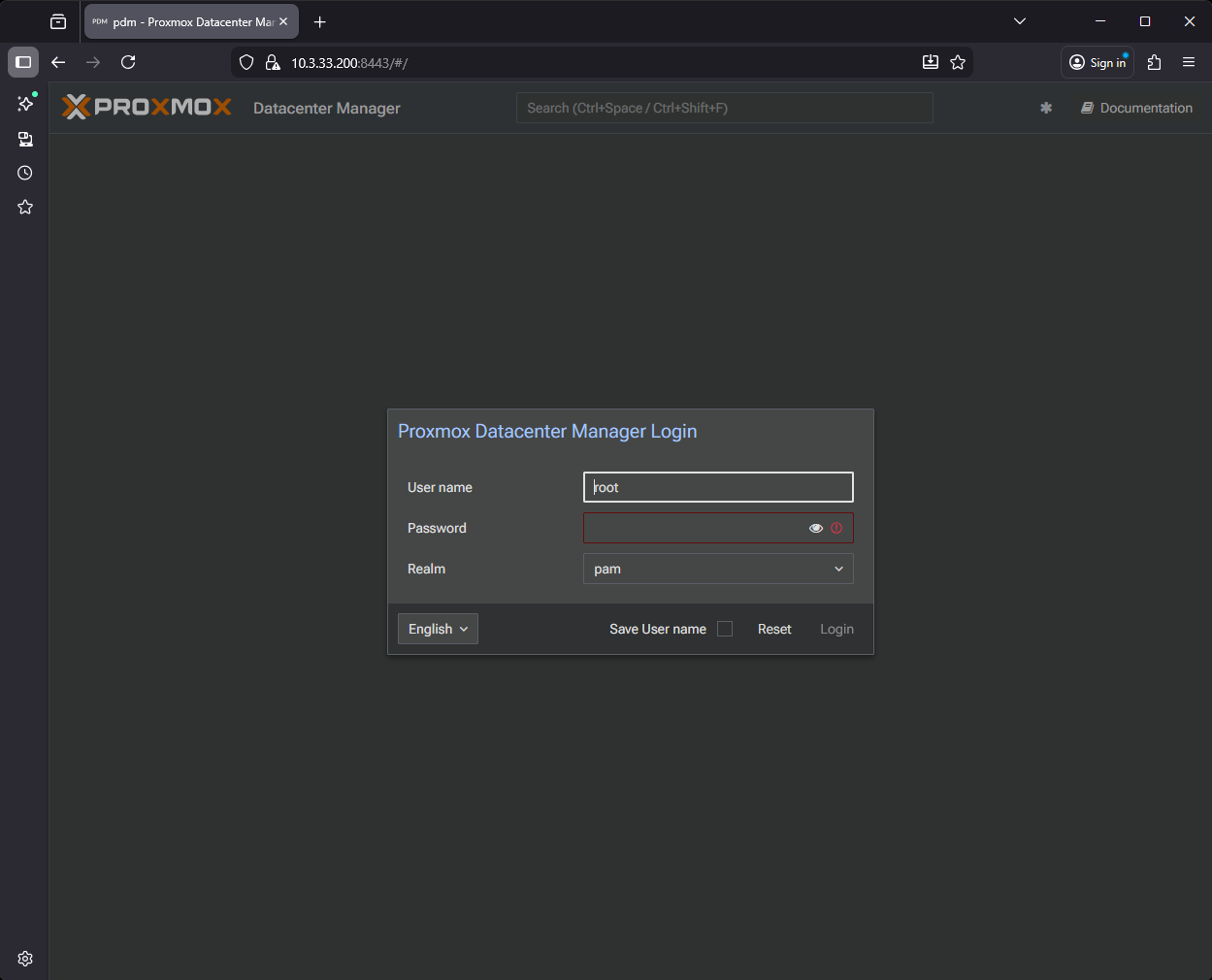
The login screen for Proxmox Datacenter Manager.
Resources
Below are the resource links for the release of Proxmox Datacenter Manager:
- ISO Image Download: https://www.proxmox.com/en/downloads
- Roadmap: For published and upcoming features, see the Release Notes & Documentation
Wrapping up
Proxmox Datacenter Manager is the tool that everyone I think has been waiting on in the Proxmox ecosystem, a viable centralized management tool. Up until now, we have been managing each host, cluster, and backup server as a standalone environment. Now, though, this gives us the ability to management everything from one dashboard and see the health, metrics, updates, and other relevant information from that centralized location. For home labs I think this is going to be incredible and give us what we have been needing for a while. And certainly for production environments, this makes Proxmox an even more viable solution for the enterprise. What about you? Are you planning on installing the new GA release of Proxmox Datacenter Manager?

Google is updating how articles are shown. Don’t miss our leading home lab and tech content, written by humans, by setting Virtualization Howto as a preferred source.
About The Author


Man this is awesome news! Can’t wait to try it out.
Very nice jdodd! You will have to share your experiences with it for sure. I am really liking how things are shaping up with this solution and we can see where the future of Proxmox management is headed.
Brandon
Nice presentation. What are the h/w specs to run it as a VM like you did?
Maybe the best way is to run it in a small machine separate from the other PV environments, like a Raspberry.
Jimo,
I meant to add this to the blog, but the minimum recommended requirements are the following from the official documentation:
CPU: Modern AMD or Intel 64-bit based CPU, with at least 2 cores
Memory: minimum 4 GiB for the OS.
OS storage: 40 GB, or more, free storage space
Use a hardware RAID with battery protected write cache (BBU) or a redundant ZFS setup (ZFS is not compatible with a hardware RAID controller).
Redundant Multi-GBit/s network interface cards (NICs)
Brandon
Thank you for your quick reply. To tell you the truth, I was wondering if you ever going to answer to any of my questions/recommendations in your posts (ahhaah – yeah I ve done a few and in some maybe I was the only one) Anyways, besides fun. I didn t bother to check official documentation, so thanks for clarifying that. In case of LXC (or VM?), should it be privileged and nested, one of them and if yes which one?
PS Does PDM creates a lot of logging? So in addition to PVE logging will kneel the storage way faster ?
Jimo,
So sorry if I have missed your comments before. I’m trying to do a better job of staying on top of replying to everyone. Gets crazy busy sometimes though so I know it slips through the cracks. No worries on the official docs. I meant to post that to the blog before. In the docs. I don’t believe it mentioned an LXC only VM, but I need to revisit that. I am assuming it would create quite a bit of logging, but not sure how much it would realistically hold on to outside of the data it is streaming across. They do mention that it caches things as I mentioned in the post in case a node goes offline so it must be storing at least a subsection of the log data. I will keep you posted on any other information I find on this front. I am just now really getting into running it myself now that it is GA. I toyed around with the alpha and beta, but didn’t want to run it in my production env until GA.
Thanks Jimo!
Brandon
Thanks for the excellent article. Since my VMUG advantage expired and the changes VMware made to purchase a subscription,I dumped them and have rebuilt my home lab to Proxmox VE (just upgraded the hosts to 9.1.1). I have 2 spare hosts and will install PDM on one and PBS on the other one. I use 2 Synology 8 disk NASs (all 1TB SSD disks) for storage in addition to a 2TB M.2 on each of the hosts.
Will you be posting an installation video on YouTube for this release?
Randy,
I think your experience is probably what many are coming from that have long been on VMware, myself included. Proxmox is making for an excellent alternative for those who are looking for something different and non-Broadcom. It sounds like you are well on your way to building a solid lab around it. Definitely keep a look out for some PDM content coming soon. What all are you running on your Proxmox environment currently?
Nice presentation Brandon,
Is the Proxmox Datacenter Manager free or it comes with subscription?
Ola,
Proxmox Datacenter Manager is totally free and can be downloaded with or without a subscription. It is a free ISO you download using the link in the post. Thanks again for the comment.
Brandon