




It would be great if we could rename the vSwitches from the GUI, but unfortunately, you can't with Standard vSwitches in VMware ESXi in the GUI, either the ESXi host client connected directly, or with the vSphere Client. However, there is an easy way to do this if you are running vSphere 7.0 U2 and higher.
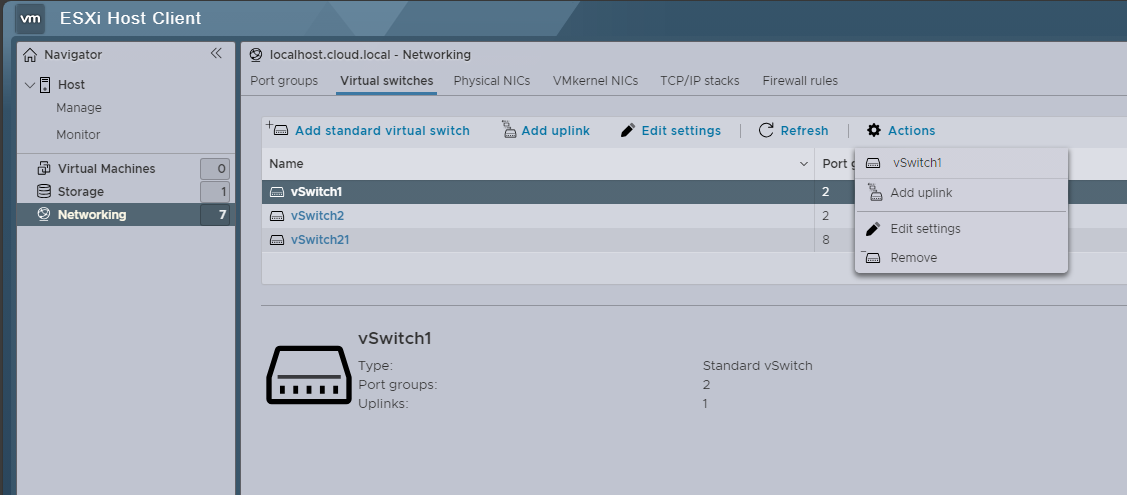
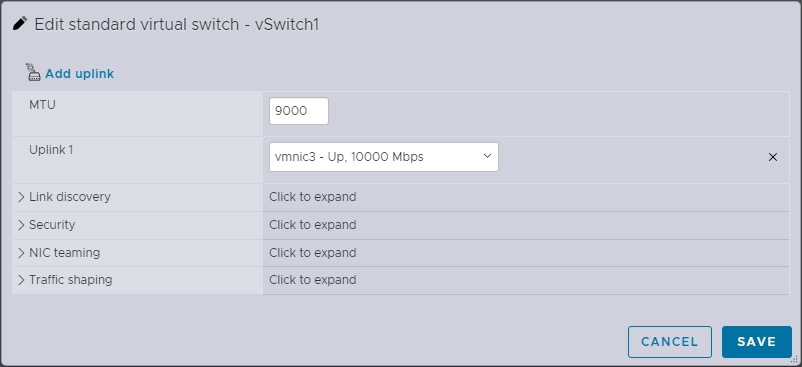
This configuration is kep in a new "configstore" that allows us to work with this fairly easily by exporting config, changing names on the vSwitches, and then importing the configuration back into the configstore.
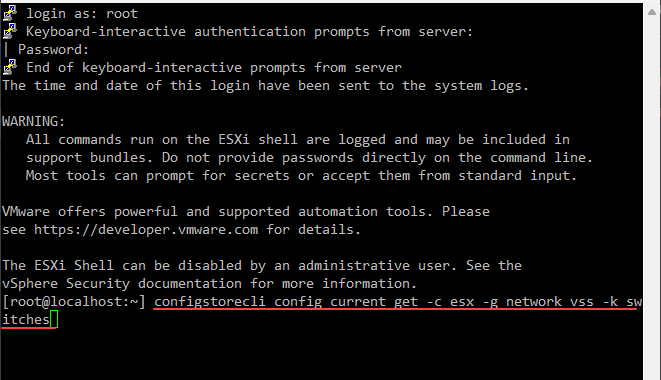
To get your current configstore configuration, you can run the command:
configstorecli config current get -c esx -g network_vss -k switches
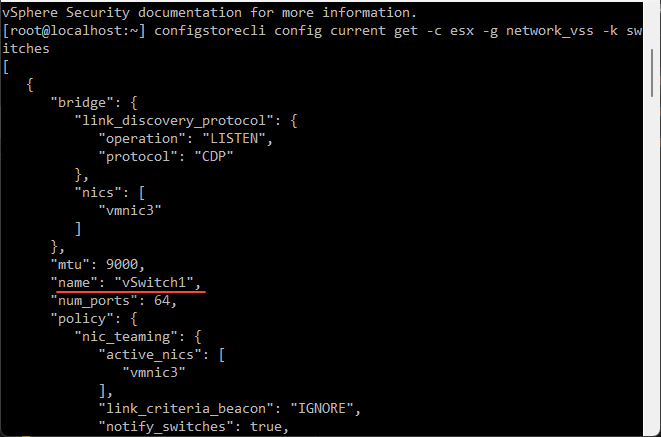
You can export the configuration to a JSON file with this command:
configstorecli config current get -c esx -g network_vss -k switches > vswitch.json
Then, you can reimport the configuration back into your configstore that you have modified using the command:
configstorecli config current set -c esx -g network_vss -k switches --infile vswitch.json --overwrite
This should allow you to change the network name effectively
Found Duncan's post on this subject, just tweaked the infile command a bit since I was getting an error with the other: How do I change the name of a vSwitch with vSphere 7.0 U2 and higher? | Yellow Bricks (yellow-bricks.com)