




If you have worked with Proxmox, you will note that it is common to see virtual machines that have a "lock" on them, especially if they are being provisioned, restored, or something else. This is usually fine to see this as it means it is locked for a reason to prevent changes being made to the virtual machine when it wouldn't be good or possible to do so. However, I ran into a situation the other day where backups failed to restore, and I couldn't delete the virtual machine out of inventory since it was locked so was in a bit of a catch 22.
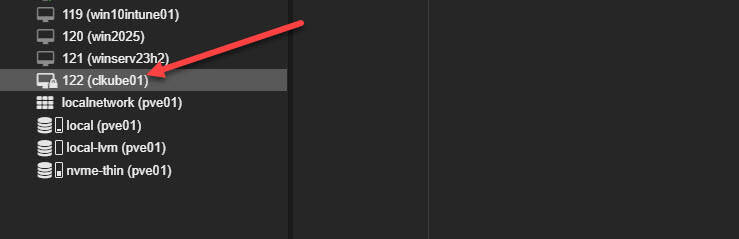
Here is how you unlock them if you need to and in a situation like I was in not being able to work with the VM in question when you need to:
Find the VM ID
First, list the virtual machines on your Proxmox node:
For LXC containers:
Identify the VM ID of the ghosted or locked VM
Unlock the VM
Try unlocking the virtual machine:
For LXC containers:
If it is still locked, check on the lock file manually:
If you find a lock file, you can manually remove it: