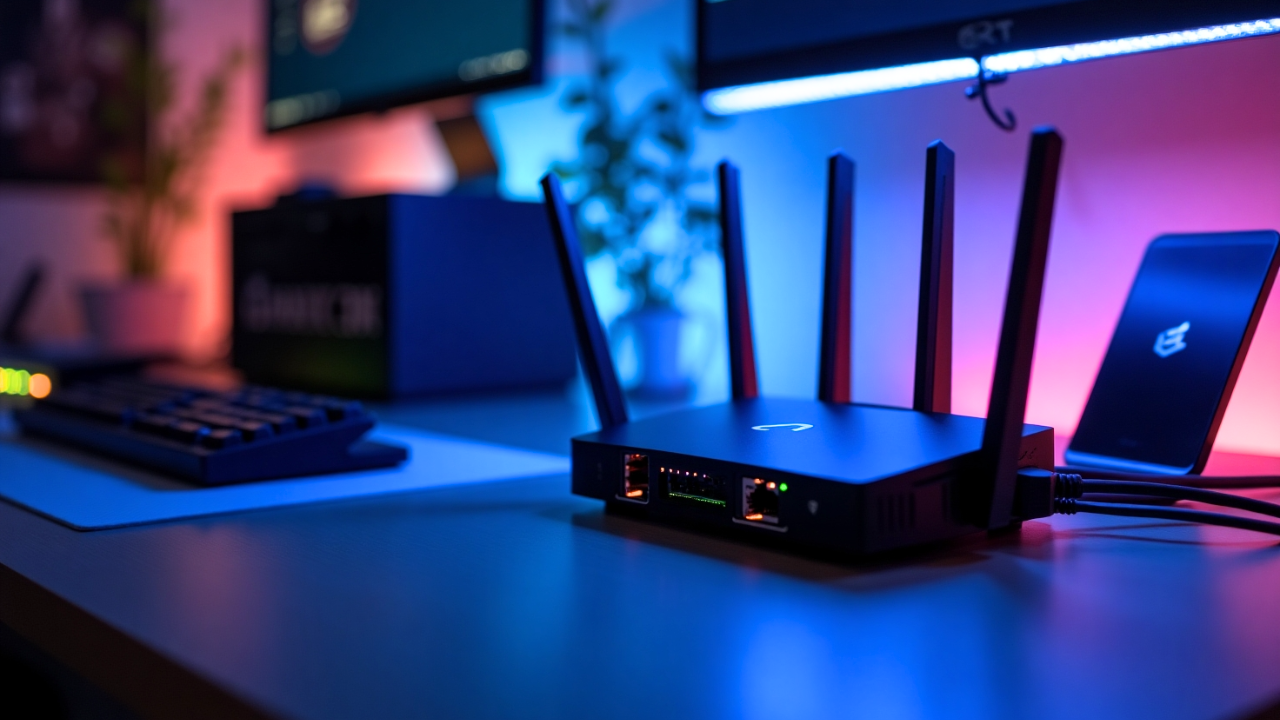
Usually we are thinking about upgrading other hardware in our home labs, including mini PCs, network switches, storage, and RAM (cough cough with today’s prices). However, there is another aspect to running a home network in general that weighs into the overall experience of running your self-hosted environment and that is your wireless networking. Since Wi-Fi 7 is here and is getting to be mainstream, do you really need Wi-Fi 7 in your home lab in 2025? Let’s take a look at what it offers and the benefits of upgrading if you decide to pull the trigger.
What Wi-Fi 7 standard actually changes
The first question that all of us general ask ourselves, is what does the new standard actually change and what are the benefits? The Wi-Fi 7 standard officially introduce several enhancements that can improve wireless performance, even in smaller environments like home labs.
The most important enhancements that are brought forward with Wi-Fi 7 are the following:
- Higher channel widths
- Multi-link operation
- Improved modulation
Adding these enhancements together will help you to have more bandwidth, lower latency, and also it helps to reduce something called micro congestion. What is this? It is short, intense bursts of network traffic that can cause temporary increases in delay and packet loss. This can happen over milliseconds, and can be too brief to be detected by standard network monitoring tools.
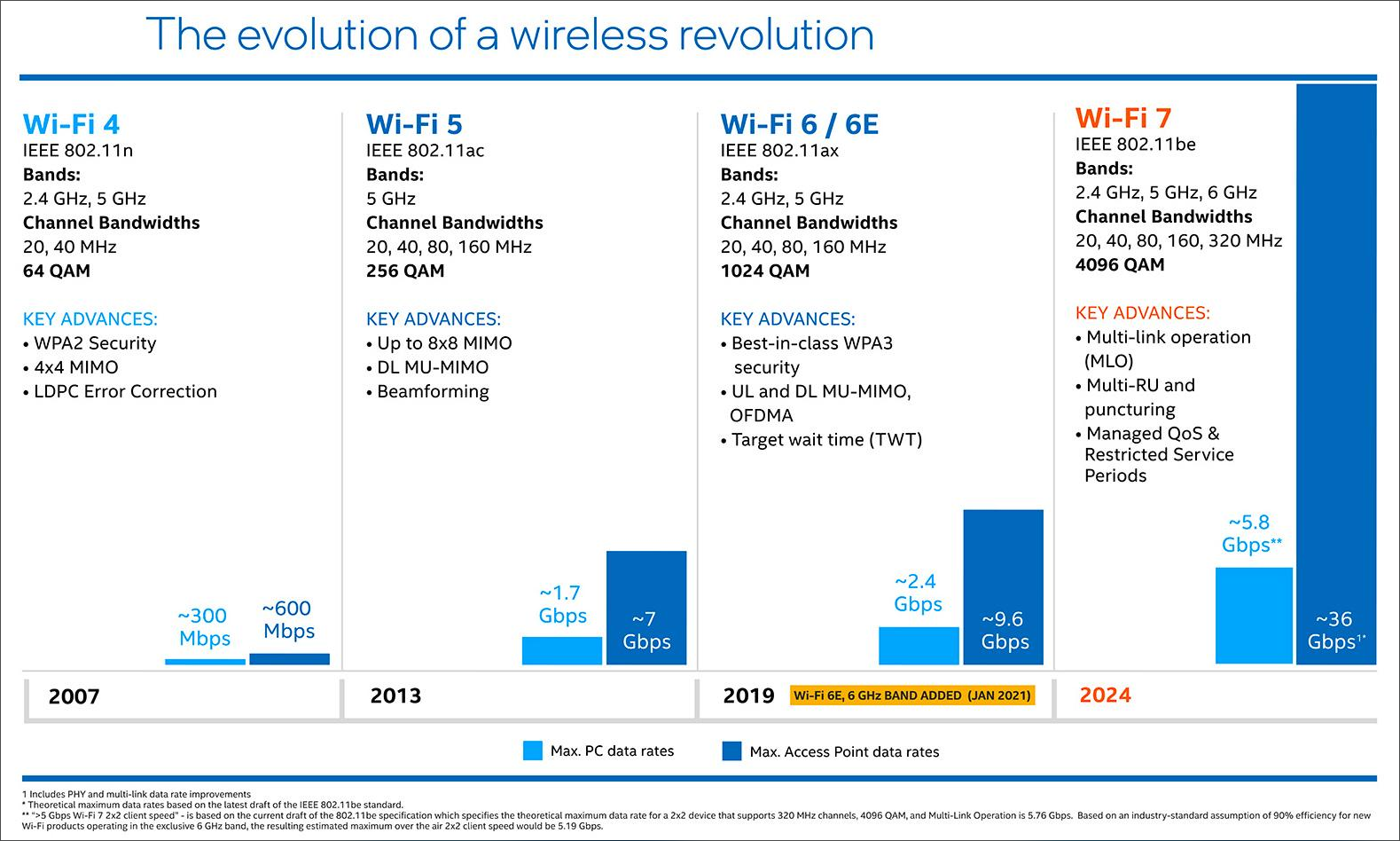
One of the big enhancements is the wider range of channels available for Wi-Fi 7. It supports 320 MHz wide channels on the 6 GHz band. Just as a comparison, this is twice the width of Wi-Fi 6E. This will give you a LOT more throughput on compatible devices. The 6 GHz band is still a relatively new band for wireless so especially if you live in a crowded neighborhood, it will give you a better chance of delivering speeds closer to the theoretical limits of the standard.
Another cool feature is multilink operation. Traditional Wi-Fi standards connect your devices through a single band. However, Wi-Fi 7 can bond links. This means that it can bond across 2.4 GHz, 5 GHz, and 6 GHz at the same time which will improve throughput and stability of Wi-Fi connections.
In a home lab, this can help when devices are running interactive dashboards, remote consoles, or virtual desktops, since the connection will be more resilient to interference.
There is another spec that Wi-Fi 7 includes as it increases the modulation scheme to 4096 QAM. This improves the throughput potential when signal is good. It doesn’t help as much through multiple walls or long distances but in the same room or same floors it can increase your wireless speeds.
Wi-Fi 7 also increases the modulation scheme to 4096 QAM. This improves raw throughput potential when signal conditions are very good. It will not help through multiple walls or long distances, but in the same room or same floor scenarios, it increases the potential wireless ceiling. However, there is an interesting Reddit thread here on the “real” value of this new spec and most are skeptical of any real benefits: How big a deal is WiFi 7 4096-QAM? : r/rfelectronics.
All in all, these are the big standout features with Wi-Fi 7 and what it can bring to the table.
WPA3 Security Requirements
Do you have to scrap your current security requirements and configurations? Well No and Yes, potentially. Most Wi-Fi 7 access points are backwards compatible with down level encryption standards, etc. Wi-Fi 7 continues to use WPA3 just like Wi-Fi 6E as the standard. If you want to take advantage of the 6 GHz band, WPA3 is required for all devices, and that includes Wi-Fi 7 access points and clients.
This matters for home lab networks and home networks in general because WPA3 brings stronger encryption. You also get improved protection against brute force attacks, and better safeguards for open guest networks. If you are upgrading to Wi-Fi 7, you will already benefit from the higher baseline security that WPA3 enforces if you use it, even though it is not a new Wi-Fi 7 specific feature.
Keep in mind that if you enable an SSID with 6 GHz and WPA3, your clients will have to be able to “speak” this security standard. Older devices will have issues connecting if they are not aware of and able to do WPA3.
How Wi-Fi 7 can help with real home lab workloads
For the most part, we think of and make use of wired connections when it comes to our home labs. So, server-side, there isn’t really a lot of interest in wireless connectivity unless you have a special use case there. However, client side is a different story. I think most of us probably rely on wireless connectivity to laptops or tablets that we are managing our home labs from.
Laptops, tablets, mobile devices, smart home components, and lightweight clients all run through Wi-Fi. So, Wi-Fi quietly supports more of the home lab than we usually think about. Here are a few things to note.
Responsiveness for apps
With lower latency and throughput it can help to improve responsiveness for Proxmox, TrueNAS, Nginx Proxy Manager, or other web based dashboards that are accessed from wireless devices. Latency improves better channel optimization and the multilink operation capabilities and these help reduce the delay when you are opening dashboards or browsing logs, or other admin work.
If you stream VM consoles (via SPICE, noVNC, or RDP) or remote into machines on your lab network, Wi-Fi 7 can make things feel even more snappy. Remote console throughput improves because the connection can spread traffic across multiple frequency bands.
Media streaming
One of the biggest benefits however is for media streaming and AI workloads. If you host Plex or Jellyfin in your home lab and regularly stream high bitrate content to Wi-Fi devices, Wi-Fi 7 gives you more headroom. This is especially true when multiple streams are active or when clients support the 6 GHz band. For AI workloads, if you run models via OpenWebUI or any type of in browser or mobile inference client, Wi-Fi 7 can help reduce any kind of noticeable latency during chats and improves the feel of local inference over the network.
Wireless backhaul
I think this is a pretty huge use case as well. Wi-Fi 7 could be a really powerful backhaul pipe if you use mesh access points. It gives you a backhaul channel with wide bandwidth that can help you have more capacity for clients. It’s always best to wire APs when possible. However, if you don’t have wired cabling where you need it, mesh configurations can definitely be useful.
When Wi-Fi 7 will make a difference in performance
There are a few conditions where you will see a pretty huge difference with Wi-Fi 7. Wi-Fi 7 can saturate 2.5 GbE pretty easily if you have a 2.5 Gbps backhaul to your switch. It can also benefit from 10 GbE with heavy use.
So, if you are already using multi-gig uplinks for Proxmox nodes, NAS devices, or other dedicated home lab networks, Wi-Fi 7 will make a huge difference on things like copying ISOs up to your Proxmox nodes or anything else that would require moving lots of data from a wireless client over to your wired network with your virtualization environment or other devices.
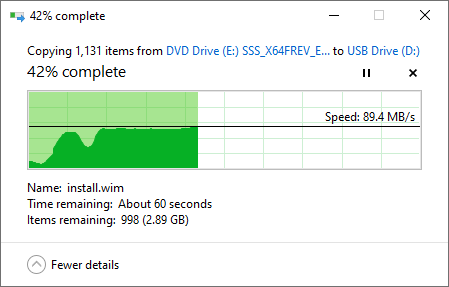
Also, as we mentioned above, if you live in a congested Wi-Fi area like an apartment complex and modern neighborhoods, there will be lots of interference. Wi-Fi 7 is better at handling this congestion because of multilink and better scheduling. The 6 GHz band is definitely much cleaner and less cluttered at this time and can give you speeds that feel close to wired speeds for supported devices.
If your devices already support Wi-Fi 7 and 6 GHz, the experience is significantly better. Many new laptops, phones, and tablets include Wi-Fi 7 radios. So, upgrading to Wi-Fi 7 for these devices unlocks their full potential.
When Wi-Fi 7 doesn’t really matter that much
So should you just upgrade to Wi-Fi 7 to upgrade to Wi-Fi 7? Well, not really and their are a few reasons for that answer. You may not benefit that much if your network is heavily wired and you rarely access lab resources over wireless.
Also, if clients are much older clients with old radio technology, like older laptops or mobile devices with Wi-Fi 5 or Wi-Fi 6, new Wi-Fi 7 APs won’t change the experience. They may gain just menial improvements from a newer, faster AP that has modern technologies built-in but they won’t be able to take advantage of the core features.
Also note that if your ISP connection is below gigabit speeds, you won’t benefit from the throughput performance improvements for your Internet connection. At that point, your internal transfer speed is not the bottleneck but the external Internet throughput.
Another situation where Wi-Fi 7 might not help is if your AP placement is poor. No amount of modulation or bandwidth can overcome two floors of concrete or distance to the far end of the house. Before you upgrade, first fix the coverage issues or consider adding an additional AP.
Cheap Wi-Fi 7 systems
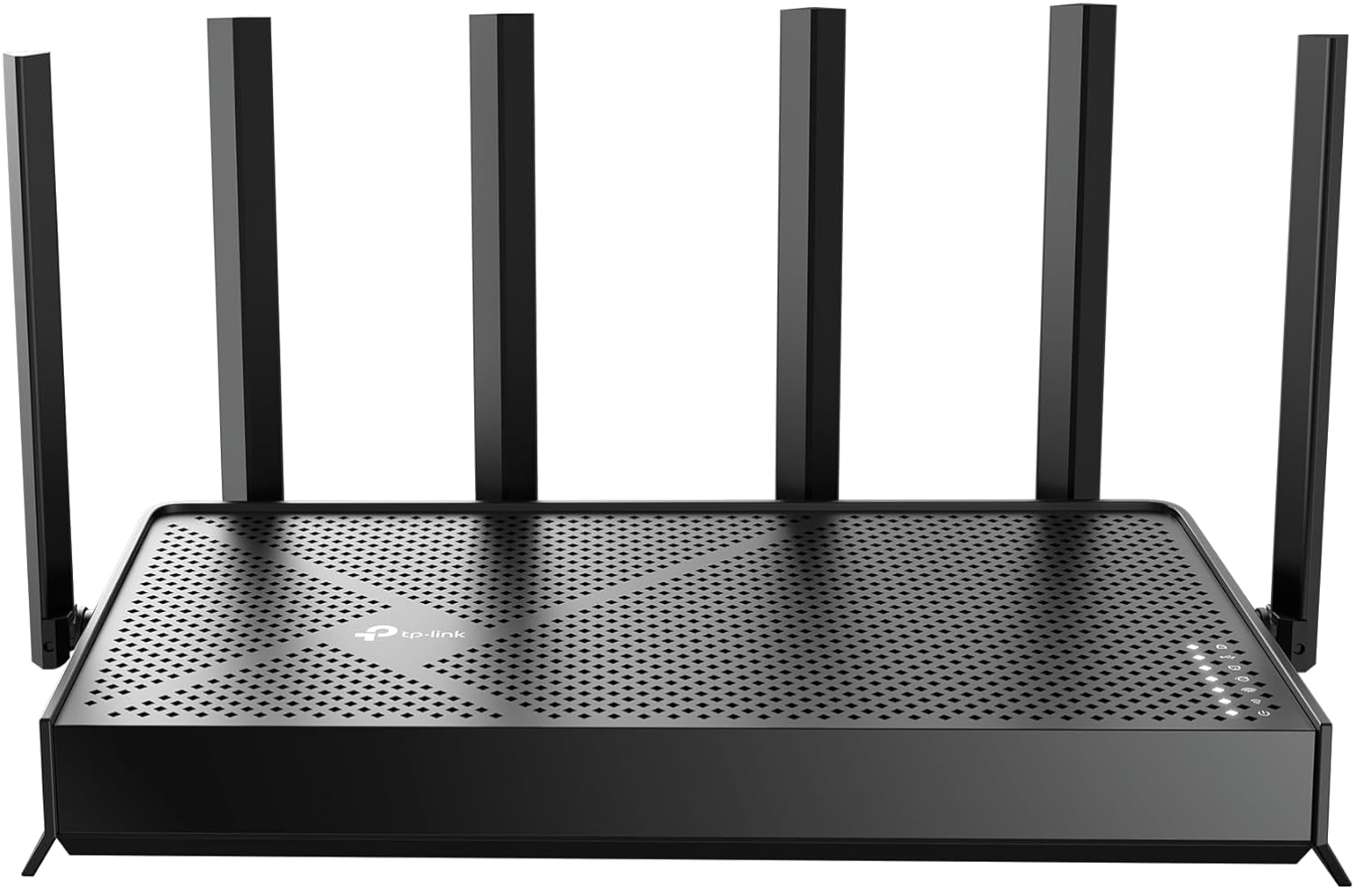
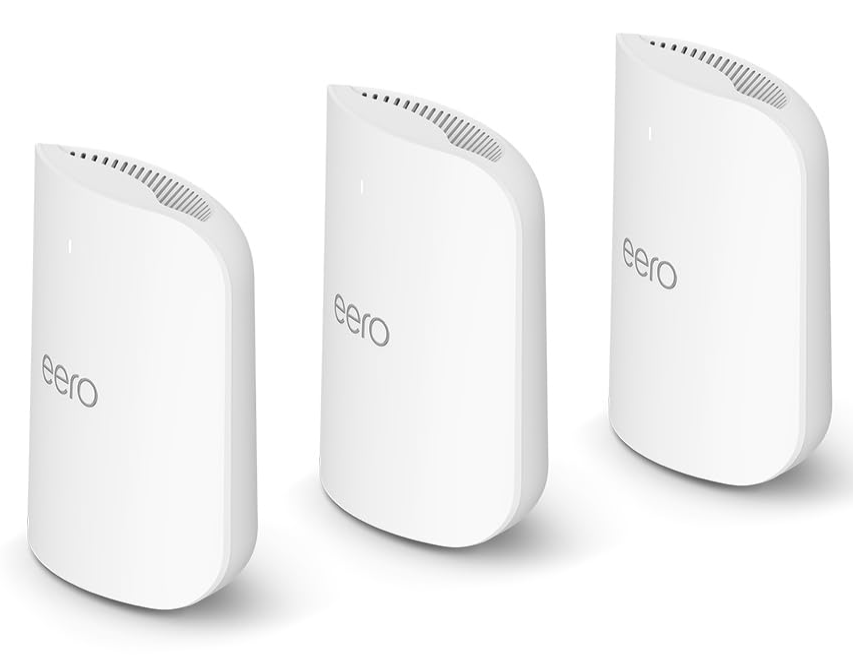
There are several cheap Wi-Fi 7 systems you can buy that are readily available on Amazon and elsewhere. Below are a couple of cheaper TP-Link options and then also the more pricey Amazon Eero solution.
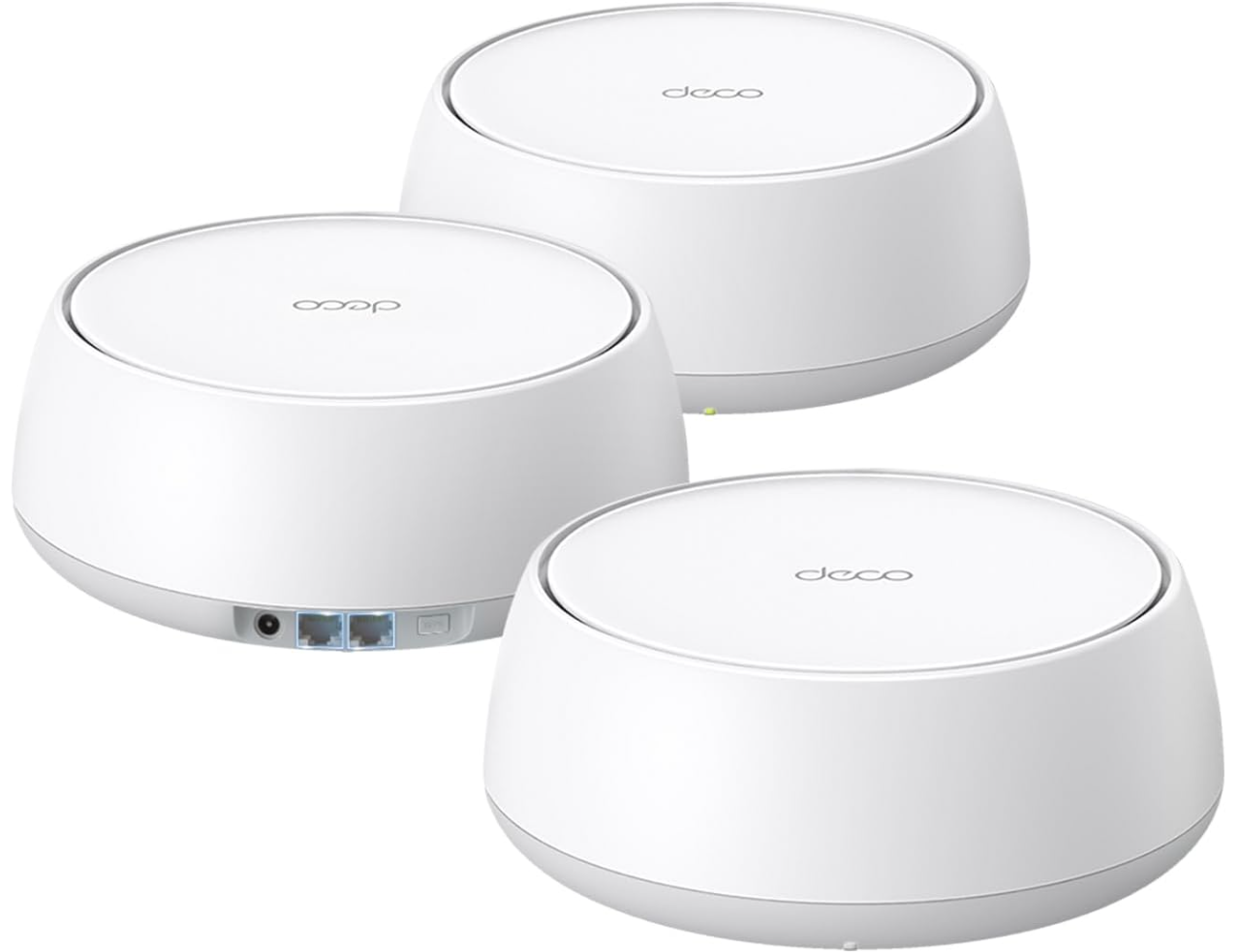
Below is the TP-Link Archer BE6500 Dual-Band Wi-Fi 7 Router with dual 2.5 Gbps ports:
Amazon eero Pro 7 tri-band mesh Wi-Fi 7 router
I am also testing out and playing around with a new Engenius Wi-Fi setup in the home lab and will be reporting on that soon with a new blog post.
Deciding factors to make the decision to upgrade
Take a look at the following table that can help you decide if now might be the right time to upgrade to Wi-Fi 7 in your home lab and home network environment.
| Home Lab Scenario | Should You Upgrade to Wi-Fi 7 | Why It Matters |
|---|---|---|
| Heavy wireless usage for your core network, streaming, remote consoles, or dashboards | Yes, upgrade now | You will see improvements in throughput, latency, and responsiveness. This will be ideal for modern devices and high bandwidth workloads. |
| Mixed wired and wireless environment with plans to refresh devices in the next couple of years | Yes, but it is a future ready upgrade | Wi-Fi 7 will give you long term value, improve stability, and prepare your lab for new Wi-Fi 7 capable clients as you phase them in. |
| Fully wired home lab with wireless used only for light tasks | Upgrade would be optional | Benefits will be minimal unless you plan to expand wireless usage. You can postpone without losing anything. |
| Multi gig switching already in place | Strong candidate for Wi-Fi 7 | Wi-Fi 7 APs shine when connected to 2.5 GbE or faster uplinks. These allow them to reach their full performance potential. |
| Gigabit only switching with no near term upgrade plan | Low priority for Wi-Fi 7 | You will not see the full benefits since Wi-Fi 7 can exceed 1 GbE. Upgrading switching first will provide more value. |
Wrapping up
I think in many ways Wi-Fi 7 is not just a marketing update. There is definitely some marketecture around the new standard, like the change of modulation scheme to 4096 QAM. However, the ability of Wi-Fi 7 to make use of 2.5 GbE that many already have in their home networks, increasing throughput for things like file copies and other home lab activities, it can dramatically improve the experience for those types of things. You don’t have to have Wi-Fi 7 to run a modern home lab. However, if you want the fastest wireless access possible for your services, VMs, containers, media streams, Wi-Fi 7 can give you a pretty significant upgrade at the end of 2025 going into 2026. Let me know in the comments. Are you already upgraded to Wi-Fi 7? Are you thinking of upgrading?

Google is updating how articles are shown. Don’t miss our leading home lab and tech content, written by humans, by setting Virtualization Howto as a preferred source.
About The Author