


With data security being at the forefront of everyone’s mind in the digital world we live in, we need to think about security in every aspect. One area that may not readily come to mind is backup data. After all backup data for most organizations generally includes the most important SQL servers, web servers, application servers, and other critical servers and their data so that in the case of a DR situation, data can be recovered. Encrypting backups should be viewed as critical to data security along with other areas of data security. Let’s look at how to create encrypted backup repository with Nakivo Backup and Replication 6.2.
Create Encrypted Backup Repository with Nakivo Backup and Replication 6.2
Let’s look at a quick tip here to change the default repository that comes with the Nakivo Backup and Replication Appliance to an encrypted repository. Since we can’t enable encryption on the repository that is already create, we can remove the default onboard repository that is not encrypted and recreate it as an encrypted repository. Below are the steps to create the encrypted repository.
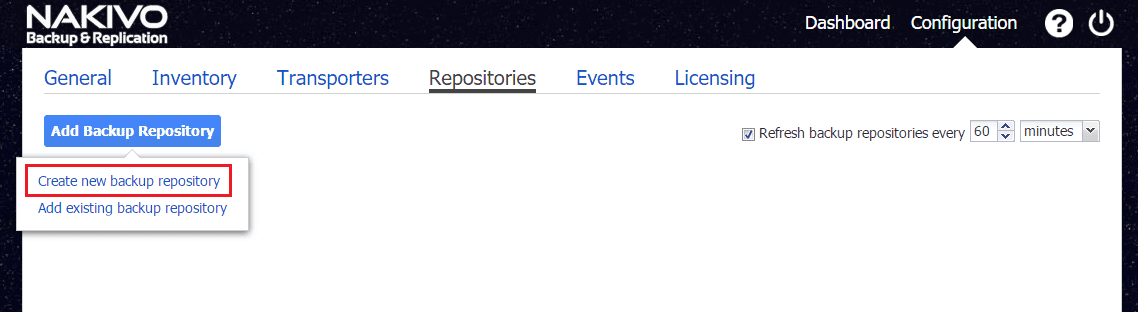
Go to Configuration >> Add Backup Repository >> Create new backup repository
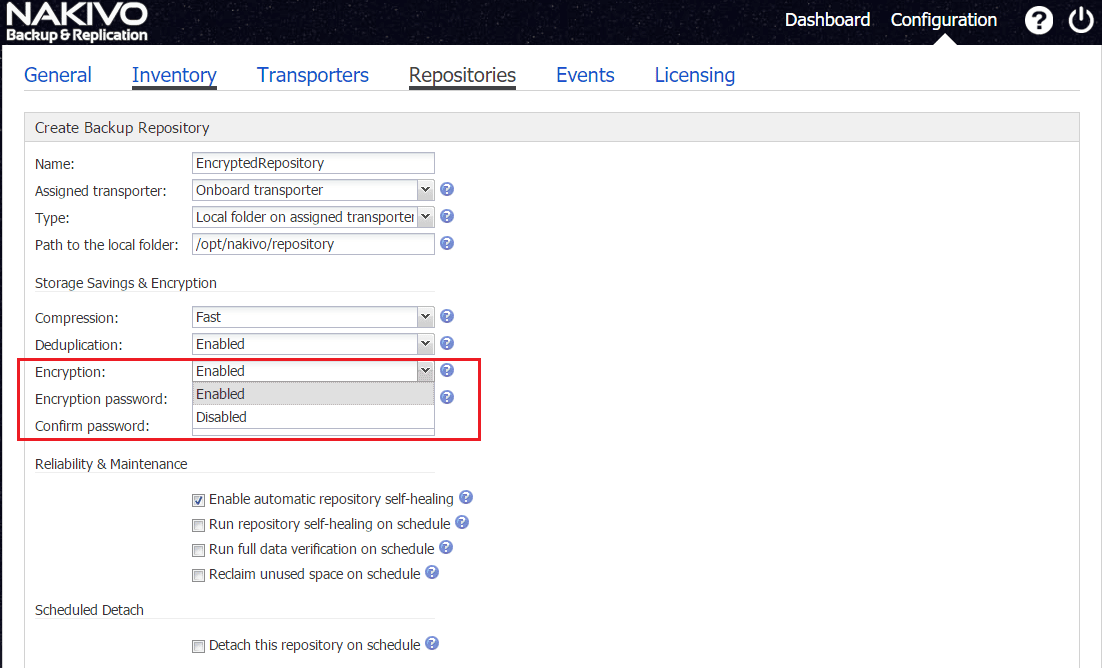
Next, you will see that the Encryption setting can be flagged to Enabled.
After setting Encryption to Enabled, you can then fill in the Encryption password.
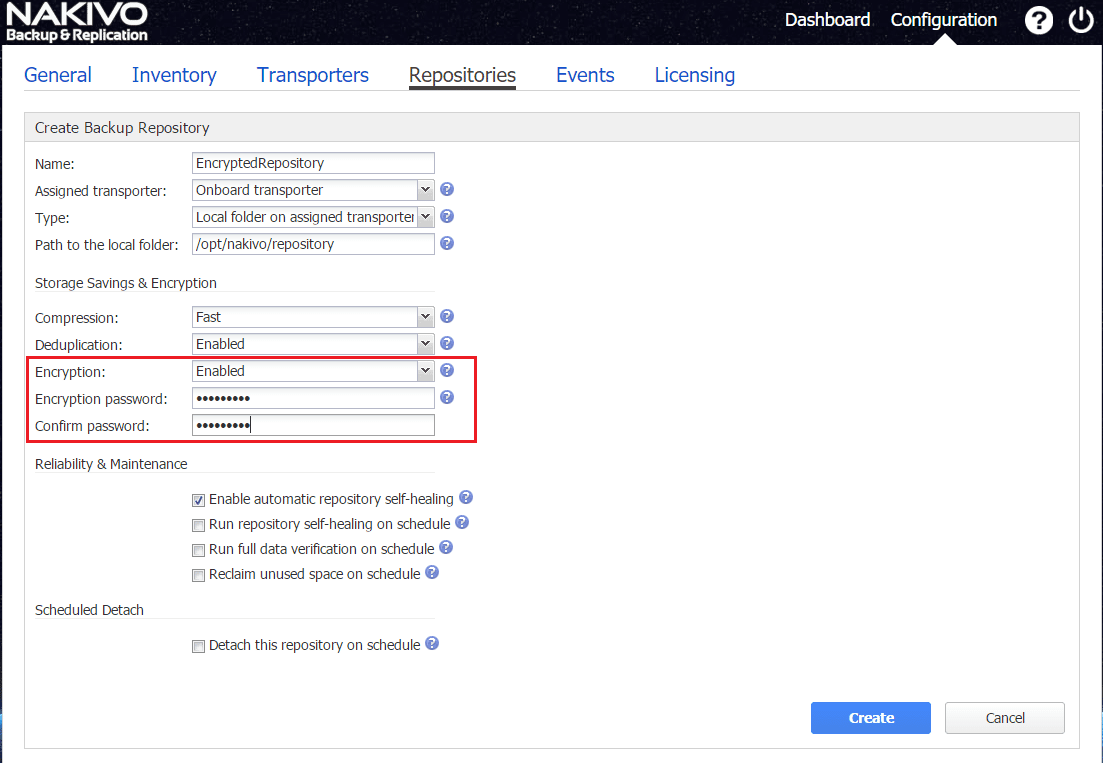
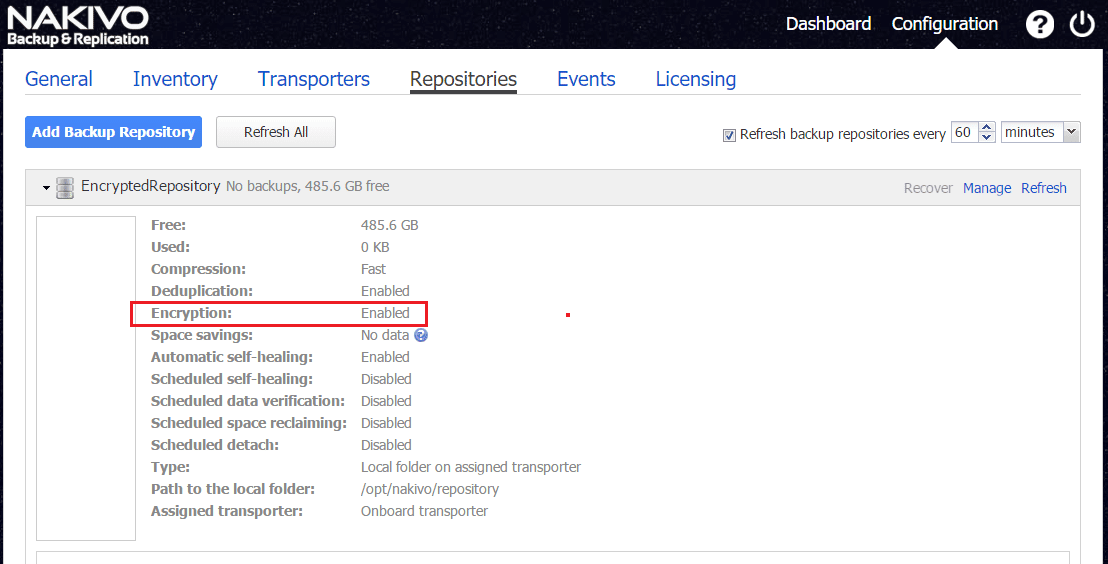
The repository is then created with Encryption enabled.
Thoughts
The Nakivo Backup and Replication 6.2 appliance provides a ton of great features that can be enabled especially for security. Making your backup repository encrypted is a huge step in the right direction to keeping backed up data not only safe but also secure.
More in this topic




Google is updating how articles are shown. Don’t miss our leading home lab and tech content, written by humans, by setting Virtualization Howto as a preferred source.
About The Author
