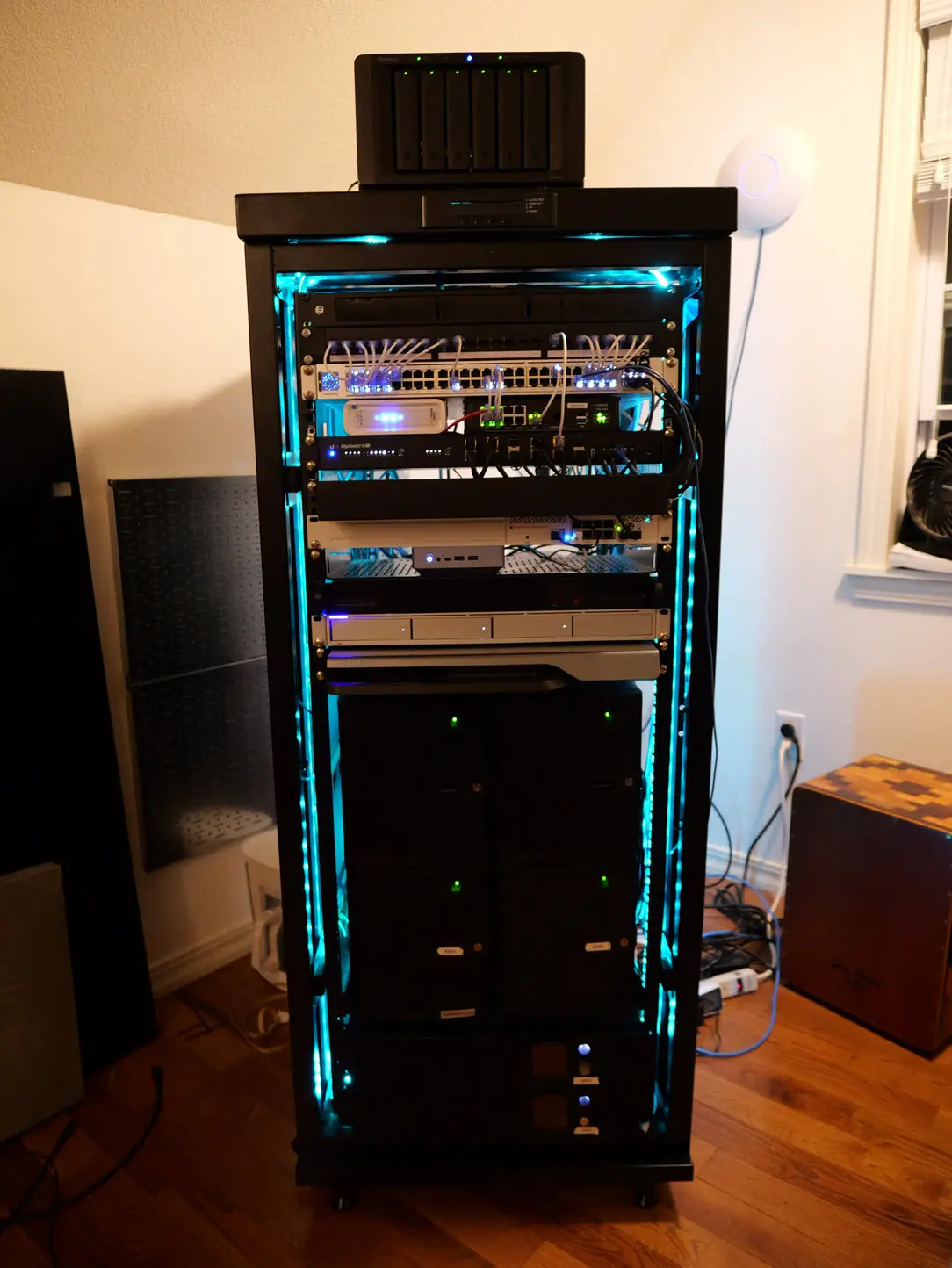
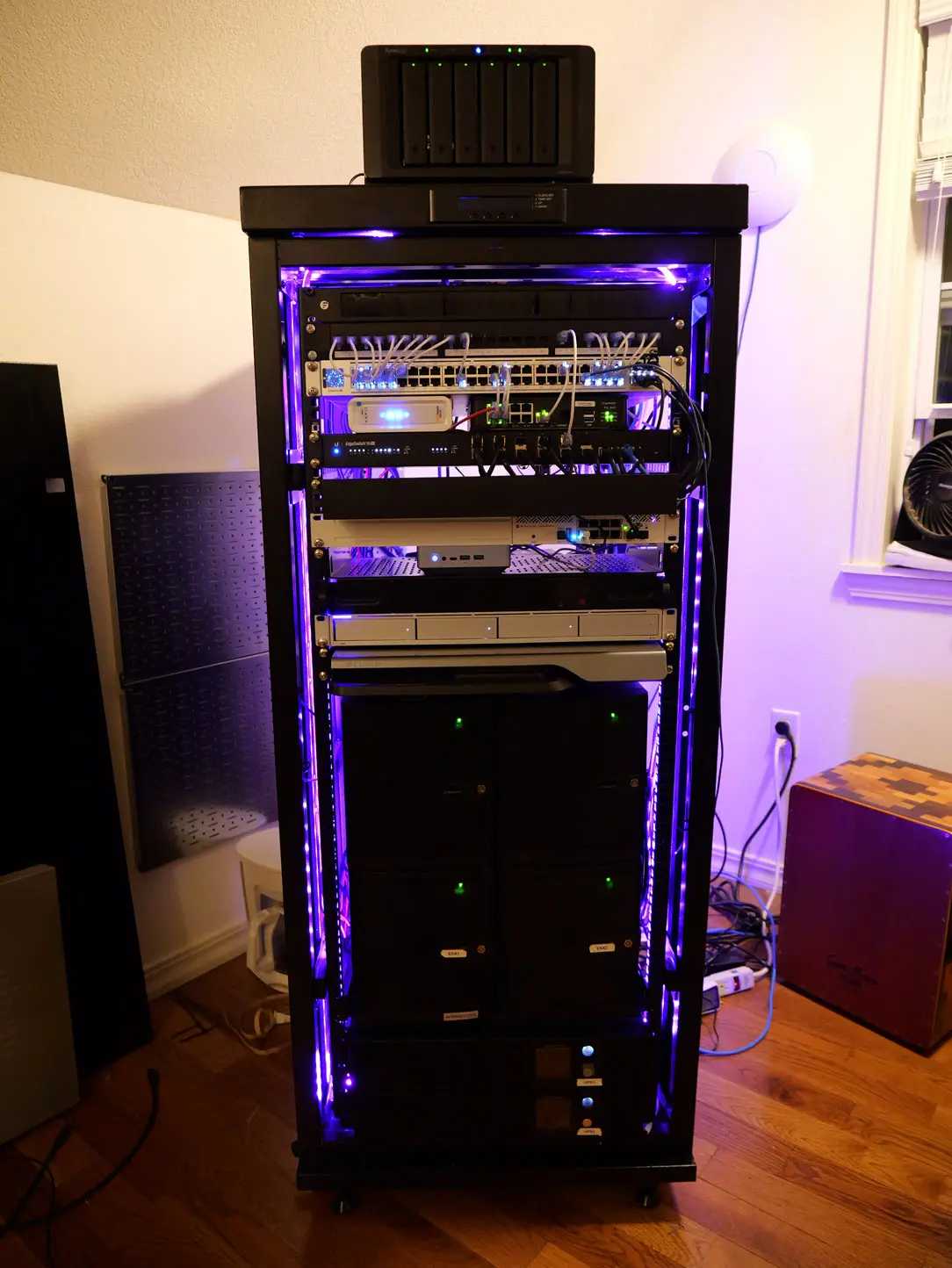
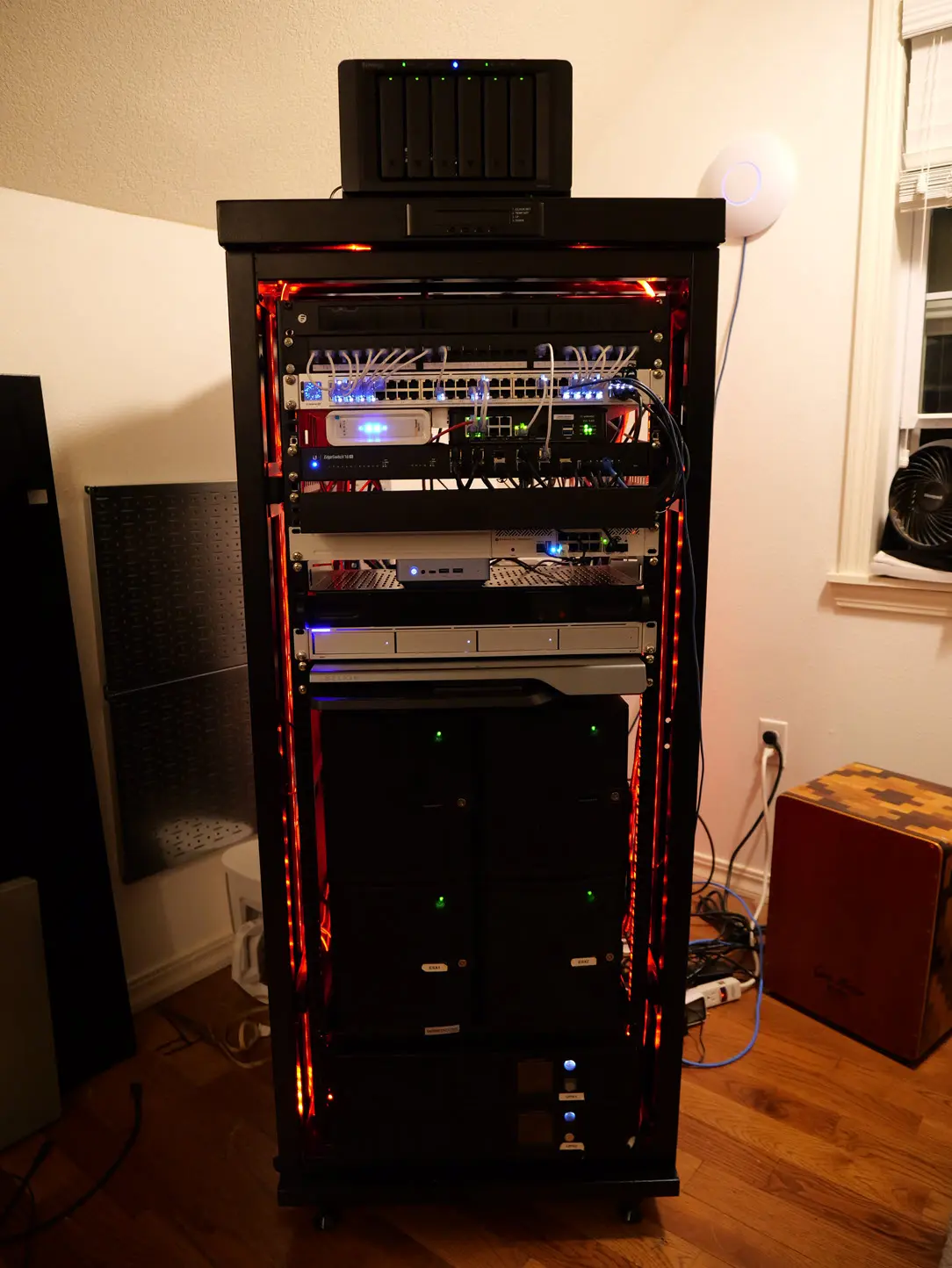
My home lab has been a great part of my learning path, career development, and of course blogging! My current build of materials for the latest iteration of the home lab is as follows:
2026 Home Lab
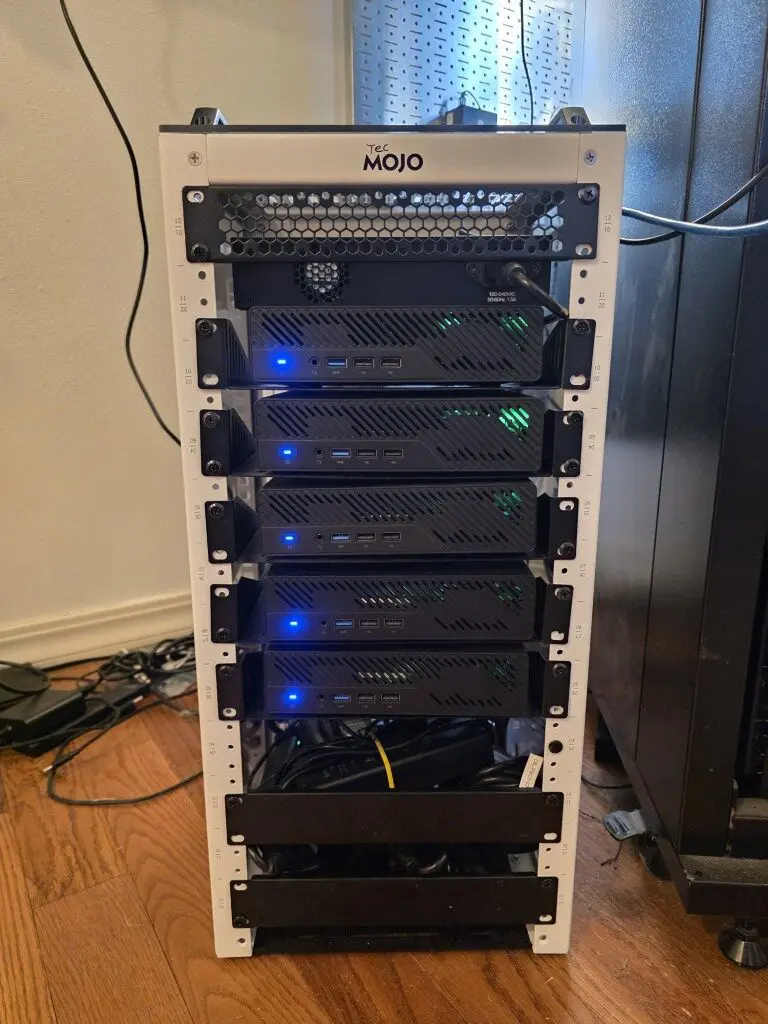
My current home lab is built around a compact TecMojo mini rack that packs enterprise-grade capabilities into a small footprint. The environment serves as my primary platform for testing Proxmox VE, Ceph, Kubernetes, Docker, AI workloads, networking, automation, and storage technologies before writing about them on VirtualizationHowto.
Hosts
(5) Minisforum MS-01 Mini PCs
The core of the environment is a five-node Proxmox VE cluster built with Minisforum MS-01 systems.
Node specifications
- Intel Core i9-13900H processors
- 14 cores / 20 threads per node
- 96 GB DDR5 memory per node
- Multiple NVMe SSDs per node
- Dual 10 GbE SFP+ networking
- Dual 2.5 GbE networking
Cluster totals
- 70 CPU cores
- 100 threads
- 480 GB RAM
- 17+ TB of all-NVMe storage
- Redundant 10 GbE networking
Storage
Ceph cluster
The five-node cluster utilizes Ceph for distributed storage across the environment.
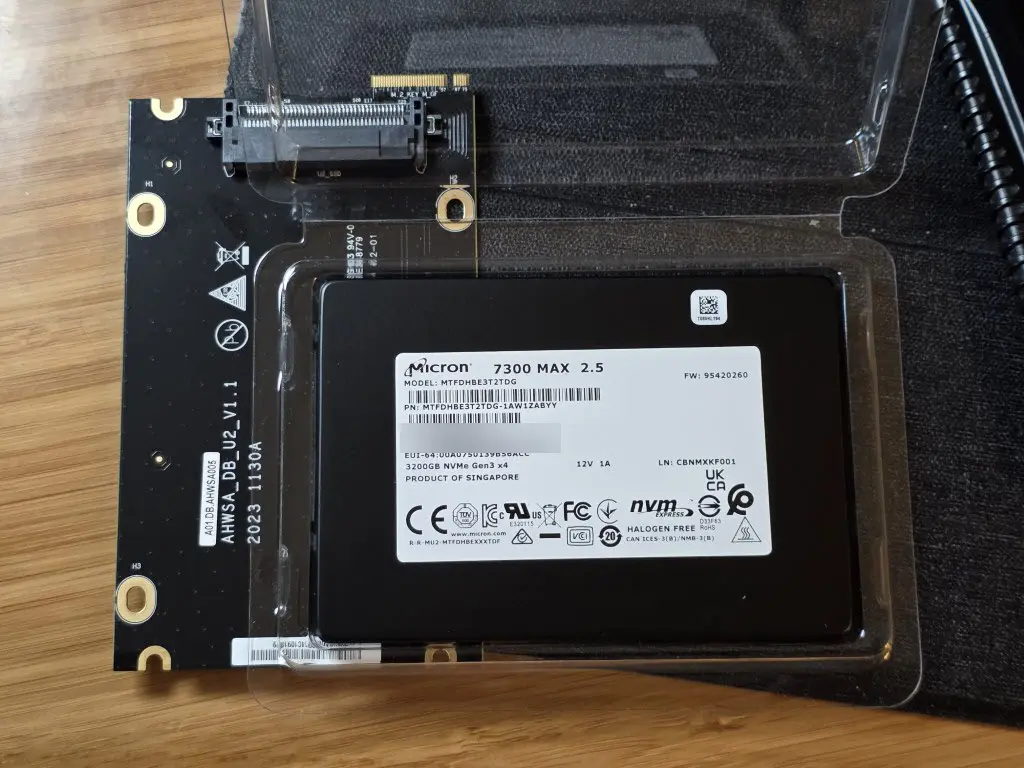
- All-NVMe storage architecture (Micron 7300 MAX drives)
- Distributed and redundant storage
- High-performance VM and container workloads
- Storage resiliency across cluster nodes
Networking
High-speed connectivity
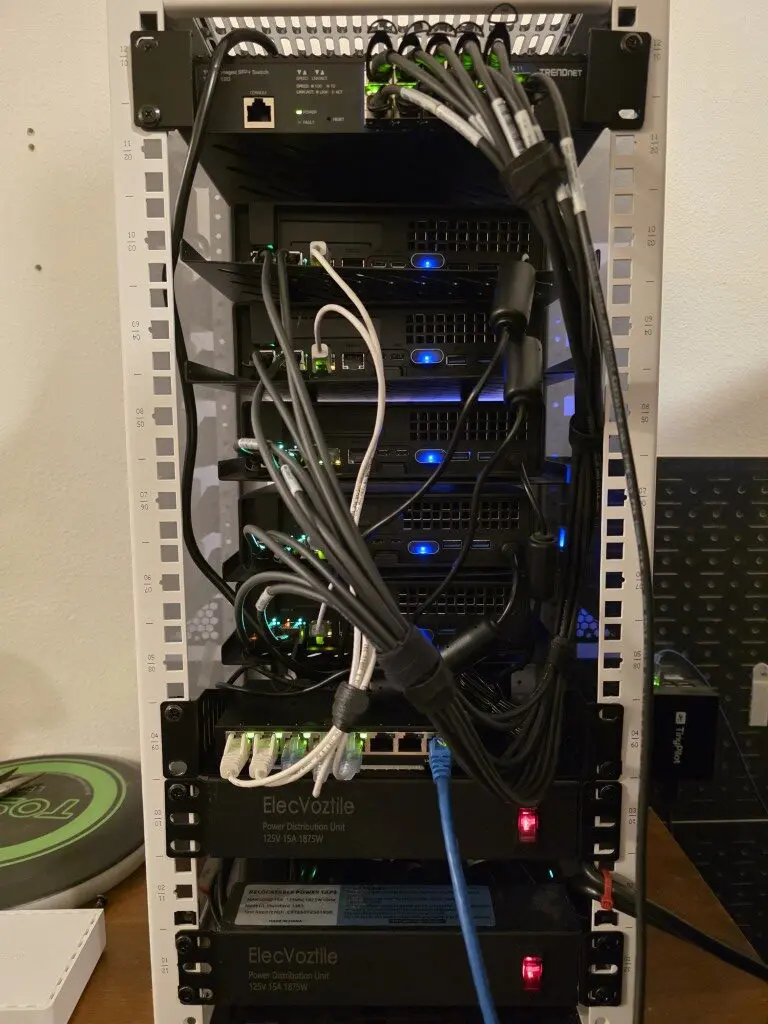
The cluster is connected using dual 10 GbE networking configured with LACP.
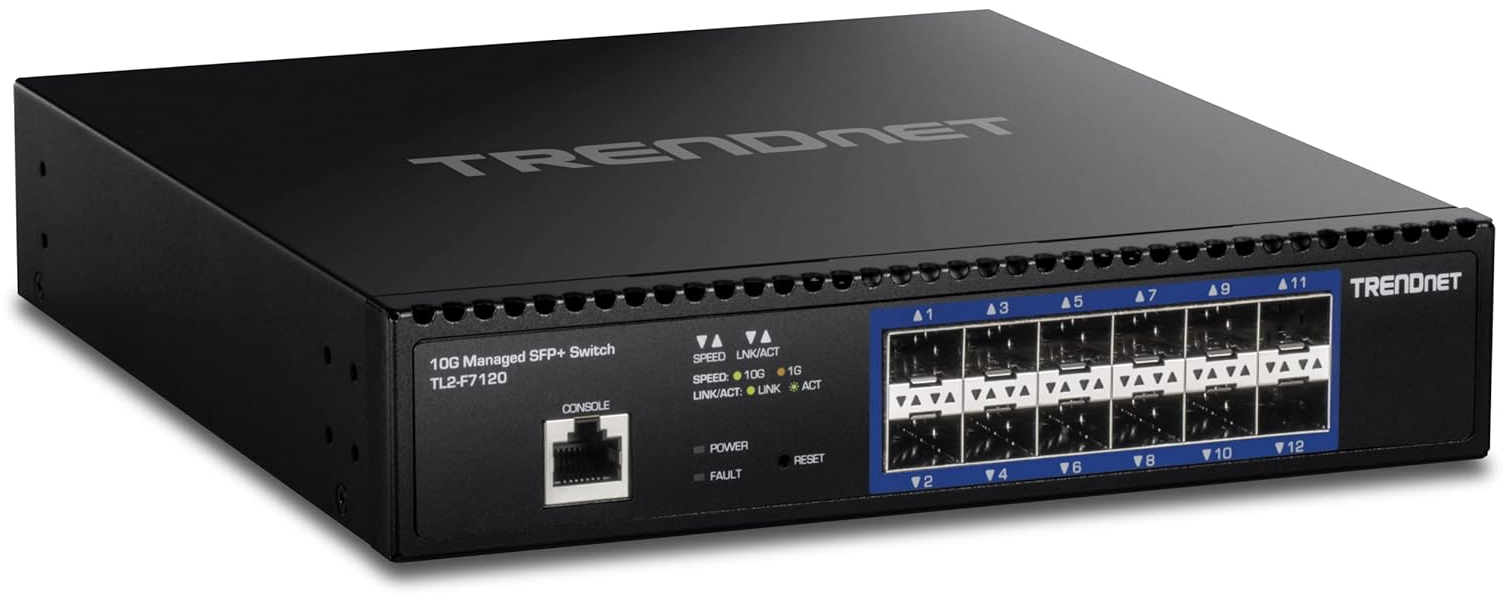
- Dual 10 GbE uplinks per node (Trendnet 10 gig switch below)
- LACP bonded interfaces
- VLAN segmentation
- Dedicated storage and workload networks
Virtualization
The environment primarily runs:
- Proxmox VE
- Linux Containers (LXC)
- Virtual Machines
- Kubernetes clusters
- Docker workloads
Kubernetes and containers
Several Kubernetes and Docker environments run within the cluster for testing and production self-hosted workloads.
Current areas of focus include:
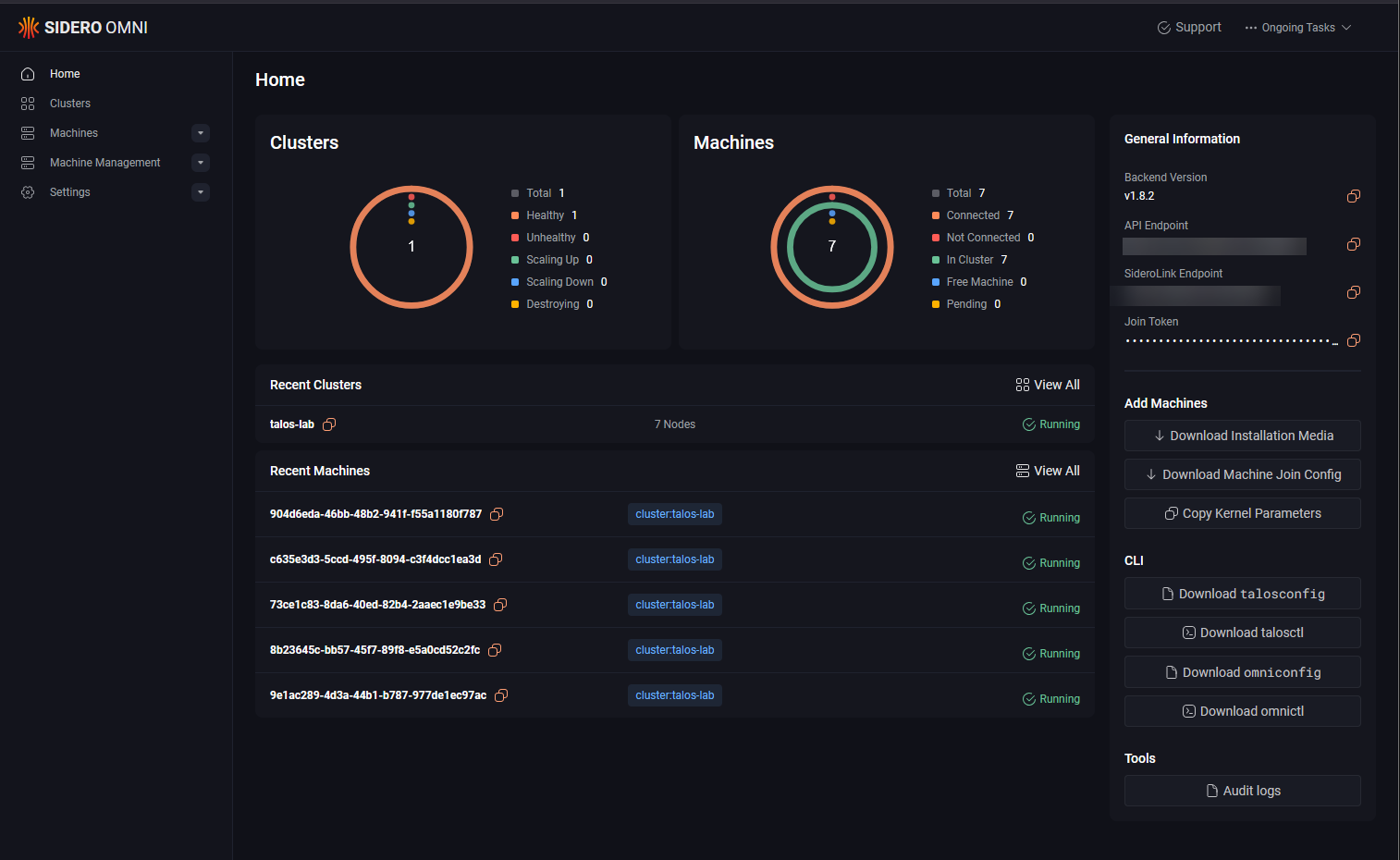
- Talos Linux (my main production cluster for hosting long term workloads)
- Flatcar Linux
- Argo CD
- Traefik
- Longhorn
- Technitium DNS
- Unbound DNS
- GitOps workflows
AI and local LLM testing
The home lab is also used for local AI experimentation and LLM testing.
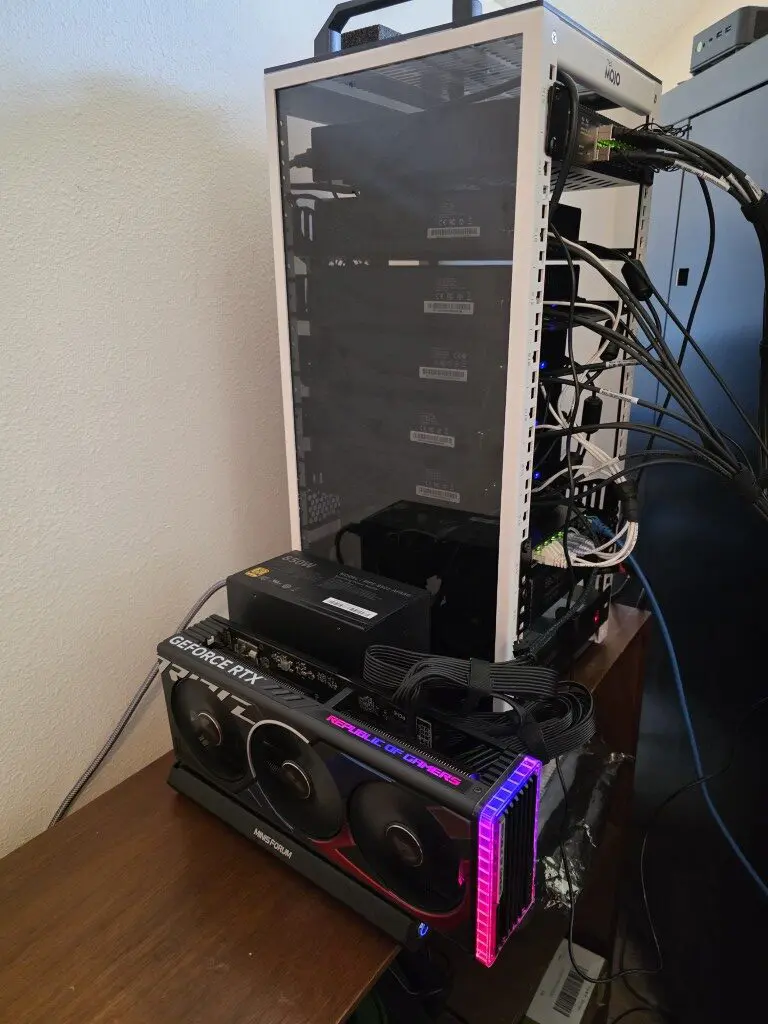
Current projects include:
- Ollama
- Open WebUI
- Local model hosting
- Self-hosted AI workflows
Rack and infrastructure
TecMojo 12U Mini Rack
The entire environment is housed in a compact TecMojo mini rack that provides enterprise-style organization while maintaining a small footprint suitable for a home office environment.
2024 Home Lab
Hosts
Minicluster
- (2) Minisforum MS-01 Mini PCs – (2) node traditional vSphere Cluster
- Intel Core i9-13900H processor 14 cores, 20 threads
- 478.7 GB of system memory, comprised of:
- 96 GB of DDR5 DRAM
- 400% NVMe Memory tiering
- (2) 10 GbE SFP+ uplinks
- (1) Terramaster F8 SSD Plus NVMe NAS
- 9.04 TB of storage in vSphere
- 10 GbE uplink
Dev cluster
- (1) GMKtek K10 with AMD Ryzen 7 5800U processor
- 64 GB of DDR-4 RAM
2023 Home Lab
Hosts
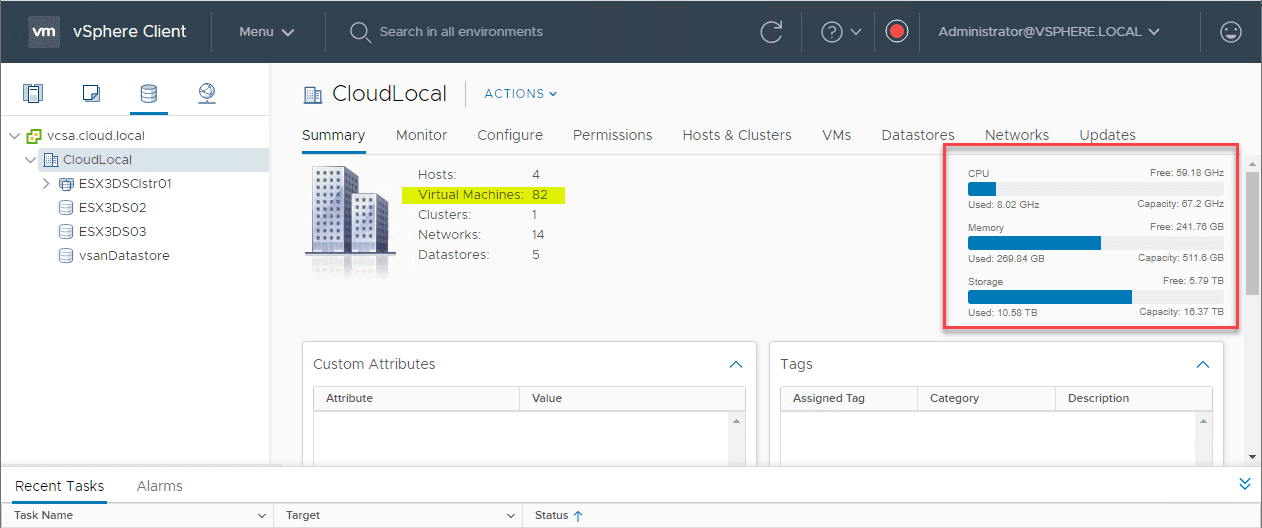
- (3) Supermicro SYS-5028D-TN4T Servers – 3 node vSAN cluster
- Intel Xeon processor D-1541 8-Core, SoC (System-on-Chip)
- 128 GB RAM
- All flash vSAN Datastore – Backed by (3) Samsung 970 Pro Plus NVMe 1GB drives
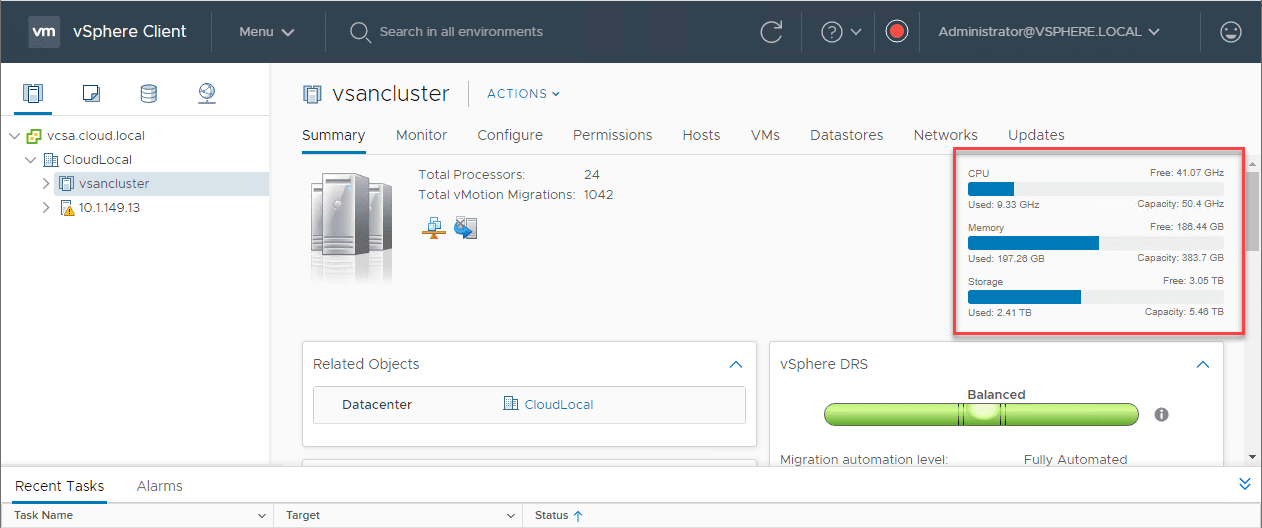
- 5.46 TB Capacity
- (1) Supermicro SYS-5028D-TN4T – Proxmox 8.1 host
- Intel Xeon processor D-1541 8-Core, SoC (System-on-Chip)
- 128 GB RAM
- (2) NVMe-backed datastores in datastore cluster
- (2) Traditional spinning disk datastores for other testing, etc
- (1) SYS-E301-9D-8CN8TP
- (1) SYS-E300-9D-8CN8TP
Networking
- (1) Unifi 48-port 2.5 GbE switch for core
(1) Cisco SG350-28 port switch for core- (1) Ubiquiti XG-16 – 10 gig TOR switch for virtualization hosts
- (1) Cisco SG300-20 port switch for DR
(1) Netgear X708T – 10 gig switch for vSAN, vMotion, and NIOC aggregated links- (1) Palo Alto PA440 Firewall
- Extreme Networks x440-G2 16 port switch
Rack and Power
- SysRacks 27U Rack – My post about the rack installation here
- (2) CyberPower PR1500LCDRTXL2U UPS
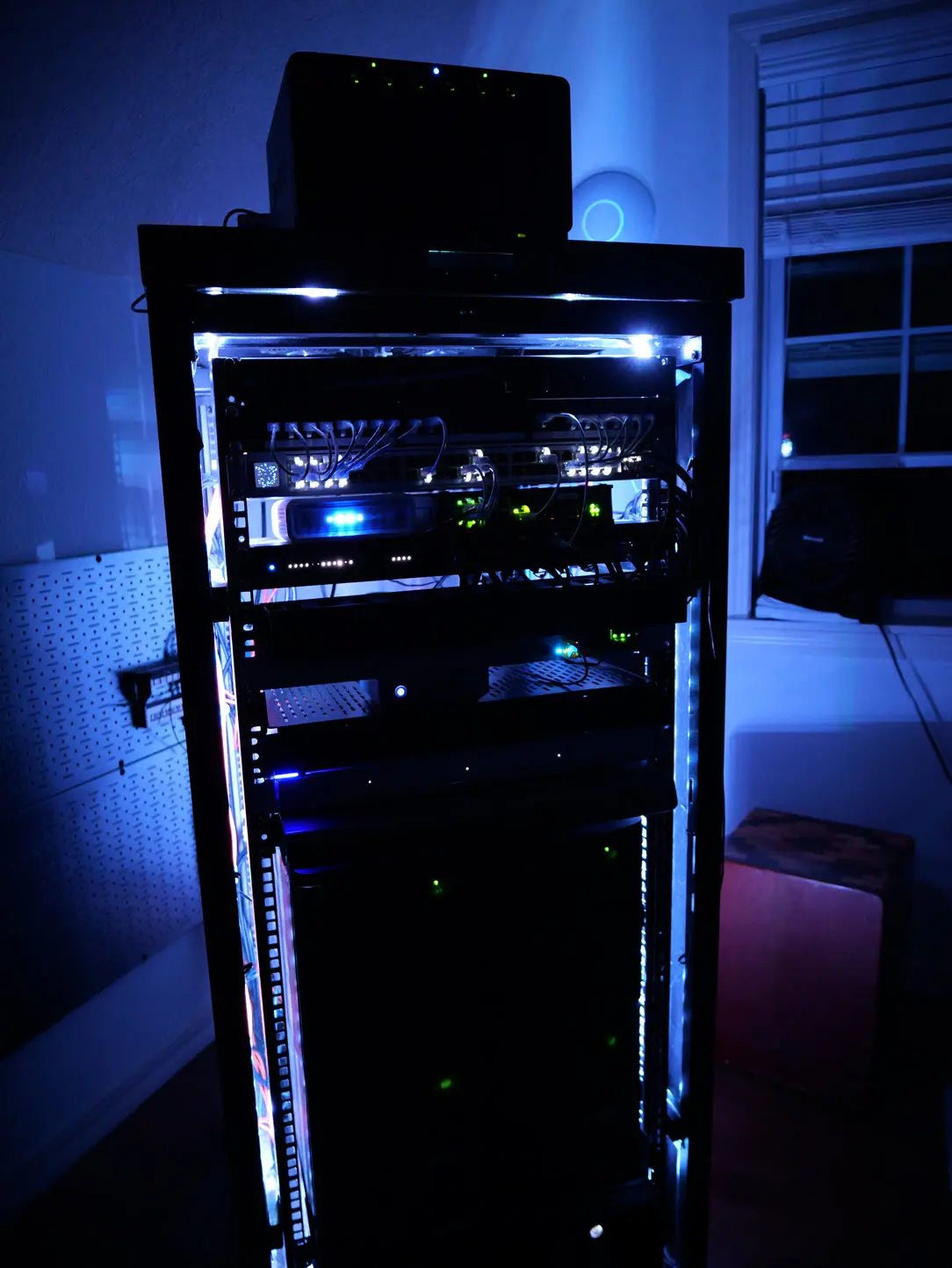
Take a look at the rack lighting below for some RGB.