



Notifications
Clear all
VMware vSphere help
1
Posts
1
Users
0
Reactions
2,629
Views

Oct 18, 2024 2:54 pm
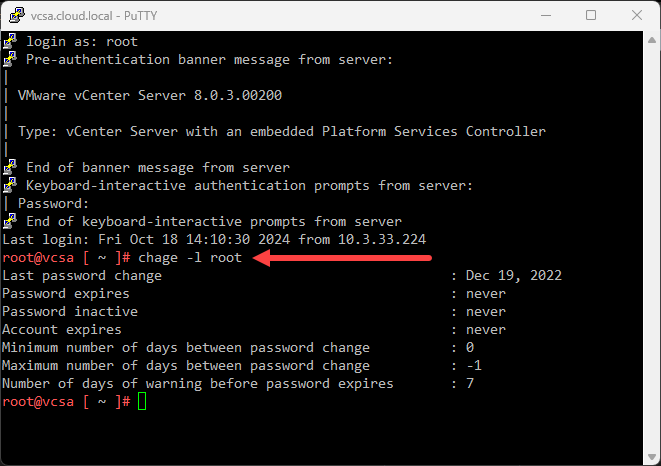
Especially in the home lab, you may not want your vCenter Server VCSA root password to expire as you would do in production. This can be a pain and usually happens at the worst time, when you are upgrading, etc. To see if your root account is set to age, you can use this command from the command line:
chage -l root
Then we can set it to not expire using the following command:
chage -I -1 -m 0 -M 99999 -E -1 root
That's it, now you can enjoy not having to reset your root password for your VCSA appliance again.