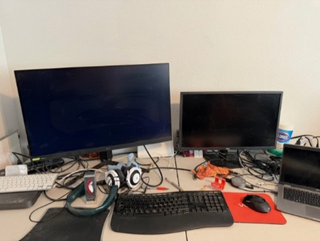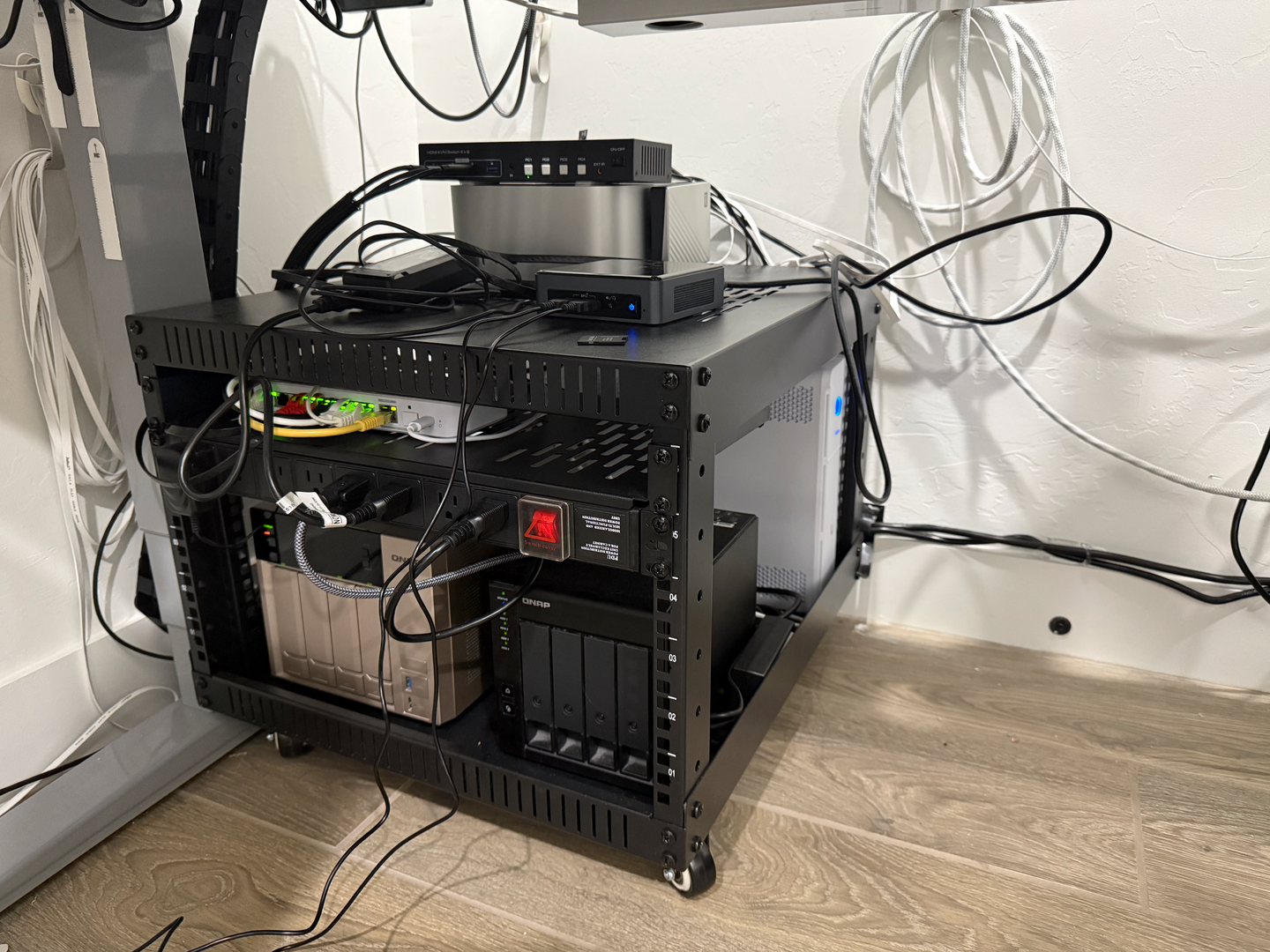
I'm just getting started! My homelab currently sits under my desk, and consists of a Mac Studio, a NAS, and a DAS. Yes, there is a NUC in the photo, but it is broken, and I'm looking for a replacement. That's what led me to your review of the Beelink SER9!
My plans: I am exploring virtualization and learning about everything I can. I have used Docker for years at work, but I've never tried to do much with it at home. I am primarily a software developer, so I will be looking to see how I can make use of Docker in that domain.
Thanks for the great videos! I've learned quite a lot in the past couple of weeks.

Hi All IT Enthusiast fellow ship!
Just re-built our house after a house fire last year and added a special corner for the toys:
This is my current setup
12U Wall Rack Mojo Tech
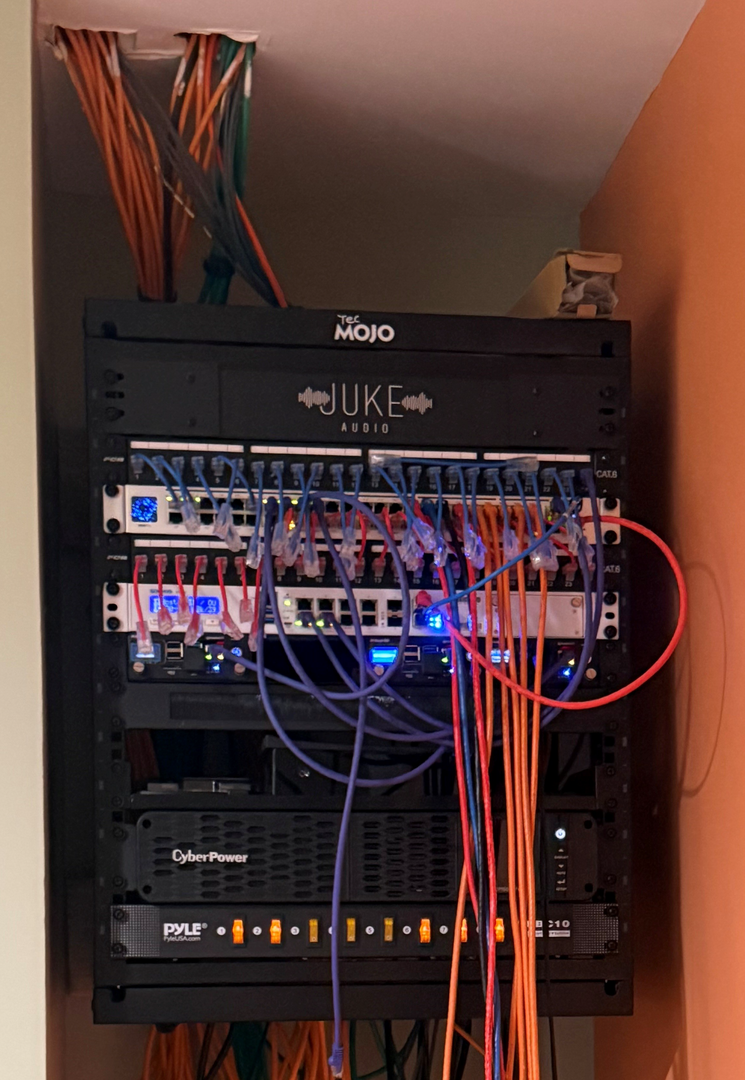
Stationary Wall From the top
Patch Cables
JukeAudio 6 Channel for the Tunes around the house
USW-Pro-48-POE Switch
330XG old Sophos converted to pfSense firewall
4 Raspberry Pi holder UCTRONICS
Holds the following Pi-Hole, Home Assistant, sFTP Server and UPS Pi-Nut
Brush Cable manger strip
Spectrum Modem
HDHomeRun Tv adapter local stations
VEVOR Shelf
CyberPower1500w power supply for only wall rack
Pyle Power Switch
The front orange ethernet cables are temporary until I get the server rack
Temp Server rack until the real one on wheels comes in
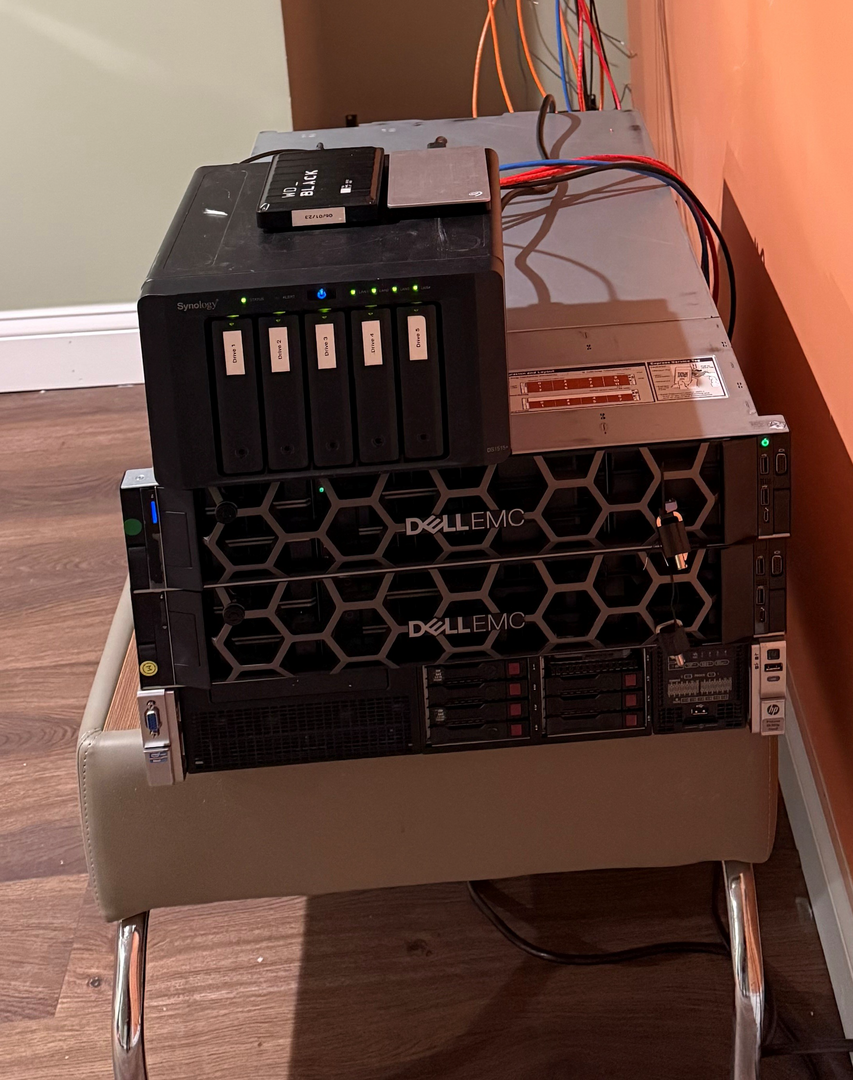
Temp Rack from the top
3x CyberPower 1500va Power supply for Each Server and Synology on the floor currently
USB Drive 2 Gig to backup Music for the Car
USE Drive 4gig to backup Documents
Synology DS1515+
Upgrade to 16gig
5x 10TB RED Western Digital
Dell r740xd 768gig Ram 2x 6150 Gold 6x9TB Drive and 2 SDD Running ESXi VMware 8.3 and Nvidia M10
Running the Home Business of Multi brands of Linux and also Windows Domain and RDS servers
Dell r740xd 768gig Ram 2x 6150 Gold 6x9TB Drive and 2 SDD Running ESXi VMware 8.3 and Nvidia M10
Running Multiple Docker Linux Redhat servers, ARR Media Stack Servers, IT Tools, Networking tools and more
HP DL380p Gen 8 368gig Ram 2x E-5 Xeon 2620 8x 1.2TB running ARC Loader Synology booting as DS3416+
Next few Months
Adding 8 Cameras to Synology
Adding another Dell r740
Adding a 45drivedata storage to compliment the Synology NAS and server
Once Rack is in then making the Wall rack pretty 😉


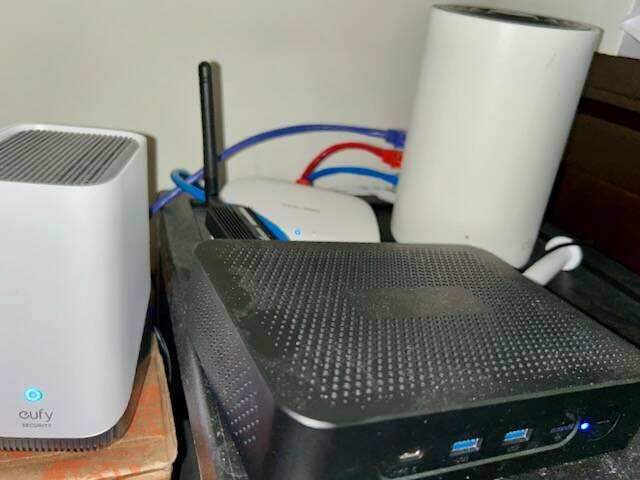
This thread has given me ideas about upgrading my homelab, note to self, do not mention price to wife. I'm adding 5G/LTE as soon as it arrives (thank you US Mobile's $167/1 yr BF67 deal on Black Friday). Then, I just need to get G Skill to un-lose my doubled in price lost DDR4 to revive my NAS. At least I was able to move HOAS to a dedicated machine.
This would allow me to build a mini server and start to rack everything for once. I would also LOVE to stop relying on 6GHz backhaul, so getting everything working on the CAT5e is paramount- bought this house over 2 yr ago. I use this MacBook Air for everything, but it can't do some things.
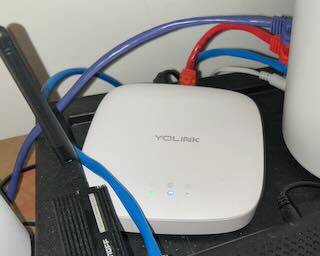
I'd love to add a 45 drive Storinator or the like, but that's not in the cards. Heck I could spend $100k homelabbing

Share:
• What your setup looks like now;
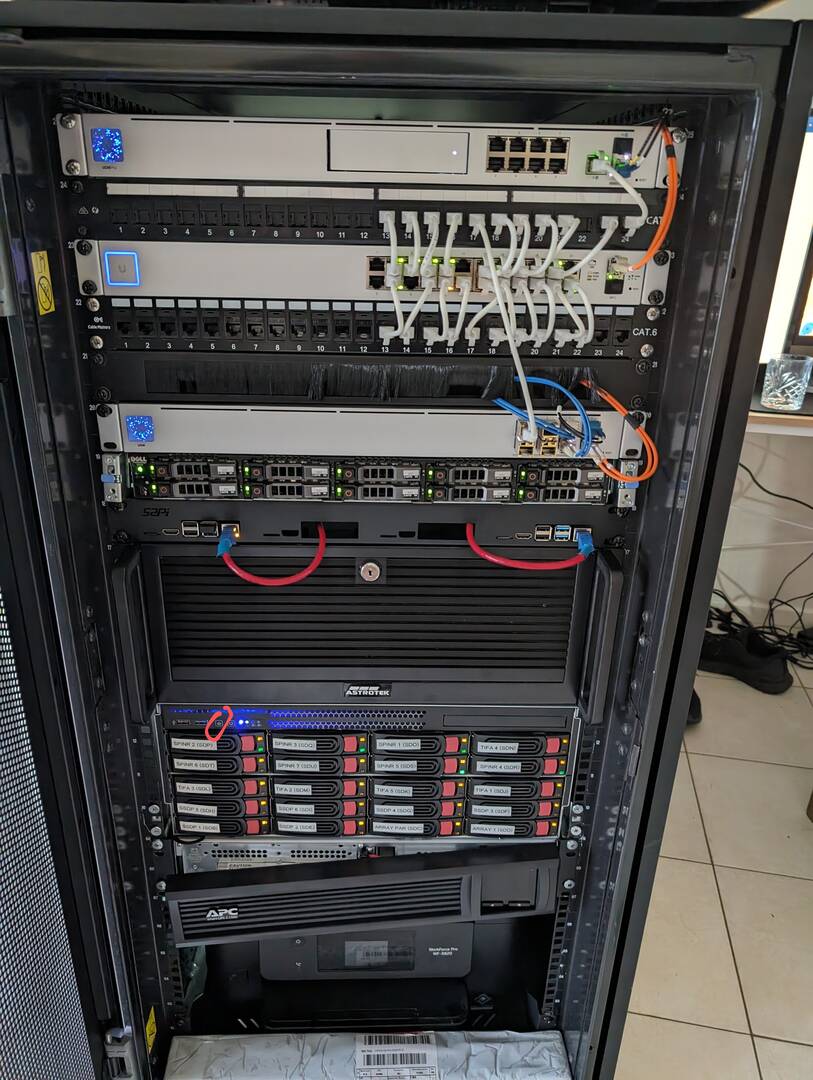
• What you added or removed in 2025
Added new raspberry pi and AI dedicated server
• Any upgrades you’re planning going into 2026
Removing the Dell server and moving into minipcs
• A short description of your design, your goals, or the story behind your home lab
Network:Unifi Router Dream Machine Pro, 24Port Unifi switch, Unifi Fibre Switch
Servers: Dell R620 server 40TB storage SSD, Home made AI server, JBOD like server running unraid
UPS: APC front cover was broken
Design: Running man LXC and Ubuntu VM's for services like arr stack and management of VM's including learning kubernetes, and lustre file systems.
Passion: Started when I saw software that could remote into systems running self hosted software. Running a signal server I did not look back and it sent me down the rabbit hole
• Bonus points for photos of before and after evolution shots
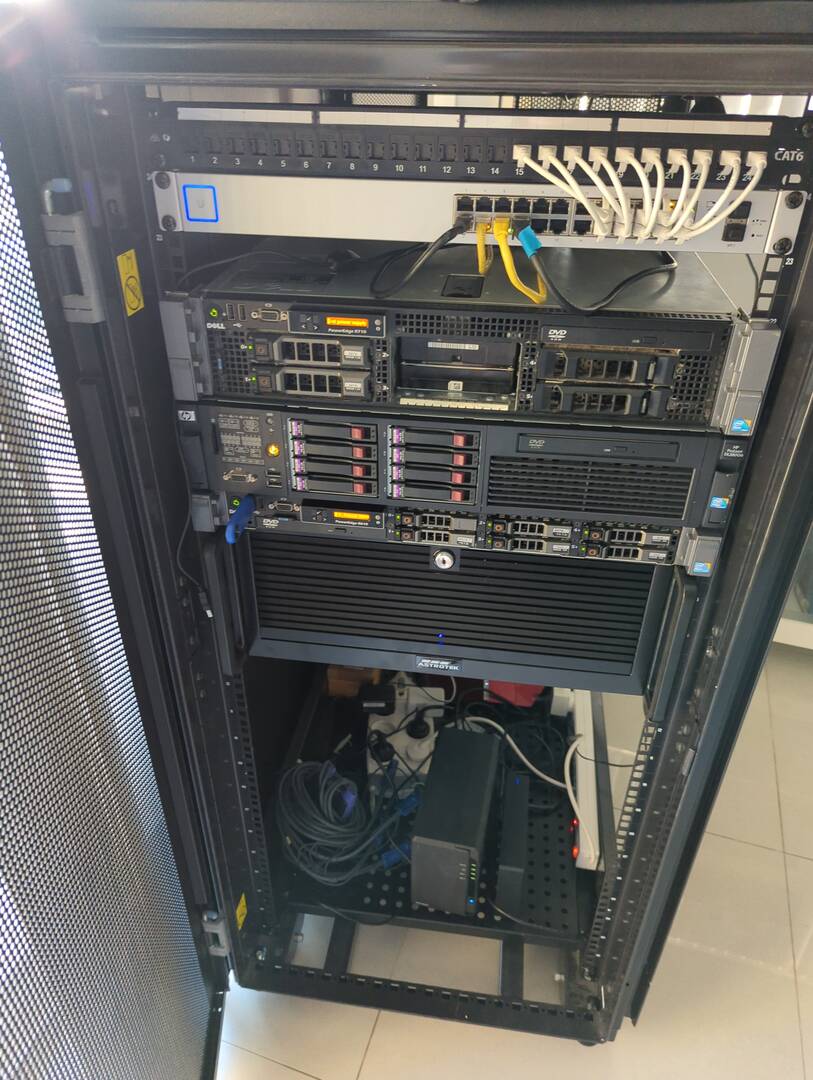

Overview
This submission documents my home lab as it stands at the end of 2025, including current hardware, network design, goals achieved this year, and planned upgrades for 2026.
Hardware Inventory
Core Servers & Compute
- Supermicro 24‑bay NAS (Unraid): 16 threads, 64GB RAM, 150TB, dual 25Gb + dual 1Gb
- 2 × Minisforum MS‑A2: 32 threads, 128GB RAM, 2TB boot, 8TB NVMe Gen4, 2×10Gb + 2×2.5Gb (one with GPU – new 2025)
- Dell PowerEdge R630: 56 threads, 128GB RAM, 512GB boot, 6TB SSD
Network Equipment
- 2 × Arista CCS‑720XP‑48ZC2‑F switches (new 2025)
- Palo Alto PA‑440 firewall
- Arista router (lab head‑end testing)
- ASUS AX11000 router (to be replaced)
- HP Aruba switch (automation testing)
Edge & Misc Devices
- 2 × Raspberry Pi 5 (PoE + NVMe)
- 4 × Raspberry Pi 4 (PoE cluster)
- JetKVM (2 units – new 2025)
- iNet Comet (new 2025)
- Mac Mini, HP NAS, 3 × UPS
Cloud Resources
- 2 × Azure accounts (150 credits/month each)
Current Architecture & Configuration
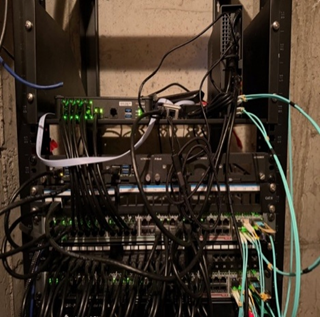
The two Arista switches operate in MLAG, with primary servers bonded via LACP. The Dell R630 and two MS‑A2 systems form a Proxmox cluster backed by Ceph. The Unraid NAS handles media services including Plex, Immich, and ARR services. Approximately 20 VMs support AI workloads, security cameras, monitoring, and automation.
Physical Layout
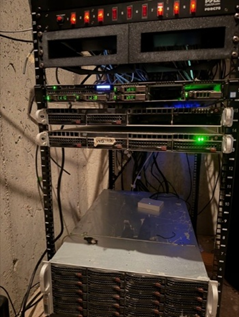
The lab is distributed across three racks: a permanent network rack, a movable server rack for maintenance, and a smaller office rack for testing and development. Fiber and copper runs connect racks and desks throughout the home.
2025 Goals & Achievements
The primary focus in 2025 was reducing power consumption while increasing performance. Older Supermicro servers were replaced with more efficient MS‑A2 systems. Internal networking was upgraded to 10/25Gb, significantly improving storage and VM performance.
2026 Roadmap
Planned upgrades include Wi‑Fi 7 deployment, a higher‑speed fiber connection, expanded structured cabling, a new JBOD‑capable NAS supporting SAS and NVMe, and a portable 10‑inch rack lab for demonstrations.
Home Lab Journey
This lab began as a way to experiment beyond workplace restrictions and has grown into an enterprise‑grade environment mirroring real‑world production systems.
Photos
Night Time. Slightly older picture before the jetkvms and the GLI comet. A monitor was needed. I recently deleted a lot of my older pictures. There used to be an audio rack with the servers stacked in it (not mounted) because it was not a 4 poster. That was replaced with a permanent rack for network equipment and a movable rack for servers.
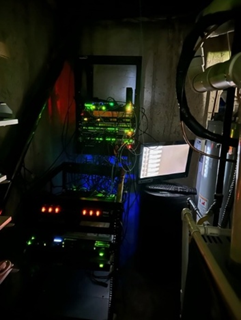
Main Racks Up Close
Network Equipment Rack. Wall Mounted
Server Rack - 4 poster Movable. The blanks are for the MS-A2 That are current just on Shelves
Movable Office Rack for easier access to stuff that I am currently testing as well as the 10' rack.
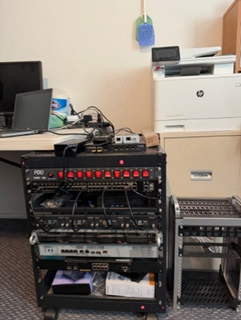
Desk and testing areas
Main Desk
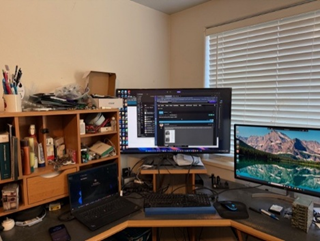
Build Desk and Hardware testing workbench
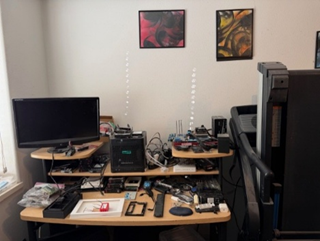
Guest / Large Server Testing Areas