Skip to content
  • YouTube
  • Twitter
  • LinkedIn
  • GitHub
  • Facebook
  • Discord
  • Pinterest
  • Google Profile
  • BlueSky
Vht logo redesign 2025 2

Virtualization Howto

Virtualization, Cloud, DevOps, Reviews

Search
Subscribe Subscribe
  • Forum
  • Home Lab Kits
  • DevOps
  • Virtualization
    • Proxmox
    • VMware
    • Hyper-V
    • XCP-ng
  • Containers
    • Kubernetes
  • Mini PC & Server
  • Home Lab
    • My Home Lab
    • Nested ESXi Lab
    • Proxmox Build 2025
  • About
    • Contact
    • Disclaimer
    • E-books
    • Podcast
    • Privacy
  • Newsletter
  • Sign In
  • Premium
Random

Category: Windows Server 2022

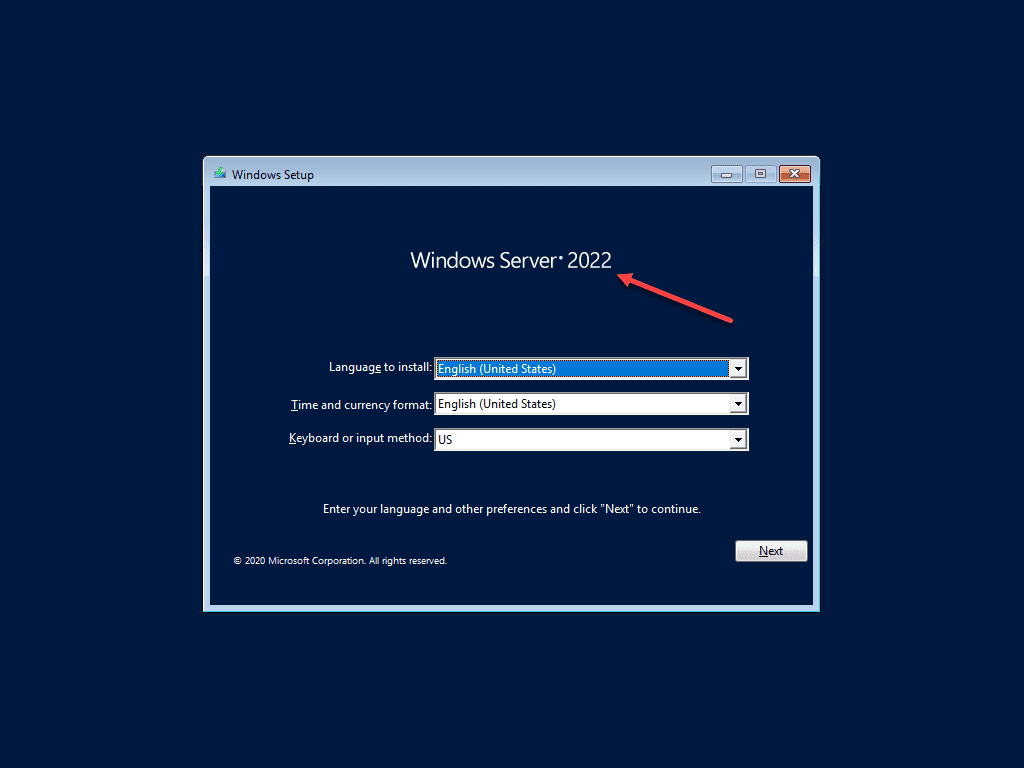
Windows Server 2022 Public Preview New Features Download Install
Windows Server 2022

Windows Server 2022 Public Preview New Features Download Install

After the latest Microsoft Ignite, there is renewed excitement over the Microsoft Windows server’s next version. The new Windows Server is Windows Server 2022 and contains quite a few notable…
by Brandon LeeMarch 8, 2021March 26, 2024
Windows Server 2022 is the next Windows Server Operating System
Windows Server 2022

Windows Server 2022 is the next Windows Server Operating System

Not long ago, I wrote a blog comparing Windows Server 2019 with Windows Server 2021. However, with the newly released Windows Server insider preview 20285, the name Windows Server 2021…

by Brandon LeeJanuary 22, 2021February 22, 2021

Posts navigation

Newer posts

Keep exploring

  • Install Docker on Windows Server 2022
  • Windows Server 2022 backup and restore
  • Windows Server 2022 Essentials Edition Download and Pricing
  • Windows 2022 WSL2 support with new Windows Update KB5014021
NAKIVO

Copyright © 2026 Virtualization Howto

Sign in or create an account

Continue with Google
Continue with Discord

or use email

New or returning — enter your email to sign in or create an account.

Create a password

At least 8 characters.

Your account has been registered. We've sent you a welcome email — please check your inbox and spam folders.

Stay in the loop

Pick where you want updates. You can change this later.

Go Premium

If Go Premium is on, Continue goes to secure checkout. Between the Clouds opens in a new tab only when Premium is off. Site updates are saved to your account.