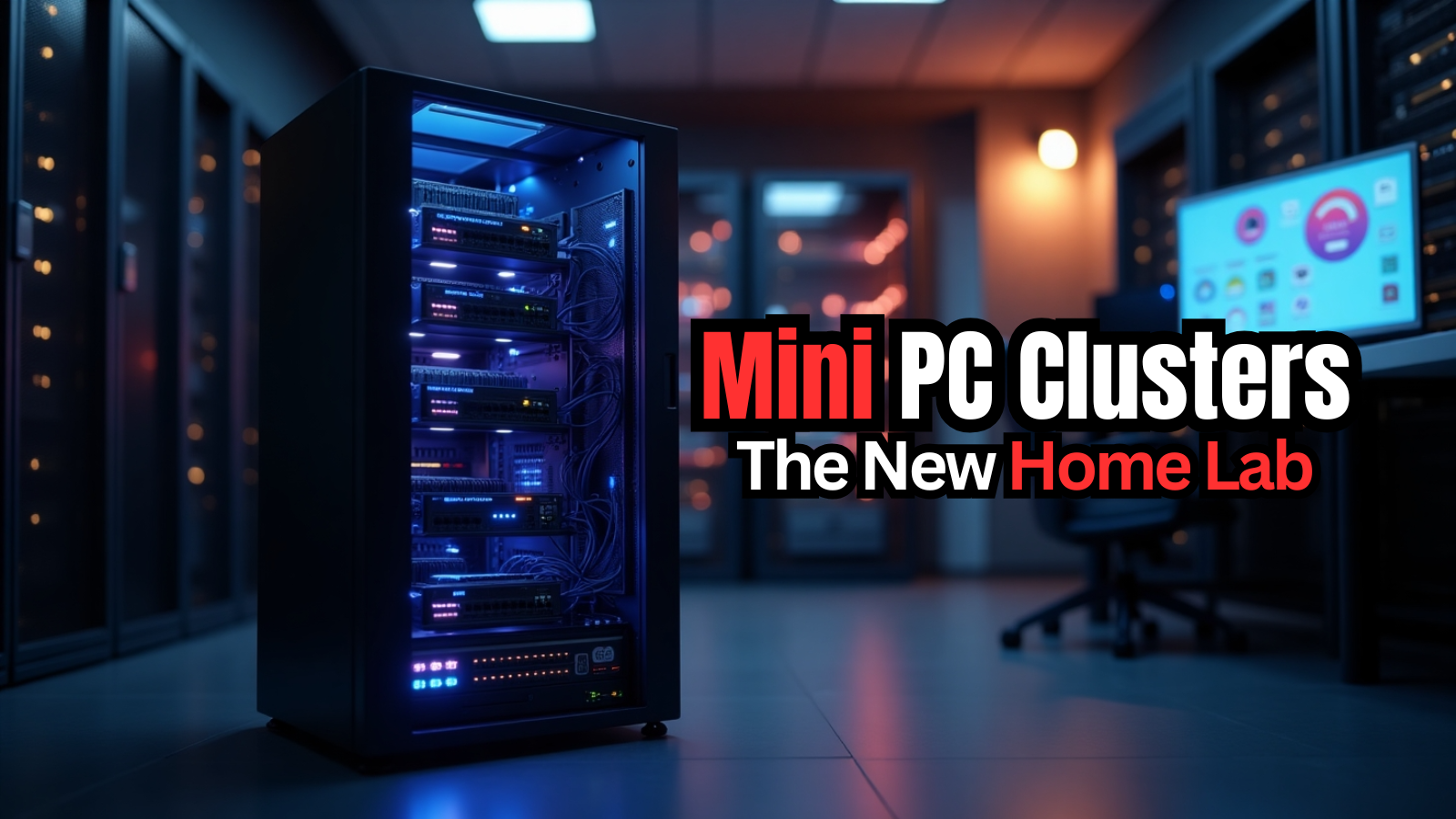
My home lab has been morphing more the past couple of years than in all the time that I have had one up and running. There have been a crazy amount of changes over the past 2-3 years now that have served as a catalyst to many of the changes I have been making. There has been a huge shift happening in the home lab community where the traditional rack server full of spinning disks and loud fans is being replaced by something much smaller, quieter, and more efficient. Mini PC clusters are becoming the preferred platform for many home lab builders and for good reason. Let’s take a look at this shift and why mini PC clusters are the direction you should look in getting started in a home lab.
Mini PCs now have serious hardware specs (CPU, memory, etc)
I think one of the reasons why we have seen mini PCs take off over the past 5 years especially is because of the hardware to be honest. It used to be if you wanted something that could run real enterprise workloads, you would have to buy enterprise server hardware. However, that is no longer the case.
Many modern mini PCs now have CPUs with 8, 12, and 16 or more cores. Some systems use desktop class processors while others use high end performance laptop CPUs that rival server hardware from just a short time ago (lots of cores, big caches, etc).
Some mini PC platforms now include processors such as:
- Ryzen 9 mobile CPUs with large core counts
- Intel Core Ultra processors
- High performance Ryzen embedded CPUs
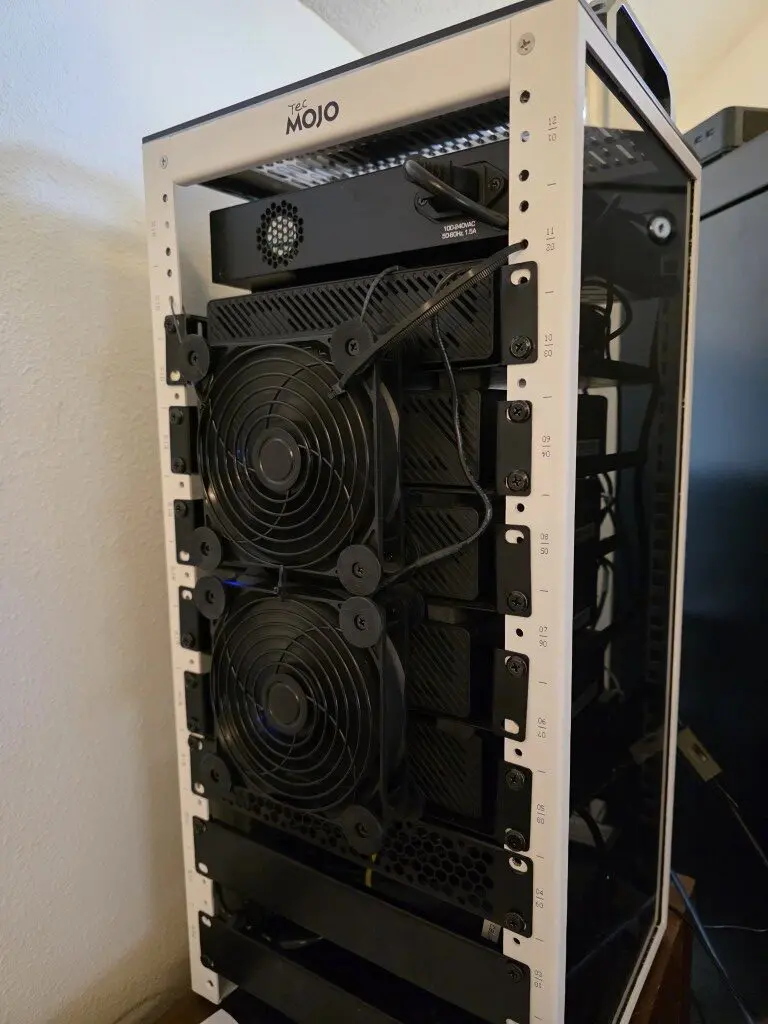
These CPUs can easily run dozens of containers or multiple virtual machines without breaking a sweat. Then, when you put several of these machines together into a cluster, the available compute capacity gets to be pretty impressive.
For example, in my recent mini PC cluster build, I put together (5) Minisforum MS-01 mini PCs with 20 cores a piece. So between these 5 mini PCs, I have 100 cores of compute processing power which is mind blowing to me to know where we have come from in days gone by.
NVMe storage has changed everything
I personally think one of the most transformational developments in hardware has been the wide availability of NVMe storage. Up until recently, NVMe was dirt cheap. Now with the AI boom and all the shortages, we have seen prices go up considerable. Even with that said, new mini PCs usually come with NVMe storage and even multiple slots for NVMe which is great.
This has opened the door to extremely fast storage for home lab build outs and doing cool things with ZFS replication, and distributed storage technologies like Ceph (which is what I am currently running).
NVMe drives provide extremely low latency and very high throughput. When you have a number of hypervisor nodes contributing NVMe drives to a storage cluster, the combined performance can rival enterprise storage systems. Just as a note, my (5) node Proxmox Ceph mini cluster is pushing 1 million random read IOPs and 60,000 random write IOPs! Pretty awesome.
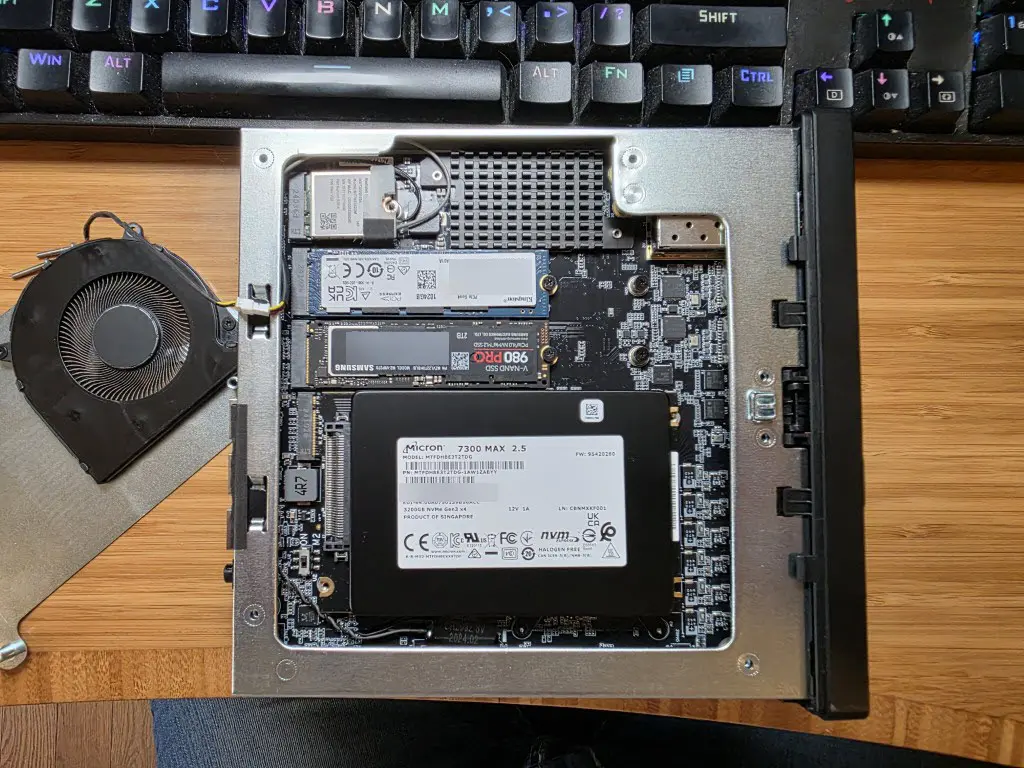
When it comes to virtualization, storage performance is extremely important when it comes to having smooth running workloads (virtual machines and containers) in the home lab serving out various work for self-hosted apps and services.
Power efficiency makes them perfect for home labs
Probably one of the biggest reasons why so many are moving to mini PC clusters is power efficiency. Large “big iron” enterprise servers guzzle down electricity, even at idle in most cases. So running these 24x7x365 can drastically impact your electric bill.
Mini PCs are MUCH more efficient in their power consumption, drawing only a fraction of what a full enterprise rack server draws. Even under load, many mini PCs will stay efficient compared to enterprise hardware. So, running four or five mini PCs in a cluster may consume less power than a single older rack server.
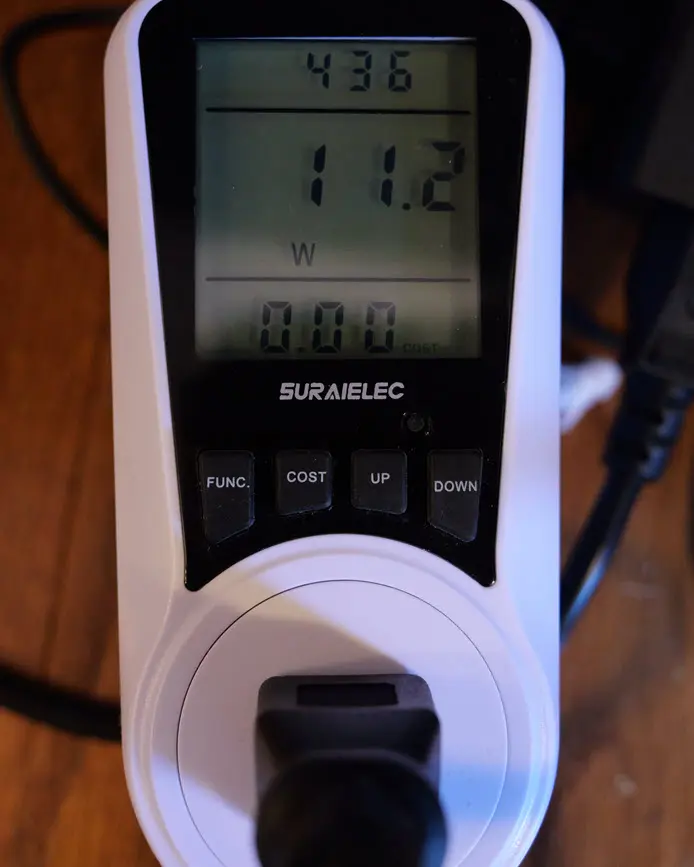
For me, this alone is a huge notch in the favor of mini PCs vs enterprise rack servers and having these run my home lab workloads. I have seen a pretty large reduction in the power consumption of my lab since moving to mini PCs.
When I had Xeon servers, i was running right at 750 watts 24x7x365. Now, I have more compute and processing power than the 750 watts configuration, and I am currently drawing 320 watts of power. Keep in mind, this is not just my (5) MS-01s, but also includes my physical firewall, a TOR PoE switch that powers cameras, and another mini PC that serves as my Proxmox Backup Server (PBS).
Quiet operation changes the home lab experience
Another great advantage of a mini PC cluster is the noise factor, or lack thereof. Enterprise servers run hot and need lots of fans to keep them cool under load. This equals noise. If your home lab area is shared with a bedroom, office, or family space, this can become a problem really quickly.
Mini PCs are designed for the office and home environment by design. Many are nearly silent during normal operation. It means you can run a cluster in an office, bedroom or some other living space without the constant whir of fan noise driving you crazy.
Honestly the difference is dramatic between an enterprise server and a mini PC. I brought a server home from work the other day to do some installation work and then take it back to the office. This was a Dell PowerEdge R740 generation server. It had been a while since I had a full on server in the rack. Man, when I spun things up, it was deafening since I haven’t been used to that noise level in quite some time.
I love the “look” of a datacenter, but not the “sound” of one. If you are looking at getting into a home lab and building one out in 2026, this is why the mini PC cluster is all the rage and keeping things small and efficient.
Multiple smaller nodes are better than one big node
I am of the mindset to have multiple smaller nodes than one big node. There are a few reasons for this. First, you can’t really have a physical cluster with one node. So it means if you have any maintenance to perform or other tasks you need to do with the physical nodes themselves, you will have to power down all your workloads, perform the maintenance, and then spin everything back up and running.
This can be a hassle. However, with multiple smaller nodes, you can build yourself a true cluster with all the benefits of that, including the ability to move virtual machines around and keep all your apps and services running.
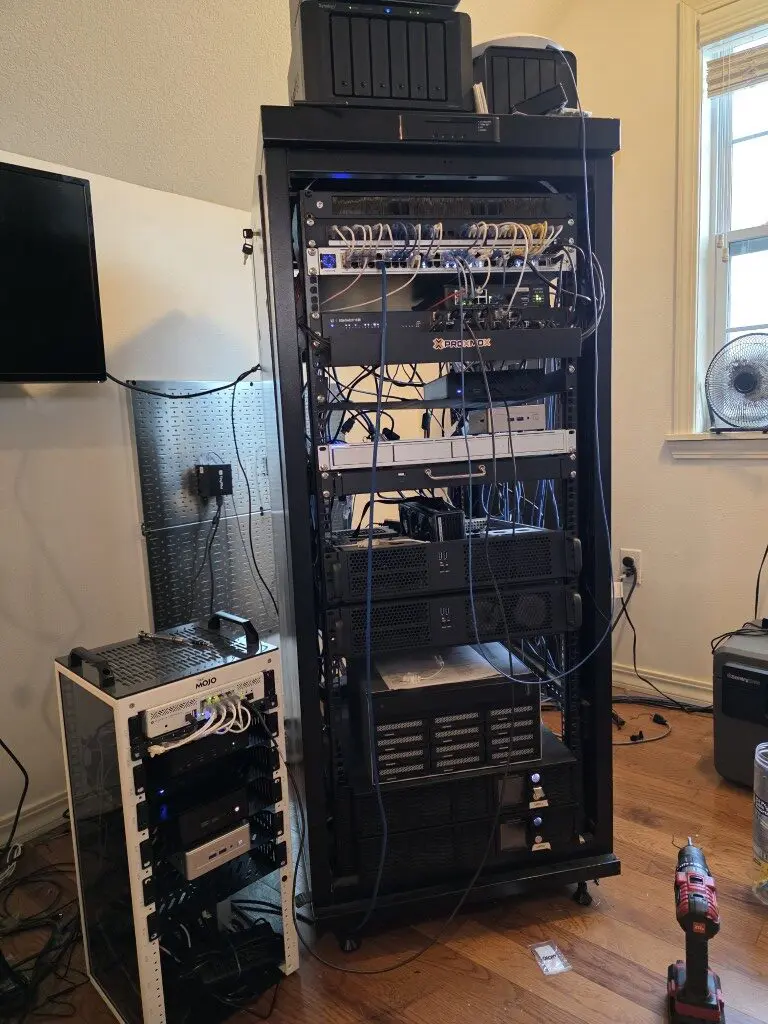
For example many home lab builders now run multiple mini PCs that power:
- Proxmox clusters
- Kubernetes clusters
- Docker Swarm clusters
- distributed storage systems (Ceph, etc)
These technologies are designed to operate across multiple nodes. Mini PCs make it easy to build these types of environments without requiring expensive hardware. Also, instead of buying a single large server, you can add nodes gradually. I tell people to start with two or three systems and expand the cluster over time if needed, but two or three nodes may be all you need as well. Each additional node increases both compute and storage capacity (with distributed storage or local datastores you add).
This improves your resilience as well. If one node fails, workloads can move to another node in the cluster. This makes the lab environment much more tolerant of failures compared to a single server setup. In Proxmox, you just setup your HA configuration on the VMs you want to have highly available.
Networking in mini PCs has come a long way
Like me, you probably remember a time when it was nearly impossible to find a mini PC that had 10 GbE networking. Now, most mini PCs have 2.5 GbE multi-gig networking and a lot more are including 10 GbE networking as well. So, the options there are WAY better than they used to be.
Also, mini PCs are including multiple networking adapters and not just one adapter as they did before. The Minisforum MS-01 that I am using is a prime example of this as it has (2) 2.5 GbE adapters and (2) 10 GbE SFP+ ports.
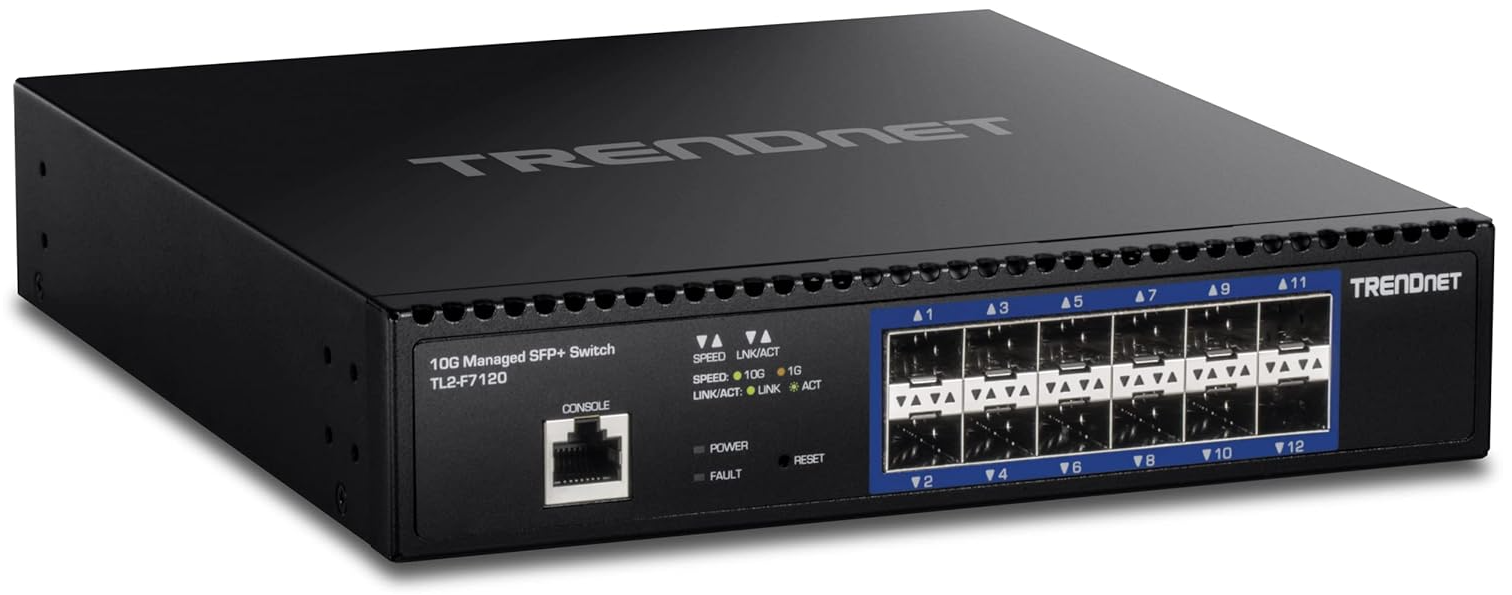
This gives you options to do things like have:
- one network for management
- one network for storage traffic
- one network for VM traffic
Below is a look at the back of the Minisforum MS-01 and the healthy networking connectivity.
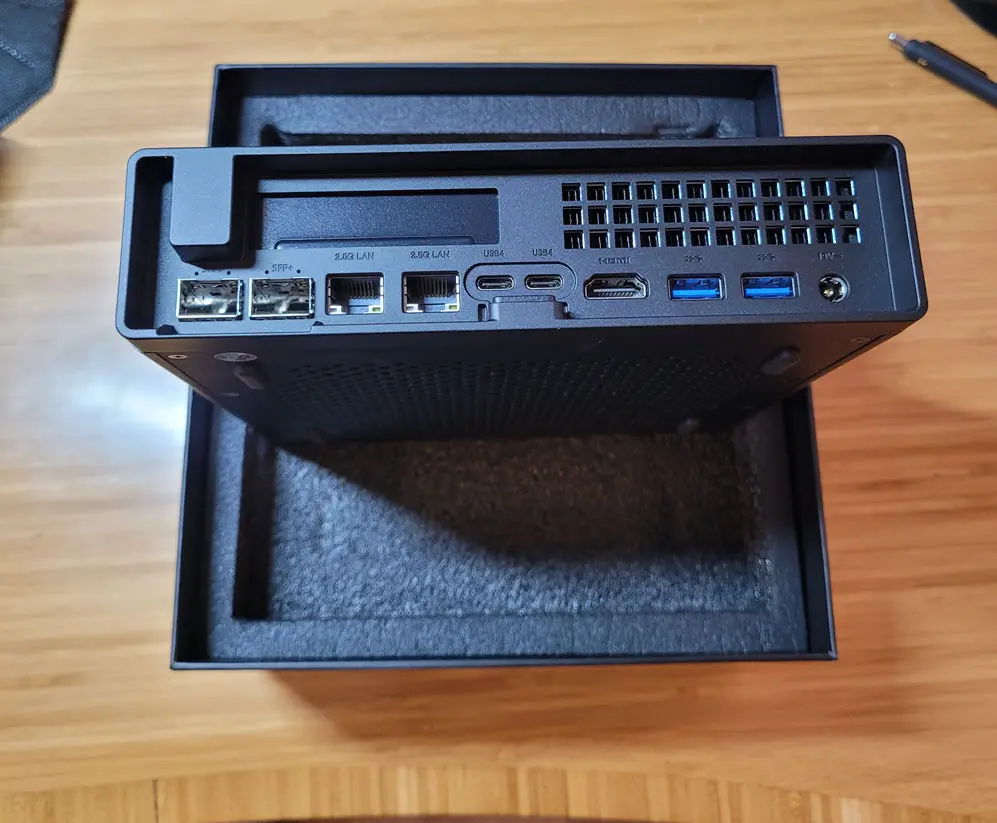
High speed networking makes distributed storage systems perform much better and allows virtual machine migrations to happen quickly.
Smaller form factor racks make dense clusters possible
This is another exciting development I think – the size of racks for home lab. A new craze has caught on in a large way using mini racks. The 19″ full server racks are extremely cool and have a lot of nice features and are standard and easy to find parts and accessories for. But the new 10″ racks are extremely cool. They save space, have a much smaller physical footprint, accommodate mini PCs perfectly, and are getting more and more popular.
These types of racks:
- allow several nodes to be mounted in a very small footprint.
- Can fit four or five cluster nodes into a space that previously held a single large server
- Keeps the physical lab footprint very small
For people running labs in offices or homes where space is limited, this is a huge advantage and well, they just look cool!
Mini PC clusters support modern workloads and hypervisors very well
One of the other points of interest as well is that mini PCs support modern workloads, hypervisors, operating systems, and server apps arguably as well as true enterprise servers do. Now, there are a few caveats to this. For instance, if you are interested in running VMware vSphere (less and less these days), you have to make sure the mini PC you want to run has an Intel-based NIC. Realtek adapters are not supported (outside of flings, etc).
But honestly, you can run complex workloads on mini PCs like:
- container orchestration platforms
- AI inference servers
- distributed storage systems
- CI and development environments
- self hosted services
Mini PC clusters handle all of these types of workloads extremely well. Proxmox VE Server since it is based on Debian Linux has great hardware support and runs on just about anything that I have tested. I think you can’t go wrong using Proxmox VE Server as your base virtualization platform and then run your other distributed systems on top of that.
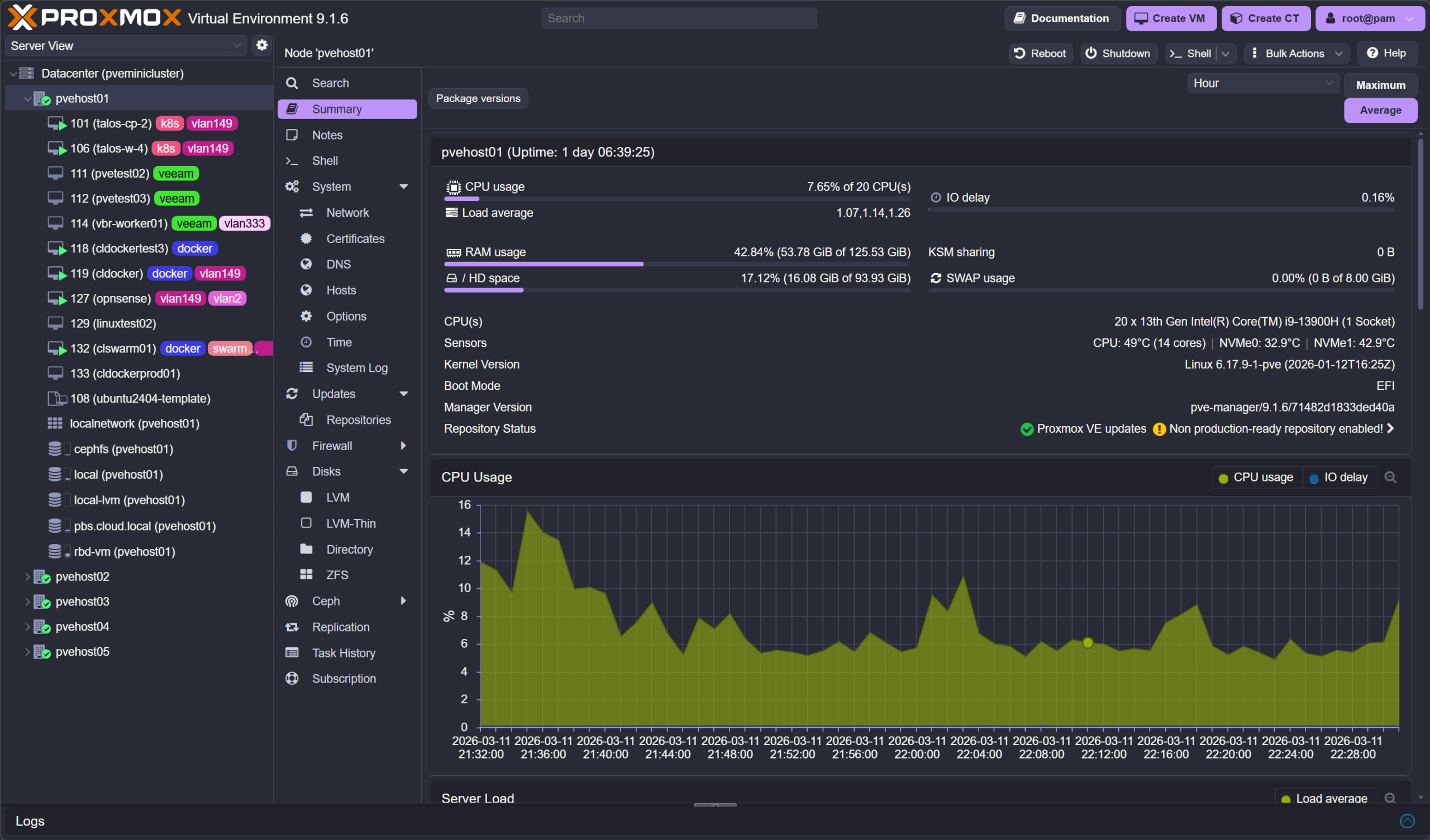
Container platforms such as Kubernetes or Docker Swarm run great in multi node environments. Having several nodes available allows workloads to scale across the cluster and cluster nodes. These capabilities make mini PC clusters extremely versatile platforms for experimentation and learning.
Wrapping up
Even with the high cost of RAM now and other factors weighing into buying hardware, mini PCs are still the way to go if you want to spin up a great home lab that will serve you well. There is just not a better option for running self-hosted services than a cluster of efficient mini PCs running in a mini rack. We no longer have to rely on huge, power hungry, enterprise servers for compute, storage, and networking. How about you? Have you made the transition over to mini PCs in your home lab or wanting to build a mini PC based home lab in 2026? Let me know in the comments.

Google is updating how articles are shown. Don’t miss our leading home lab and tech content, written by humans, by setting Virtualization Howto as a preferred source.
About The Author