



Man DevOps has certainly gotten exciting for me personally. There are just so many cool things that we can do in the home lab now with very cool solutions and technologies. AI has also removed some of the roadblocks with coding. And, there are so many great free and open source solutions now that we can self-host that don’t require expensive hardware or an expensive enterprise license or even access to cloud accounts. A home lab is absolutely the best learning tool you can invest in. And, what’s more, there are many DevOps skills you can learn in a home lab in 2026. Let’s dive in and see what specific skills can be learned and which ones you need to concentrate on in 2026.
Git and GitOps as the Foundation
In 2026, I think you are behind if you aren’t doing things in Git. It is no longer version control. It is the “source of truth” for everything we do in DevOps. But the good news is, it doesn’t take much to start getting up to speed with using Git. I am a very “project-focused” learner and definitely learn best with hands on learning. Most I think are this way as well.
Set yourself up with a self-hosted Git repo. You can use something like Gitea or Forgejo and start checking in your Docker Compose code into Git. When you start utilizing Git, you will start thinking about your infrastructure as code and this is on our list as well.
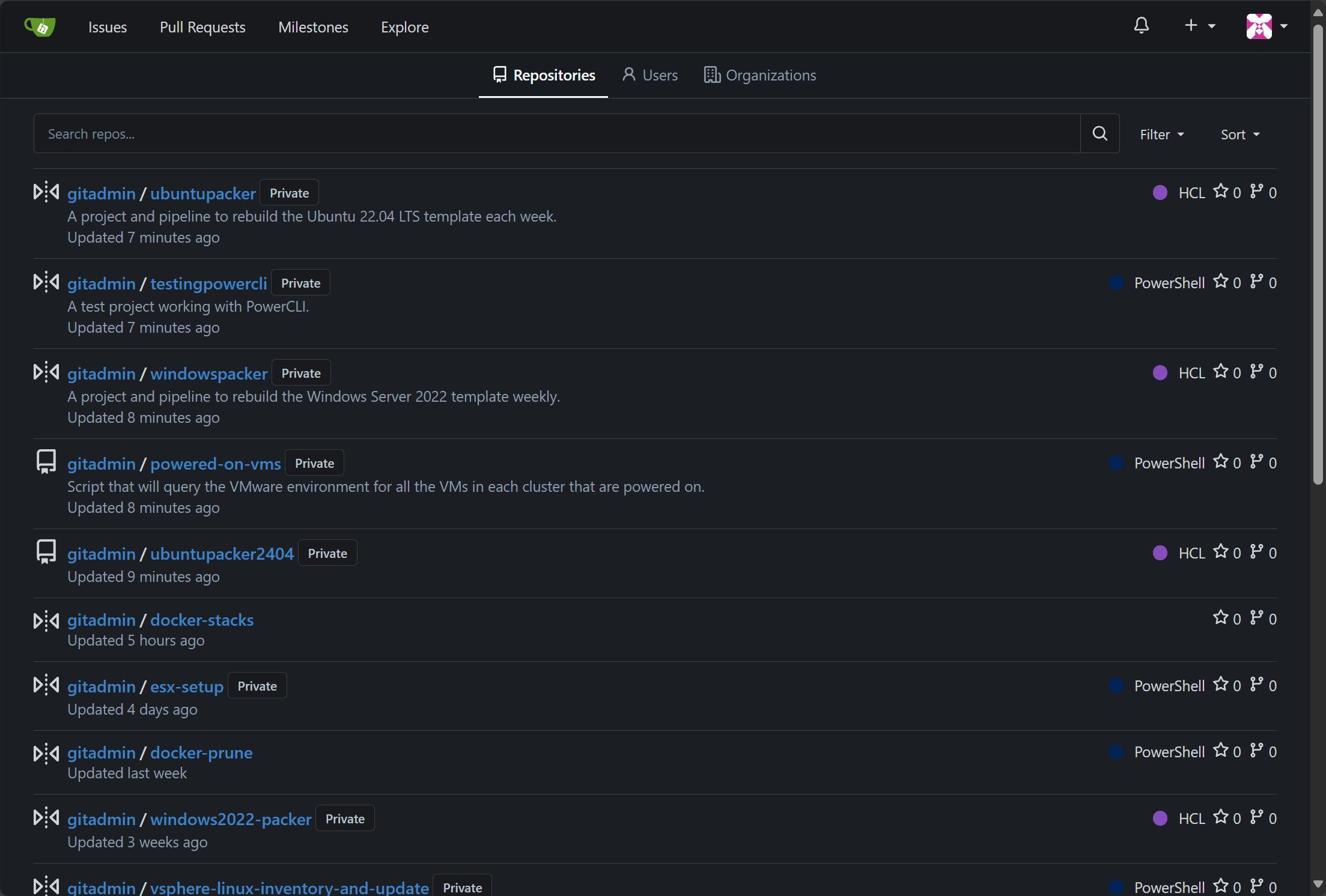
A strong home lab workflow uses this source of truth for infrastructure definitions, application configs, secrets references, and documentation that all live in the repo. This makes it where your changes are intentional and always recorded in a Git commit.
I shared a project recently that I did where I now have my Unbound DNS server configured in code so I no longer log into that box manually and edit files. Instead I commit to Git and have my CI/CD pipeline push changes to the Docker host. You can read about that here:
What I like about this is there are several advantages to this approach. As I showed in the project I mentioned above, you can have your CI/CD pipeline do things like check your syntax and other things so that you don’t introduce silly little mistakes into the environment and take down services. Also, if you need to revert, it is as simple as rolling back to a previous git commit.
Containers and Kubernetes for workloads
I think that for me personally and what I observe in the industry, learning about and understanding containers is no longer optional. Containers are the default packaging format for most modern applications. Even in the home lab, when you find a new tool or self-hosted app, if you are like me, I look first for a container image or the Docker Compose for getting it spun up. But DevOps with containers is more than just using them, it is understanding the hows and whys.
Getting started in the home lab, I would suggest this approach:
- Stand up a single standalone Docker host – Run a few containers on it. Understand Bind mounts, get familiar with Docker compose. Get familiar with Docker commands and reverse proxies. Maybe play around with Git pushing to a single Docker host
- Stand up a Docker Swarm cluster and get familiar with how multiple hosts work together with Docker services. Learn shared storage between the hosts.
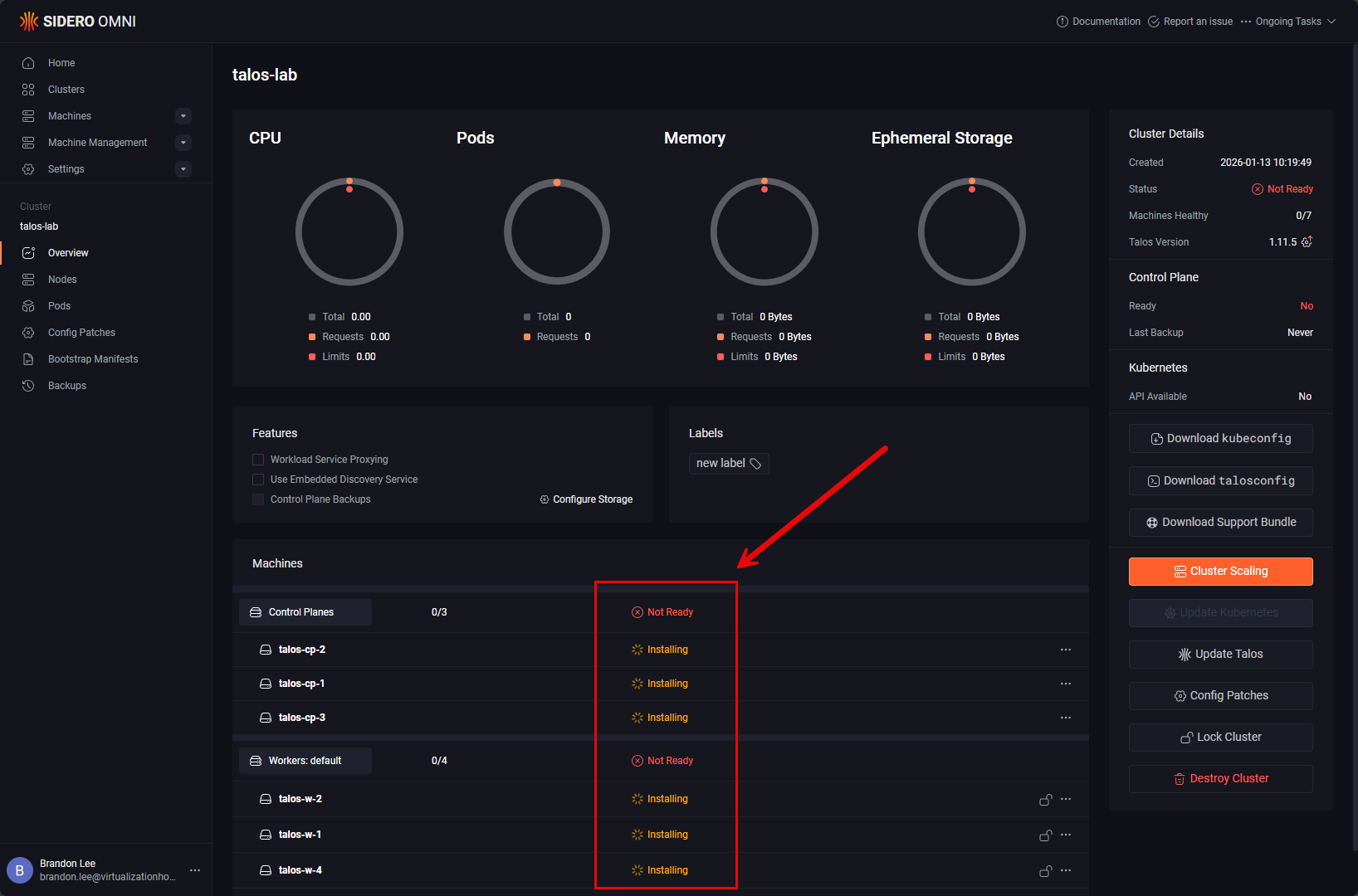
- Finally stand up a Kubernetes cluster – You can do something like K3s or Microk8s. Even Docker Desktop now allows you to spin up a multi-node Kubernetes cluster. Learn about Ingress controllers, services, and persistent storage with Kubernetes.
Infrastructure as Code as a foundation
Most of the things that we have already mentioned so far revolve around using infrastructure as code. Infrastructure as Code allows you to describe your infrastructure in your code so that you have a repeatable, auditable, and versioned representation of your infrastructure. The really cool thing is this isn’t just for cloud environments. You can practice this and live by this at home in the home lab as well.
A home lab teaches this skill better than most production environments because you own the entire lifecycle and environment. You can build, destroy, rebuild, and migrate systems regularly. It forces you to learn what works and what doesn’t and you will grow to see why IaC is the best way of infrastructure management.
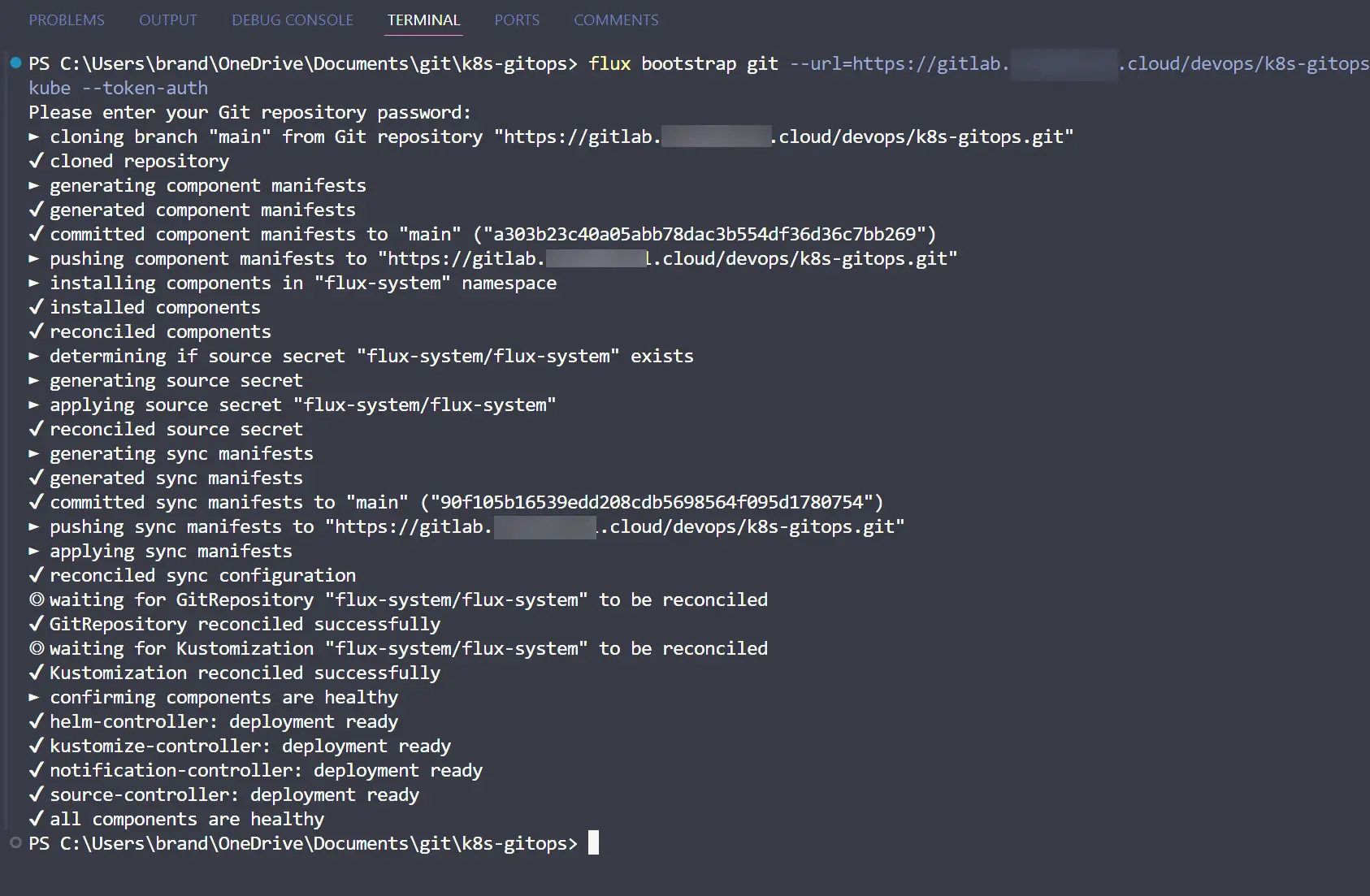
Infrastructure as Code allows the environment to be declarative in nature. You “declare” what and how you want the infrastructure to look like and the code makes it happen. Really, IaC makes it possible to do Git and GitOps since this is essentially what you are working with. Then, you can get into GitOps with FluxCD or something like ArgoCD to automatically deploy services from source.
Check out my post on setting up FluxCD in the home lab:
CI and CD workflows
When you think about DevOps, you can’t help but think about “CI/CD” or continuous integration and continuous delivery or deployments. CI and CD are often thought of as pretty advanced topics. But when it comes down to it, these are really just structured tools for automation in a development pipeline.
In 2026, with CI/CD, it is expected that changes are tested, validated, and deployed without a lot of manual effort or intervention from either developers or operations folks. CI/CD is the part that makes this possible.
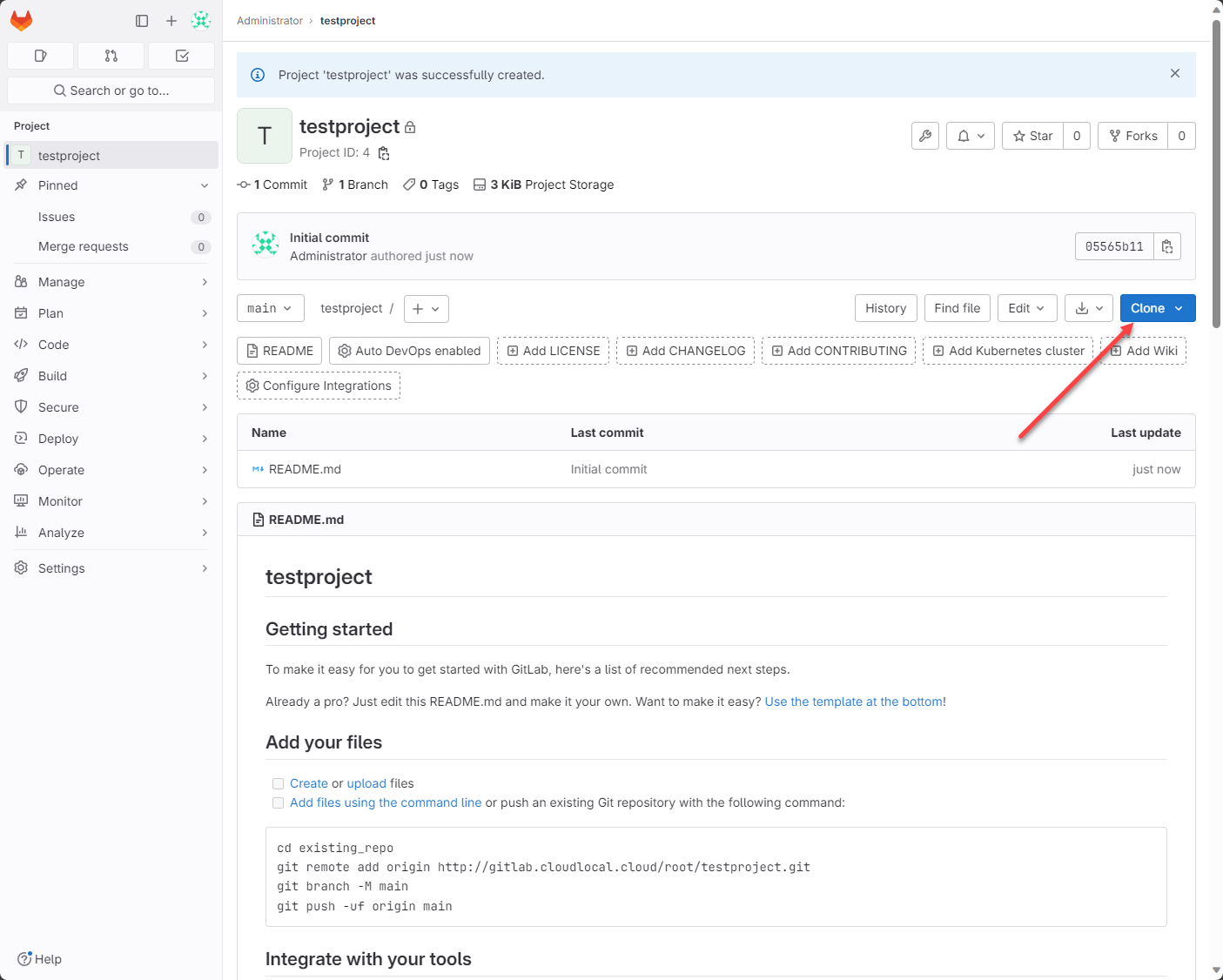
A home lab gives you freedom to experiment with pipelines for automation. You can build pipelines that do a lot of very cool things. You can lint your configuration files, validate infrastructure plans, build container images, and deploy VMs and containers automatically.
CI and CD also make you have good habits. You create small changes, do frequent commits, and if you have to rollback, this isn’t that scary.
AI Ops
There is really a new term for 2026 called “AI Ops”. This is a new discipline that really has started to come on strong towards the middle of 2025 and definitely into this year. AI has been a buzzword that has been everywhere since generative AI has flooded onto the scene.
AI Ops is a tool that is allowing today’s DevOps engineers to have generative AI to work with them to help solve many of the technical issues and challenges that we used to have to solve on our own. We have heard the term “prompt engineering” as well which is a term coined to represent how we are now able to write code, solve engineering questions and problems with natural language prompts.
AI Ops isn’t replacing engineers but rather it is making us better than we are on our own. It has helped us to learn the skill of asking the right questions and interpreting the answers very carefully. Now, we have all the tools and hardware we need to run AI even locally in our home lab environments. Tools like OpenWebUI and Ollama bring this right into the lab environment where we don’t have to have an API key or any other connection to be able to prompt engineer.
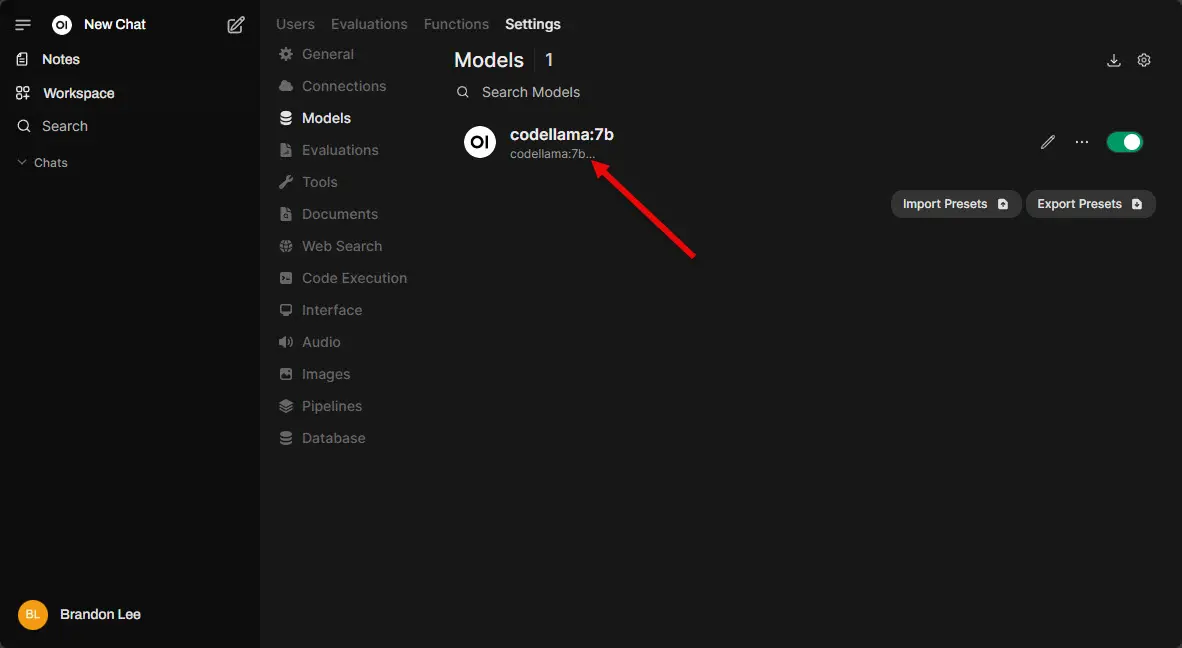
Check out how you can setup your own AI lab with OpenWebUI and Ollama in Proxmox here:
- Run Ollama with NVIDIA GPU in Proxmox VMs and LXC containers
- How to Enable GPU Passthrough to LXC Containers in Proxmox
So learning how to use this tool as a power tool and not a replacement is key. We still need skilled engineers to ask the right questions and look over the solutions proposed by generative AI models. I think those who will accelerate their progress are those who embrace AI in the right way and use it to accelerate their own learning.
Environments are growing more and more complex and having the ability to know how to work intelligently alongside AI tools will separate effective DevOps pros from those that aren’t using it.
Learn observability and monitoring
One of the core pillars of DevOps is observability and monitoring. However, in 2026, especially with containerization, observability is about understanding how the whole system is working together to deliver applications.
You can learn so much about monitoring and observability in a home lab when monitor your environment and see how it behaves under load. You can learn to use various tools to monitor your networks and build dashboards to monitor all the important metrics.
I recommend that you start out small and work your way up. Start by monitoring your hypervisor host. Learn what the metric mean like disk I/O, latency, network IOPs, CPU wait times, memory ballooning, etc. Learning how to look at your hypervisor wholistically helps you understand how the overall health of your hosts impact your applications, including containerized apps.
Check out my write ups on two Proxmox tools I have covered this past year in ProxMenux and Pulse:
- Meet ProxMenux Monitor: The New Way to Monitor Proxmox Servers
- This Free Tool Gives Proxmox the Monitoring Dashboard It Always Needed
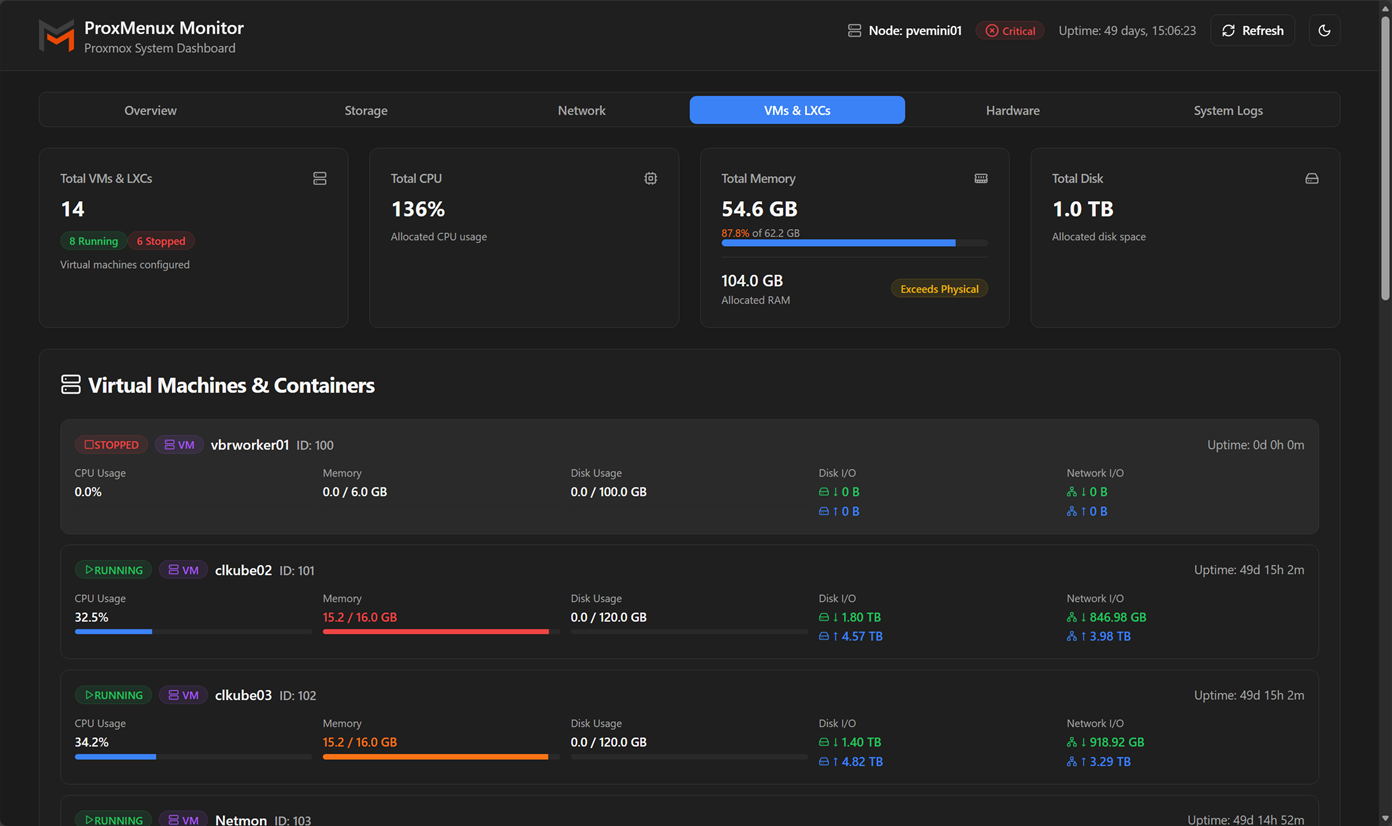
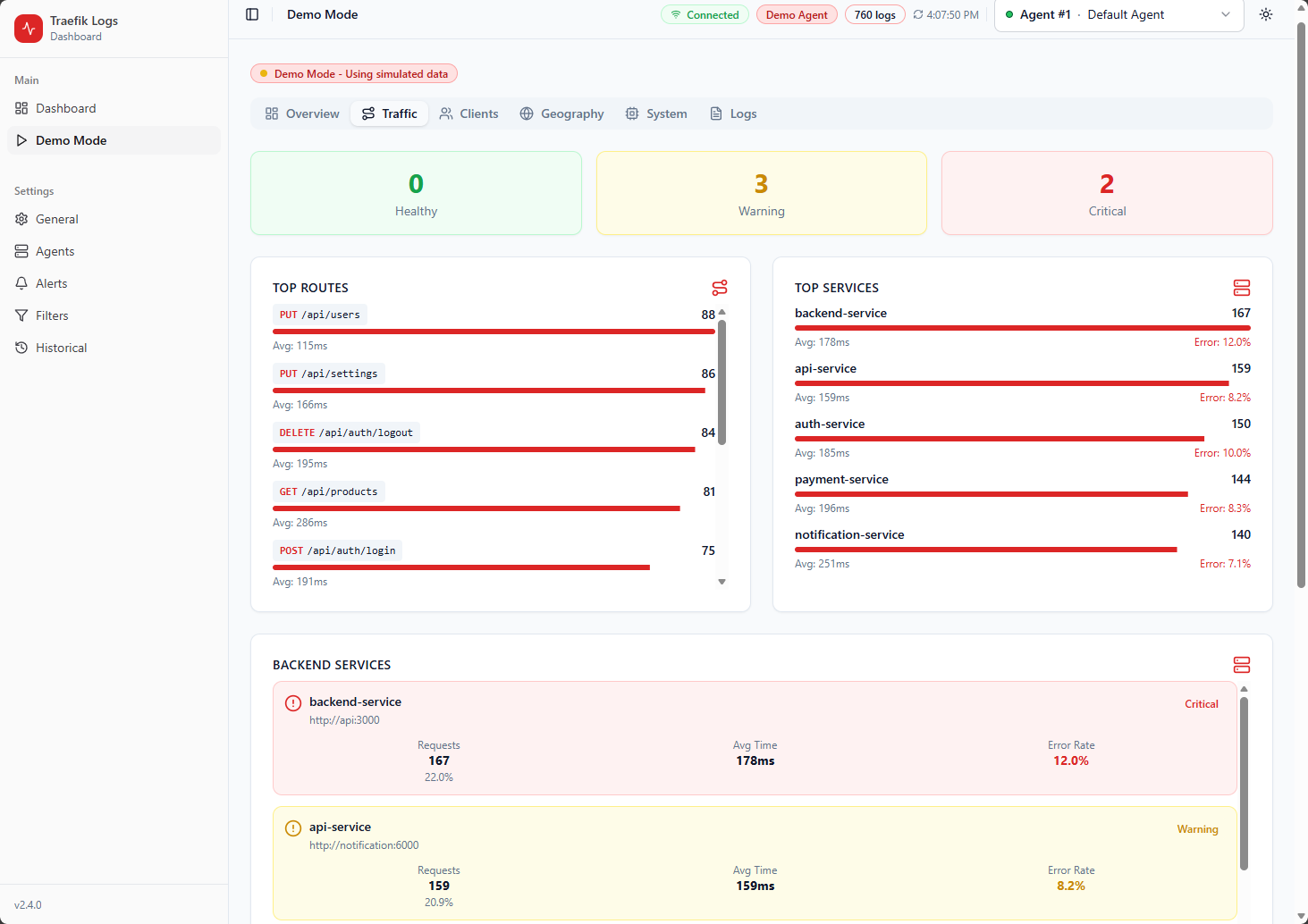
Then learn how to monitor your apps and important metrics that lead to your app performance. Since a lot of our containerized apps live behind a reverse proxy learning what status codes are given by your reverse proxy can be very helpful. I just covered another tool that is great for learning as well as monitoring if you are running Traefik. Check out how to monitor Traefik with this tool: This New Traefik Dashboard Log Tool Changed How I Manage Traefik in Real Time.
Networking skills still matter
Despite what some people might say, the basics of computer networking are still immensely helpful and important. You would be surprised at how understanding how networks work and how to troubleshoot at this level separates good engineers from great engineers.
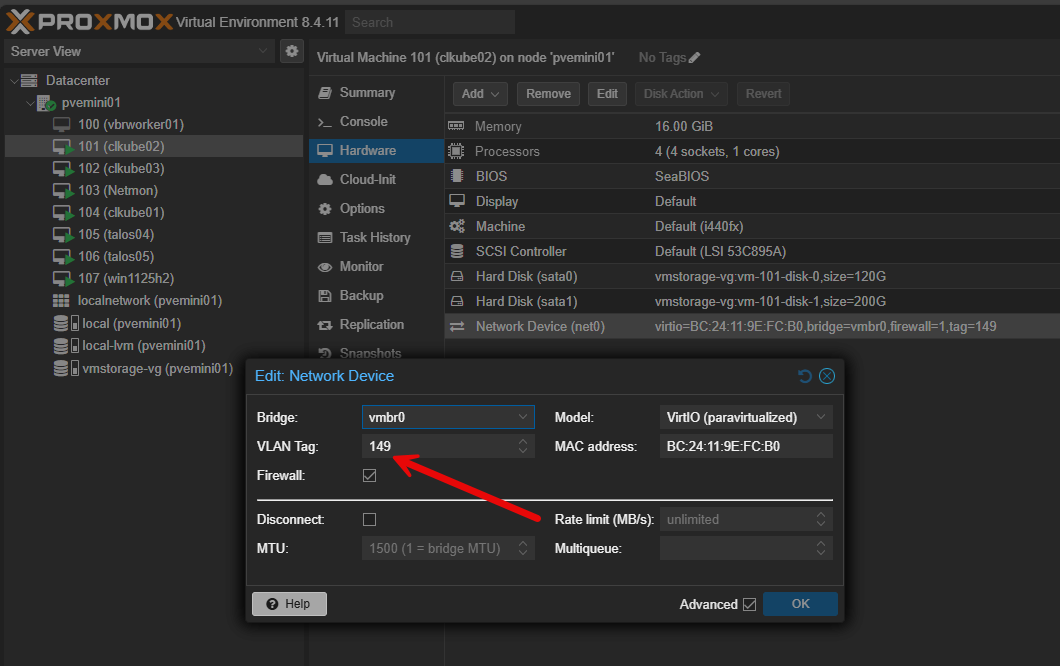
A home lab gives you a foundation in networking and how to design networks that many may never get. They walk into an existing network and don’t really get to think through design and troubleshooting real networking challenges. With a home lab, you get to design and implement things like VLANs, routing between VLAN networks, and service discovery. Home labs make the network visible again and that visibility is extremely valuable when it comes to learning and home labbing.
Check out some basics with my post here: Home Lab Networking 101: VLANs, Subnets, and Segmentation for Beginners.
Learn to secure everything
Security is absolutely an area that keeps getting more important, not less. It touches every area of self-hosting and production networks and affect how these are designed and come together. Building a home lab helps you to learn to make security as one of the top elements in your design. You learn to choose security by default.
The good thing with a home lab is that you control everything from authentication, access, secrets management, and update policies. You learn how to make secure choices with your data and when self-hosting applications. When it is YOUR data it makes us think a little more personally about security in the home lab. Learn how to practice secure defaults and it becomes second nature.
Check out my post here on how to harden your Proxmox host: Top Security Hardening Steps for Proxmox VE 9.
Why a home lab is your best learning tool in 2026
Going into 2026, a home lab is absolutely your best learning tool. I can tell you from experience that your learning and expertise will 10x after spinning yourself up a home lab learning environment and starting to experiment. Also, this may sound counterintuitive, but having a home lab will help you with cloud computing concepts and architectures. You can practice the same concepts like Git, Infrastructure as Code, CI/CD, and others, 100% on-prem with your lab.
Cloud has not replaced home labs. In my opinion, home labs become even more relevant as they provide a safe place to fail, experiment, and reflect on your accomplishments and failures, without having to worry about running up a $100,000 cloud bill on accident.
Wrapping up
You will be surprised at how much you will learn about DevOps in a home lab by following some of these recommendations. These are by no means all the core disciplines of learning DevOps, but you can absolutely start mastering some of the core areas of DevOps like Git, containers, CI/CD, Kubernetes, AI, networking, and security in your own learning environment. Also, don’t worry about WHERE to start, just get started. Learning happens every single time that I log into a home lab workload that I am running.
Building and breaking things is part of the learning process. Focus on project-based learning. Find a challenge or goal that you want to accomplish and take it on as a project for your learning. Let me know in the comments what DevOps goals you are working on in 2026? I would be happy to hear what you guys are focusing your time and energy on.

Google is updating how articles are shown. Don’t miss our leading home lab and tech content, written by humans, by setting Virtualization Howto as a preferred source.
About The Author

I am new here. What is home lab?
Dgtlpd,
Welcome! Check out my post here: https://www.virtualizationhowto.com/2023/08/what-is-a-homelab-and-why-build-one/
Brandon
Would you recommend setting up using the Proxmox OS or going bare metal with Ubuntu or any of the other distros out there?