


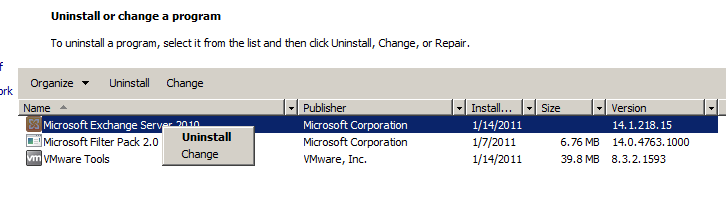
The process to remove roles from Exchange 2010 is fairly straightforward. In order to remove a role or all roles from an Exchange 2010 server, you initiate the process from “Programs and Features.
- Right-click on “Microsoft Exchange Server 2010”
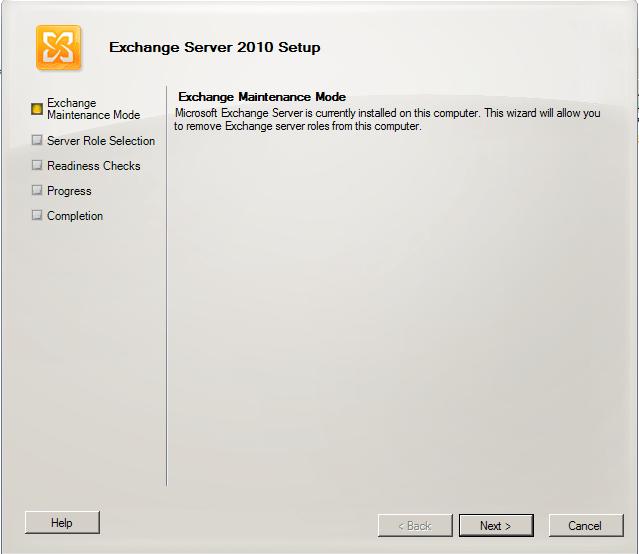
- The first screen basically tells you that you are going to enter Exchange 2010 “Maintenance Mode”
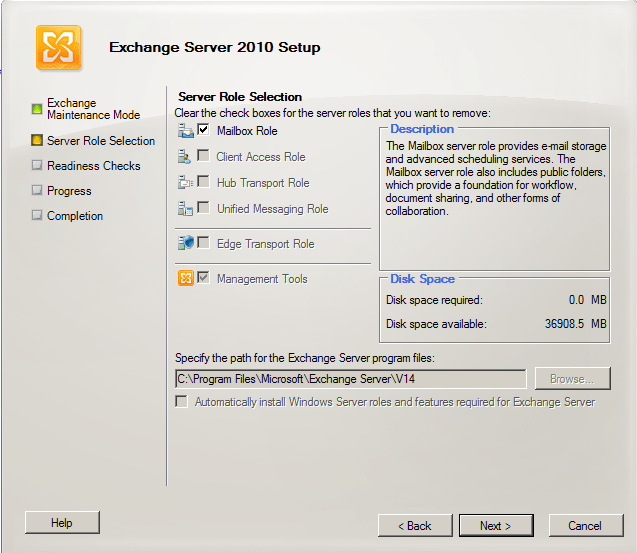
- Sometimes this part can be confusing or non-intuitive….You “uncheck” the roles you no longer want
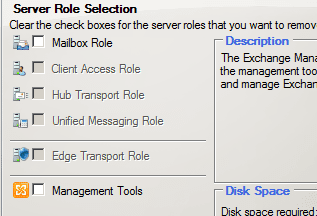
- After “unchecking”
- Exchange 2010 Setup will perform “Readiness Checks” as it does when installing
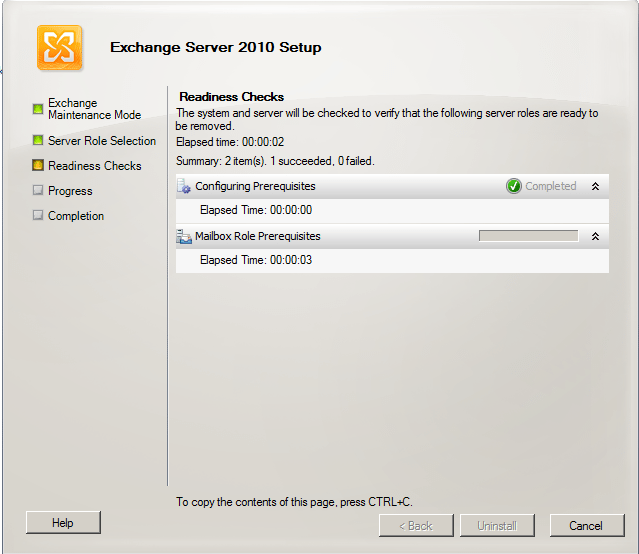
- After the readiness checks shown above complete, simply click the “Uninstall” button when it becomes available
More in this topic


Discuss this in the Community

Add as a preferred source on Google
Google is updating how articles are shown. Don’t miss our leading home lab and tech content, written by humans, by setting Virtualization Howto as a preferred source.
About The Author
