


Premium video
Upgrading Proxmox VE Server 8 to 9
Step by step upgrading from Proxmox VE Server 8 to 9.
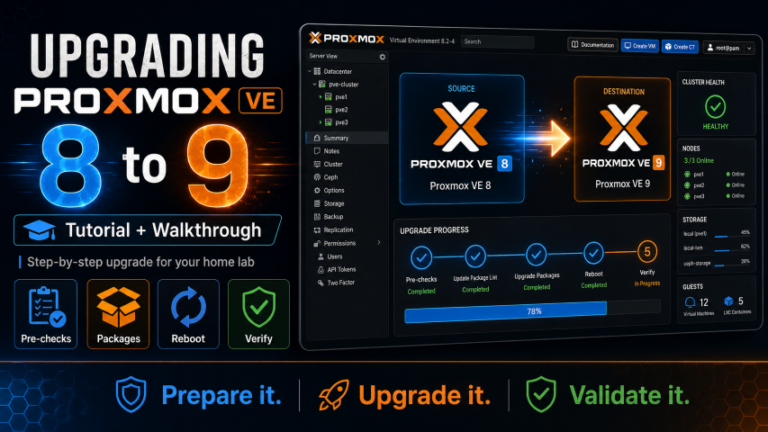
This video is included with Premium. The full description below is free to read.
About this video
Upgrading from Proxmox VE 8 to Proxmox VE 9 is an important step for home lab users and production environments as Proxmox VE 8 is now end of life (as of August 31, 2026). In this training video, I walk through the complete Proxmox VE 8 to 9 upgrade process on a real system. We look at the preparation steps that can help prevent problems during the upgrade.
I start by bringing the existing Proxmox VE 8 installation fully up to date. Then, we configure the appropriate Proxmox and Ceph repositories, apply available updates, and then reboot into the latest kernel. From there, I demonstrate how to use the built-in pve8to9 --full upgrade checker. This helps to identify problems, warnings, package issues, Ceph issues, running guests, and other things that should be reviewed before going ahead with the upgrade.
The video then walks through changing the underlying Debian repositories from Bookworm to Trixie (via a custom script), which is the foundation used by Proxmox VE 9. I demonstrate the repository update process, running apt update, running the full apt dist-upgrade, looking atconfiguration prompts during the upgrade. Finally we reboot and verify that the server is successfully running Proxmox VE 9.
Along the way, I also explain which upgrade warnings deserve attention. We look at why failures reported by the compatibility checker should be resolved before continuing, and why clustered or Ceph-based Proxmox environments need you to perform additional steps and planing. By the end of the video, you will have a practical understanding of how to prepare for and perform an in-place Proxmox VE 8 to Proxmox VE 9 while you help to minimize the risks to your environment.
Unlock this video and the full member library with Premium — ad-free browsing included.