


Premium video
Proxmox SDN
Getting started with Proxmox SDN in the home lab and getting similar functionality to vSphere Distributed Switches.
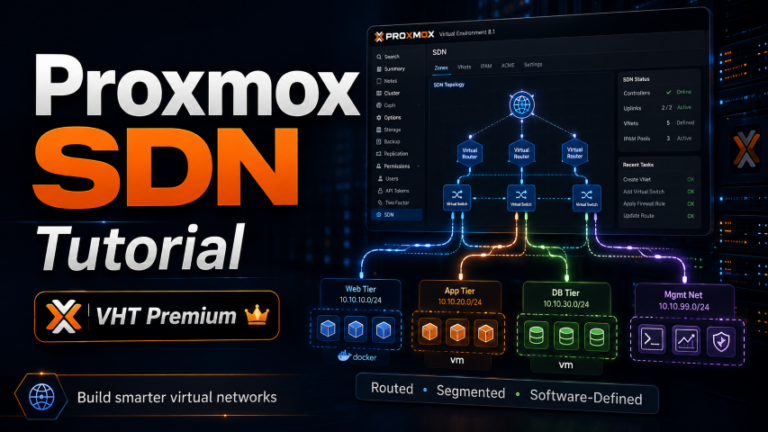
This video is included with Premium. The full description below is free to read.
About this video
In this training video, I show how Proxmox SDN can make networking across a multi-node Proxmox cluster a lot easier and why I think it is especially good for home labs that have grown beyond a single host. We look at the core Software-Defined Networking concepts in Proxmox and then how centralized network configuration works. We see how to create a basic VLAN-based SDN configuration that is automatically synchronized across every node in the cluster. Then we see how to begin with a practical overview of what Proxmox SDN actually provides.
Instead of manually creating Linux bridges and duplicating VLAN, MTU, and other networking settings on every Proxmox host, SDN lets you define networking in a centralized way and then apply those configurations across your clusters. I also compare this concept with VMware vSphere Distributed Switches. This helps to provide a reference point for anyone coming from a VMware virtualization background. From there, we look at the major Proxmox SDN building blocks, including zones, VNets, and subnets. I explain how zones define the type of network being created, how VNets represent the virtual networks that VMs connect to, and how subnets can optionally provide IP addressing, DHCP, and IP address management. We also discuss why you do not need to enable every advanced SDN feature to begin seeing immediate management benefits.
Next, we walk through creating a simple VLAN-based SDN configuration in the Proxmox web interface. I show how to associate an SDN zone with an existing Linux bridge, create centrally managed VNets for individual VLANs, assign friendly aliases and VLAN tags. We see how to apply the pending SDN configuration across the cluster. Then we make sure that the newly created network is synchronized across multiple Proxmox hosts and confirm that the VNet appears as an available network when creating a new virtual machine. This shows one of the biggest advantages of Proxmox SDN and that is creating a network once and having it consistently available across the entire cluster.
Finally, we look at some of the learning curves and more advanced possibilities with Proxmox SDN, including VXLAN overlays, DHCP integration, isolated lab networks, and centralized network management. I also explain why moving away from manually maintained Linux bridge configurations has made my own Proxmox environment easier to maintain and troubleshoot. By the end of the video, you will understand the fundamentals of Proxmox SDN, how zones and VNets work, how to configure centrally managed VLAN networking, and why Software-Defined Networking becomes increasingly useful as your Proxmox cluster and home lab grow.
Unlock this video and the full member library with Premium — ad-free browsing included.