


Premium video
Proxmox Ceph Installation and Configuration
A full video tutorial of how to install and configure a working Proxmox Ceph installation for HCI storage.
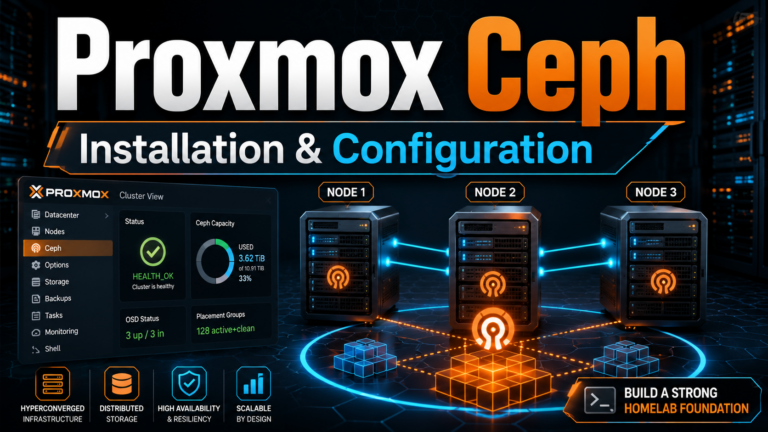
This video is included with Premium. The full description below is free to read.
About this video
In this training video, I show how to build a three-node Proxmox cluster with Ceph shared storage from start to finish. We look at how to create the Proxmox cluster, join additional nodes, install and configure Ceph, build a distributed storage pool, and then verify the environment with a live virtual machine migration. We begin by creating a new Proxmox cluster from the web interface. Also, we join two additional Proxmox nodes using the built-in encrypted join information. Once all three servers are part of the cluster, we verify that each node can see and manage the entire environment from the Proxmox interface.
From there, we install Ceph on each Proxmox node and look at the role of the Ceph public and cluster networks, replication settings, monitors, OSDs, and storage pools. I demonstrate how to create Ceph OSDs using locally attached disks on each server, configure a replicated Ceph pool, and add additional Ceph monitor nodes so the storage environment is distributed across all three hosts. We also look at how Ceph turns local server storage into shared distributed storage that every Proxmox node can access. Along the way, I explain the basic purpose of Ceph OSDs, monitors, replication, and CRUSH so the underlying architecture makes more sense beyond simply clicking through the Proxmox interface.
Finally, we test the completed Proxmox Ceph cluster by placing a Windows Server virtual machine on the Ceph storage pool and performing a live migration from one Proxmox host to another. Using a continuous network test, we can see that the VM remains reachable while its running state moves between hosts. By the end of the video, you will have a practical understanding of how to build a basic three-node Proxmox Ceph cluster, configure distributed shared storage, and validate the environment with a real virtual machine migration.
Unlock this video and the full member library with Premium — ad-free browsing included.