


Premium video
Adding Proxmox ISO storage
A look at how to create ISO storage in Proxmox VE Server.
This video is included with Premium. The full description below is free to read.
About this video
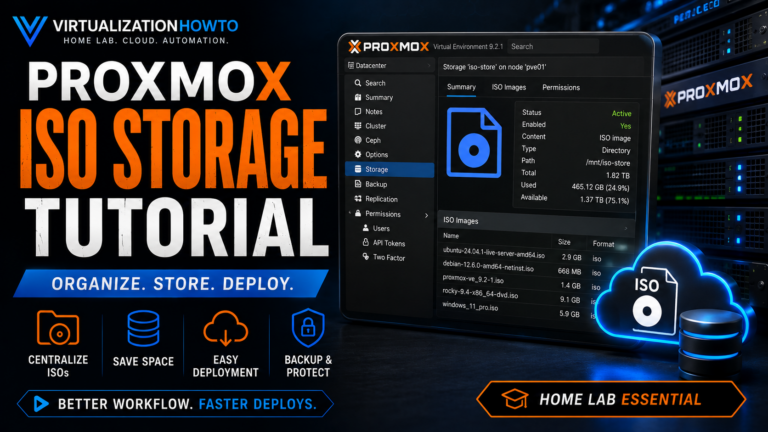
In this training video, I show how to add additional storage in Proxmox VE specifically for storing ISO images when the default local storage is too small. We walk through the problem of running out of space on the default Proxmox ISO storage. Then we will configure a separate disk as directory-based storage that can hold larger installation media such as Windows Server ISO files.
We start out by showing the limitation that can be ran into with a default Proxmox installation where only the local storage was configured to accept ISO images. Even though other storage was available on the host, those storage locations were not configured with ISO image content enabled. In my case, the default local partition had only a few gigabytes of usable space remaining, which was not enough to upload a larger Windows Server 2022 ISO.
To solve the issue, we add another local disk to the Proxmox host and make sure that the new device appears under the Disks section. Then, we look at how to navigate to the Directory storage configuration and create a new storage directory using the unused disk. Then select a filesystem, format the disk, give the new storage an intuitive name, and enable it as Proxmox storage. Once the directory has been created and added, the new storage location becomes available for ISO image content.
Finally, we verify the configuration as we open the new storage location and make sure that ISO images can now be uploaded there. This gives the Proxmox host a much larger and more practical location for installation media without consuming the limited space on the default local partition. By the end of the video, you will understand how to add a dedicated disk for ISO storage in Proxmox VE. We will have also learned how to create directory-based storage, and resolve common issues where the default Proxmox storage does not have enough free space for larger ISO images.
Unlock this video and the full member library with Premium — ad-free browsing included.