


Premium video
Gemini CLI
Learn how to use Gemini CLI for your home lab AI workflows.
This video is included with Premium. The full description below is free to read.
About this video
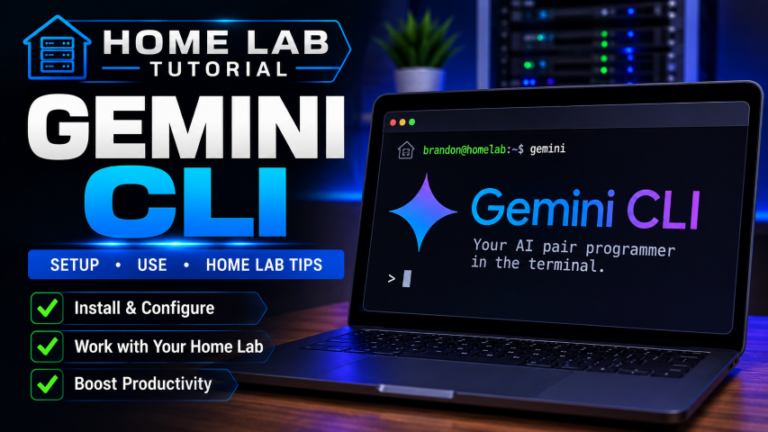
Google Gemini CLI is a tool that allows you to have generative AI inside your terminal. In this video I walk through how to install it, configure it, and start using it in your home lab and workflows. I demonstrate the Gemini CLI on Windows using PowerShell and look at installing Node.js with winget, installing the Gemini CLI with npm, then, launching the tool for the first time. We look at authenticating with a Google account as well. The same workflow for installation and use applies across Linux, macOS, and Windows as well. This makes Gemini CLI useful if we move between different operating systems, servers, containers, and dev environments.
After the installation, we will spend time showing what makes Gemini CLI useful and what it can be used for. One of the most important concepts I think is that Gemini works with the context of the directory where you launch it. That means you can point it at a Git repository, Terraform project, scripts, configuration files, or other local content. Then you can begin asking questions about what is actually there in the folder.
In the video, we will look at using Gemini CLI to inspect a Git repository, and see whether or not it has been initialized properly, review files, and perform a basic security check. We will look for suspicious code or potential malware. We also look at how it can analyze Terraform code and explain what the configuration is actually provisioning. This includes looking at Proxmox LXC containers, CPU, memory, storage, and networking settings.
I also show both interactive and non-interactive ways to use Gemini CLI, including the "-p" parameter for sending prompts directly from the shell without opening a full chat chat. If you work with PowerShell, Bash, Terraform, Ansible, Git, Proxmox, or general home lab automation, I think the Gemini CLI provides a really powerful way to have AI directly into the workflows you are already using at the CLI.
Unlock this video and the full member library with Premium — ad-free browsing included.