


Premium series
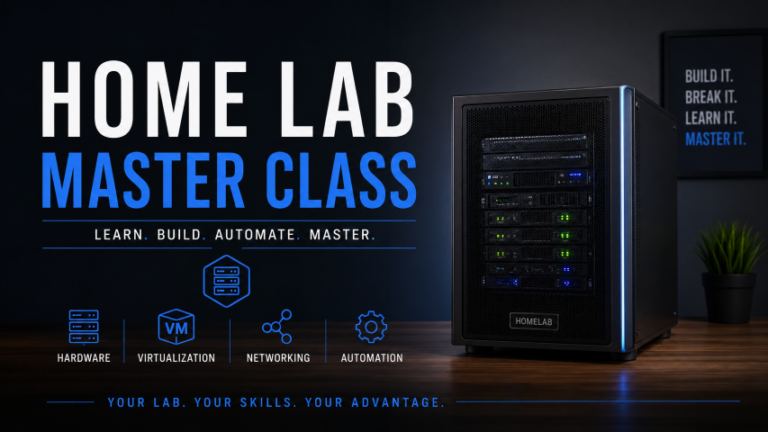
Home Lab Masterclass
17 items in this series.
Home Lab Masterclass is a Premium library series with 17 resources on Virtualization Howto.
Members can watch and download everything in this series. Guests can browse titles and free previews; the rest unlocks with Premium.
Included in this series:
- 01 – Introduction
- 02 – who is this course meant for
- 03 – what you will need
- 04 – What is a home lab?
- 05 – what is the cost of a home lab?
- 06 – Set specific goals and build your home lab around the goals
- 07 – Choosing the Right Architecture – Bare metal, virtualized, cloud, hybrid?
- 10 – Downloading and Burning the Proxmox ISO
- 11 – Hooking up your mini PC
- 12 – Installing Proxmox
- 13 – Accessing the Proxmox Web UI
- 14 – Installing updates in Proxmox
- 15 – Installing your first virtual machine
- 16 – installing ubuntu server in your virtual machine
- 17 – Downloading an LXC container image
- 18 – Installing your first LXC container
- 19 – Exploring Docker containers in your new home lab
Unlock this series and the full member library with Premium — ad-free browsing included.
In this series
Free previews are marked. The rest of this series unlocks with Premium.
01 – Introduction
Free preview — click the poster to watch
02 – who is this course meant for
Included with Premium
03 – what you will need
Included with Premium
04 – What is a home lab?
Included with Premium
05 – what is the cost of a home lab?
Included with Premium
06 – Set specific goals and build your home lab around the goals
Included with Premium
07 – Choosing the Right Architecture – Bare metal, virtualized, cloud, hybrid?
Included with Premium
10 – Downloading and Burning the Proxmox ISO
Included with Premium
11 – Hooking up your mini PC
Included with Premium
12 – Installing Proxmox
Included with Premium
13 – Accessing the Proxmox Web UI
Included with Premium
17 – Downloading an LXC container image
Included with Premium
18 – Installing your first LXC container
Included with Premium
19 – Exploring Docker containers in your new home lab
Included with Premium